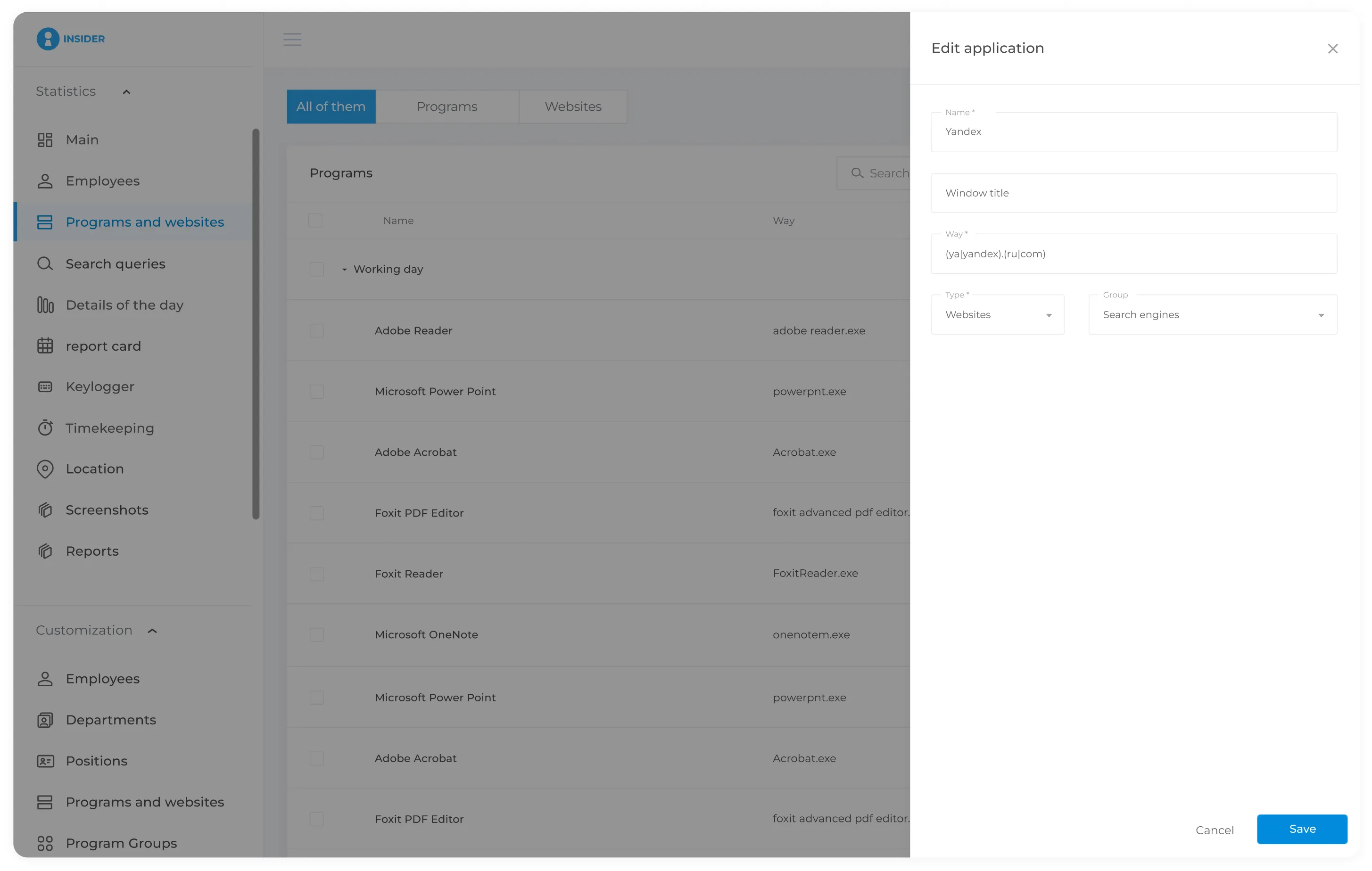
Application and Website Usage Analysis
INSIDER allows managers to see which websites and applications employees use during the workday and how much time they spend on each one.
Classify applications and websites as productive or unproductive according to each employee's role.
For example, 1C may be classified as productive, while entertainment websites may be classified as unproductive.
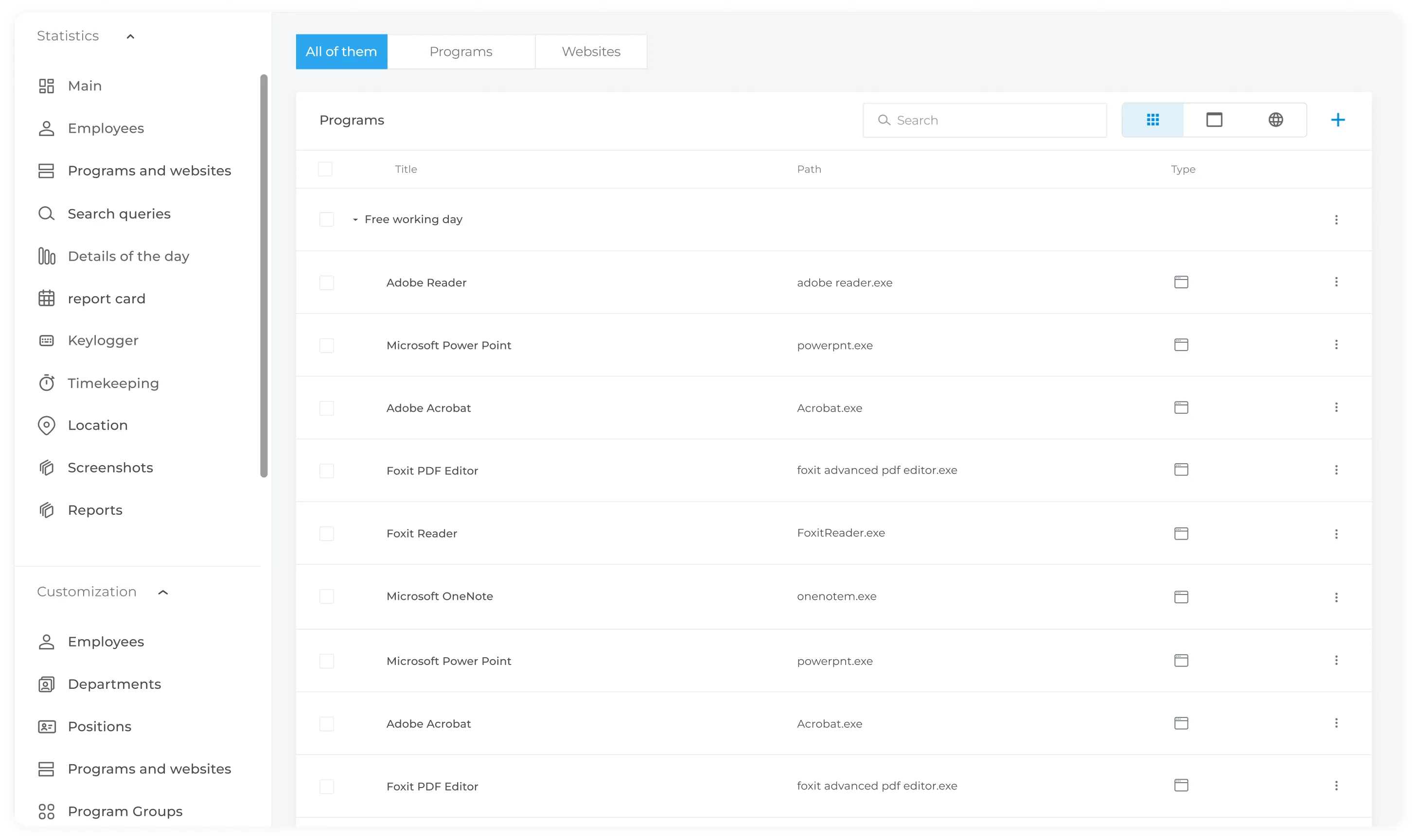
The report displays application usage time
according to productivity classifications. Applications and websites can be classified according to your organisation's requirements.
Configure productive and unproductive classifications by role, department or individual employee.
For example, social media may be productive for a social media manager but unproductive for another role.
A recruitment website may be considered productive for an HR specialist, while the same website may be classified as unproductive for an accountant.
This helps managers identify recurring non-work activity and understand how employees allocate their working time.
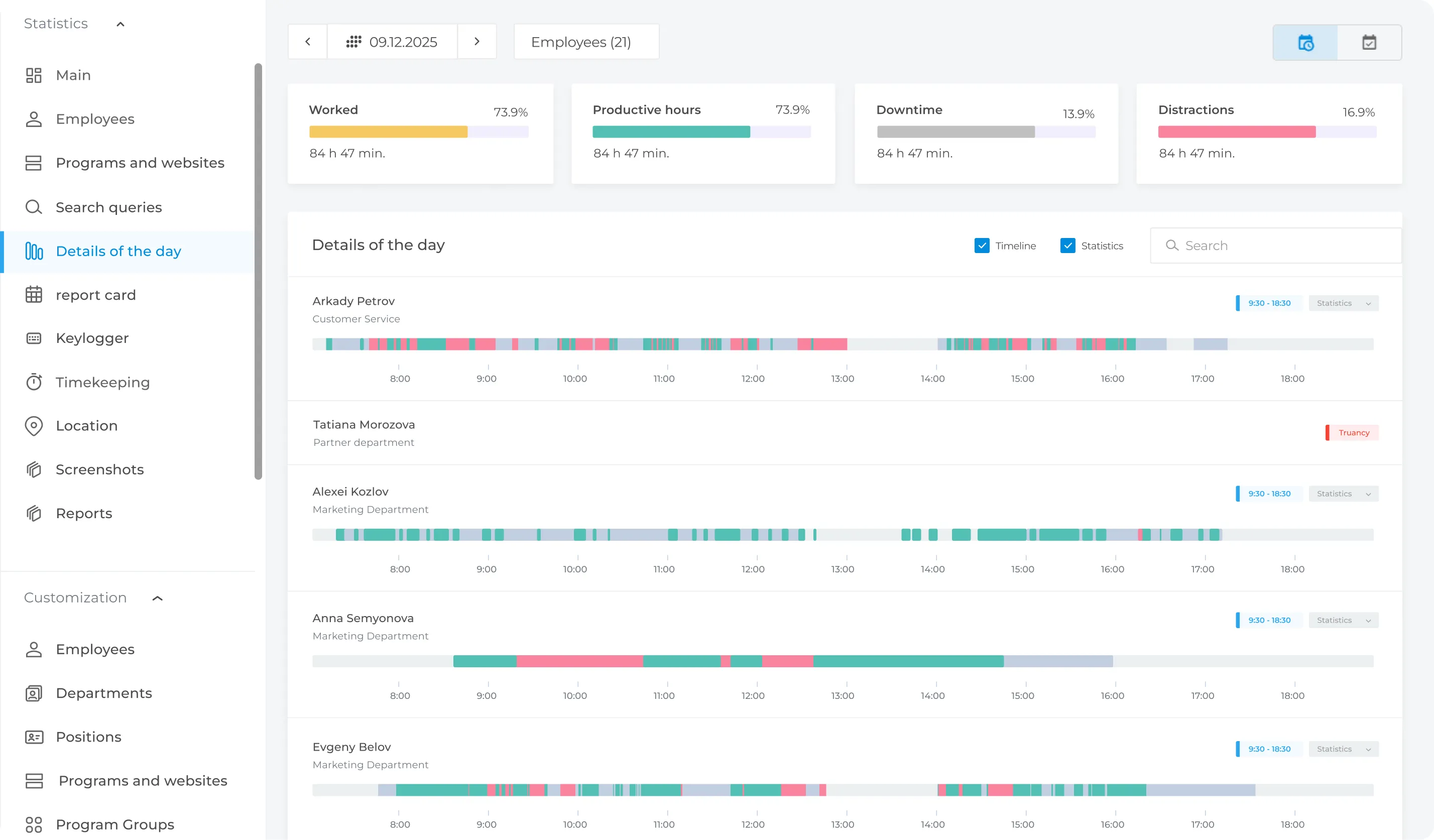
The process is simple: