Insider Threat Detection Software
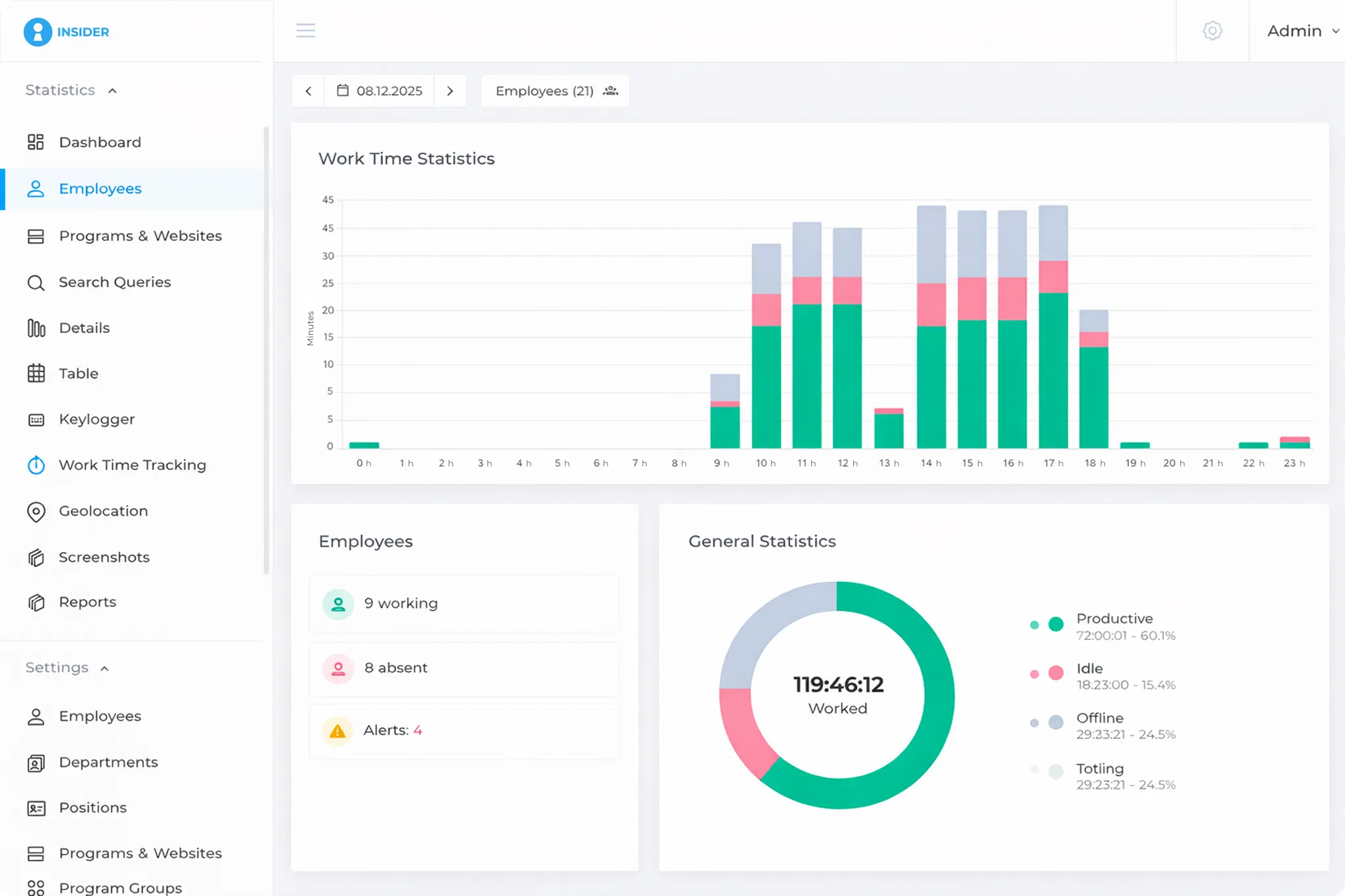
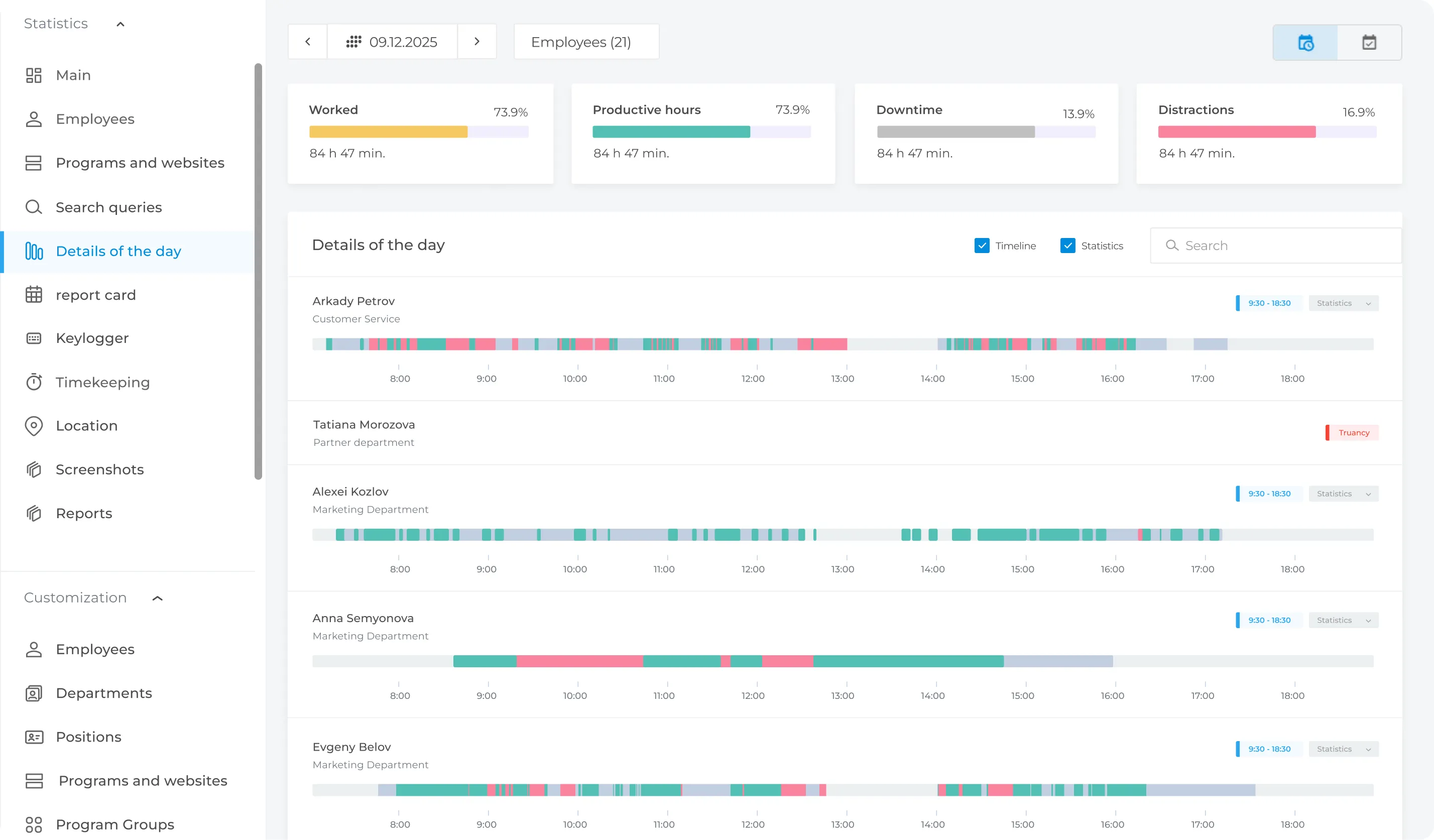
INSIDER automatically detects the use of restricted applications and visits to websites that violate company policies.
When a configured security policy is triggered, INSIDER can notify authorised managers and security teams. The system also provides information about the type and number of detected policy events.
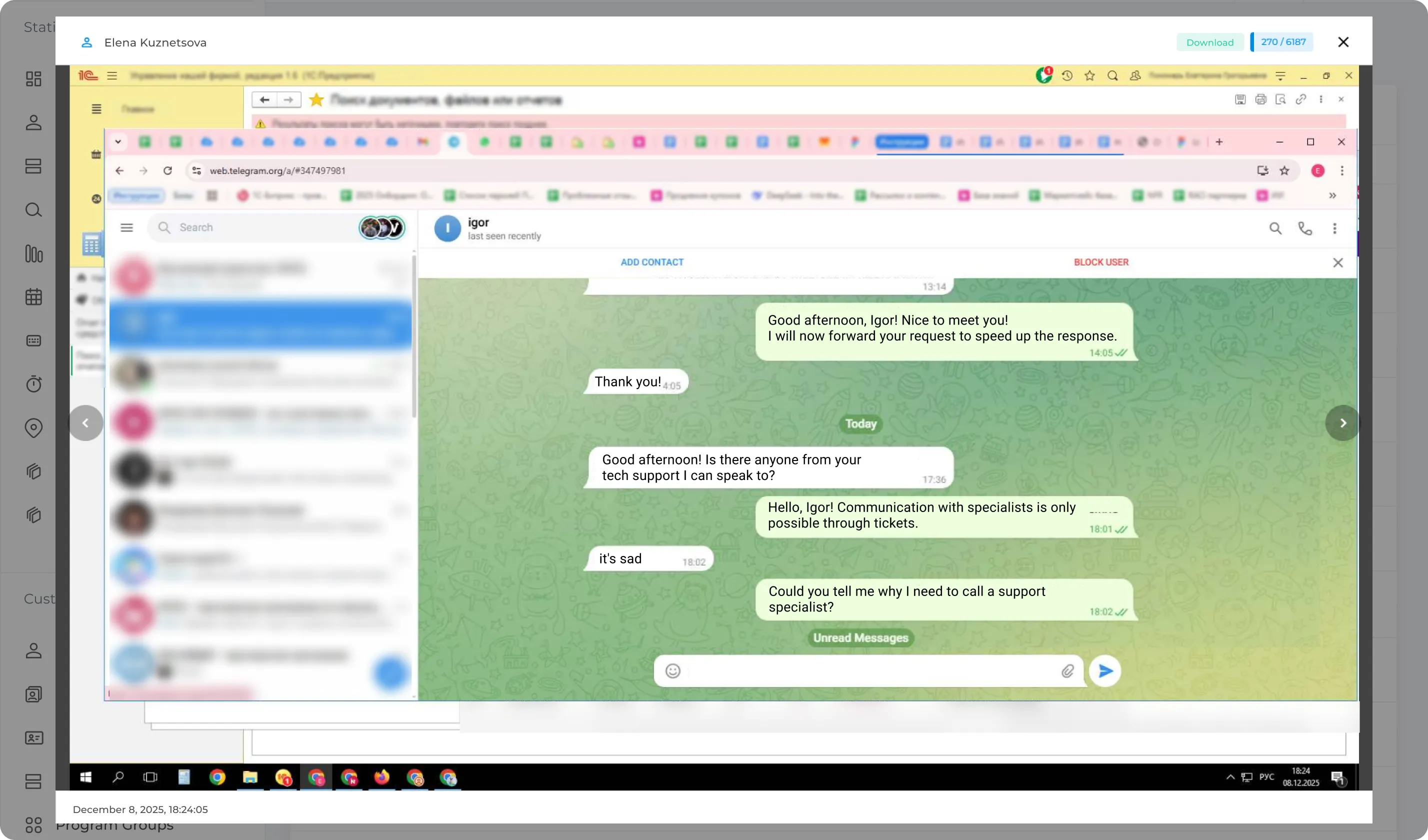
Employee screenshots provide full context for investigating incidents. The system automatically captures screenshots at scheduled intervals and when predefined security rules are triggered.
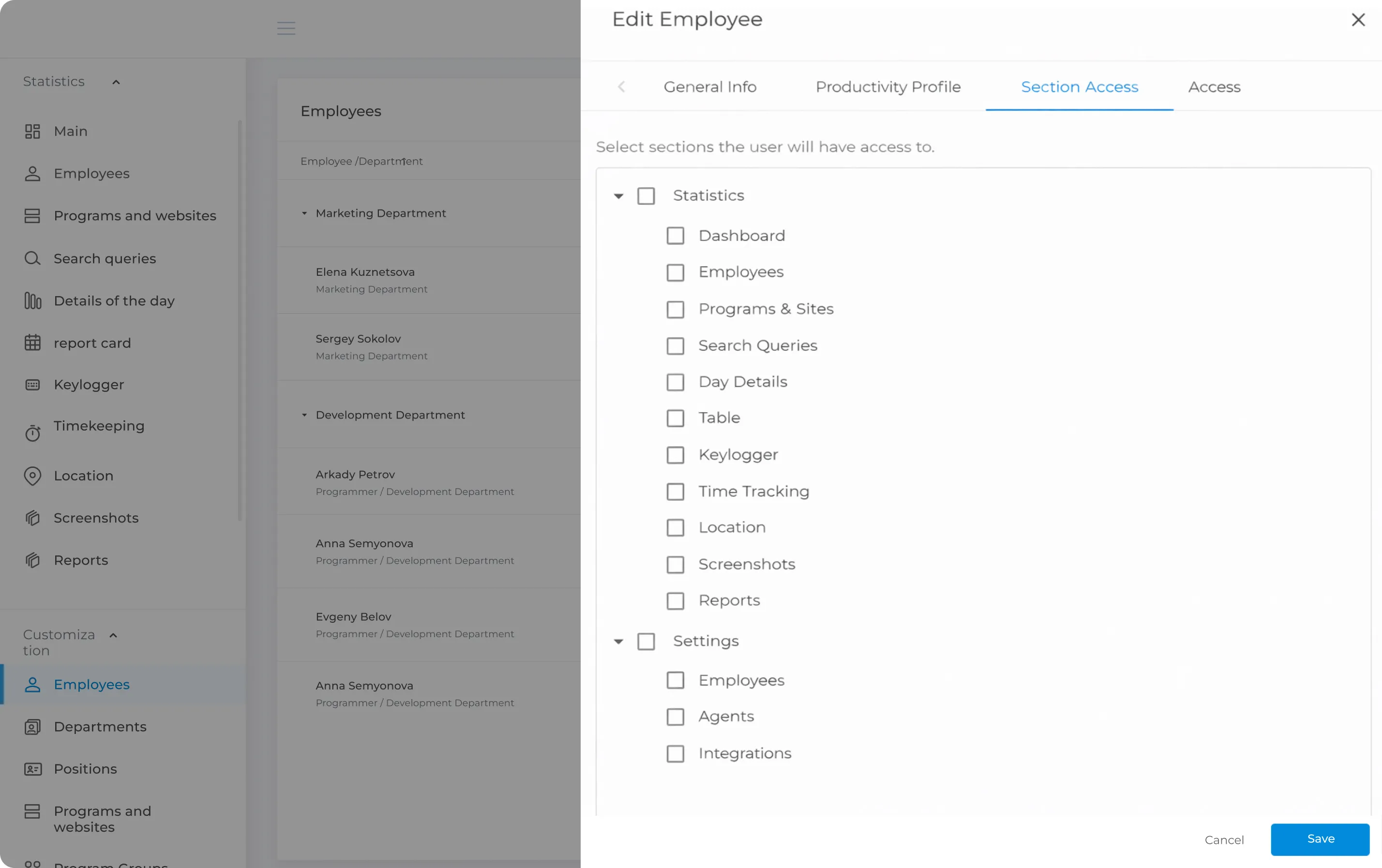
Manage user access to INSIDER using roles. Each role can be assigned specific permissions and available features. This allows you to control which employees can access, view, or edit specific information.
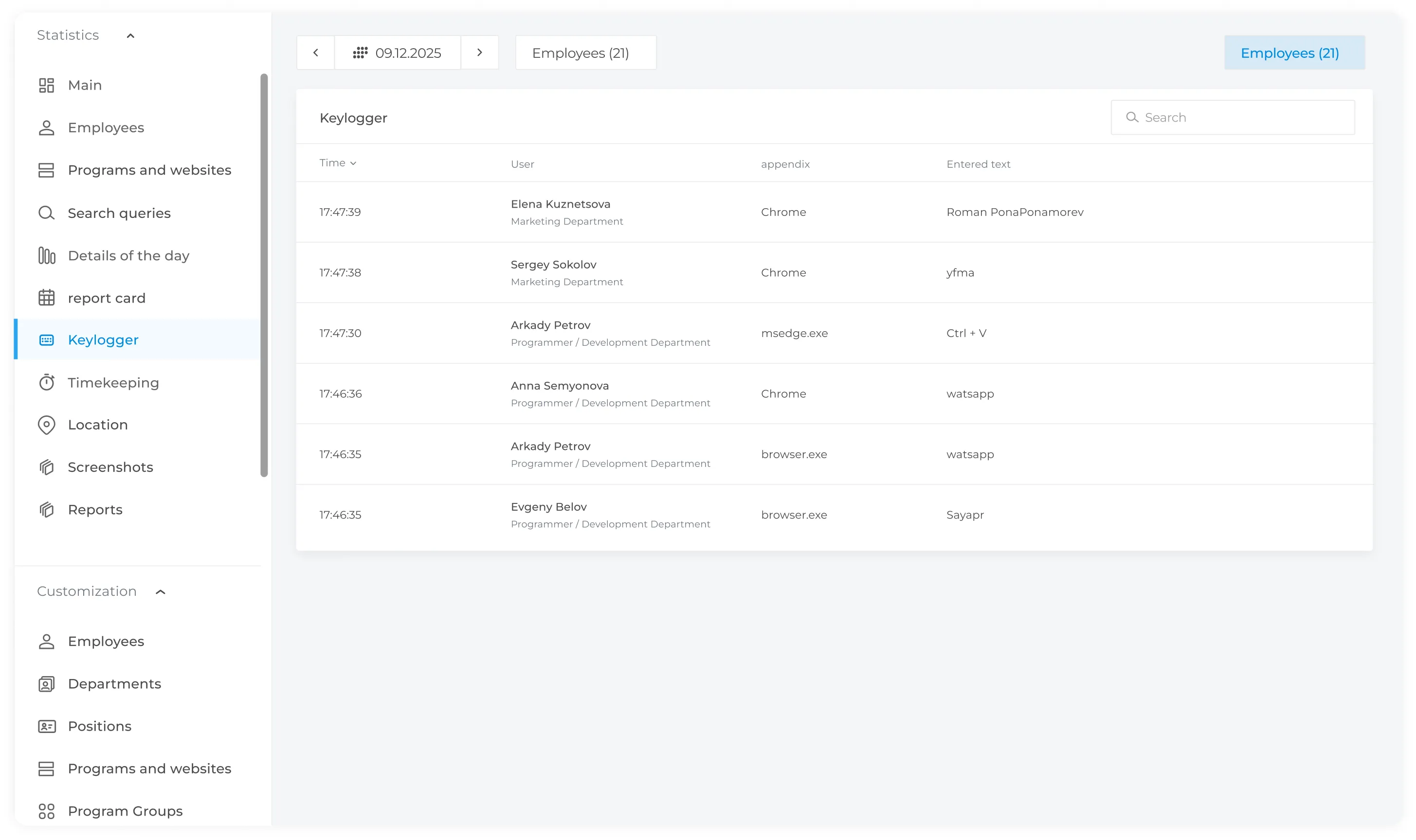
A keylogger is a feature that records keyboard activity on authorized company computers. INSIDER allows authorized users to review recorded keystrokes alongside screenshots when additional context is required.
Keylogger displays everything that employees write in different applications, including:
INSIDER can analyse recorded text for configured keywords or phrases and include detected matches in reports.
The INSIDER agent can run on terminal servers or individual workstations. It monitors employee activity and running processes, then securely sends collected data to the server. The agent can also operate on remote computers located outside the company's local network.