Sign Up

Digital Employee Profiles & Analytics

View key information for each employee in one profile,
including screenshots, timesheets, policy events and productivity analytics.
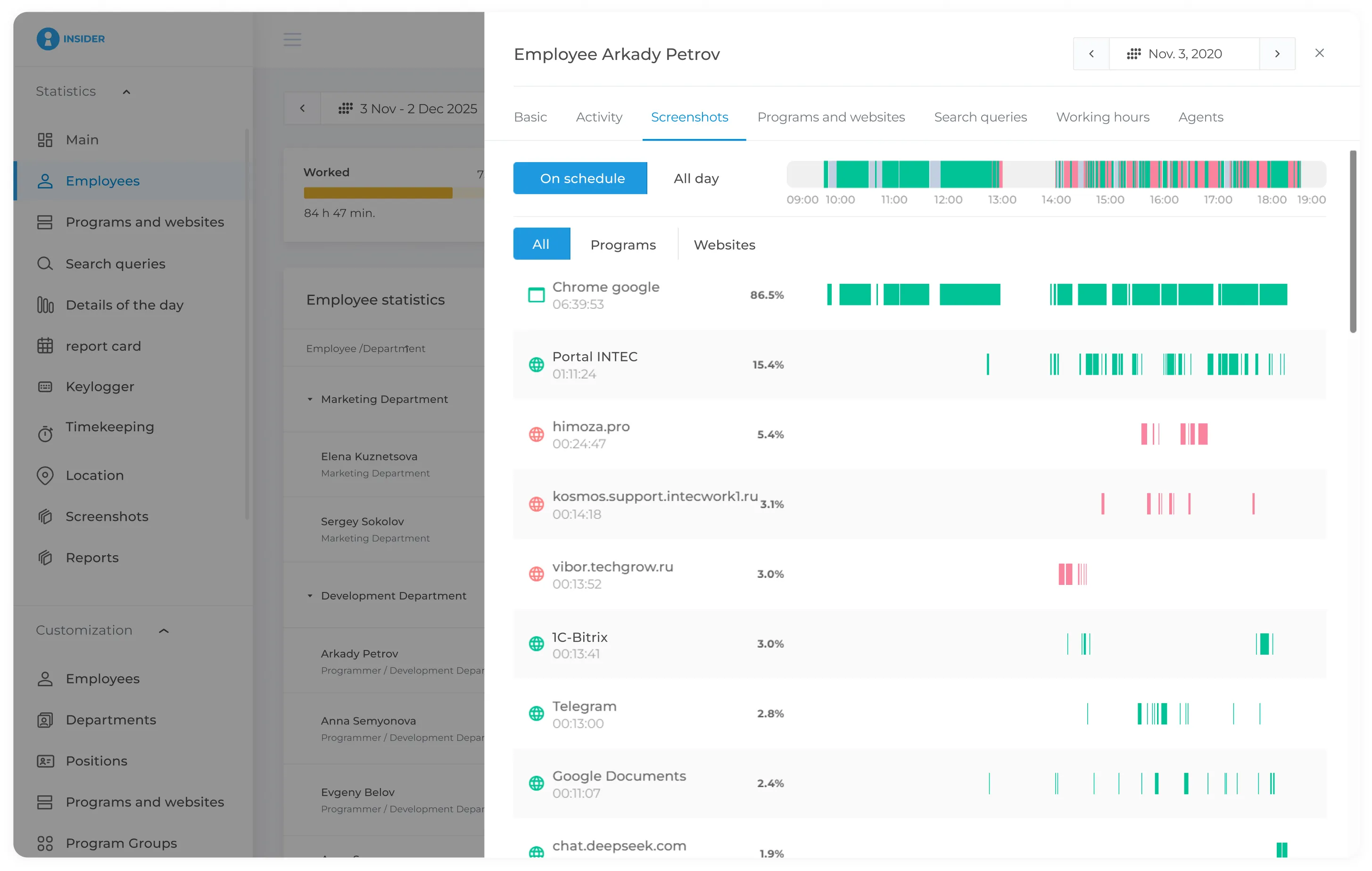
Workday Overview

View start and finish times, active periods, idle periods
and detailed activity throughout the working day.

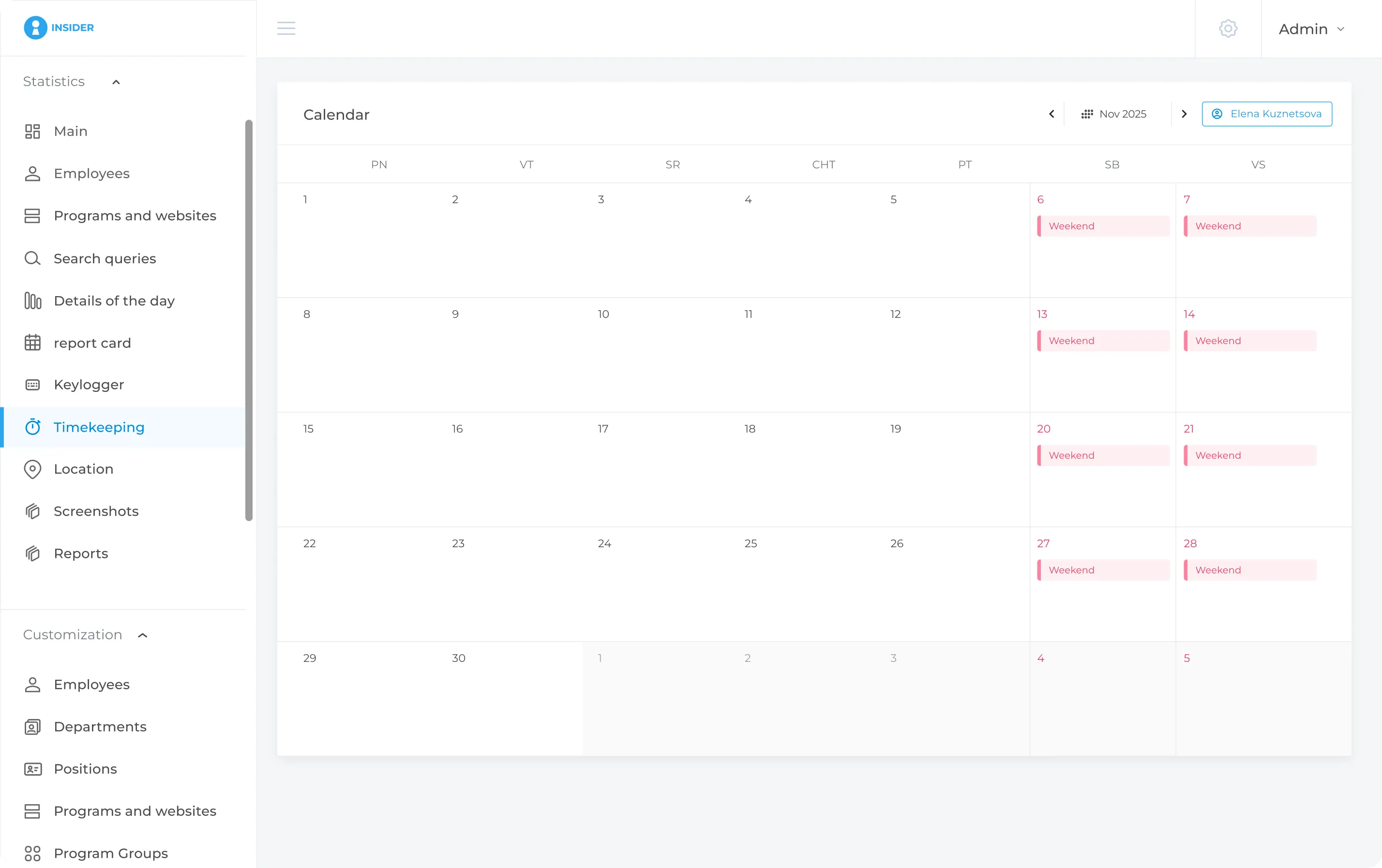
Employee Timesheet

INSIDER automatically generates a summary of employee working hours.
Other data - work schedule, vacation, time off, sick leave - can be entered manually.

  • The timesheet shows hours worked for each day
  • The timesheet shows absences and the number of days worked
  • Based on this data, INSIDER generates weekly and monthly working-time reports


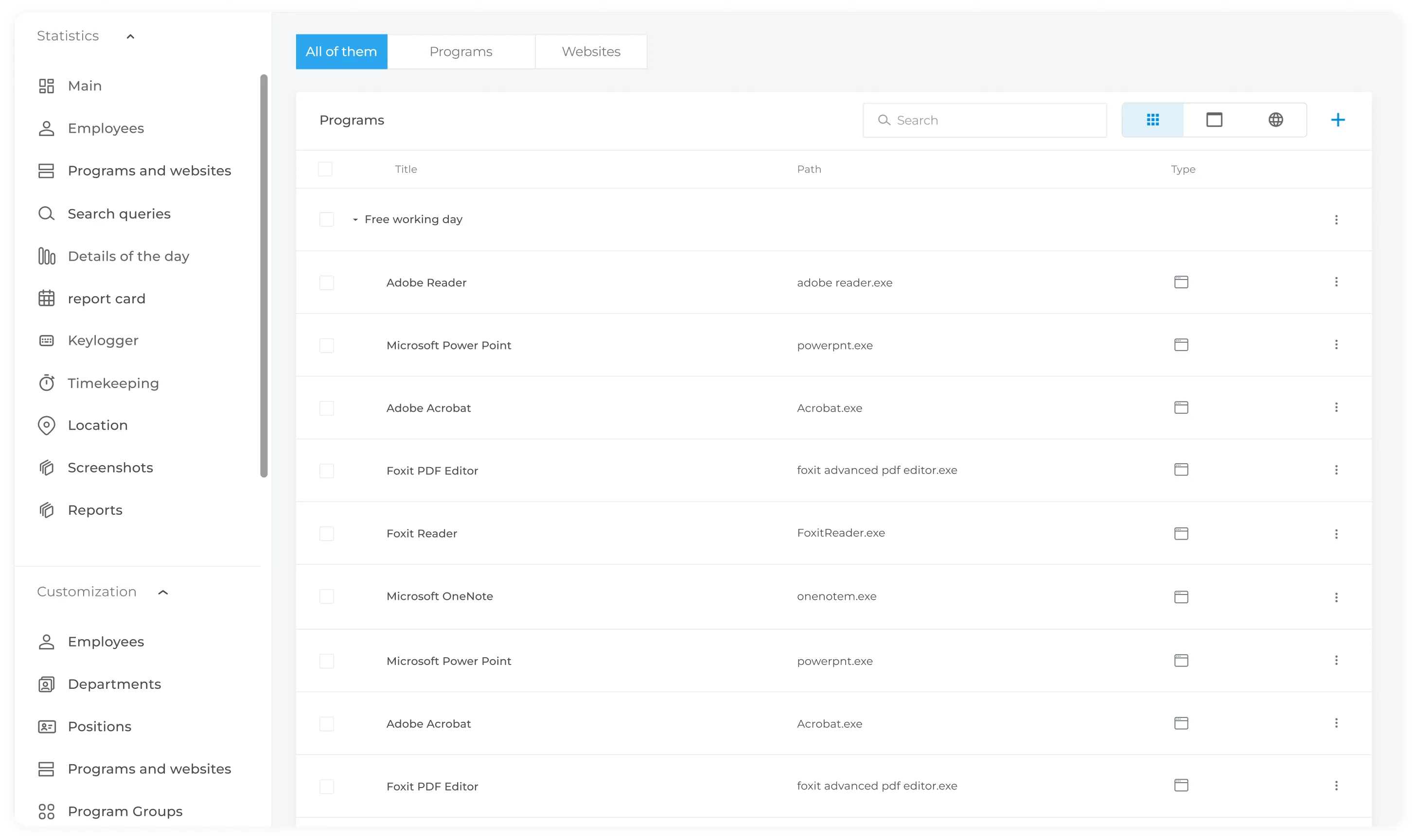
Application and Website Usage

See which applications and websites employees use during the working day and how much time they spend on each. Use this data to compare actual application usage with expected work patterns for each role.

  • Select a website or application from the built-in INSIDER database or add a new one manually.
  • Assign it to a specific employee or role (copywriter, developer, etc.) and define whether it should be considered productive or unproductive.
  • If an employee launches a restricted application, INSIDER can create a policy event and notify authorised users.


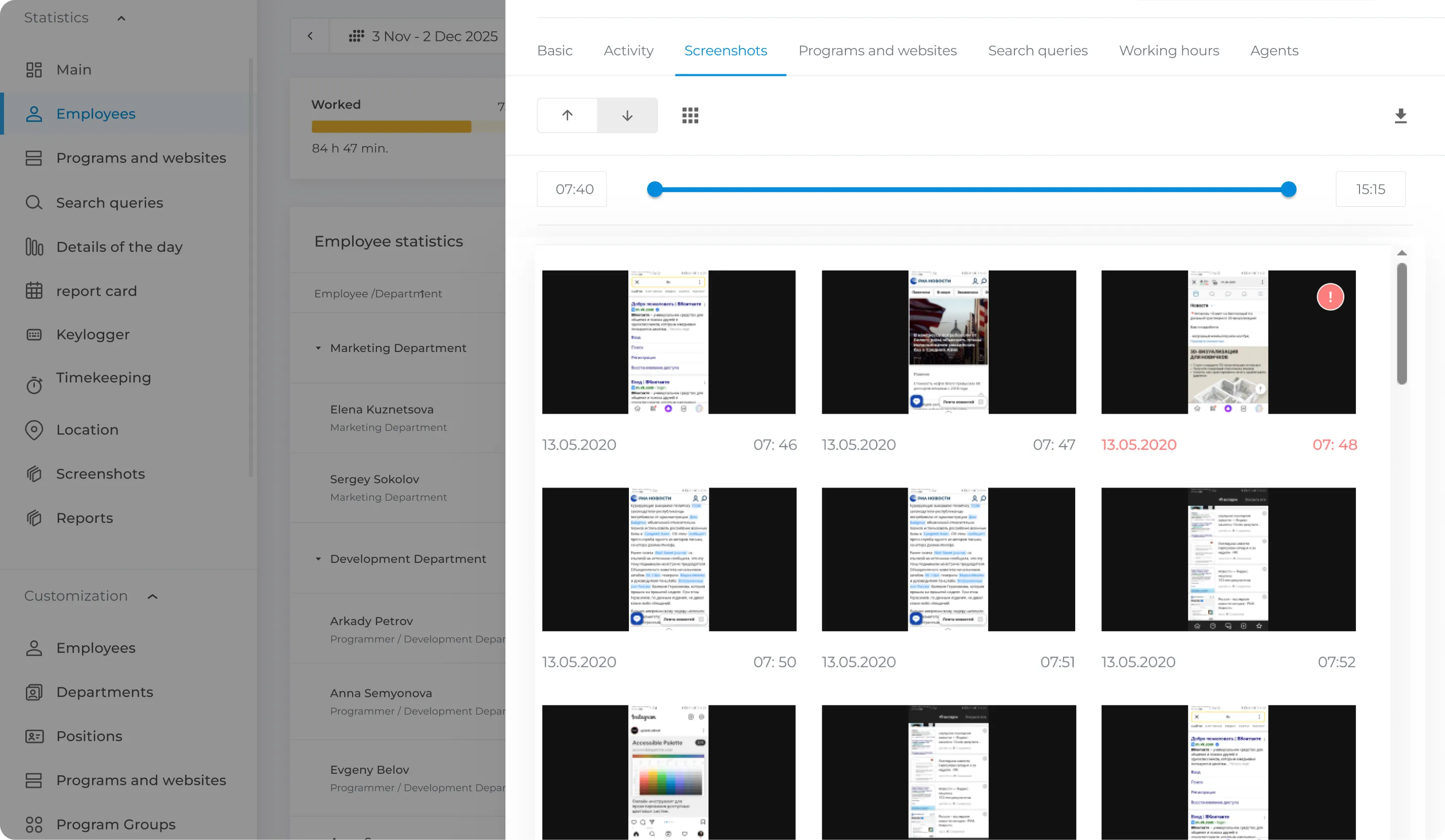
Incident Screenshots

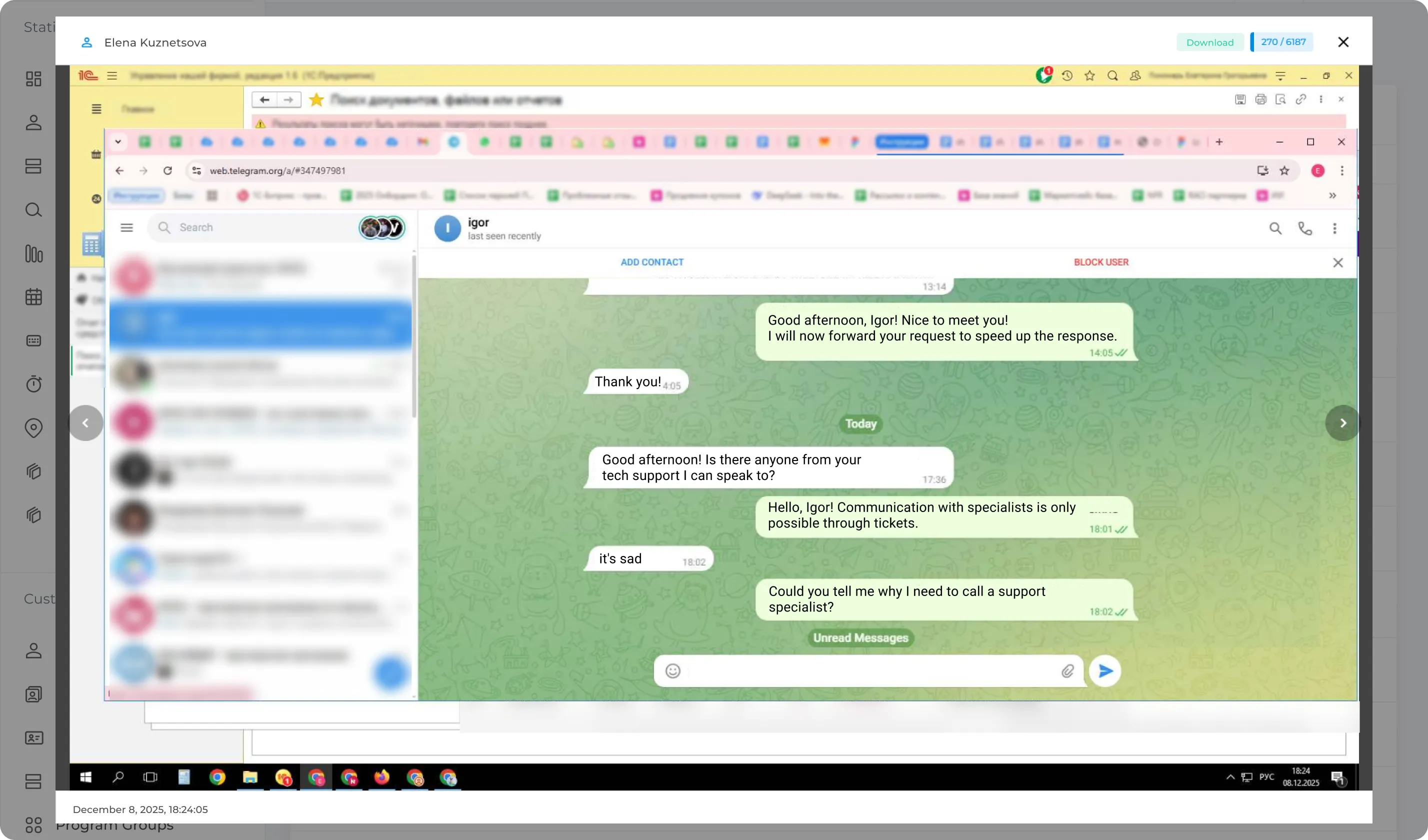
Automatically capture screenshots of employee activity during working hours. Screenshots are stored on your server and can be used to review application activity, add context to policy events, analyze unusual activity patterns, and support workplace or information security investigations.

Why do you need screenshots?

  • Screenshots allow you to capture all employee activity during working hours.
  • Screenshots help you monitor work activity and better understand workflows. For example, you can review screenshots of specific applications or websites and identify potential policy violations (such as unauthorized job searching or communication with competitors).
  • The feature is especially useful for monitoring remote employees and distributed teams.
  • When an employee violates company policies, screenshots provide additional context for internal investigations.
  • Identify potential security risks and activities that may harm the company.


Get in Touch
Fill out the form and our manager will get back to you shortly.
Your Name *
Phone Number *