Sign Up

Employee Screenshots

Automatically capture screenshots of employee activity
during working hours. Screenshots are stored on
your server and can be used to review application activity,
add context to policy events, analyze unusual activity patterns, and support workplace or information security investigations.
Why Use Employee Screenshots?

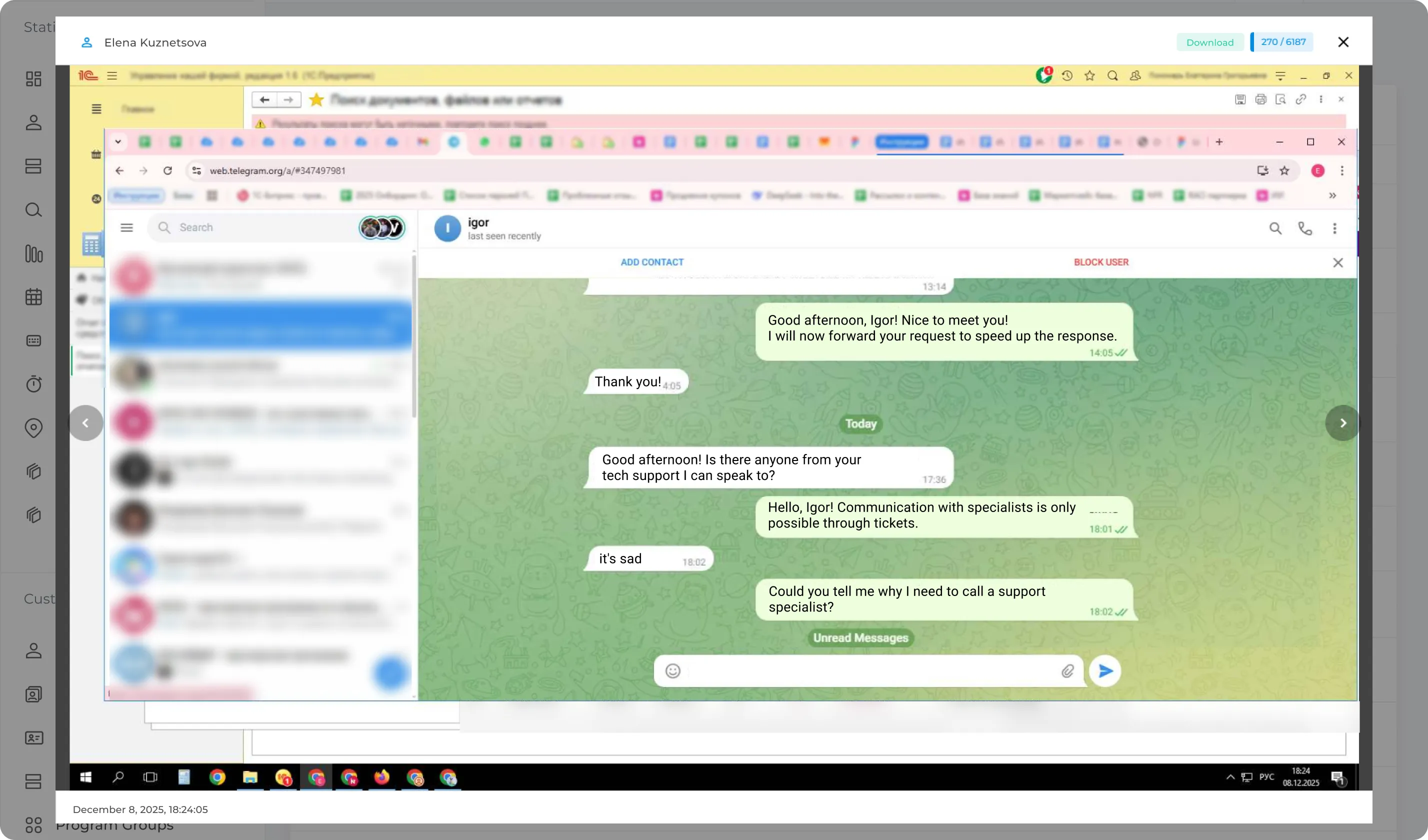
Screenshots - provide the best understanding of what
the employee was doing on their computer.
Screenshots will help you monitor employee activity.
For example, you can view screenshots individually
program or website and monitor violations (job search,
correspondence with competitors, etc.).
The function is useful for monitoring the work of remote
employees.
Screenshots can provide additional context when investigating
a configured policy event or security incident.
There are suspicions of activities aimed at harming
companies.

How does screen capture work?

  • An agent program is installed on each computer.
  • The agent saves screenshots and other information about
    activity and sends it to the database.
  • Screenshots are securely transmitted to the server using AES-256 encryption.
  • After this, the security officer or
    the head of the company can view
    saved screenshots.

Gain Visibility into Employee Activity

The program will take screenshots at the specified interval and when the security policy is triggered.
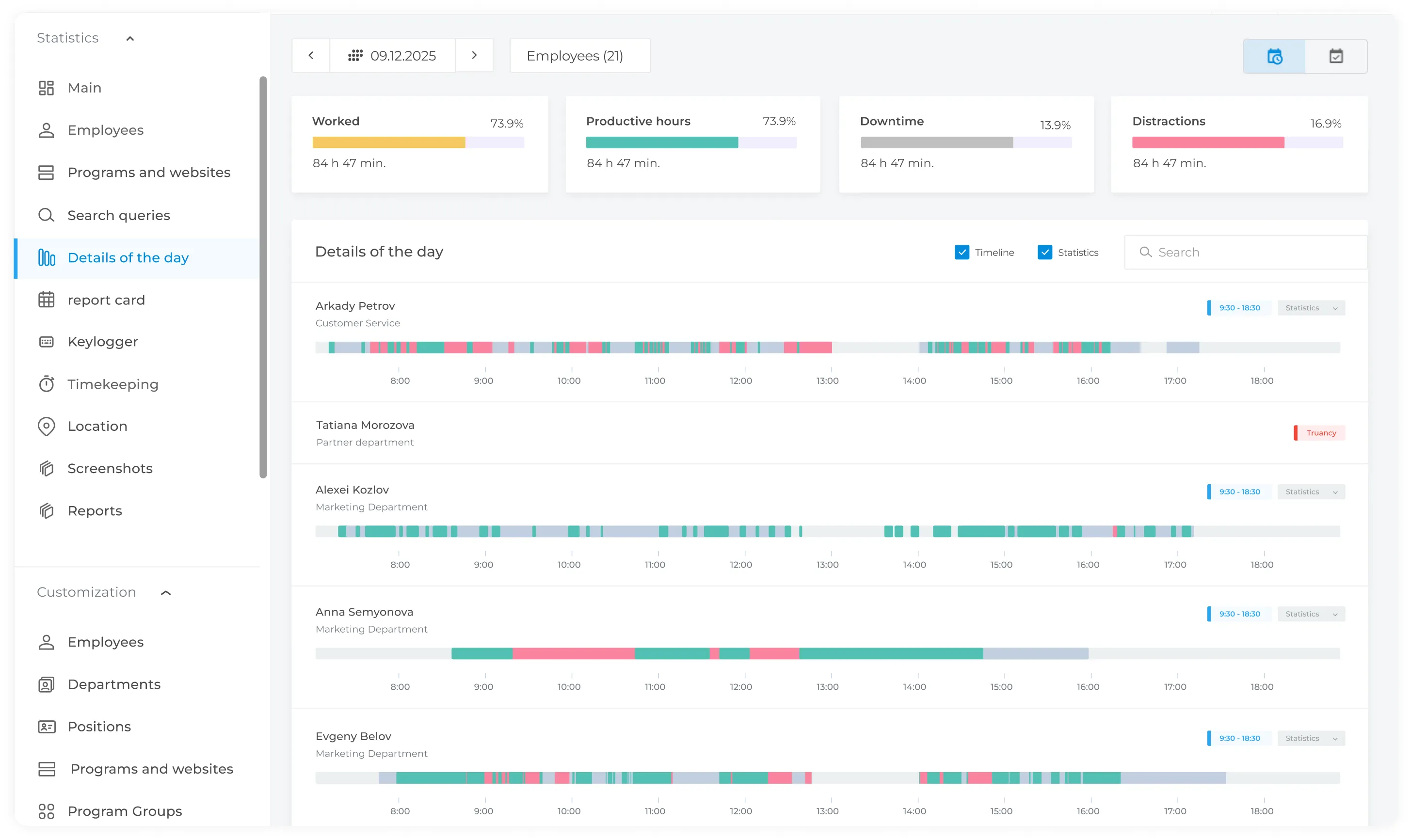
Screenshots of the working screen can be viewed for any period of
time. Use transparent monitoring policies to give managers the
context they need while keeping monitoring practices clear to employees.

Remote workflow monitoring

Screenshots will help you track employee engagement and productivity remotely. No spying - the tool will allow you to get transparent information about what your full-time employees and freelancers are actually working on.
Get in Touch
Fill out the form and our manager will get back to you shortly.
Your Name *
Phone Number *