- Top 26 Employee Monitoring Software in India: 2026 Comparison
- Top 26 Employee Monitoring Software: Detailed Reviews
- Employee Monitoring Software Comparison
- Cloud vs On-Premise Employee Monitoring Software
- How to Choose Employee Monitoring Software
- Define the decision you want the data to support
- Separate attendance, productivity, workload and performance
- Decide what visual monitoring is proportionate
- Verify platforms feature-by-feature, not logo-by-logo
- Treat deployment architecture as a procurement requirement
- Compare the real plan, not the headline price
- Check management workflow, not only data collection
- Evaluate access controls and auditability
- How to Run an Employee Monitoring Software Pilot
- Is Employee Monitoring Legal in India?
- Best Employee Monitoring Software by Use Case
- Final Recommendations
- Research and Verification Note
Top 26 Employee Monitoring Software in India: 2026 Comparison
Employee monitoring software has become a broad category. Some products are designed primarily for automatic time tracking, others focus on productivity analytics, and employee computer monitoring software adds deeper visibility into activity on work PCs through applications, websites, screenshots or screen recording. Security-oriented platforms may go further into user activity monitoring, behavioural rules, risk detection and DLP capabilities. Buyers should therefore avoid comparing products only by the number of features on a pricing page or by the lowest advertised price.
For an IT services company, a BPO team, a professional-services firm, a distributed development team, or a multi-location SMB, the right choice depends on a combination of business requirements: how much visibility managers actually need, whether data must stay inside company infrastructure, whether Linux or Android matter, whether screenshots are acceptable, whether Active Directory and API access are required, and how transparent the vendor is about pricing.
This guide compares 26 products using one consistent model. It includes direct employee-monitoring competitors, workforce analytics and time-tracking platforms that frequently appear on buyer shortlists, plus HRMS products commonly considered by Indian businesses for attendance and workforce management.
Geographic context: this comparison is written for organisations evaluating software for use in India. Product descriptions below therefore use normal B2B language and mention the country only when geography materially changes the decision, for example local pricing, support, deployment, data residency, payroll/compliance or legal requirements.
Important editorial note: the order below is an editorial sequence designed to make the comparison useful. It is not a claim of independent market share, a third-party industry ranking, or proof that any numbered position represents an objective market rank.
Quick Picks: Best Tools by Use Case
| Use case | Shortlist | Why it stands out |
|---|---|---|
| Broad employee monitoring | Time Champ | Broad monitoring, apps/sites, screenshots, identity integrations and enterprise options, plus strong local market presence |
| Enterprise monitoring with Cloud + On-Premise flexibility | INSIDER | Employee activity monitoring, time tracking, productivity analytics, apps/sites, screenshots, schedules, reports, API, Active Directory integration and Cloud + On-Premise deployment options in one platform |
| Workforce analytics with strong local presence | We360.ai | Workload analytics, employee monitoring and enterprise options |
| Security / UAM / insider-risk investigations | Teramind | Deep user activity monitoring, screen recording, keystrokes, alerts and DLP capabilities |
| Enterprise workforce analytics without invasive screen capture | ProHance | Strong operational analytics and enterprise deployment, but not a screenshot-first monitoring product |
| Remote and BPO time tracking | Time Doctor | Mature time tracking, screenshots, apps/sites and remote-work reporting |
| Field and distributed workforce | Workstatus / TrackOlap | Attendance, mobile and field-workforce scenarios |
| Deep On-Premise employee monitoring | Kickidler / Controlio / CleverControl | Strong endpoint visibility with customer-hosted deployment options |
| Low-cost time tracking rather than surveillance | Clockify | Strong value for timesheets and project time, but not full endpoint monitoring |
| HR, payroll and attendance rather than computer monitoring | Keka HR / greytHR / Zoho People / factoHR | Strong HR operations and local payroll/attendance fit, but not substitutes for employee computer monitoring |
How We Evaluated Employee Monitoring Software and Monitoring Tools
We evaluated publicly available vendor documentation, official pricing pages, help centres, product pages, Capterra listings, deployment information and available industry research materials. We did not claim to have laboratory-tested all 26 products.
The main comparison criteria were:
- employee monitoring depth;
- automatic time tracking;
- productivity analytics;
- apps and website monitoring;
- screenshots or screen recording;
- workload and attendance analytics;
- reports;
- Cloud vs On-Premise deployment;
- API and enterprise identity capabilities;
- Windows/macOS/Linux/Android support;
- local market relevance;
- public pricing;
- and practical fit for SMB, BPO, IT services, professional-services and enterprise buyers.
The main comparison criteria were:
- employee monitoring depth;
- automatic time tracking;
- productivity analytics;
- apps and website monitoring;
- screenshots or screen recording;
- workload and attendance analytics;
- reports;
- Cloud vs On-Premise deployment;
- API and enterprise identity capabilities;
- Windows/macOS/Linux/Android support;
- local market relevance;
- public pricing;
- and practical fit for SMB, BPO, IT services, professional-services and enterprise buyers.
What Is Employee Monitoring and Activity Monitoring?
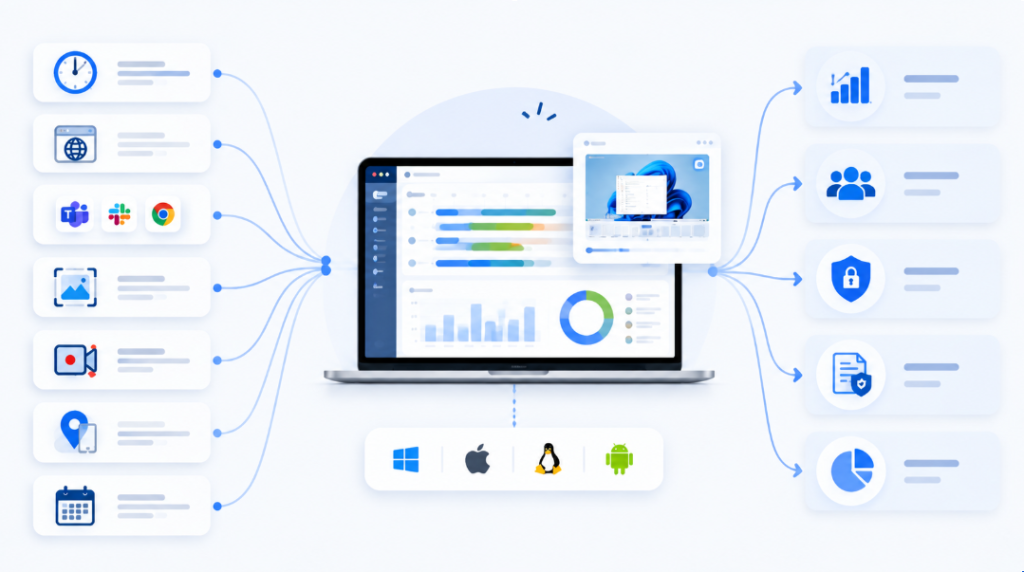
Employee monitoring is the structured collection and analysis of data about digital work activity. In this context, activity monitoring means observing work-related computer usage, such as active and idle time, applications, websites and other recorded events, rather than measuring business outcomes by itself. Employee monitoring software may also include automatic time tracking, first and last activity, screenshots, screen recordings, productivity classification, schedules, attendance, reports, activity timelines, user activity events, GPS or mobile-device data.
Buyers will also encounter terms such as computer monitoring software and PC monitoring software. In this guide, those labels refer to tools that observe activity on employee computers; user monitoring software often overlaps with the same category but can also describe security-focused UAM. Application activity monitoring is narrower: it records which programs or websites are used and for how long, usually as one feature inside a broader employee monitoring system.
The category overlaps with several neighbouring software types, but they are not identical. Time tracking answers mainly “how much time was logged?” Productivity monitoring classifies digital activity into productive, neutral or distracting categories. Workforce analytics focuses more on patterns, workload, capacity and organisational trends. User Activity Monitoring (UAM) provides deeper endpoint-level visibility for investigations and security. DLP focuses on protecting data and controlling or detecting risky information flows. A product can cover more than one category, but buyers should not assume a time tracker is a DLP platform or that a payroll HRMS is an employee computer monitoring system.
When Employee Monitoring May Make Sense
Remote work monitoring is one common use case, but it is not the only one. Organisations also evaluate monitoring tools when hybrid work makes working-time visibility difficult; when BPO or outsourced teams need auditable activity records; when managers want to understand overtime, idle periods or workload imbalance; when IT services firms need better visibility into applications and websites; when attendance data is disputed; when security teams need additional user context for investigations; or when a growing business wants a consistent method for managing distributed offices.
Monitoring should still be interpreted carefully. Digital activity is not the same thing as completed work. Idle time is not automatically misconduct. A background application does not prove active use. A screenshot gives context for a moment in time but does not prove work quality. Good management combines monitoring data with tasks, deadlines, service levels, CRM/ERP data, project outcomes and direct manager judgement.
Before You Shortlist a Product: 8 Questions to Answer
A useful shortlist starts with requirements, not with vendor demos. Before contacting suppliers, write down the answers to these eight questions. Doing this helps organisations quickly eliminate unsuitable solutions and focus only on platforms that match their actual requirements.
- What problem are you actually solving? Attendance disputes, remote-team visibility, productivity patterns, project billing, workload planning and insider-risk investigations are different buying problems. A product that is excellent for one can be unnecessarily complex or incomplete for another.
- How much monitoring depth is acceptable? Decide whether you need only time and attendance, apps/sites, periodic screenshots, continuous screen video, keystrokes, file/USB events or security rules. More data is not automatically more useful.
- Where may the data be hosted? If Cloud is acceptable, the shortlist is much larger. If the organisation requires customer-hosted infrastructure, verify true On-Premise availability rather than assuming that “Private Cloud” means the same thing.
- Which operating systems are business-critical? Windows support is common; macOS is widely supported but sometimes with feature differences; Linux support is considerably more variable. Mobile and GPS capabilities should be evaluated separately from desktop monitoring.
- Do you need enterprise administration? Active Directory or LDAP, SSO/SCIM, API, delegated access, audit logs and organisational structure matter once monitoring moves beyond a small team.
- What evidence does management really need? Some organisations can solve the problem with reports, activity trends and a well-designed activity dashboard. Others need screenshots or a day timeline to understand a disputed period. Security teams may need much deeper event context.
- How will the system be governed? Define who can view screenshots, how long data is retained, how exceptions are investigated, and how employees are informed. Governance is part of product selection, not an afterthought.
- What is the real cost at your seat count? Compare the plan that contains the required functions, not the lowest entry price. Check minimum seats, annual billing, implementation fees, storage limits, add-ons and enterprise deployment charges.
How to Read the Product Reviews Below
Each product is reviewed according to the role it actually plays in the market. Direct monitoring products provide endpoint-level visibility such as applications, websites, screenshots or screen video. Time-tracking-first products are stronger for hours, projects and billing. Workforce-analytics platforms focus more on patterns, capacity and operational analysis. UAM/DLP products are primarily security-oriented tools designed for risk investigation and data protection. HRMS products are included because attendance and workforce systems often enter the same purchasing discussion, but they should not be treated as full computer-monitoring substitutes.
The most useful question is therefore not “Which tool has the most checkmarks?” but “Which tool collects the minimum set of data that lets our managers, HR, IT or security team make the decisions we actually need to make?”
Top 26 Employee Monitoring Software: Detailed Reviews
Show columns
| Parameter | Time Champ | INSIDER | We360.ai | DeskTrack | EmpMonitor | Time Doctor | Hubstaff | DeskTime | Clockify | Flowace | Workstatus | ProHance | Teramind | Keka HR | greytHR | Zoho People | factoHR |
|---|---|---|---|---|---|---|---|---|---|---|---|---|---|---|---|---|---|
| Category | Monitoring / time | Monitoring / time analytics | Workforce analytics / monitoring | Time / monitoring | Monitoring | Time / productivity | Time / projects | Automatic time / productivity | Time / timesheets | Auto time / analytics | Workforce management | Workforce analytics | UAM / DLP / monitoring | HRMS / payroll / attendance | HRMS / payroll / attendance | HRMS / attendance | HRMS / payroll / attendance |
| Auto Time | ✅ | ✅ | ✅ | ✅ | ✅ | ✅ | ✅ | ✅ | ✅ / timer-auto tracker | ✅ | ✅ | ✅ | ✅ | ◐ | ◐ | ◐ | ◐ |
| Attendance / Schedules | ✅ | ✅ | ✅ | ✅ | ✅ | ✅ Standard+ | ✅ higher tiers | ✅ Premium | ✅ Standard+ | ✅ | ✅ | ✅ / enterprise | ◐ | ✅ | ✅ | ✅ | ✅ |
| Active / Idle | ✅ | ✅ | ✅ | ✅ | ✅ | ✅ | ✅ | ✅ | ✅ idle | ✅ | ✅ | ✅ | ✅ | — | — | — | — |
| Apps / Sites | ✅ | ✅ | ✅ | ✅ | ✅ | ✅ Standard+ | ✅ plan-dependent | ✅ | ◐ activity | ✅ / ◐ | ✅ | ✅ analytics | ✅ | — | — | — | — |
| Screenshots | ✅ | ✅ | ✅ | ✅ | ✅ | ✅ | ✅ | ✅ Premium | — | ✅ | ✅ | — | ✅ | — | — | — | — |
| Screen Recording | ✅ / add-on | — for core time use case | ◐ | ◐ | ◐ | ✅ Premium | — | — | — | ◐ | ◐ | — | ✅ | — | — | — | — |
| Customer-hosted On-Premise | ✅ Custom | ✅ | ✅ Enterprise | ✅ / Custom | ✅ | — / Private Cloud only | — | — | — | ? | — / Private Cloud | ✅ | ✅ Custom | — | — | — | ? |
| Public price benchmark | Contact Sales; prior vendor tiers from $3.90 | India quote required | ₹399 / ₹599 / Custom | ~₹549+ | On-prem from ~$5–6/user in research tiers | $6.67+ annual equivalent | $4.99+ annual | $6.42+ annual | Free; $3.99+ annual | $1.99+ annual | ₹300+ annual | Custom | ~$14+ monthly research benchmark | ~₹9,999/mo up to 100 benchmark | ₹2,495/mo incl. 50 | ~₹48/user/mo annual benchmark | ₹4,999/mo up to 50 |
Time Champ
Best for: SMB, mid-market and enterprise teams that want broad employee monitoring with strong local market support.
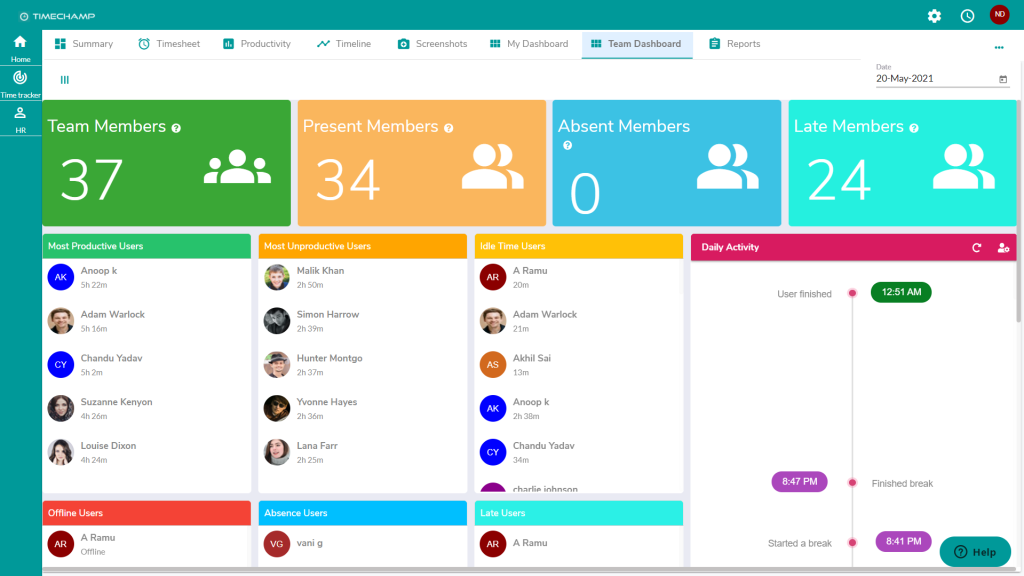
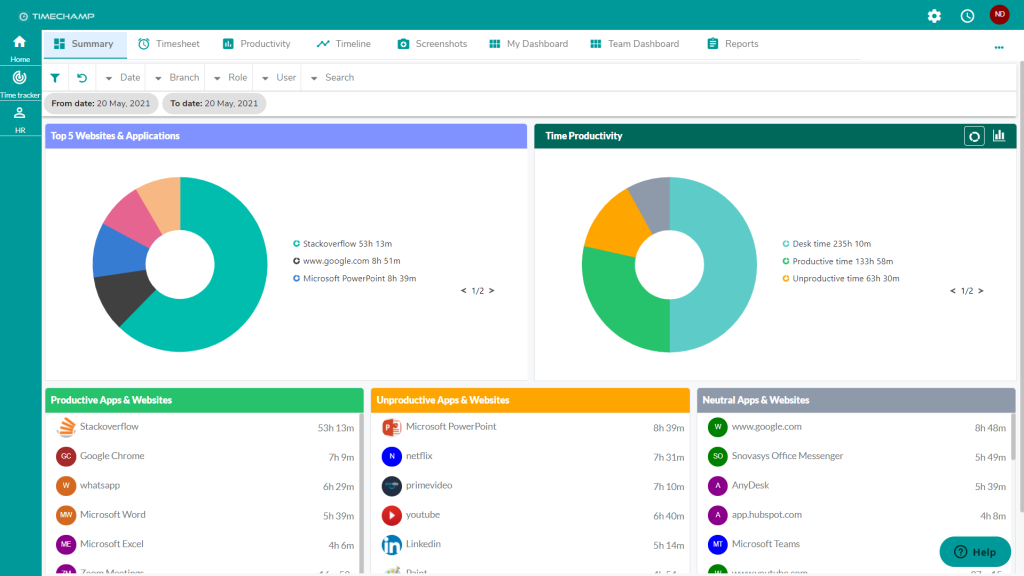
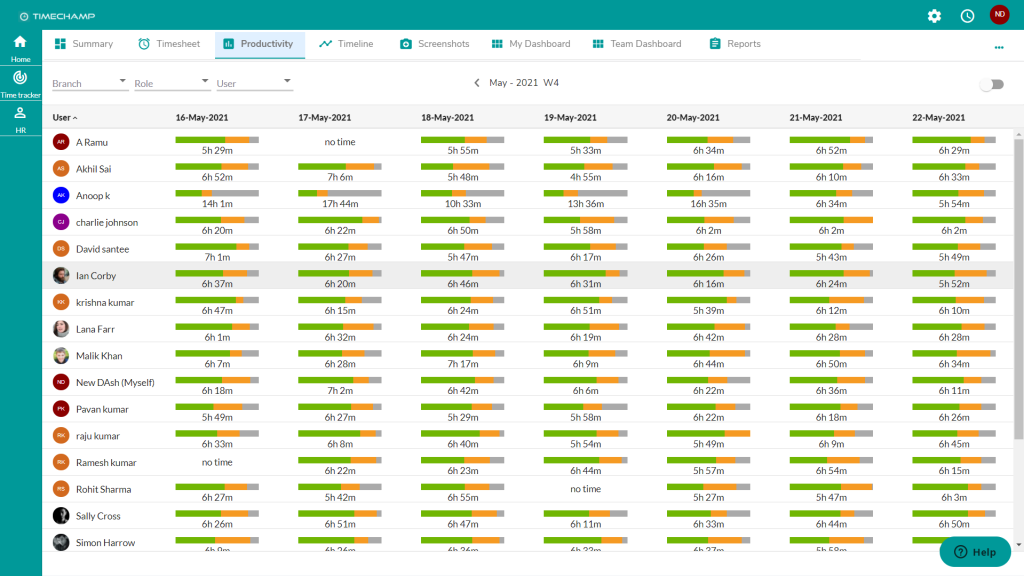
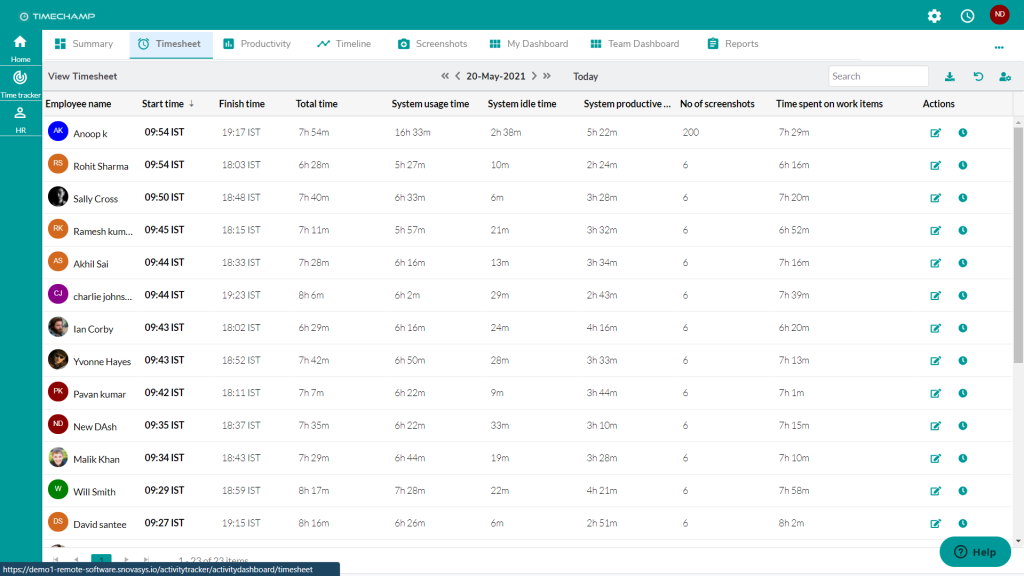
Time Champ is one of the most direct monitoring products in this comparison. It combines employee monitoring, automatic time tracking, productivity analytics, idle tracking, application and website monitoring, screenshots, screen recording, reports and enterprise identity options. Its broad feature set and local market presence make it a strong fit for buyers evaluating a monitoring platform rather than a simple timesheet tool.
Key features to compare
- Automatic time tracking and attendance-oriented monitoring
- Productivity and idle-time analytics
- Application and website monitoring
- Screenshots and screen recording/live-view capabilities
- Reports and enterprise administration options
- AD/SSO and API capabilities in the researched feature set
- Cloud plus enterprise/custom deployment options
Deployment and platforms: Cloud is confirmed; On-premise is available through enterprise/custom arrangements. Windows and macOS are supported, Linux support is partial in the research base, and Android/iOS are also represented in the platform set.
Pricing: supplied research lists Starter at $3.90, Professional at $6.90 and Enterprise at $13.90 per user/month, with INR pricing also available. However, a configuration close to a full enterprise monitoring deployment may require Enterprise plus API and On-premise options, so the comparable self-hosted price is Custom / Contact Sales.
Strengths: broad monitoring depth, AD/SSO, screenshots/live video, local market presence and a wide feature set.
Limitations: final On-premise pricing is not public, and advanced functions or add-ons can increase the real cost beyond the lowest advertised plan.
Buying considerations
For procurement, pay particular attention to which advanced functions sit in Professional, Enterprise or separate add-ons. Ask for a written feature matrix for your required operating systems and a complete quote that includes API, identity integration, storage/retention and any self-hosted requirements. It is a strong shortlist candidate when a business wants broad monitoring with accessible local-market support, but the final enterprise economics cannot be inferred from the cheapest public plan.
INSIDER
Best for: companies that want a single system for digital work-time visibility, productivity context, apps/sites, screenshots and structured management analytics with both Cloud and On-premise deployment.
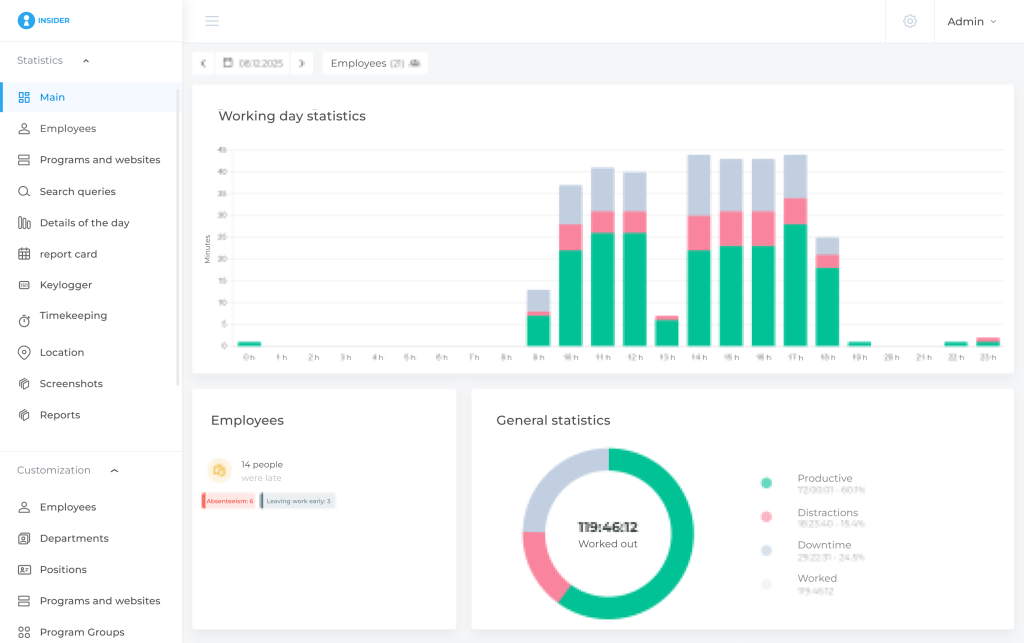
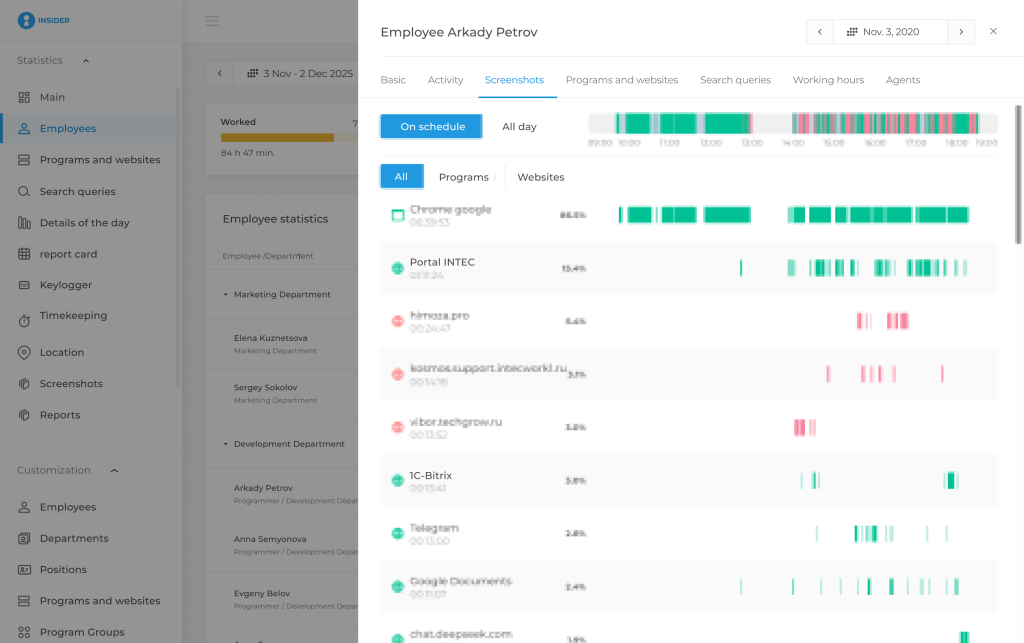
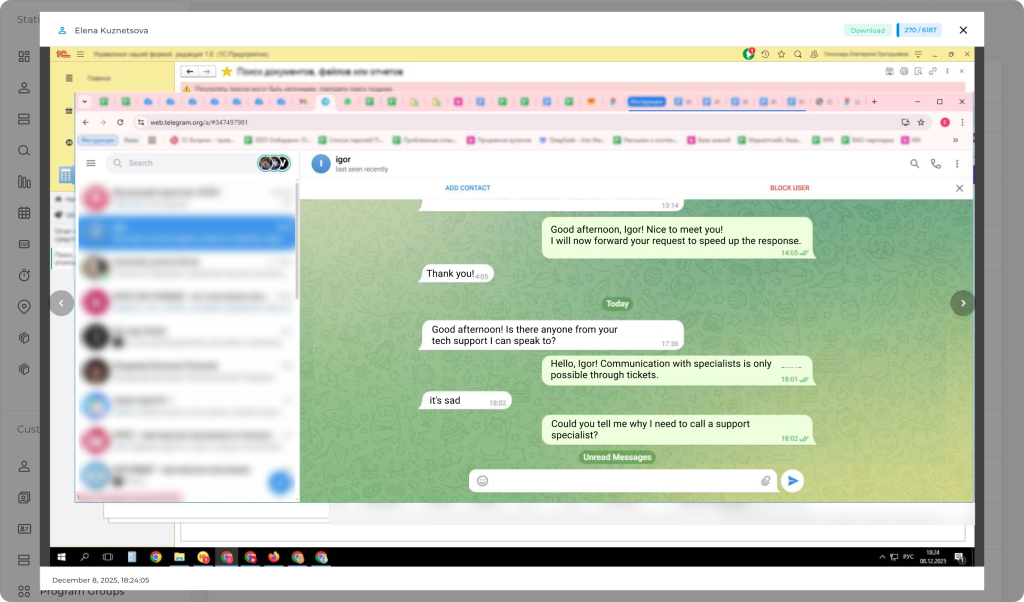
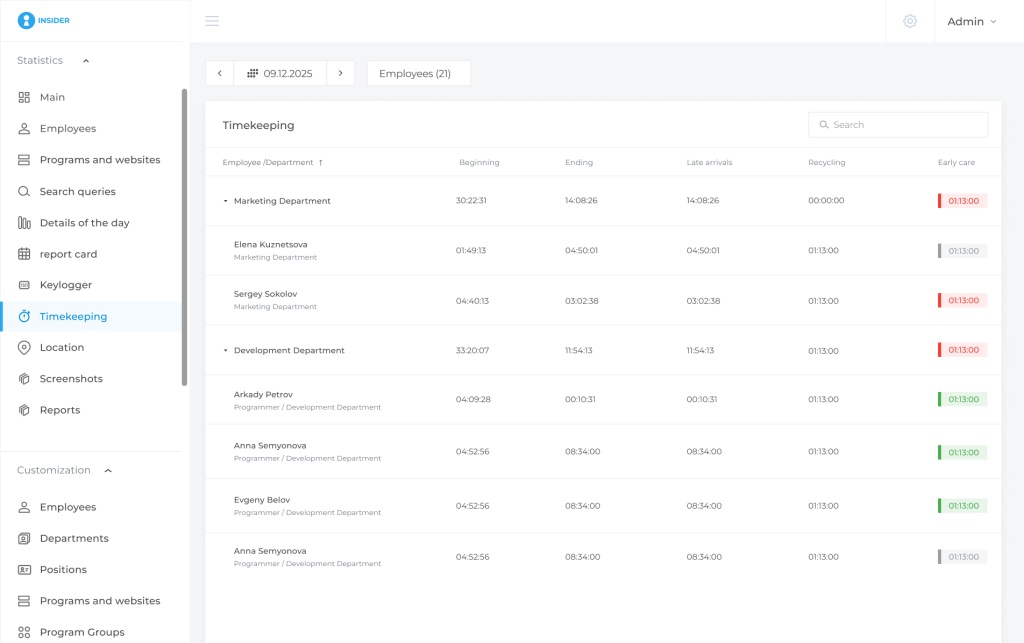
INSIDER is a system for automatic work-time accounting and analysis of employees’ digital activity on work computers and corporate Android devices. It is designed to show when a digital workday starts and ends, how much activity is recorded, where idle periods and overtime appear, which applications and websites are used, and what context surrounds an unusual period or incident.
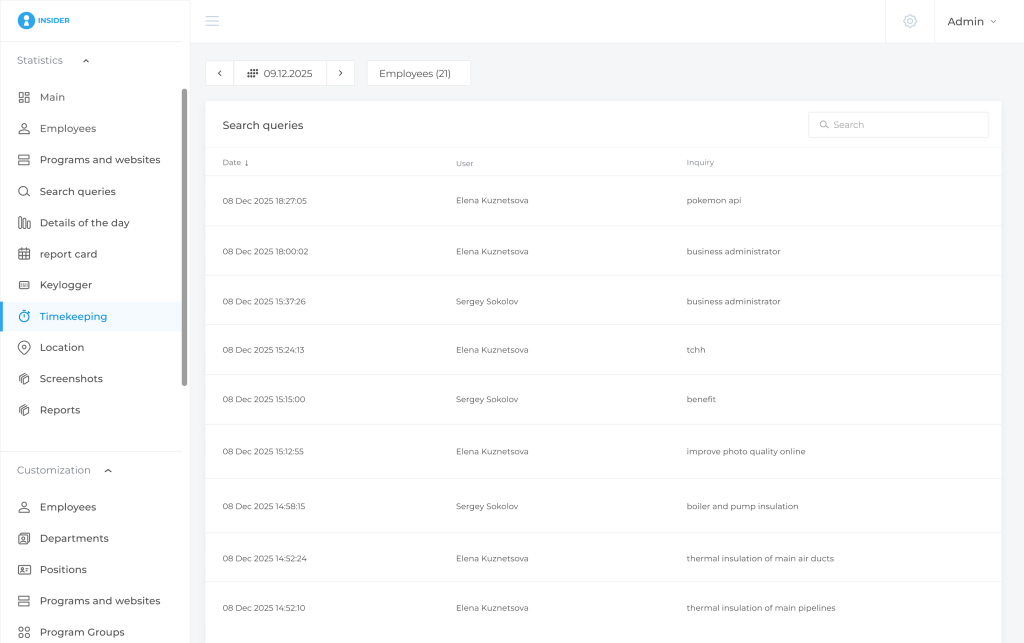
The platform combines automatic time tracking, schedules, attendance and overtime analytics, productivity classification, workload context, day timelines, application and website monitoring, screenshots, search-query monitoring, reports, incidents, audit logs, role-based access, organisational structure, API and Active Directory integration. Corporate Android monitoring can add device-location history and mobile screenshots. The On-premise edition adds locally hosted data and, in the confirmed configuration, a keylogger that is not available in the Cloud edition.
Key features to compare
- Automatic digital work-time tracking, schedules and attendance analytics
- Productivity classification, idle periods, overtime and workload context
- Applications and website monitoring with day-level detail
- Desktop screenshots and corporate Android screenshots
- Search-query monitoring and rule-based incidents
- Reports, organisational structure, role-based access and audit log
- API and Active Directory integration
- Cloud and On-premise deployment; keylogger in the confirmed On-premise configuration
- Corporate Android location history for mobile-workforce context
Deployment and platforms: Cloud and customer-hosted On-premise are both supported. The product knowledge base confirms support for Windows, Linux, macOS and Android, with the exact feature set depending on platform and version.
Pricing: a public INR price list was not confirmed for this draft, so buyers should request a local commercial quote. The current public Russian pricing model uses seat bundles for Cloud and separate box/On-premise licensing, but those RUB prices should not be presented as local list prices.
Strengths: broad monitoring plus management analytics; Cloud and On-premise; apps/sites; screenshots; schedules; reports; API; AD; Android context; search queries; incidents; audit and access controls.
Limitations: digital activity does not prove completed tasks or professional quality; time at a computer does not equal total work time; idle time requires context; screenshots are contextual evidence, not an automatic verdict; Android GPS relates to the corporate device; incidents are signals for review rather than proof of misconduct; keylogging is On-premise-only and should be used only where legally and organisationally appropriate.
Buying considerations
The strongest evaluation method is to pilot the system against specific management questions: whether schedules match reality, where recurring idle periods or overtime appear, which applications actually dominate work time, and whether screenshots or incidents add useful context. Buyers should also decide whether Cloud or On-premise is the better governance model, and which roles truly need access to detailed activity data. Digital activity should be combined with task, CRM, ERP or operational outcomes rather than treated as a standalone performance score.
We360.ai
Best for: employee monitoring and workforce analytics, especially when workload visibility and enterprise deployment matter.
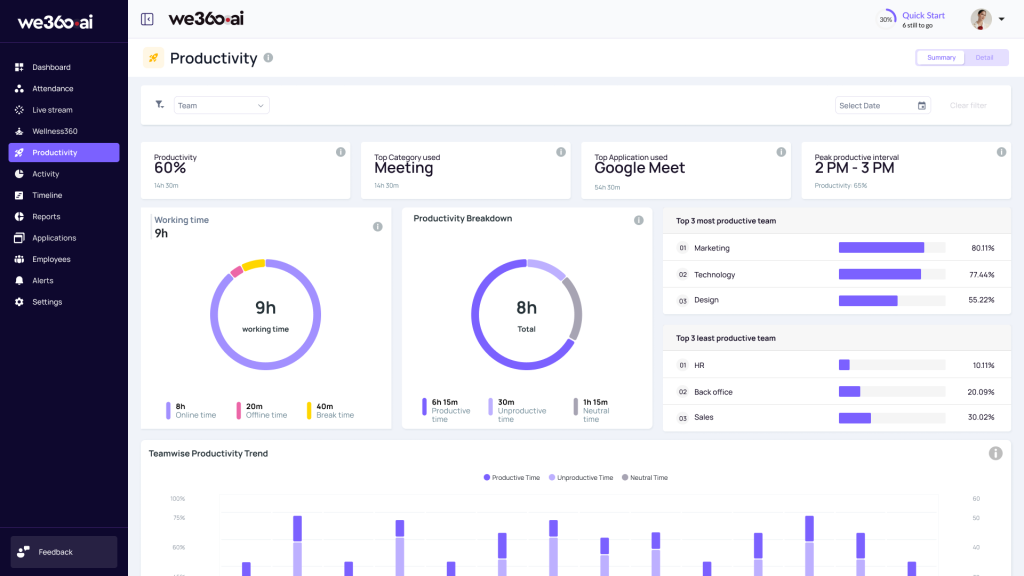
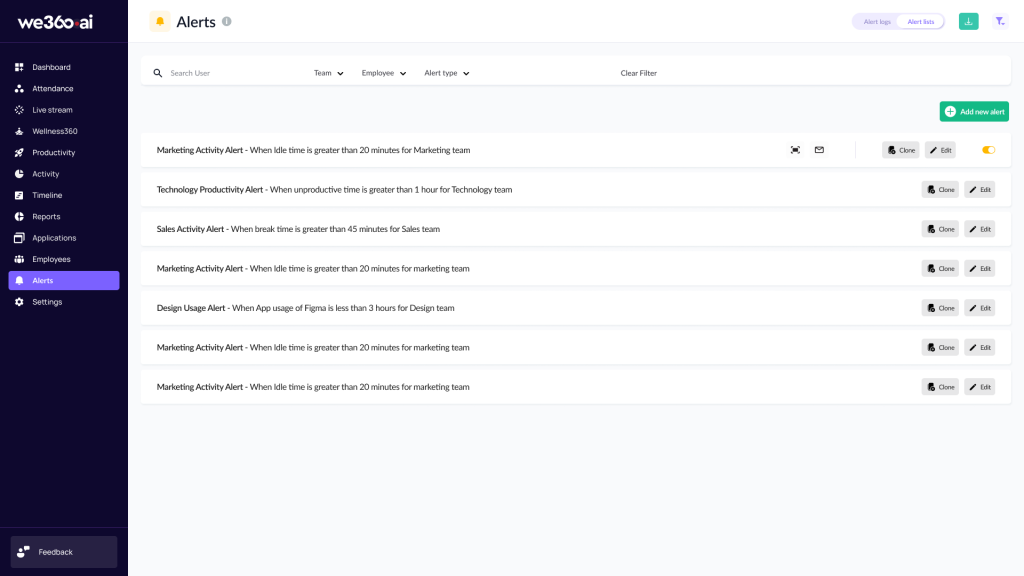
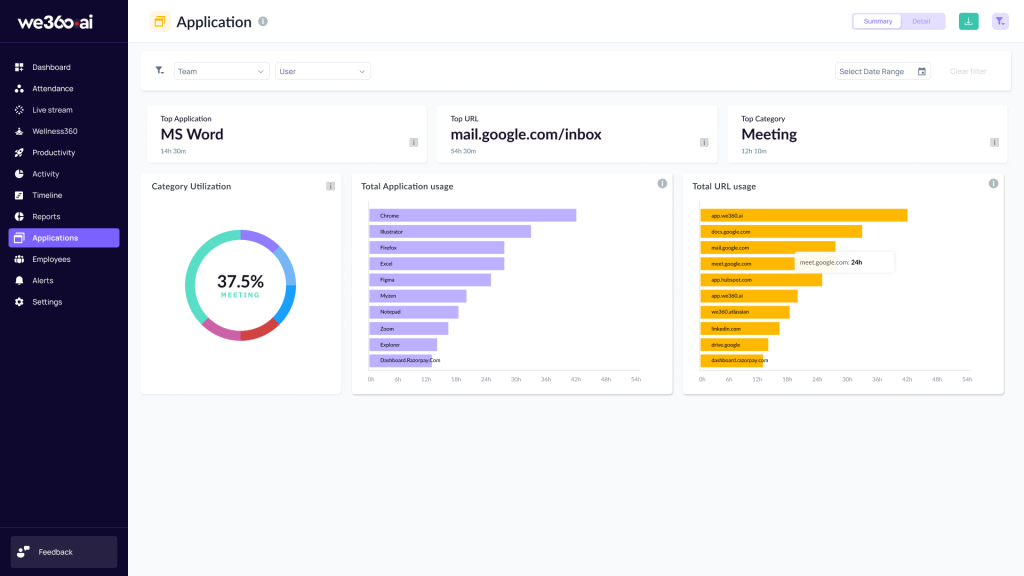
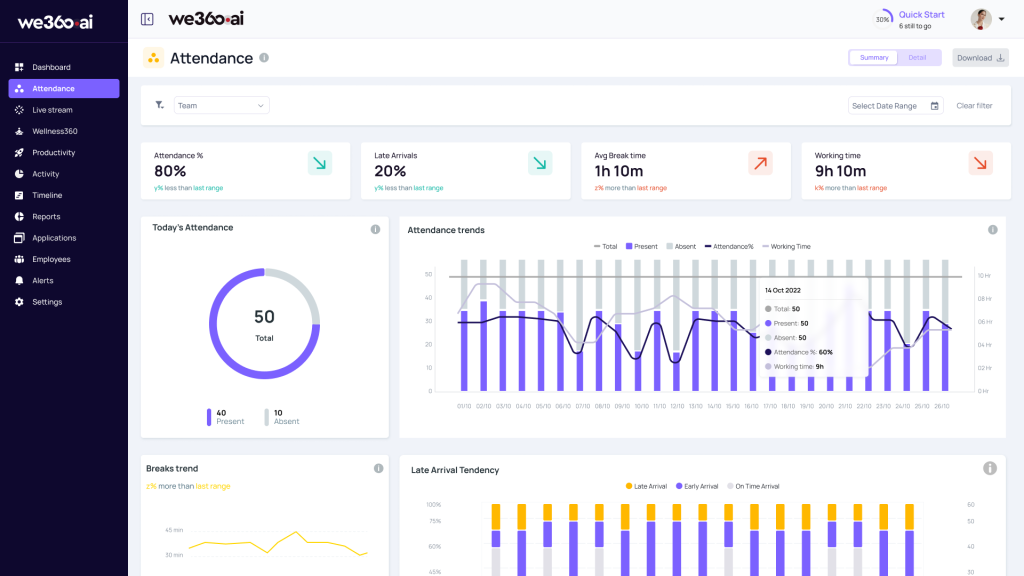
We360.ai is a workforce analytics and employee monitoring platform with a strong local market presence. The source research confirms employee monitoring, automatic time tracking, productivity analytics, workload analytics, idle tracking, application and website monitoring, screenshots, reports, API, Active Directory and enterprise On-premise support.
Key features to compare
- Automatic time tracking and employee activity monitoring
- Productivity and workload analytics
- Application and website monitoring
- Screenshots with plan-dependent screen-recording capability
- Reports and enterprise administration
- AD/SSO and API capabilities
- Cloud with enterprise On-premise option
Pricing: public pricing in the supplied research lists Pro at ₹399/user/month and Pro + AI at ₹599/user/month, while Enterprise is custom. API is reported separately at ₹50/user/month. A configuration that includes enterprise identity and On-premise deployment therefore requires a custom Enterprise quote.
Strengths: workload analytics, broad monitoring, AD/SSO, strong local presence and On-premise options at enterprise level.
Limitations: the Capterra review sample in the research base is relatively small; enterprise pricing is hidden; Linux support was not confirmed in the research pass; keylogger and DLP were not confirmed as part of the core offering.
Buying considerations
Buyers should compare the Pro, Pro + AI and Enterprise scope carefully because enterprise identity, deployment and data-governance requirements can move the purchase into custom pricing. The product is particularly relevant when workload and workforce analytics matter alongside monitoring. Teams with Linux-heavy environments or deep security requirements should obtain explicit confirmation of platform coverage and security-event depth before rollout.
DeskTrack
Best for: organisations that want time tracking plus desktop activity monitoring with local pricing and broad OS support.
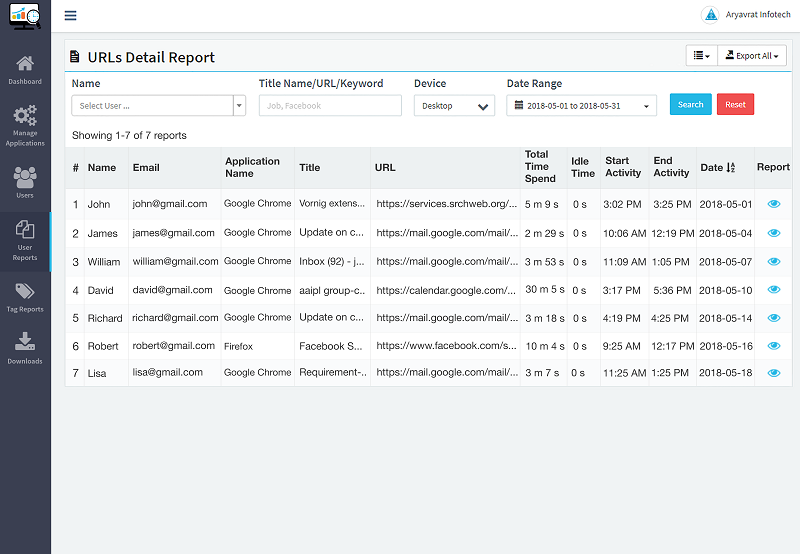
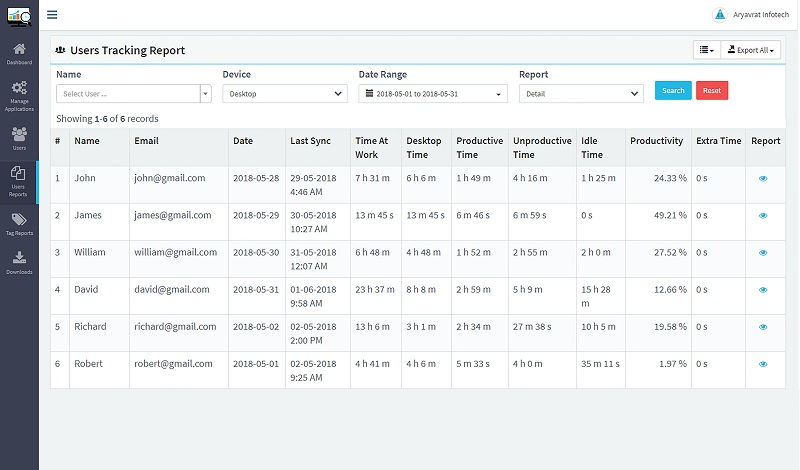
DeskTrack combines automatic login/logout tracking, productivity analysis, app and URL monitoring, screenshots, reports and enterprise integration options. It is a direct employee-monitoring product rather than a simple time tracker, with public INR pricing and a strong local-market orientation.
Key features to compare
- Automatic login/logout and time tracking
- Productivity analytics and idle-time visibility
- Application, URL and file-use monitoring
- Screenshots with partial screen-recording functionality
- Reports and workforce monitoring views
- API and Active Directory capabilities
- Windows, macOS and Linux support in the researched feature set
Deployment and platforms: Cloud is confirmed, while Hybrid On-premise is available as a custom enterprise/add-on scenario. Windows, macOS and Linux support are confirmed in the research base; Android and iOS are partial.
Pricing: INR pricing is listed from about ₹549/user/month, with a Stealth tier around ₹749/user/month and Enterprise custom pricing. The comparable configuration requires the monitoring plan plus API integration and Hybrid On-premise, so the real equivalent price is higher than the base tariff and remains partly custom.
Strengths: INR pricing, automated login/logout, apps/URLs/files, screenshots and multi-platform support.
Limitations: API and Hybrid On-premise pricing are not fully transparent, and public documentation is less centralised than some global competitors.
Buying considerations
DeskTrack is worth shortlisting when cross-platform desktop monitoring and INR pricing are important. During a demo, verify exactly how application, URL and file activity is represented, how screenshots are governed, and what the Hybrid deployment architecture means operationally. API, identity integration and enterprise hosting should be priced as part of the complete procurement package rather than treated as assumptions based on the entry plan.
EmpMonitor
Best for: buyers looking for a monitoring-first product with one of the clearer public On-premise price structures in the comparison.
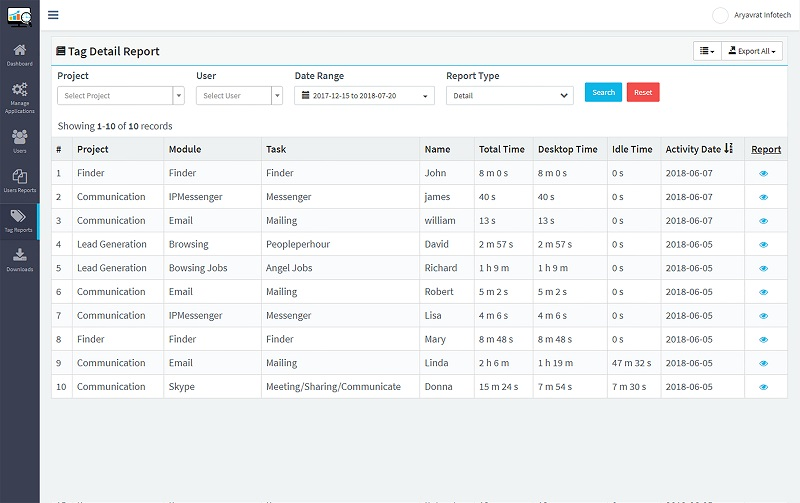
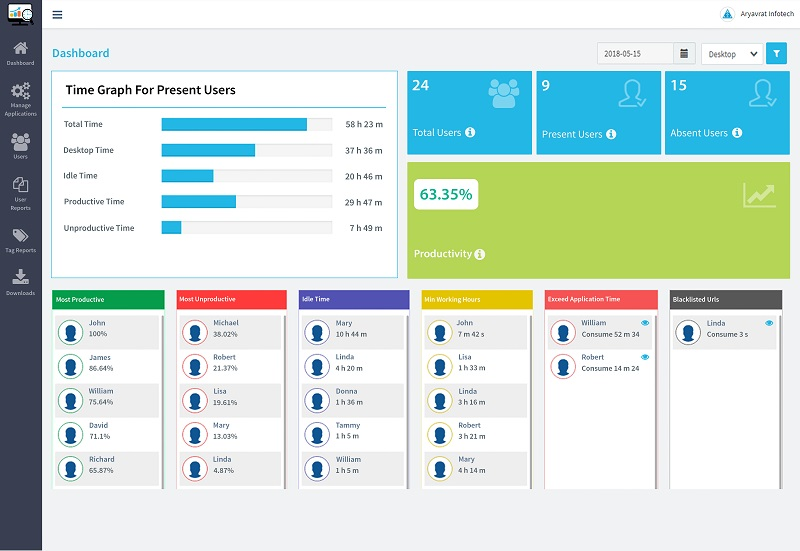
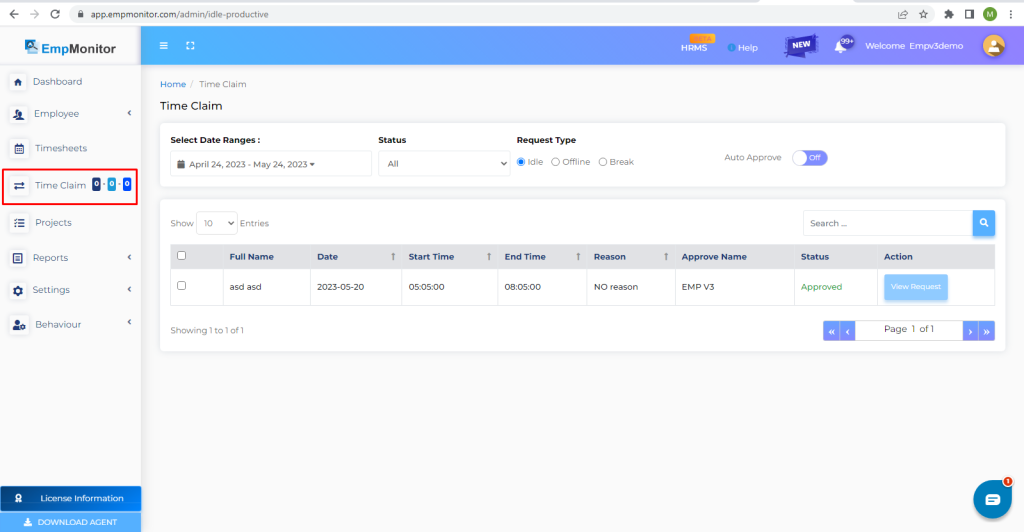
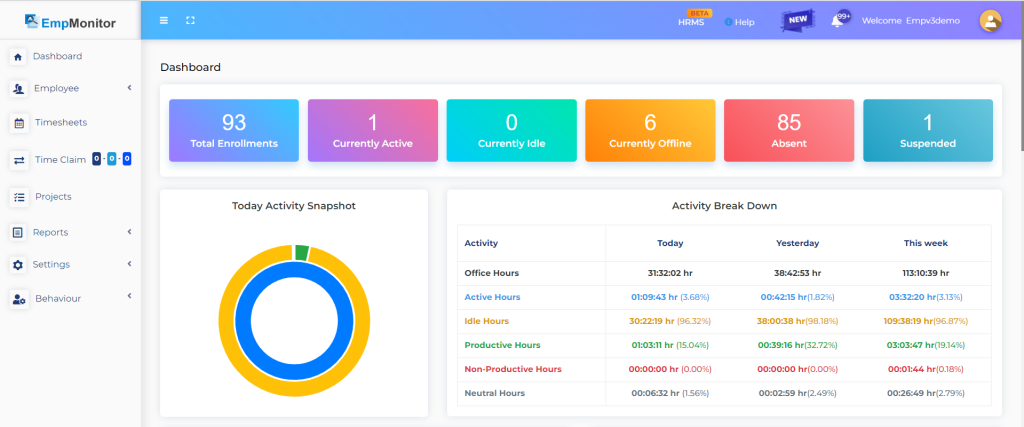
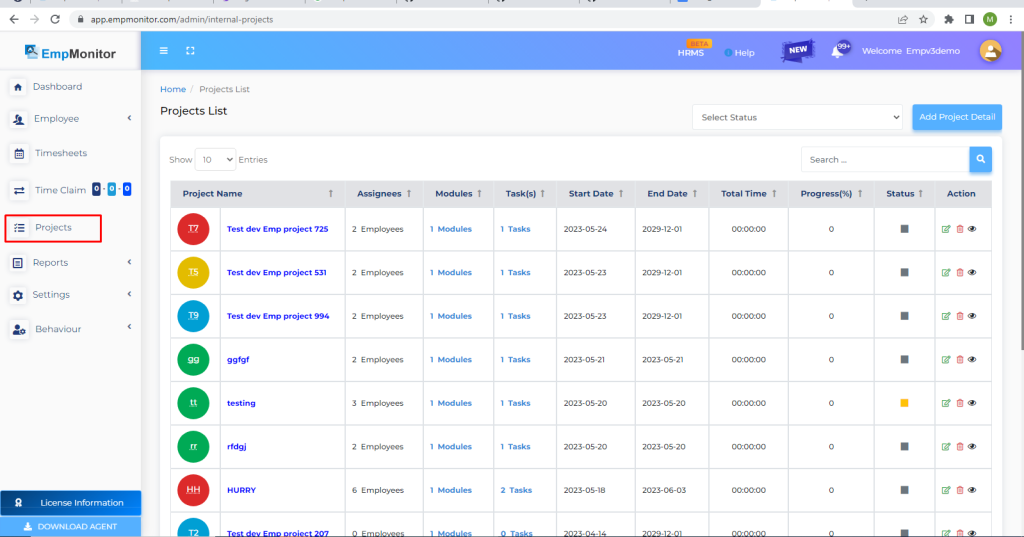
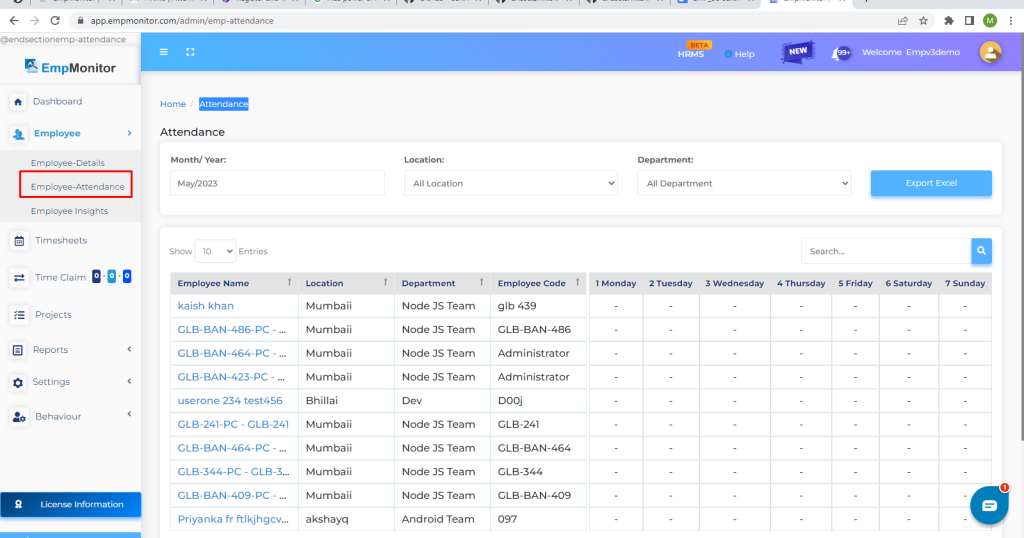
EmpMonitor includes employee monitoring, time tracking, productivity analytics, applications and websites, screenshots, shifts, reports, Active Directory and REST API capabilities. It also has a dedicated local web presence and public self-hosted pricing in the supplied research.
Key features to compare
- Employee activity and automatic time tracking
- Productivity analytics and idle-time monitoring
- Applications and websites
- Screenshots and shift/schedule functions
- Reports and workforce views
- Active Directory and REST API capabilities
- Cloud and publicly priced On-premise tiers in the supplied research
Pricing: the Cloud research lists Bronze, Silver and Gold annual equivalents ranging roughly from $4.66 to $3.00/user/month depending on user count. More importantly for direct comparison, the supplied pricing matrix lists public On-premise pricing at $15.99/user/month for 1–10 users, $12.99 for 11–50, and $10.99 for 51–200. That produces approximately $159.90/month for 10 users, $649.50 for 50, and $1,099 for 100; larger deployments move to a quote.
Strengths: transparent self-hosted pricing relative to many enterprise competitors, broad monitoring functions and local availability.
Limitations: some public documentation is spread across guides and onboarding materials rather than a single complete technical portal, and larger configurations may require sales contact.
Buying considerations
A practical advantage for buyers is that the supplied research contains clearer On-premise seat pricing than for many enterprise competitors. That makes budget modelling easier for 10–100 users. Before purchase, confirm the current feature set of each On-premise tier, implementation requirements, storage/retention policy and whether all required integrations are included. Larger deployments should request a volume quote rather than extrapolating small-seat pricing indefinitely.
Teramind
Best for: mid-market and enterprise buyers that need security-oriented UAM, insider-risk investigation and DLP in addition to employee monitoring.
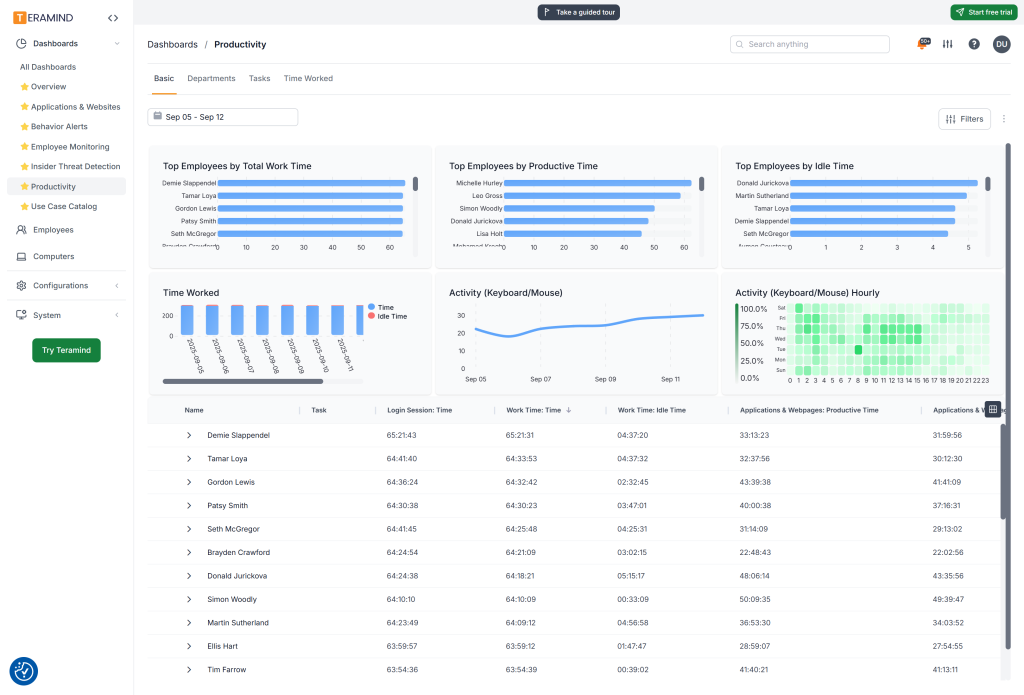
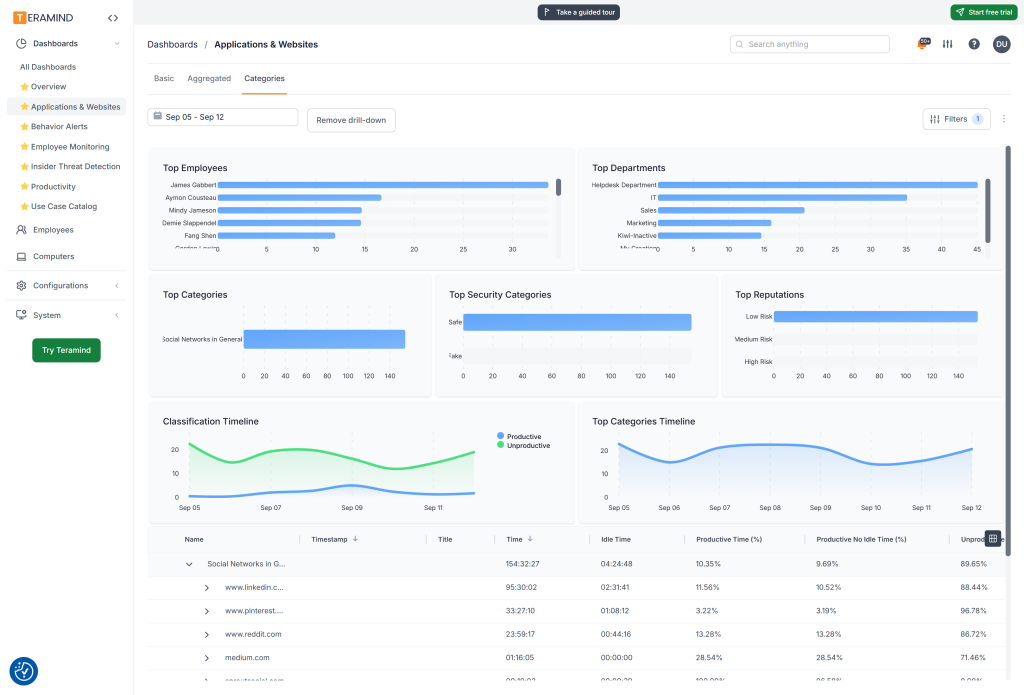
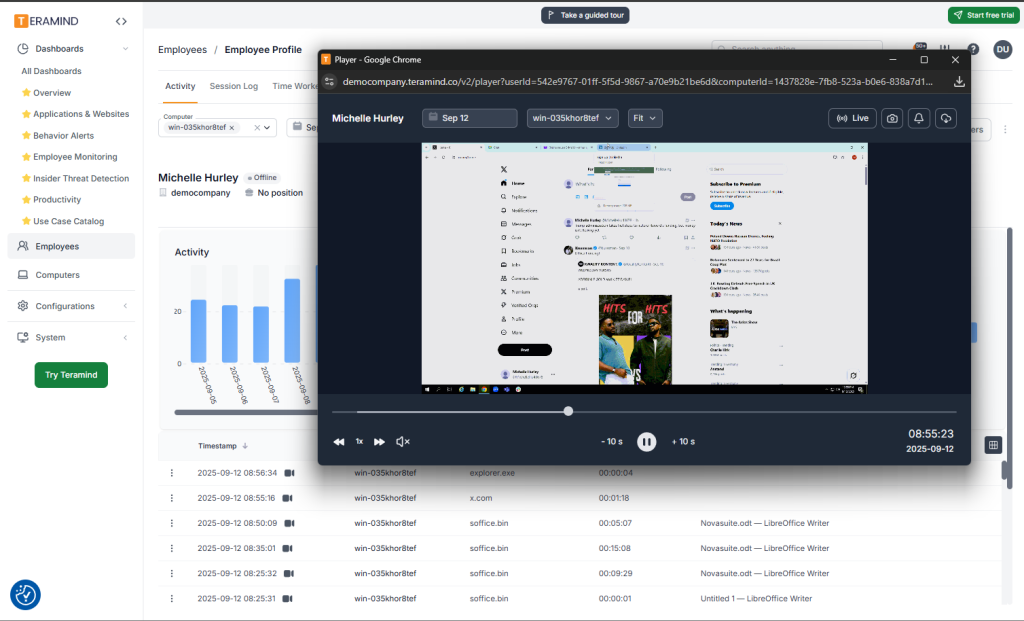
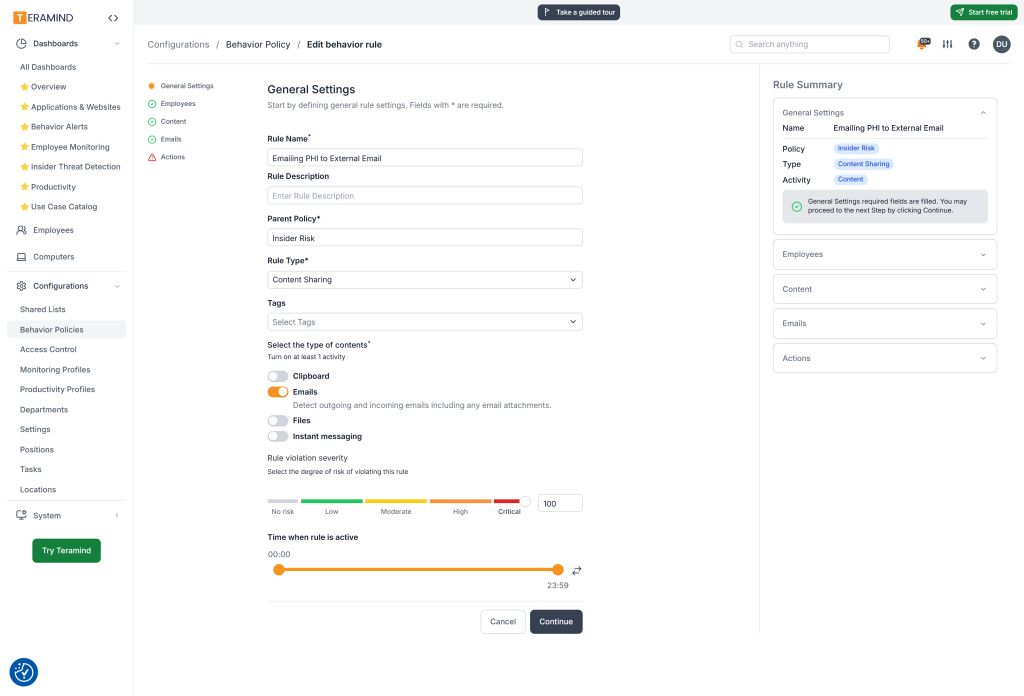
Teramind is one of the deepest monitoring and security platforms in this list. It combines employee monitoring, automatic time tracking, productivity analytics, application and website monitoring, screenshots, continuous screen recording, search-query visibility, keystrokes, incidents, DLP, reports, AD/LDAP, SSO/SCIM, API, audit and On-premise deployment.
Key features to compare
- Employee monitoring and automatic time tracking
- Applications, websites and productivity analytics
- Screenshots and continuous screen recording
- Search-query and keystroke visibility
- Rules, incidents, alerts and audit capabilities
- DLP and insider-risk controls
- AD/LDAP, SSO/SCIM and API
- Cloud and On-premise deployment
Pricing: supplied research lists monthly pricing around $14 for Starter, $28 for UAM and $32 for DLP, with lower annual equivalents. The self-hosted UAM configuration with AD/LDAP and REST API is custom-priced, so the $28 Cloud UAM rate should be treated as a benchmark rather than an On-premise quote.
Strengths: deep UAM, screen recording, keystrokes, DLP, alerting and On-premise support.
Limitations: higher cost and complexity than productivity-first tools, a steeper learning curve and some platform-specific limitations; the research base flags iOS as not supported in the confirmed configuration.
Buying considerations
Teramind should be evaluated as a security-capable UAM/DLP platform, not merely as a productivity tracker. That depth is valuable for investigations and compliance but can be excessive if the business only needs attendance and basic activity visibility. A pilot should therefore test alert quality, administrator workload, policy tuning, storage requirements and user experience. Procurement teams should also separate Cloud plan prices from the custom economics of a self-hosted deployment.
ProHance
Best for: large operations, BPO/BPM and enterprise workforce analytics where process visibility matters more than screenshots.
ProHance is an enterprise-oriented workforce analytics platform with a Bengaluru presence. Its strength is operational and workforce analytics rather than invasive endpoint surveillance, so it is best treated as a strong partial competitor rather than a direct screenshot-first monitoring product.
Key features to compare
- Enterprise workforce and operational analytics
- Time and activity analysis
- Productivity and utilisation-oriented reporting
- Process and team-level visibility
- Enterprise deployment options including On-premise
- Strong enterprise/BPO market fit
Deployment: Cloud and On-premise are supported, with pricing on a custom/contact-sales basis.
Strengths: enterprise workforce analytics, local enterprise presence and deployment flexibility.
Limitations: the supplied research specifically notes that current ProHance privacy/product materials say the platform does not collect screenshots/images/video. That makes it a poor fit for buyers who consider screenshot evidence a mandatory feature, even though it may be stronger than monitoring-first products for operational analytics.
Buying considerations
The key buying question is whether the organisation wants workforce/process analytics or visual endpoint evidence. ProHance can be a strong fit for large BPO/BPM and operations teams that care about utilisation, process and capacity patterns. It is less suitable when screenshots or visual proof of desktop activity are mandatory, because the supplied research explicitly notes that current product/privacy materials do not position screenshot capture as part of the platform.
Workstatus
Best for: distributed and field teams that want time, attendance, activity, projects and mobile workforce features.
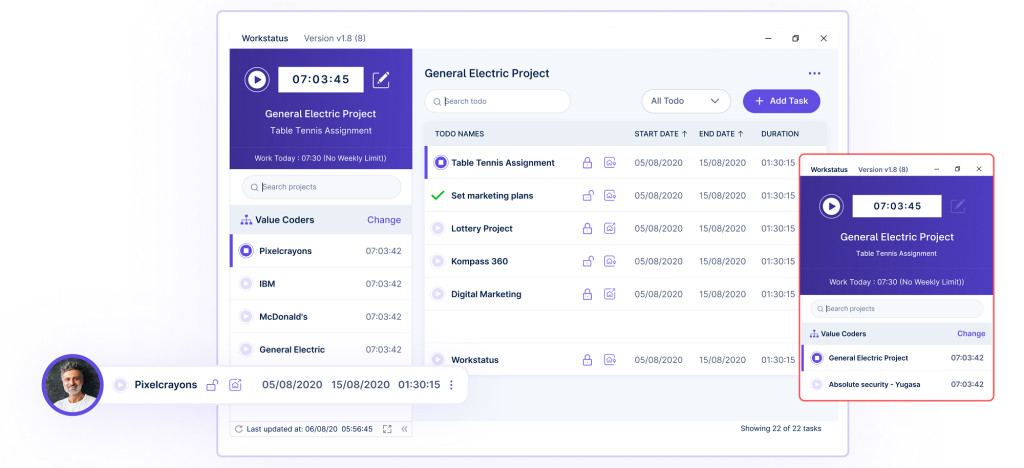
Workstatus combines time tracking, screenshots, activity measures, project/workload features, attendance and field/GPS scenarios. Its mix of desktop and field-workforce capabilities makes it particularly relevant to distributed service teams.
Key features to compare
- Time and attendance tracking
- Productivity and activity monitoring
- Applications/websites and screenshots
- Project and workload-oriented features
- GPS and field-workforce scenarios
- Reports and enterprise integrations
- Enterprise Private Cloud option in the researched offering
Pricing: annual pricing is listed at approximately ₹300/user/month for Proof and ₹550/user/month for Profit, with Enterprise custom pricing. Advanced features such as GPS or session replay can increase the effective price.
Deployment: Enterprise offers private-cloud options, but the research explicitly warns that Private Cloud should not be treated as the same thing as customer-hosted On-premise. Buyers that require self-hosting should confirm the exact architecture rather than assume equivalence.
Strengths: local pricing, distributed-team fit, screenshots, attendance and field-workforce capabilities.
Limitations: the research confirms Private Cloud rather than a clearly documented customer-hosted On-premise architecture; some advanced functionality is plan/add-on dependent.
Buying considerations
This product makes the most sense when desktop activity, attendance, projects and field mobility need to coexist. Buyers should distinguish GPS/mobile functionality from desktop monitoring and verify which capabilities require add-ons such as session replay. If data hosting is a hard requirement, ask the vendor to document exactly what Private Cloud means, where data is hosted, who administers the environment and whether the customer controls the underlying infrastructure.
Time Doctor
Best for: BPO, outsourcing, agencies and remote teams that prioritise time tracking, attendance evidence and project-oriented productivity monitoring.
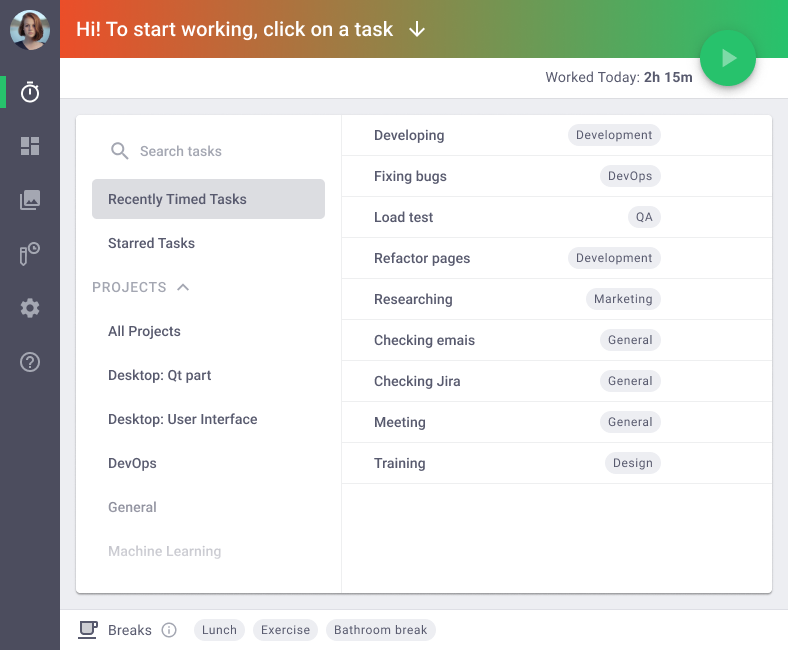
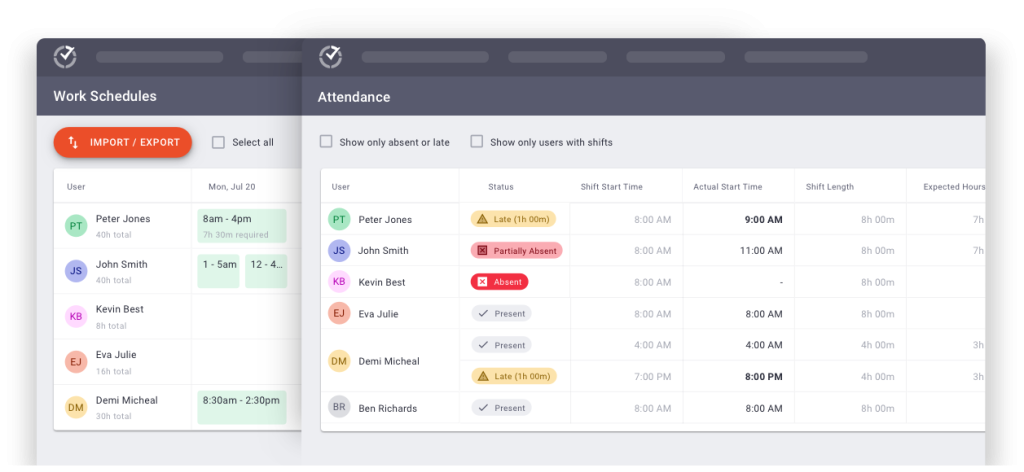
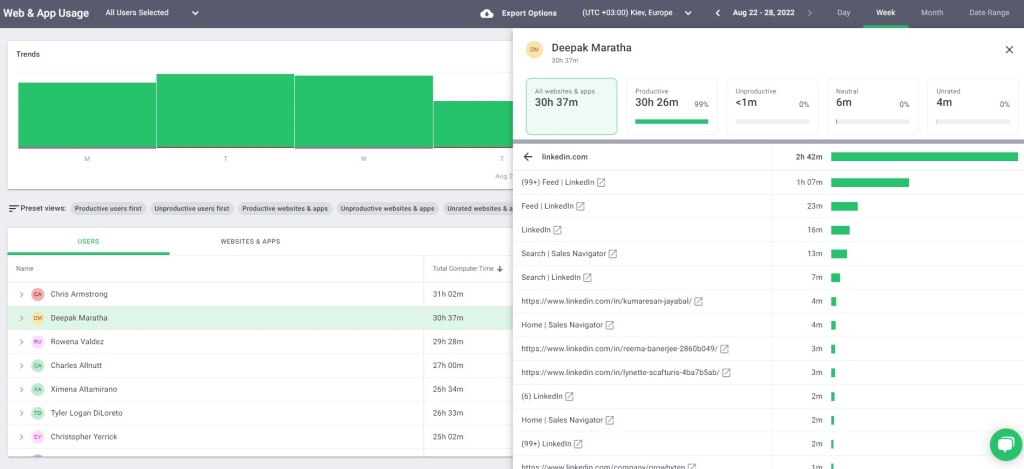
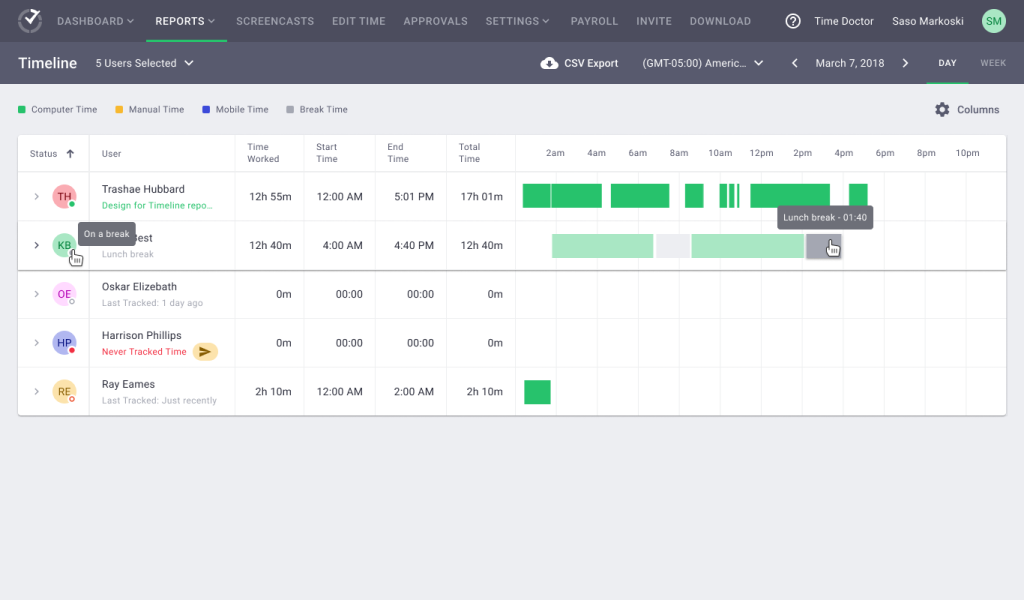
Time Doctor is a mature remote-work and time-tracking platform with employee monitoring, screenshots, schedules, apps/sites, productivity analytics, reports, SSO and API options. It maps particularly well to outsourcing, BPO and distributed-service use cases.
Key features to compare
- Automatic time tracking and attendance evidence
- Applications and website usage
- Screenshots and activity metrics
- Schedules and remote-work reporting
- Productivity-oriented reports
- SSO and API options
- Enterprise Private Cloud in the researched offering
Pricing: annual pricing in the supplied research is approximately $6.67 Basic, $11.67 Standard and $16.70 Premium per user/month; monthly pricing is higher at about $8/$14/$20. Enterprise is custom.
Deployment: the research set points to Private Cloud on enterprise offerings rather than a clearly confirmed customer-hosted On-premise deployment.
Strengths: mature remote/BPO workflow, screenshots, applications/websites, scheduling and reporting.
Limitations: not a full self-hosted monitoring equivalent; security/UAM depth is lower than platforms such as Teramind or Controlio.
Buying considerations
Time Doctor is a natural shortlist choice for outsourcing, BPO and distributed teams where managers need time, screenshots, applications/websites and remote-work reports without a security-heavy UAM stack. During procurement, compare Basic, Standard, Premium and Enterprise by required features rather than seat price alone. Organisations with strict self-hosting requirements should confirm the architecture of the enterprise Private Cloud offering instead of assuming customer-hosted deployment.
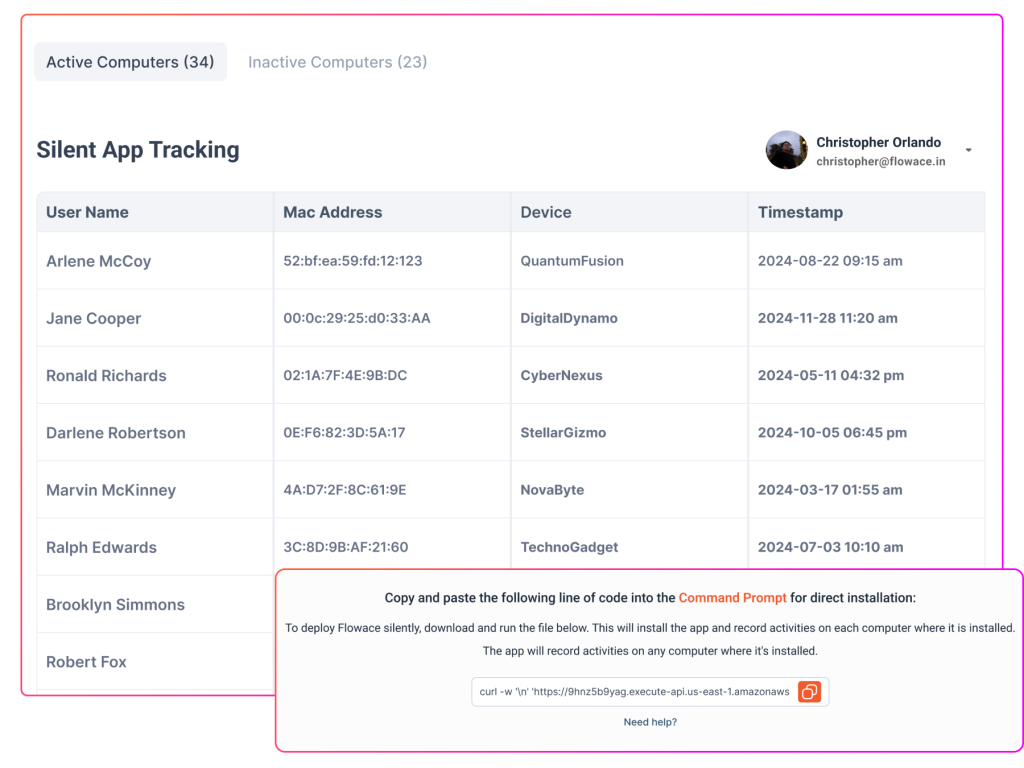
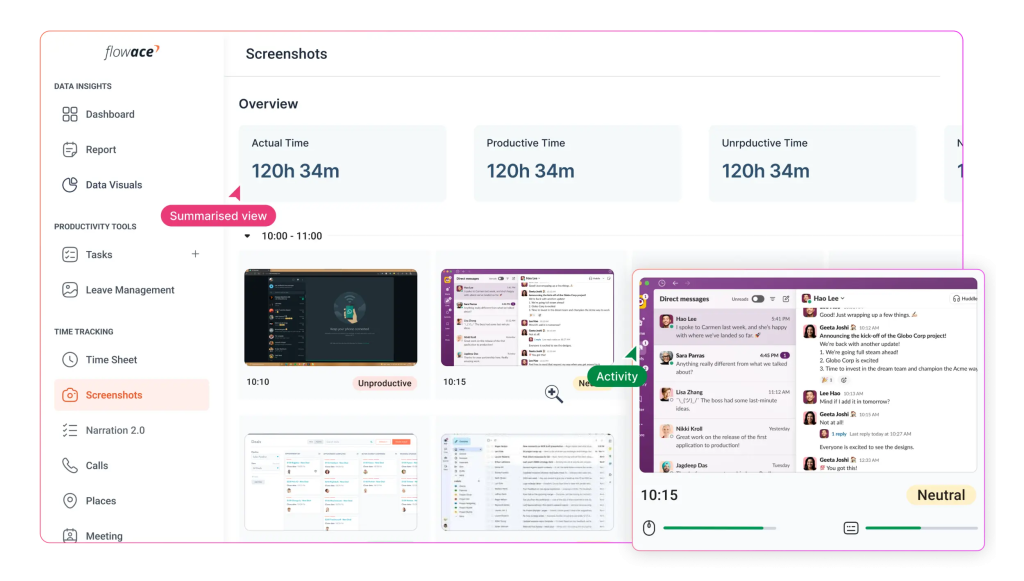
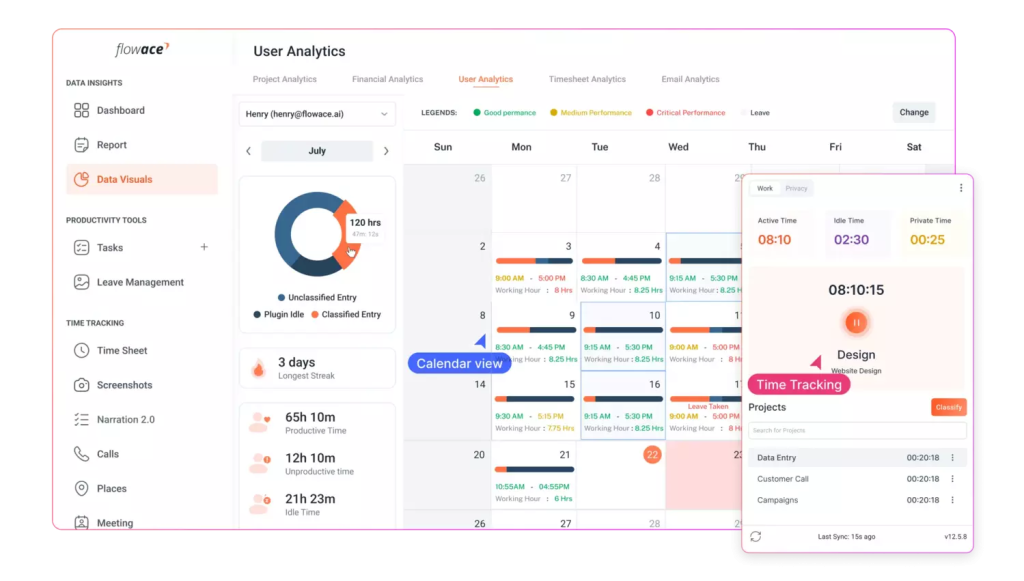
Flowace
Best for: teams seeking relatively low-cost productivity and time analytics with strong local market fit.
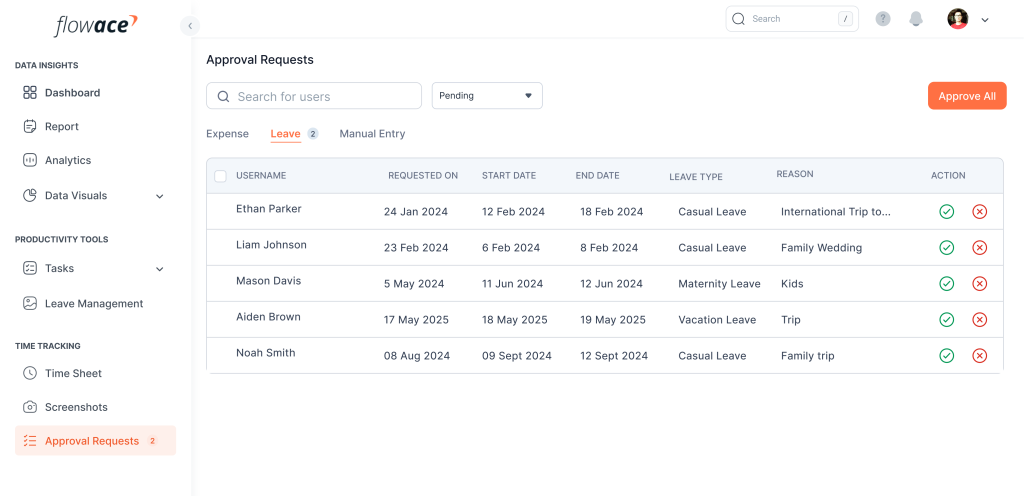
Flowace offers time tracking, productivity analytics and workforce visibility with public INR pricing. It is positioned more around productivity and operational analytics than deep security monitoring.
Key features to compare
- Automatic time tracking
- Productivity and workforce analytics
- Application and website activity
- Plan-dependent screenshots or screen-oriented monitoring
- Reporting and enterprise controls
- Enterprise deployment options that require architecture confirmation
- INR pricing and strong local-market relevance
Pricing: supplied annual pricing is about $1.99 Basic, $3.99 Standard and $6.98 Premium per user/month, with approximate INR equivalents of ₹166, ₹333 and ₹583. Enterprise is custom.
Deployment: the source set contains conflicting vendor statements around Private Cloud versus On-premise setup. For procurement, this should be treated as requires vendor confirmation rather than assumed self-hosting.
Strengths: strong local relevance, comparatively low public entry pricing and productivity analytics.
Limitations: enterprise deployment architecture needs confirmation; the cheapest public plan should not be compared directly with a full On-premise monitoring platform.
Buying considerations
Flowace is attractive to price-sensitive teams because the public entry pricing is low, but that should not drive the decision by itself. The important checks are the depth of screenshot/visual monitoring, enterprise identity/API options and the exact deployment architecture. Because official materials in the supplied research contain both Private Cloud and On-premise language, procurement should obtain a written architecture statement before treating the product as self-hosted.
Hubstaff
Best for: global remote and field teams that combine time tracking, GPS, project management and optional screenshots.
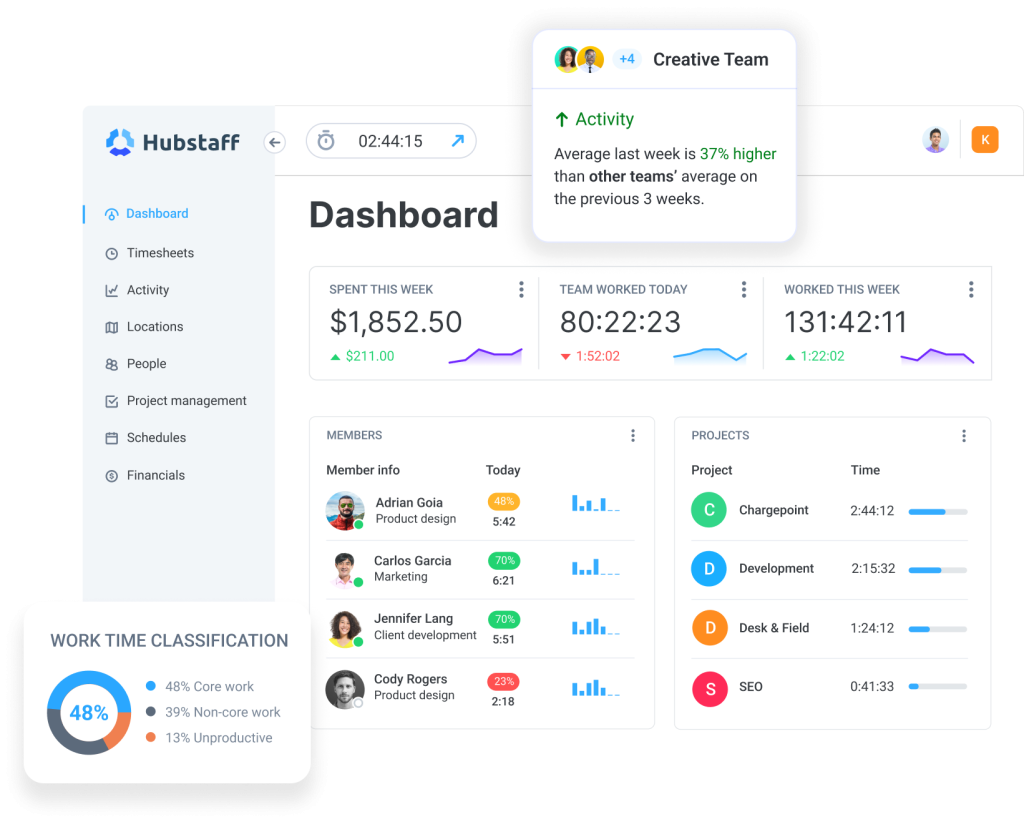
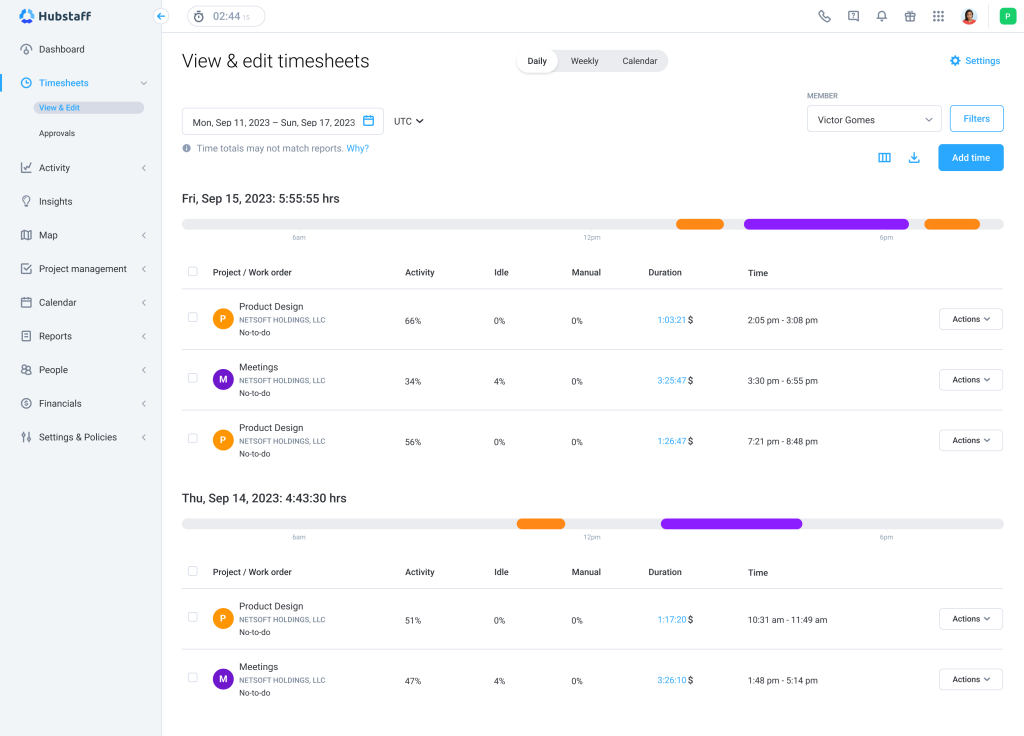
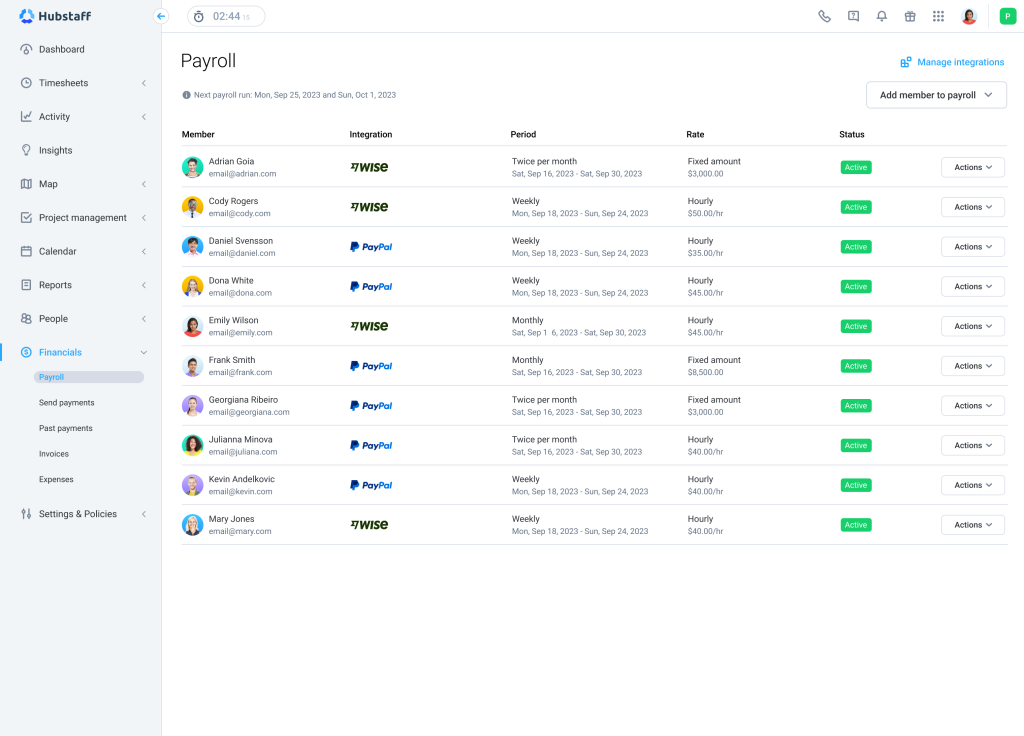
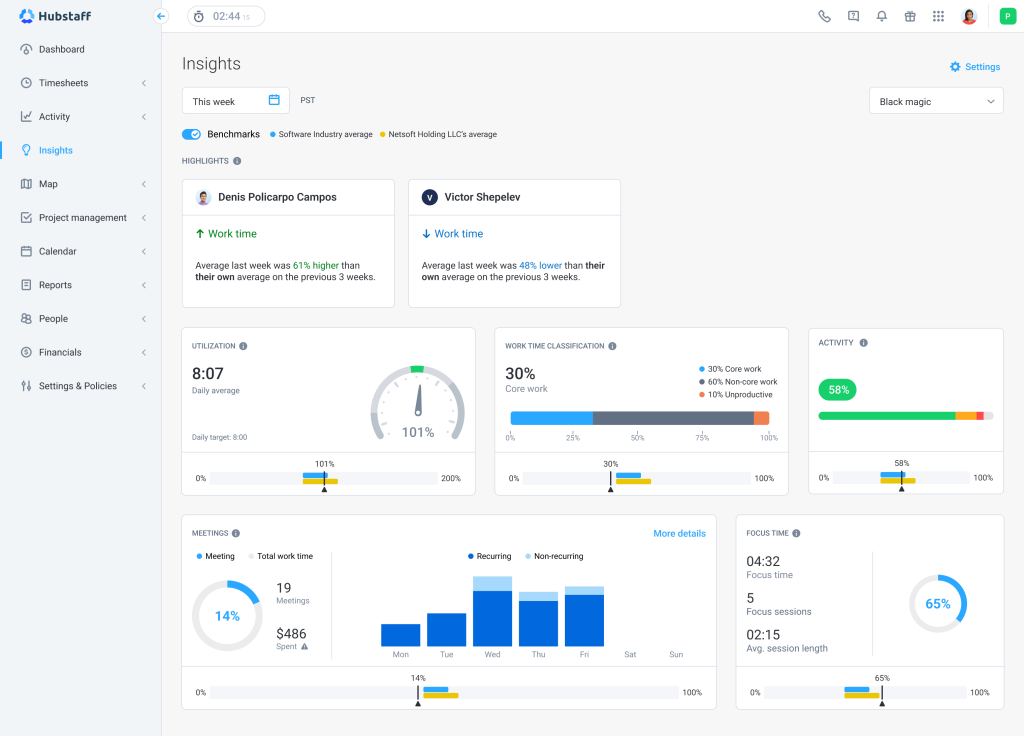
Hubstaff is primarily a time tracking and workforce-management product rather than a security/UAM platform. It supports automatic time tracking, activity measures, apps/sites, screenshots, GPS, API and enterprise identity capabilities, making it useful for distributed and field teams.
Key features to compare
- Time tracking and activity measurement
- Applications and website tracking
- Screenshots
- GPS and field-team tracking
- Project and workforce-management features
- API plus SSO/SCIM on higher plans
- Enterprise administration and reporting
Pricing: supplied annual pricing is $4.99 Starter, $7.50 Grow, $10 Team and $25 Enterprise per seat/month.
Deployment: the supplied source set contains conflicting information on self-hosted/On-premise availability. One comparison source describes Enterprise as self-hosted, while another analytics table treats Hubstaff as SaaS/cloud. Buyers with a strict self-hosting requirement should therefore obtain written confirmation from Hubstaff before treating it as an On-premise option.
Strengths: mature remote/field product, GPS, screenshots, API and SSO/SCIM.
Limitations: not a DLP/UAM system; screen recording, search-query monitoring and keylogging are not part of the confirmed comparison set.
Buying considerations
Hubstaff is especially useful when time, projects and location tracking are central. For a field or distributed workforce, verify mobile battery impact, GPS policy, screenshot configuration and project-reporting needs. The supplied research contains conflicting statements about self-hosted availability, so any organisation with a mandatory On-premise requirement should make that a contractual clarification rather than a feature-list assumption. Security buyers should also recognise that Hubstaff is not positioned as a DLP/UAM platform.
Kickidler / KeepActive
Best for: companies that want deep desktop monitoring, screen video and an On-premise/local deployment path.
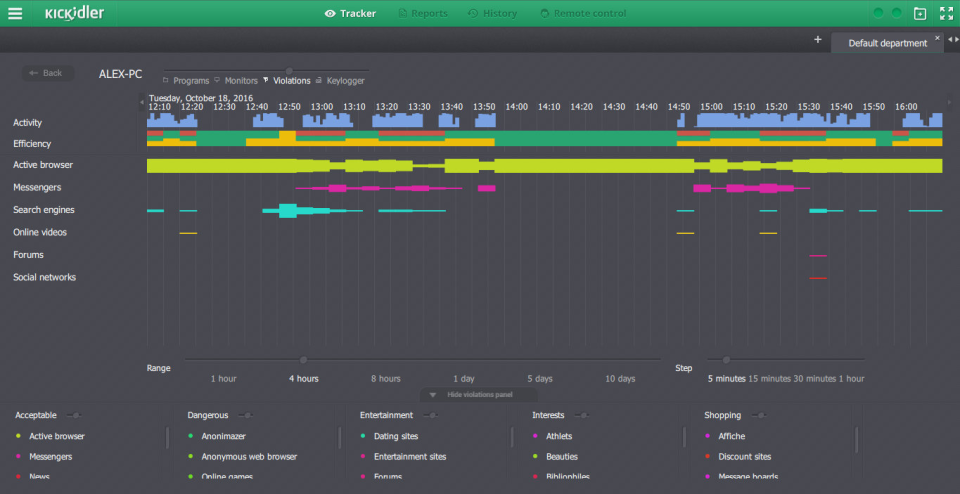
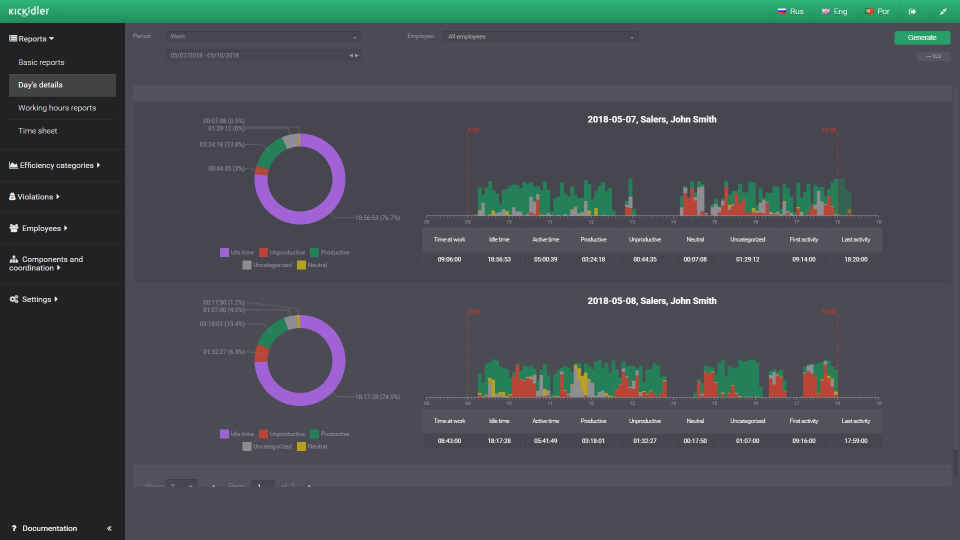
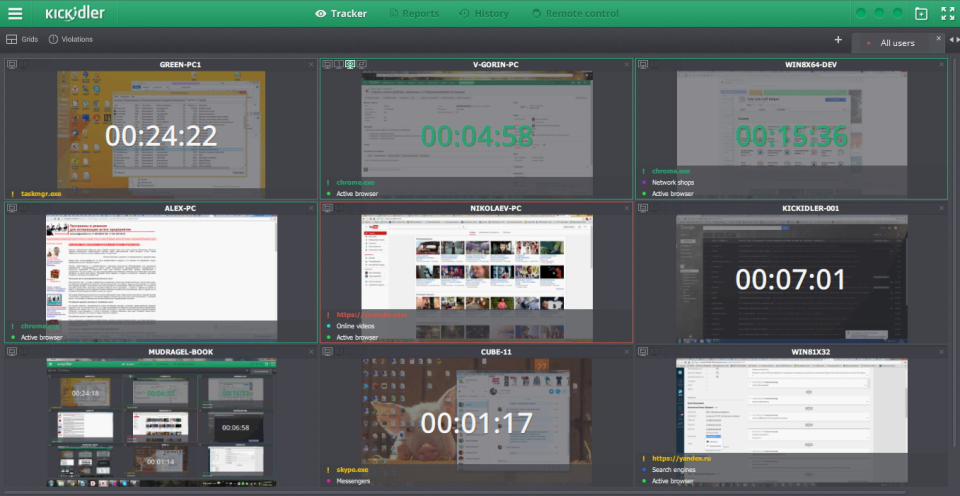
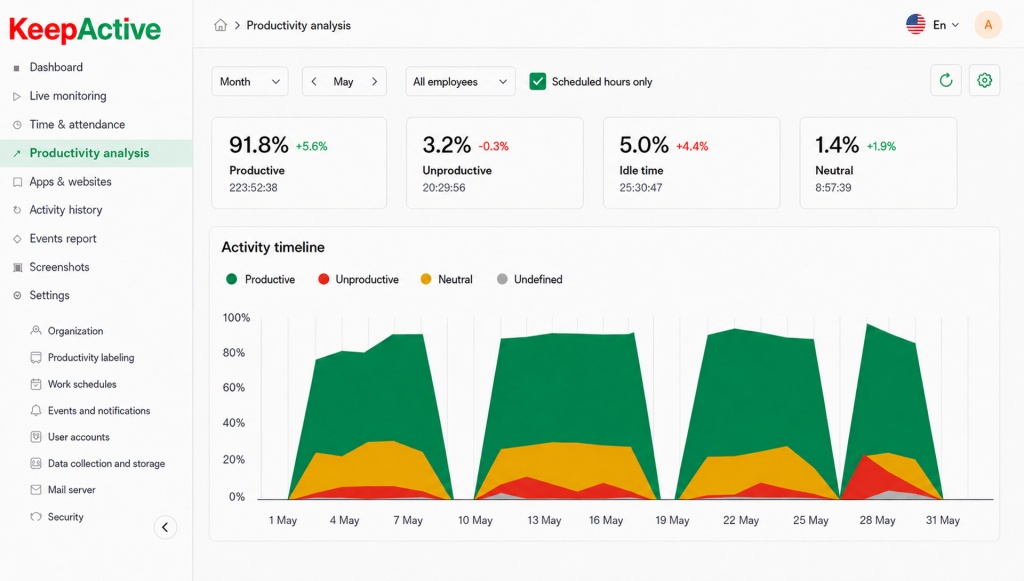
Kickidler, whose Capterra listing is associated with the KeepActive naming in the supplied research, is a direct employee-monitoring competitor. It covers monitoring, time tracking, productivity, apps/sites, screenshots/video, reporting, API and deep Active Directory integration.
Key features to compare
- Employee activity and time monitoring
- Applications and websites
- Screenshots and screen video
- Productivity analytics
- Reports and detailed desktop visibility
- API and Active Directory integration
- Local/On-premise deployment options
Pricing: public employee-monitoring pricing is around $9.99/user/month on a monthly basis, with lower effective rates on longer terms. The research uses an annual Cloud benchmark around $5.50/user/month for comparison. Local/On-premise pricing is custom.
Strengths: close functional match to a full monitoring stack, screen video, API, AD and local deployment.
Limitations: self-hosted price is not public; local-market presence is lower than that of several locally built vendors.
Buying considerations
Kickidler is relevant when visual desktop evidence and screen video matter more than lightweight time tracking. A proof of concept should test video storage requirements, network impact, reporting usability and administrator workflow at the intended seat count. Buyers should ask for a complete local-deployment quotation, including API/AD requirements and support, because public Cloud benchmarks do not reveal the total economics of a customer-hosted installation.
Controlio
Best for: deep endpoint monitoring and UAM where continuous screen video and user-behaviour rules matter.
Controlio is a direct monitoring and UAM product in the supplied research. The research confirms employee monitoring, time tracking, productivity analytics, apps/sites, screenshots, screen video, keystrokes, file/email/print/USB monitoring, behaviour rules, reporting, API and On-premise deployment.
Key features to compare
- Employee monitoring and productivity analytics
- Applications and websites
- Screenshots and continuous screen video
- Keystroke monitoring
- File, email, printing and USB visibility
- Behaviour rules and reporting
- API and On-premise deployment
Pricing: annual public pricing is listed around $6.67/user/month for Basic and $9.99 for Advanced, while the comparable Advanced/enterprise On-premise configuration is custom.
Strengths: deep monitoring, continuous screen video, keystrokes, behaviour controls and deployment flexibility.
Limitations: local-market presence is more limited than that of locally built vendors; some enterprise identity details should be re-confirmed for a specific deployment.
Buying considerations
Controlio is appropriate for organisations that need deeper endpoint oversight than a standard productivity tracker provides. The combination of continuous screen video, keystrokes and peripheral/file-related visibility can be powerful, but it also creates greater privacy, retention and access-control responsibilities. During a pilot, focus on policy tuning, data volume, search/investigation workflow and false-positive management. Enterprise identity specifics should be confirmed for the organisation's actual directory environment.
Veriato
Best for: security, compliance and insider-risk teams that need forensic-grade user activity context.
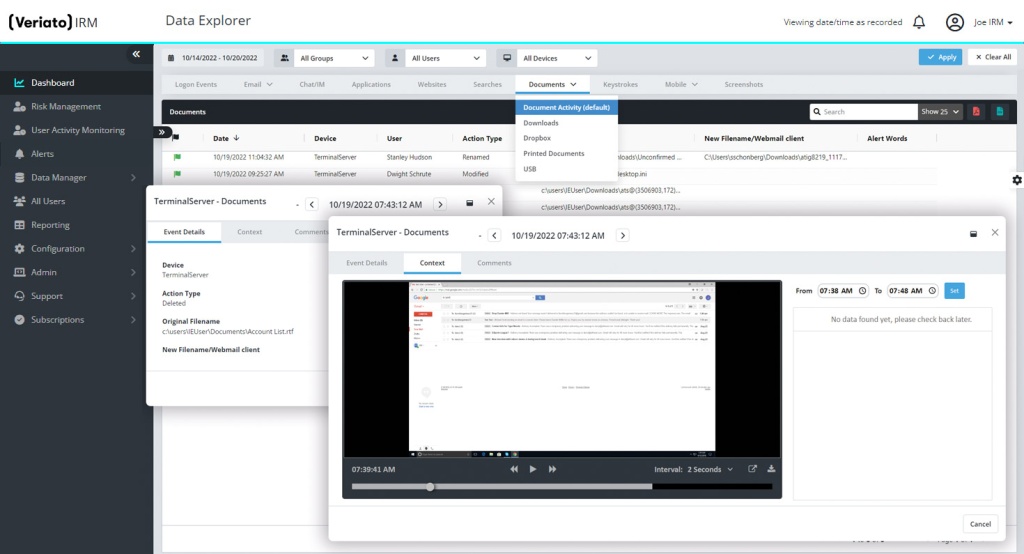
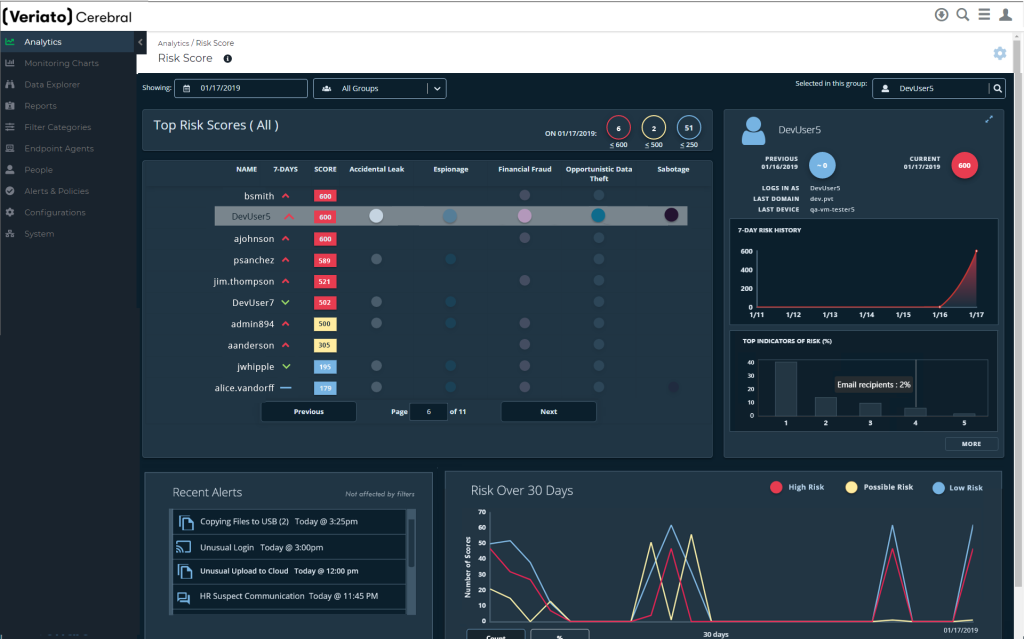
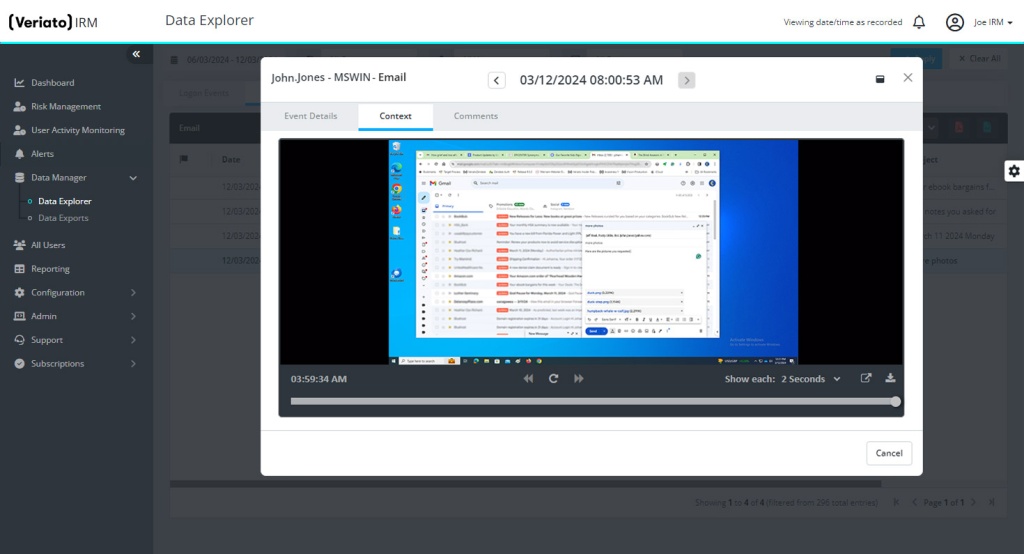
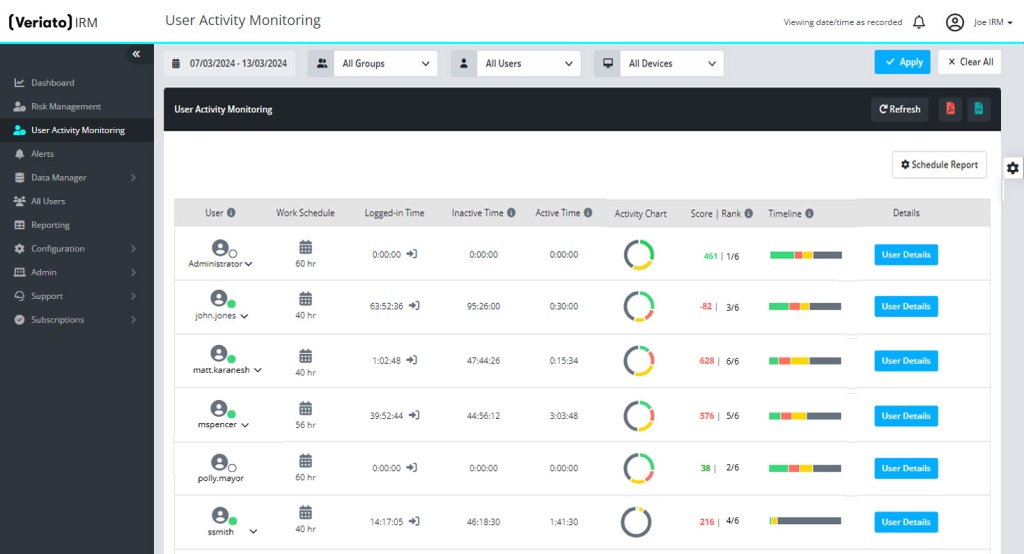
Veriato is a UAM/insider-risk platform with employee monitoring, time tracking, productivity, apps/sites, screenshots, keystrokes, user activity analytics and On-premise deployment. It is significantly more security-oriented than ordinary time trackers.
Key features to compare
- User activity monitoring
- Applications and websites
- Screenshots and screen/session context
- Keystroke monitoring
- Productivity and user-risk analytics
- Reports and investigation-oriented workflows
- Cloud and On-premise deployment
Pricing: the supplied research contains a pricing conflict: one current source lists UAM around $18/user/month billed annually, while a Capterra check referenced a higher figure. The article should therefore treat $18 as a vendor benchmark that must be reverified. IRM is custom. A 10-user UAM benchmark is about $180/month, 50 users $900 and 100 users $1,800 before volume discounts.
Strengths: security-grade UAM, risk scoring, keystrokes, screenshots and On-premise support.
Limitations: complexity and cost can be high for SMBs; pricing should be reconfirmed immediately before purchase.
Buying considerations
Veriato should be considered when the purchasing team includes security, compliance or investigations stakeholders. Its value comes from forensic user-activity context and risk-oriented analysis rather than simple attendance. Buyers should verify the current UAM price directly because the supplied research records conflicting public references, and should model storage, administrative effort and retention alongside license cost. SMBs with only time-tracking needs may find the platform heavier than necessary.
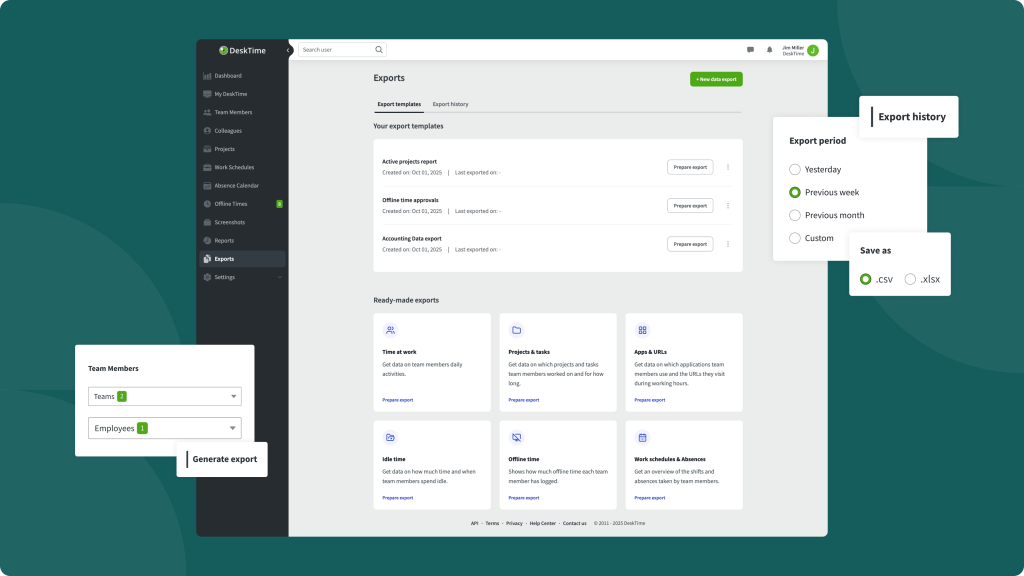
DeskTime
Best for: organisations that want automatic time tracking and productivity analytics with optional screenshots, without a full security-monitoring stack.
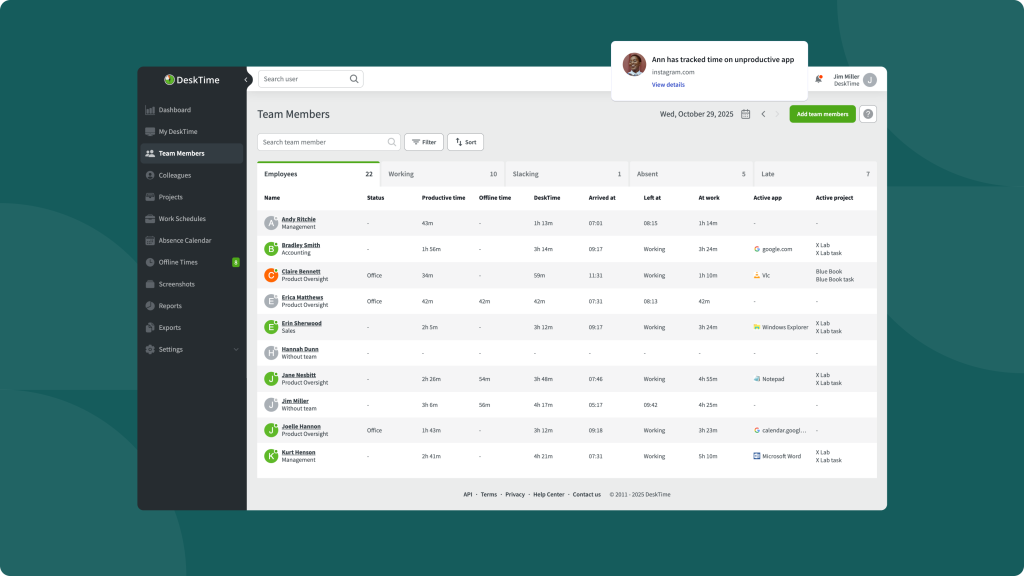
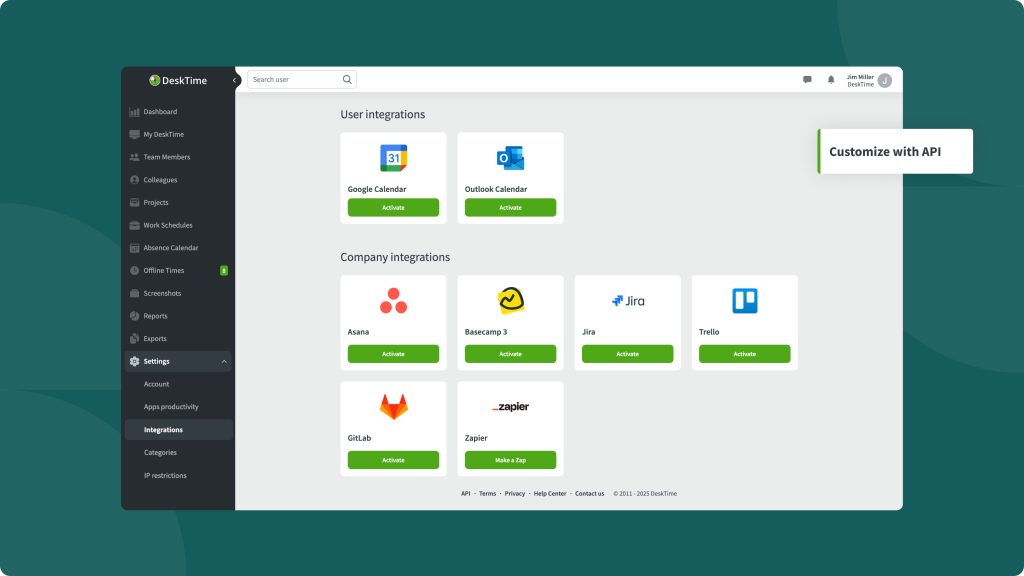
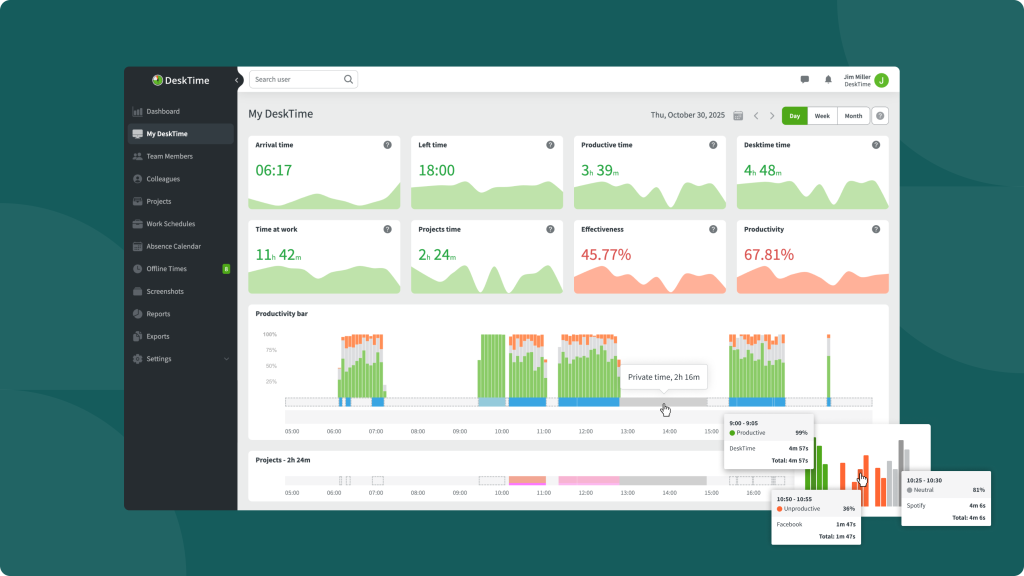
DeskTime is a strong partial competitor focused on automatic time tracking, productivity, apps/sites, screenshots, shifts and API capabilities.
Key features to compare
- Automatic time tracking
- Productivity analytics
- Application and website monitoring
- Screenshots
- Shift and attendance-related functions
- Reports and API capabilities
- Cloud deployment
Pricing: annual pricing is approximately $6.42/user/month for Pro and $9.17 for Premium; Enterprise is custom.
Deployment: the research does not confirm a public On-premise deployment.
Strengths: mature time tracking, apps/sites, screenshots, shifts and relatively clear SaaS pricing.
Limitations: not a full On-premise equivalent and not designed as a deep UAM/DLP platform.
Buying considerations
DeskTime is a practical middle ground for teams that need automatic time, productivity, apps/sites and screenshots but do not require deep security controls or self-hosting. A buying team should check screenshot availability by plan, API needs and whether shift functionality matches its attendance rules. It is particularly easy to compare economically because SaaS pricing is relatively transparent, but organisations with strict data-location requirements will need another deployment model.
ActivTrak
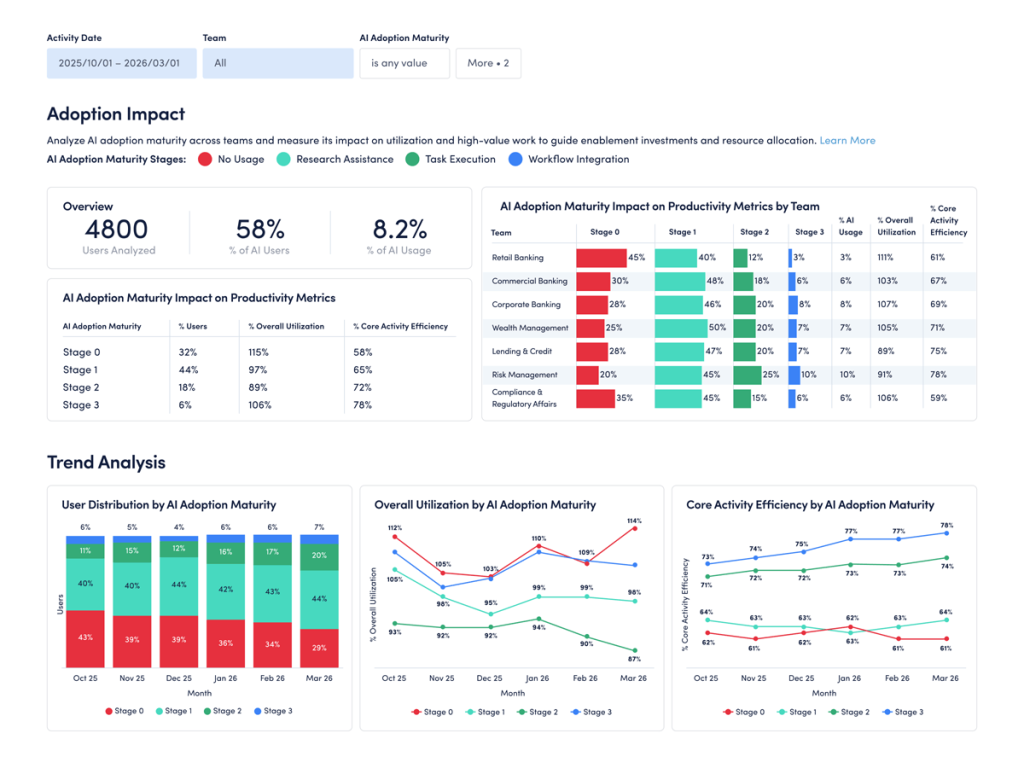
Best for: organisations that prioritise workforce and productivity analytics over security-style monitoring.
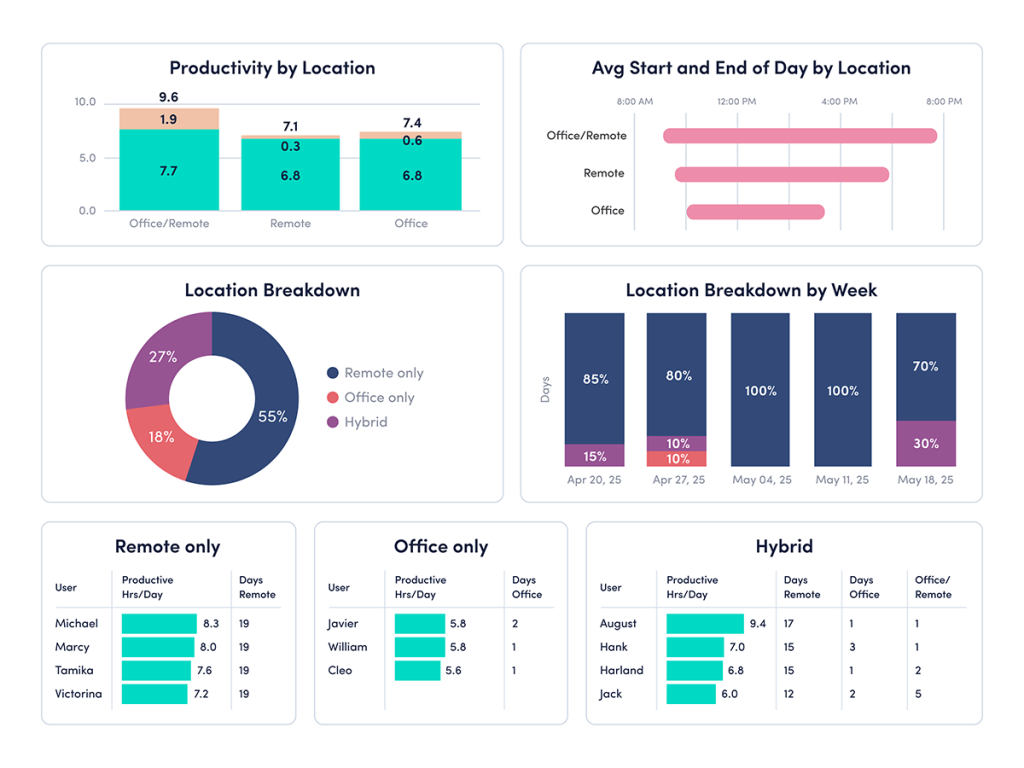
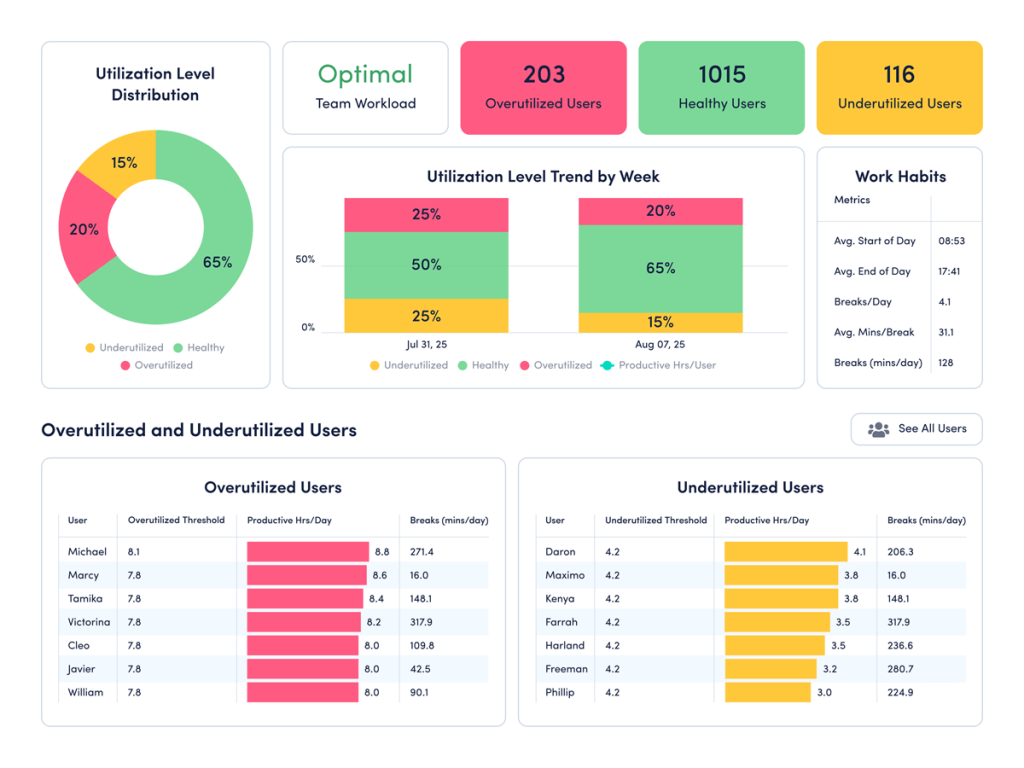
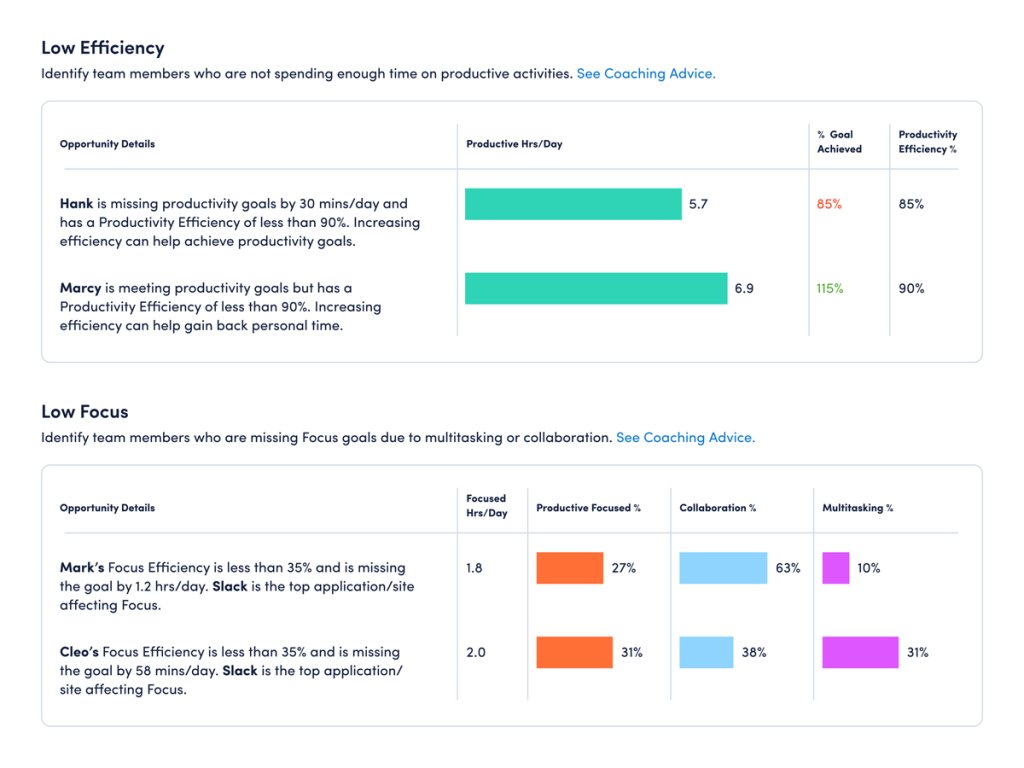
ActivTrak is best understood as a workforce analytics and productivity platform. It supports work activity tracking, productivity analysis, apps/sites and reporting, with screenshots available through additional functionality.
Key features to compare
- Work activity tracking
- Productivity and workforce analytics
- Application and website analysis
- Team and organisational trend reporting
- Screen Details as an additional capability
- ActivConnect/API-oriented data access on applicable plans
- Cloud/SaaS deployment
Pricing: the supplied research lists $10/worker/month for Work Activity Tracking, $15 for Workforce Management and $17 for Productivity Optimization. A more comparable monitoring setup may require Workforce Management plus Screen Details and ActivConnect, making the real price at least $15 plus custom add-ons.
Deployment: SaaS/cloud; no confirmed On-premise equivalent in the research.
Strengths: analytics depth and productivity-management orientation.
Limitations: screenshot and API/BI capabilities can require paid add-ons; no self-hosted backend for buyers with strict local-hosting requirements.
Buying considerations
ActivTrak is most valuable when leaders want organisational trends, focus patterns and productivity analytics rather than continuous visual surveillance. Buyers should map required capabilities to the base plan and paid additions such as Screen Details or data-connectivity options. The procurement conversation should also cover data export, retention and BI use because analytics value often increases when monitoring data can be combined with other operational sources.
Insightful
Best for: mid-market and larger organisations seeking workforce analytics plus a possible On-premise enterprise deployment.
Insightful combines employee monitoring, time tracking, productivity analytics, apps/sites, screenshots, reports, API and enterprise identity features. It is a direct competitor functionally, although its local-market presence is lower than that of several regionally established products.
Key features to compare
- Employee monitoring and automatic time tracking
- Productivity analytics
- Applications and websites
- Screenshots with plan-dependent advanced visual monitoring
- Reports
- API and enterprise identity capabilities
- Enterprise On-premise option from the researched minimum seat count
Pricing: annual Cloud pricing in the supplied research is $8/user/month for Workforce Analytics, $12 for Workflow Optimization and $16 for the combined plan; Enterprise is custom.
Deployment: a full On-premise enterprise option is confirmed in the source base, but it is available from 250 employees, making it unsuitable for smaller 10-, 50- or 100-seat On-premise deployments.
Strengths: strong workforce analytics, API/AD and enterprise deployment.
Limitations: minimum size for On-premise; screenshots, security and other advanced features may involve additional pricing.
Buying considerations
Insightful can cover both workforce analytics and traditional monitoring, but deployment size is an important gate. The supplied research confirms On-premise only from 250 employees, so smaller organisations should evaluate the Cloud offering rather than assuming a local installation is available. For larger buyers, compare Enterprise pricing, security add-ons, screenshot/recording requirements, API and identity features as one package rather than extrapolating the $8–$16 public SaaS rates.
TrackOlap
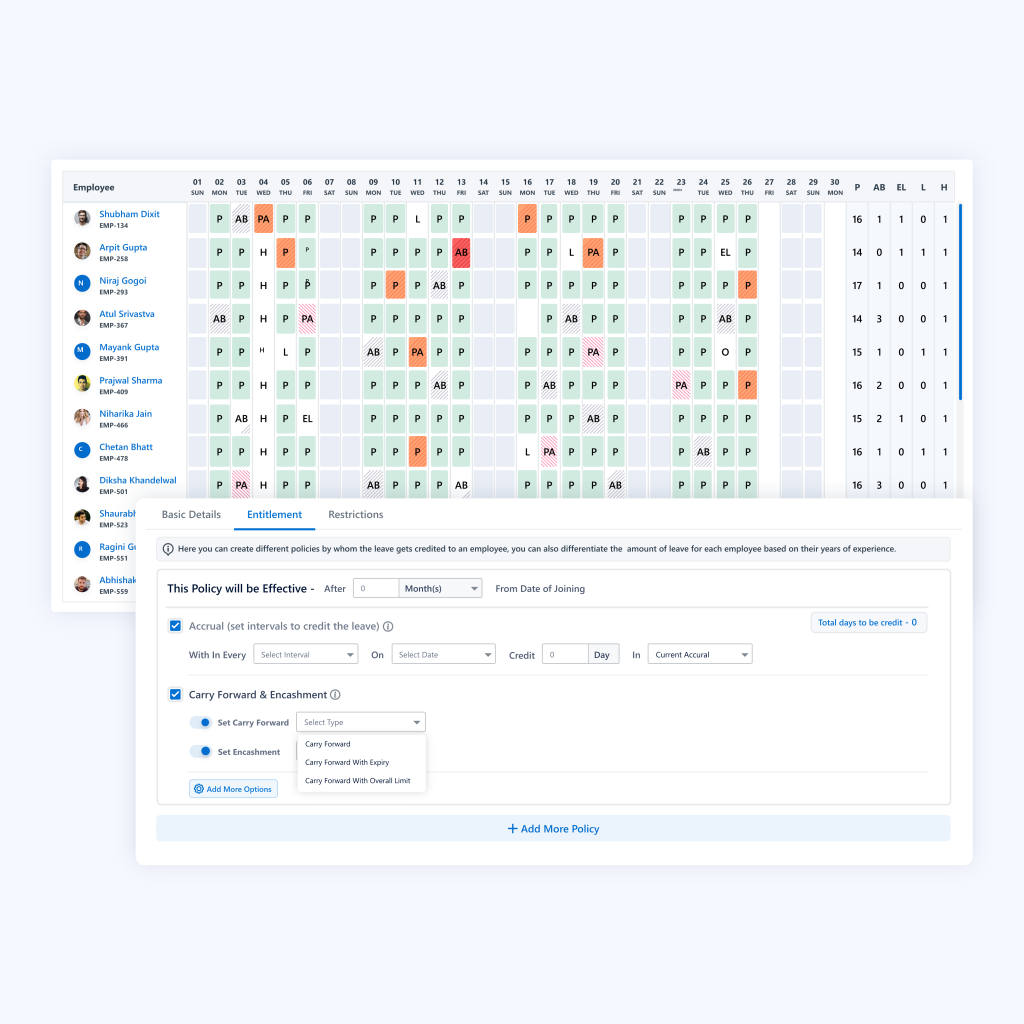
Best for: field workforce, attendance and mobile team management rather than deep desktop surveillance.
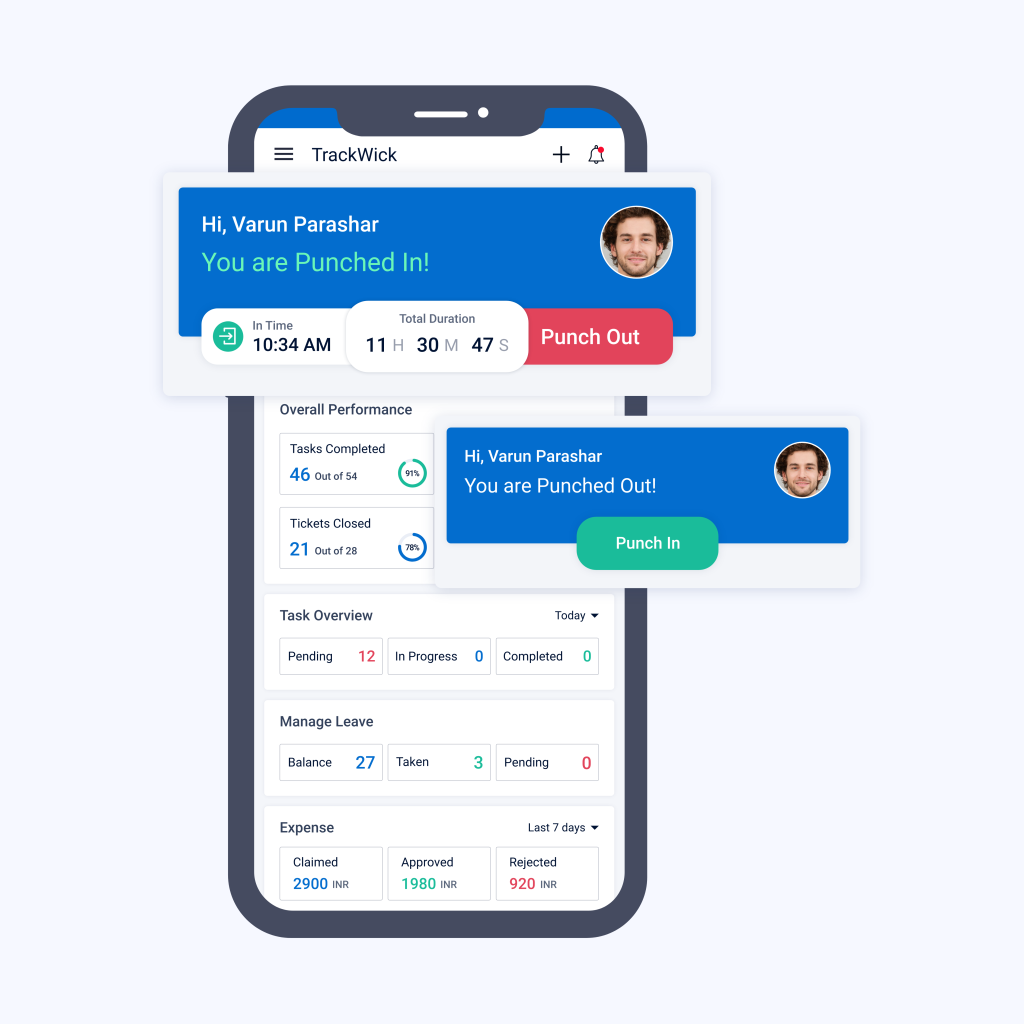
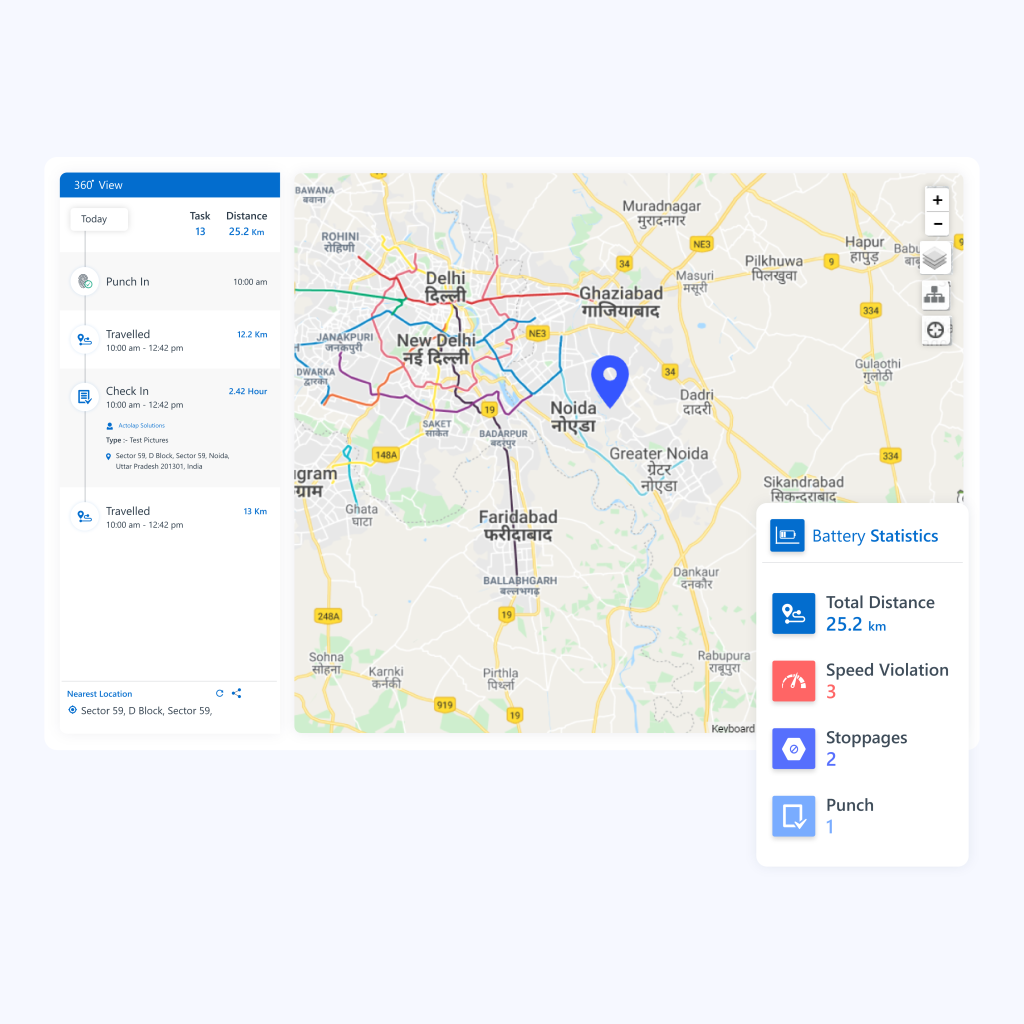
TrackOlap is a locally developed platform with a Noida presence and a strong fit for field workforce, attendance, mobile operations and location-oriented scenarios. It is only a partial employee-monitoring competitor because the research does not confirm the same level of desktop endpoint monitoring found in direct competitors.
Key features to compare
- Attendance and workforce tracking
- Field-employee and mobile workforce management
- GPS/location-oriented scenarios
- Remote-team management
- Workforce reporting
- Strong local operational fit
Pricing: per-user pricing is confirmed in the source base, while the current public employee-monitoring/remote-team price requires a live quote; older Capterra benchmarks referenced Basic around ₹270 and Remote Team around ₹320.
Strengths: local-market relevance, mobile workforce, attendance and field operations.
Limitations: not a full desktop monitoring replacement; On-premise was not confirmed.
Buying considerations
TrackOlap should be shortlisted for field operations, attendance and mobile-team visibility rather than for desktop surveillance. A buyer should test route/location workflows, attendance accuracy, manager reporting and the fit with existing field-sales or service processes. If the requirement includes desktop applications, websites or screenshots, the team should confirm those capabilities explicitly rather than assume that an employee-tracking label implies endpoint monitoring.
Monitask
Best for: SMB and remote teams that want screenshots, activity tracking and time monitoring without heavy enterprise UAM.
Monitask combines employee monitoring, time tracking, productivity analytics, apps/sites, screenshots and upper-plan API/audit functionality. The source base classifies it as a strong partial competitor.
Key features to compare
- Time and activity tracking
- Productivity analytics
- Applications and websites
- Screenshots
- Reports
- Upper-plan API and audit functions
- Cloud deployment
Pricing: annual pricing is listed around $6.49 Pro, $8.99 Business, $12.99 Business Premium and $15.99 Enterprise per user/month, with screenshot-frequency add-ons in some configurations.
Strengths: screenshots, activity and time tracking, search/full URL visibility and upper-plan API/audit options.
Limitations: no confirmed customer-hosted On-premise deployment in the research; deeper security functionality is limited compared with UAM-first products.
Buying considerations
Monitask is suitable for SMB and remote-team use cases where screenshots, activity and time are enough. Procurement should check screenshot frequency, add-on pricing, report exports, API availability and user-management needs. It is less likely to fit regulated enterprises that require customer-hosted infrastructure, deep directory integration or security-event monitoring, but it can be simpler to deploy where the goal is lightweight operational visibility.
CleverControl
Best for: monitoring-focused buyers that want live visibility, screenshots and a local/On-premise option.
CleverControl is a direct employee-monitoring product covering live monitoring, productivity, applications and websites, screenshots, screen-oriented activity, search data, printing/USB scenarios and On-premise deployment.
Key features to compare
- Live employee monitoring
- Applications and websites
- Screenshots and screen-oriented monitoring
- Search activity visibility
- Printing and USB-related monitoring
- Productivity reporting
- Local/On-premise deployment
Pricing: the vendor uses calculator-based term/seat pricing with volume discounts. The source research notes approximately 20% discount for 30+ computers and 30% for 100+, while a normalized self-hosted price is not publicly transparent. The comparable Local/On-premise configuration should therefore be treated as custom.
Strengths: live monitoring, apps/sites/search, screenshots, printing/USB visibility and On-premise deployment.
Limitations: small review base; enterprise identity/API depth and normalized self-hosted pricing are less transparent than some competitors.
Buying considerations
CleverControl is a monitoring-first option for buyers that value live views, screenshots and a local deployment path. The main procurement challenge is commercial and technical transparency: use the vendor calculator for the exact seat/term combination, then confirm local hosting, identity integration, API requirements, storage and support. A pilot should also test how easily managers can move from broad activity data to a specific event without becoming dependent on continuous manual watching.
FocusRO
Best for: smaller remote teams that want simple productivity classification and screenshots.
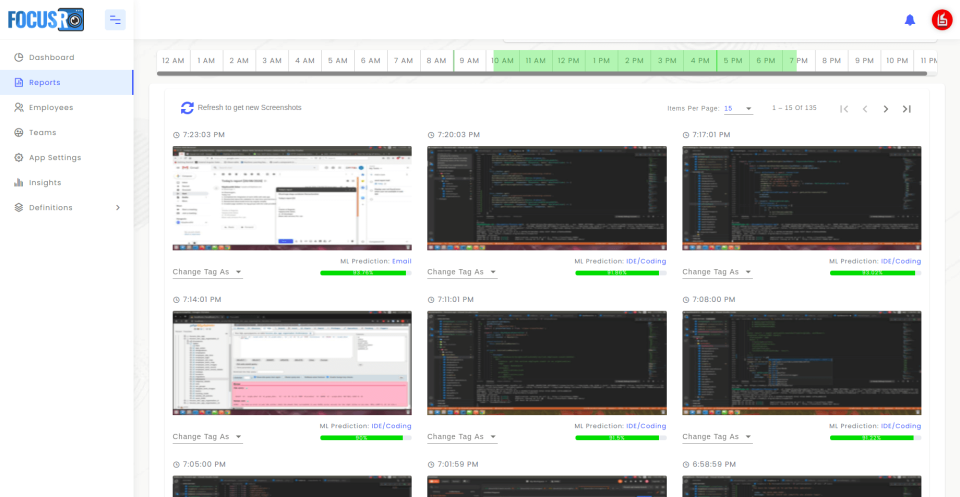
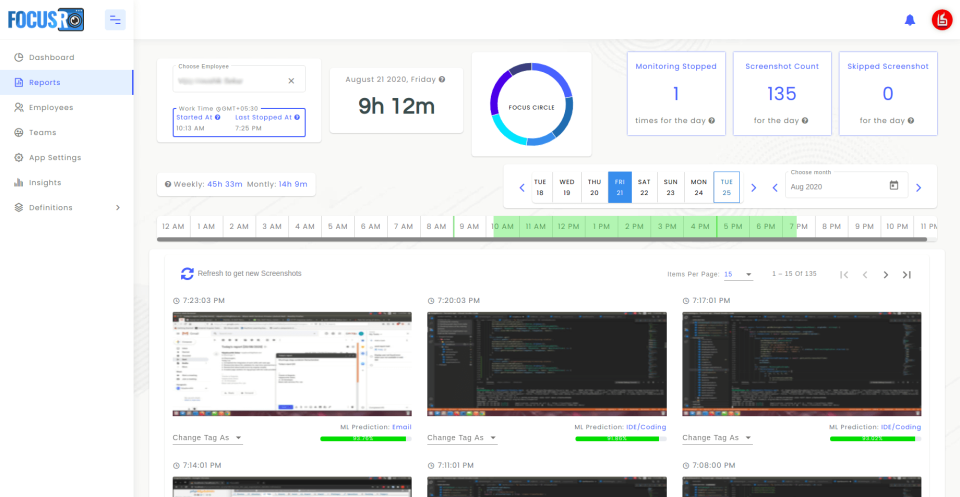
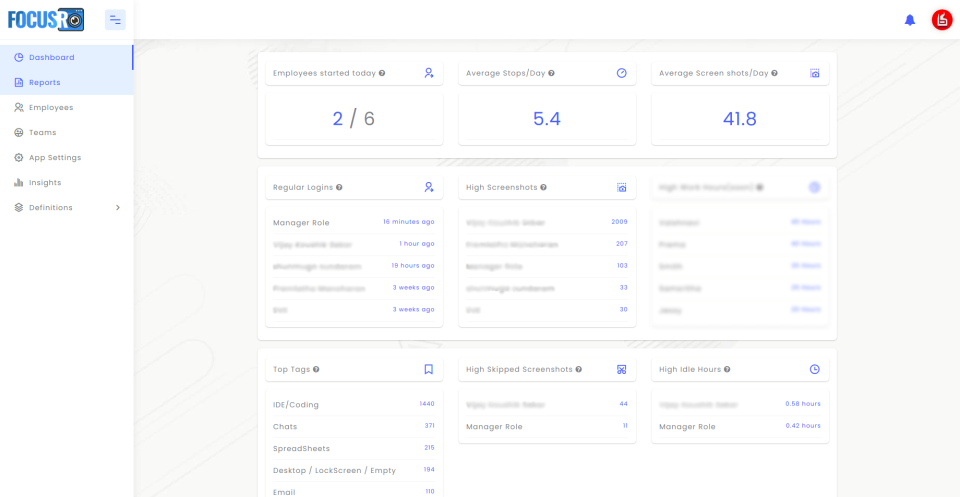
FocusRO is a partial competitor positioned around employee monitoring and productivity tracking. The research confirms time tracking, productivity analytics and screenshots, while some deeper enterprise capabilities remain unknown or partial.
Key features to compare
- Time tracking
- Productivity classification
- Employee activity monitoring
- Screenshots
- Remote-team visibility
- Reporting and analytics in the researched offering
Pricing: Premium is listed around $3.99/user/month, with three users free forever in the supplier-provided pricing referenced by the research.
Strengths: simple remote monitoring, ML-style productivity classification and screenshots.
Limitations: no confirmed On-premise deployment, limited enterprise identity depth and some reported UI/reporting concerns in the research base.
Buying considerations
FocusRO is aimed more at smaller remote teams than complex enterprises. Its low public price and screenshot/productivity features can make it attractive for a simple pilot. Buyers should nevertheless verify reporting depth, integration options, OS coverage and administrator controls because the supplied research leaves several enterprise capabilities unconfirmed. It is best viewed as a lightweight monitoring/productivity choice rather than an investigation or infrastructure-heavy platform.
Clockify
Best for: low-cost project time tracking, timesheets and scheduling — not employee computer surveillance.
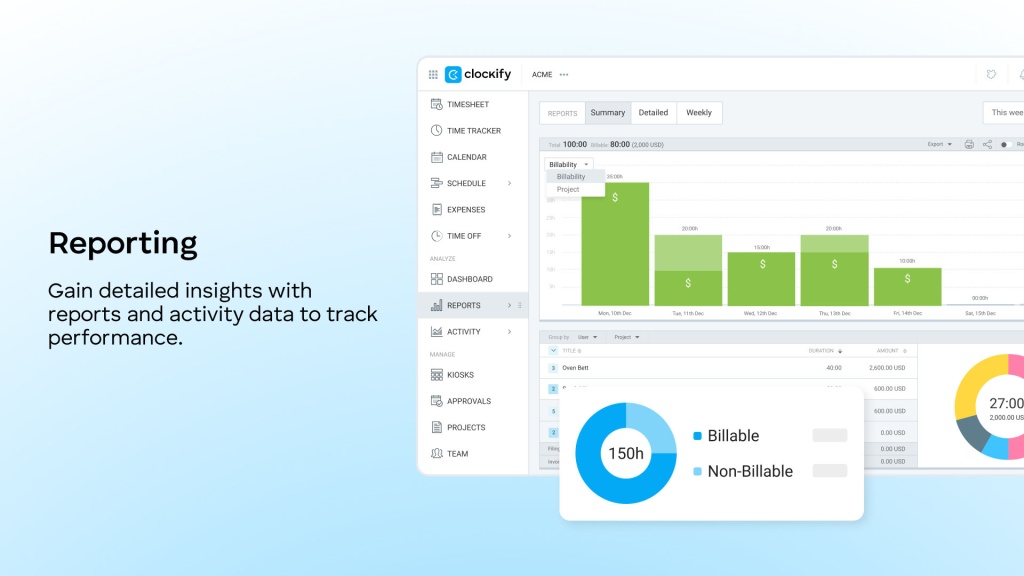
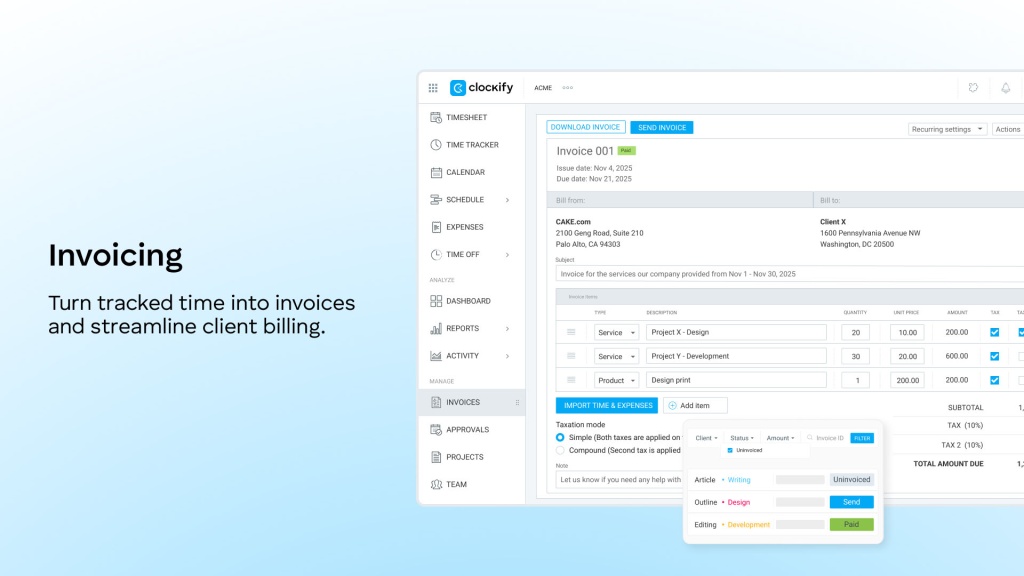
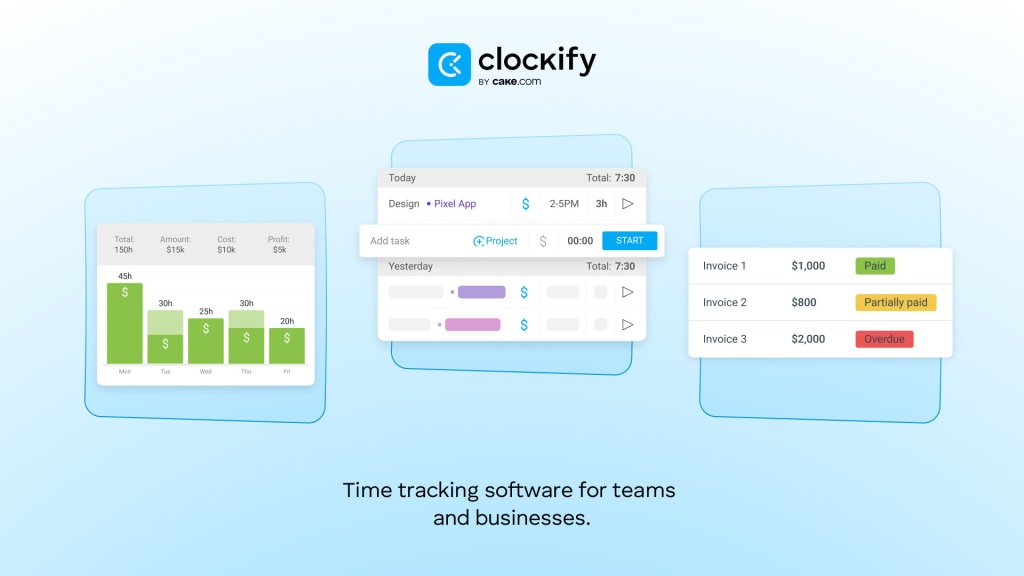
Clockify is one of the most widely known time-tracking tools in this comparison, but it is an adjacent solution rather than a direct monitoring competitor. It is strong for timesheets, project time, reports, scheduling, GPS and enterprise SSO/audit scenarios.
Key features to compare
- Timesheets and project time tracking
- Scheduling
- Project and team reports
- GPS/location features on relevant plans
- Enterprise SSO and audit capabilities
- Cloud SaaS deployment
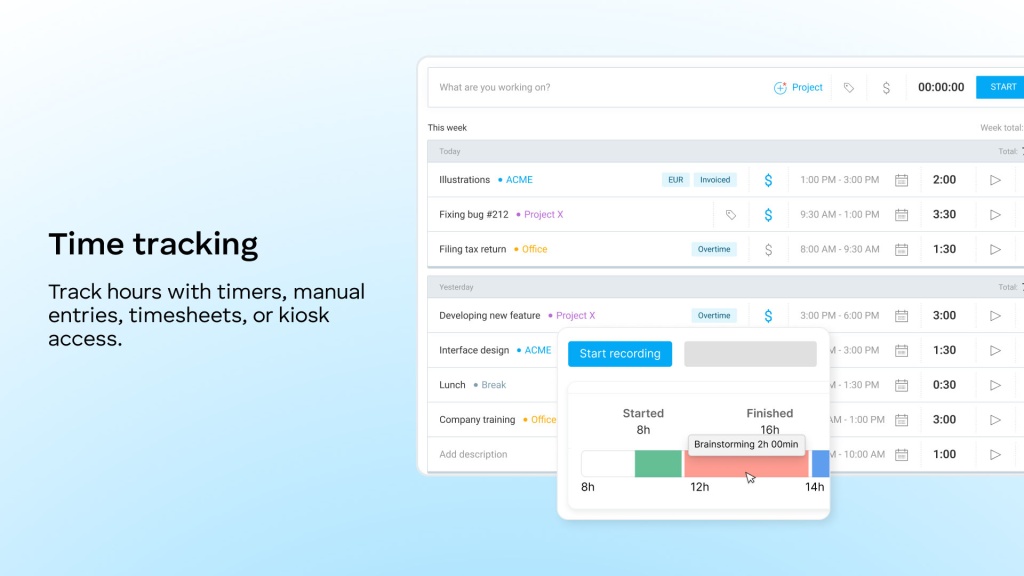
Pricing: annual plans in the supplied research are $3.99 Basic, $5.49 Standard, $7.99 Pro and $11.99 Enterprise per seat/month.
Strengths: excellent value, strong time tracking and broad business adoption.
Limitations: it does not provide the core endpoint-monitoring set used in this comparison: no screenshots, no app/site surveillance, no screen recording, no keylogger and no On-premise deployment.
Buying considerations
Clockify belongs on a shortlist when the actual business problem is timesheets, project costing, scheduling or billable hours. It is deliberately a poor fit if managers require screenshots, applications/websites or endpoint evidence. That distinction can save money: many organisations buy monitoring software when a transparent time tracker would solve the real need with less privacy impact and simpler employee adoption.
Keka HR
Best for: HR, payroll, attendance and people-management teams — not employee computer monitoring.
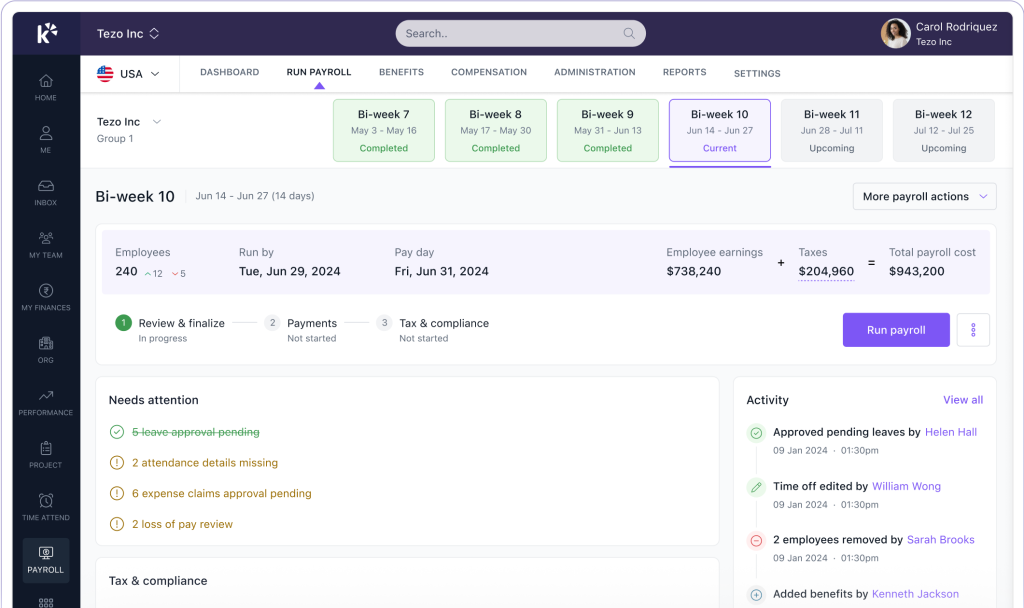
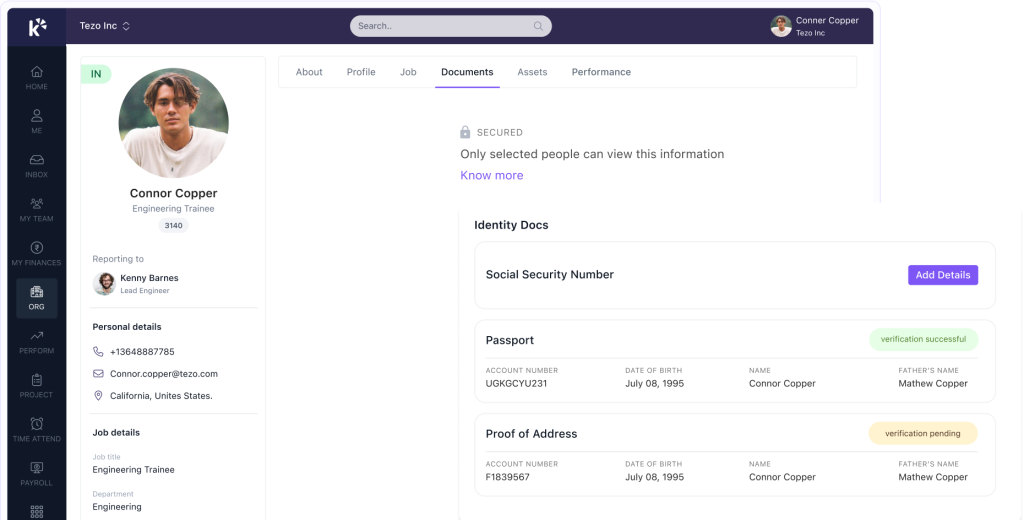
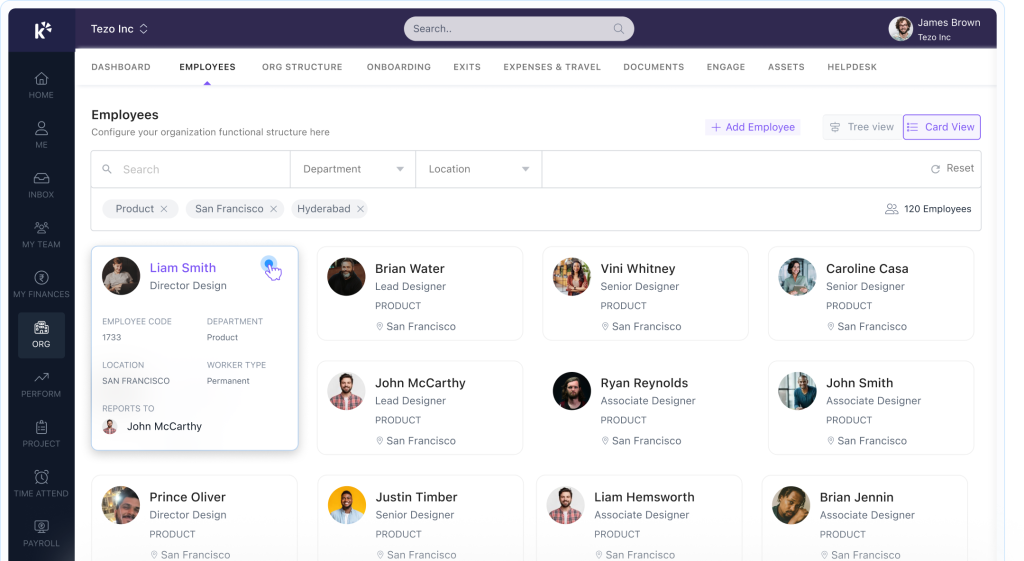
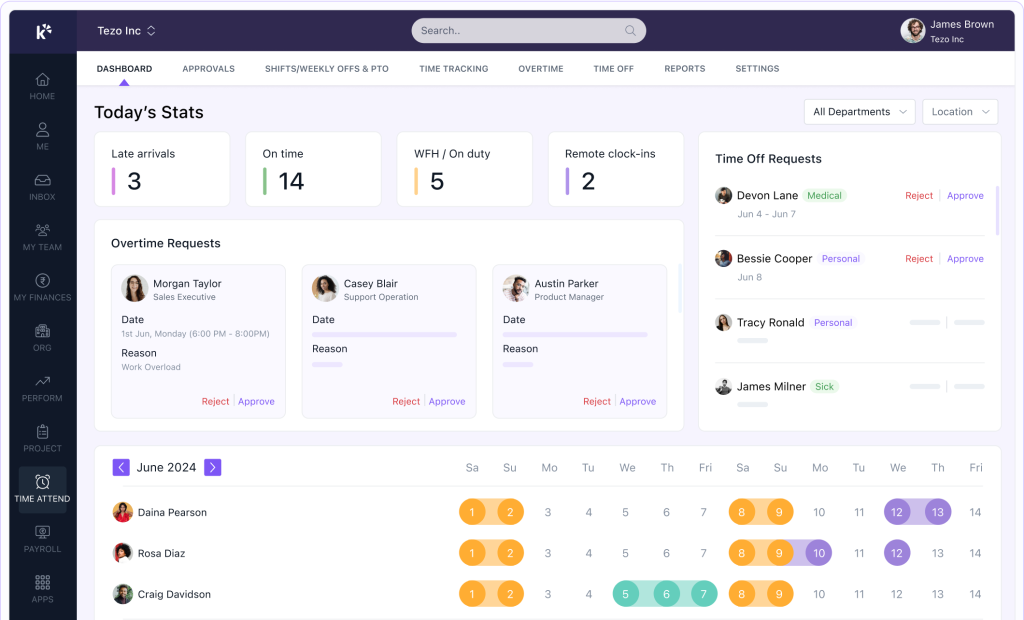
Keka is a locally established HRMS with strong payroll, attendance and people-operations capabilities. Buyers may encounter it in the same procurement discussions because it handles attendance, HR workflows and payroll, but it should not be represented as a full alternative to employee monitoring software.
Key features to compare
- Attendance management
- Payroll
- HR workflows
- People-management processes
- Local HR, payroll and attendance operations
- Cloud HRMS delivery
Pricing: the supplied research uses an indicative starting point around ₹9,999/month for up to 100 employees, or roughly ₹100/employee at that seat count; current quotes should be verified directly.
Strengths: strong local HR/payroll/attendance fit and a broad people-management stack.
Limitations: no endpoint employee monitoring, screenshots or apps/sites monitoring in the confirmed comparison set.
Buying considerations
Keka should be evaluated when attendance is part of a broader HR and payroll transformation. If the organisation's requirement is only to know who was present, process leave and run payroll, a full desktop-monitoring platform may be unnecessary. If managers also need applications, websites, screenshots or a digital workday timeline, Keka should be treated as the HR system of record and paired with a separate endpoint-monitoring category rather than expected to provide those functions itself.
greytHR
Best for: payroll, attendance, HR operations and workforce administration.
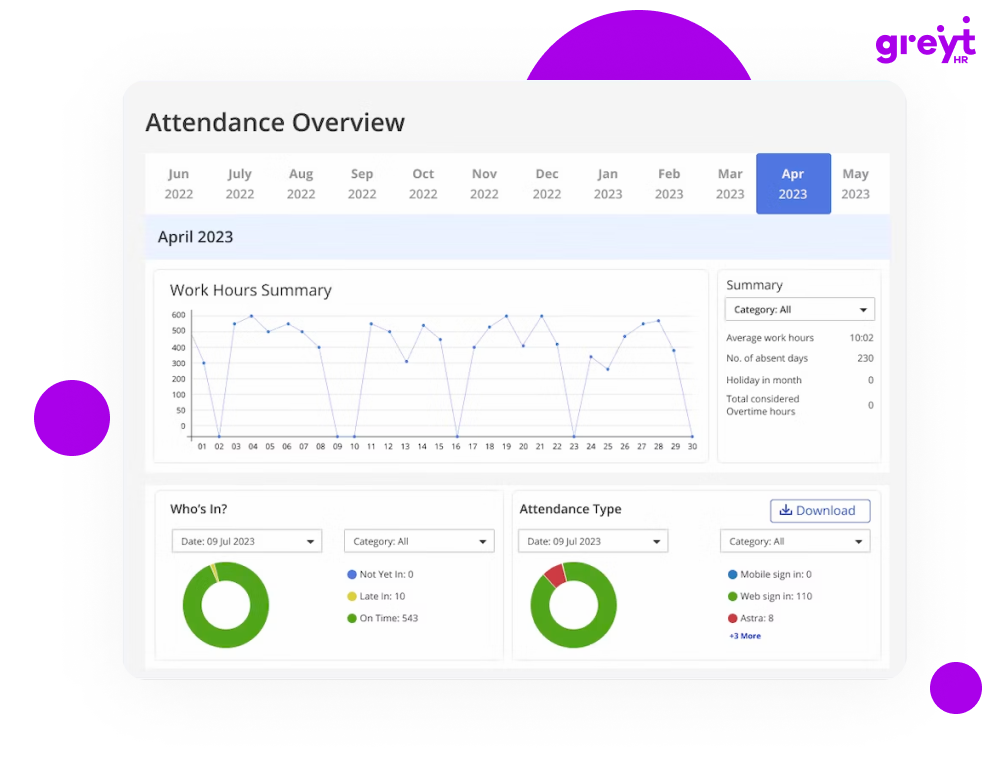
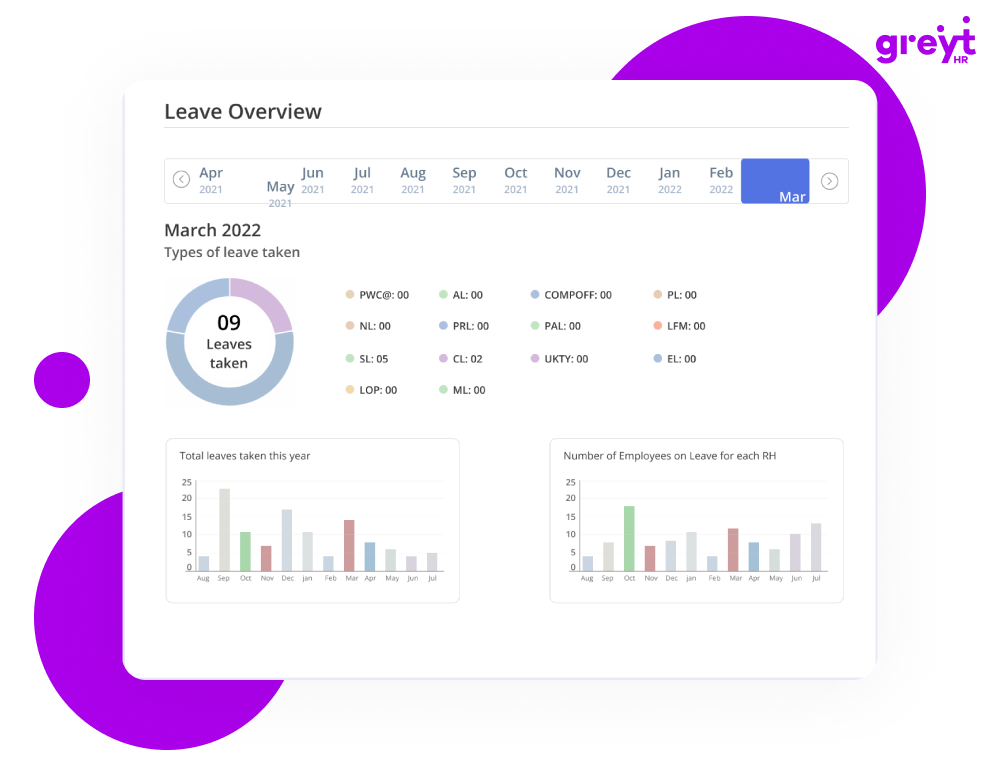
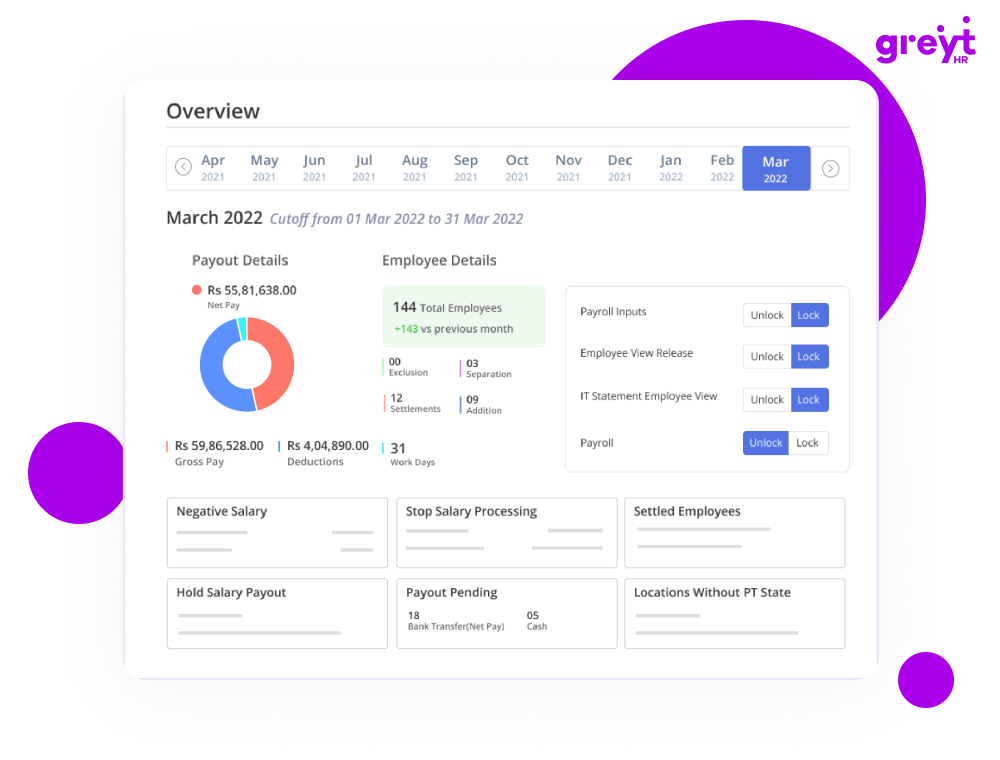
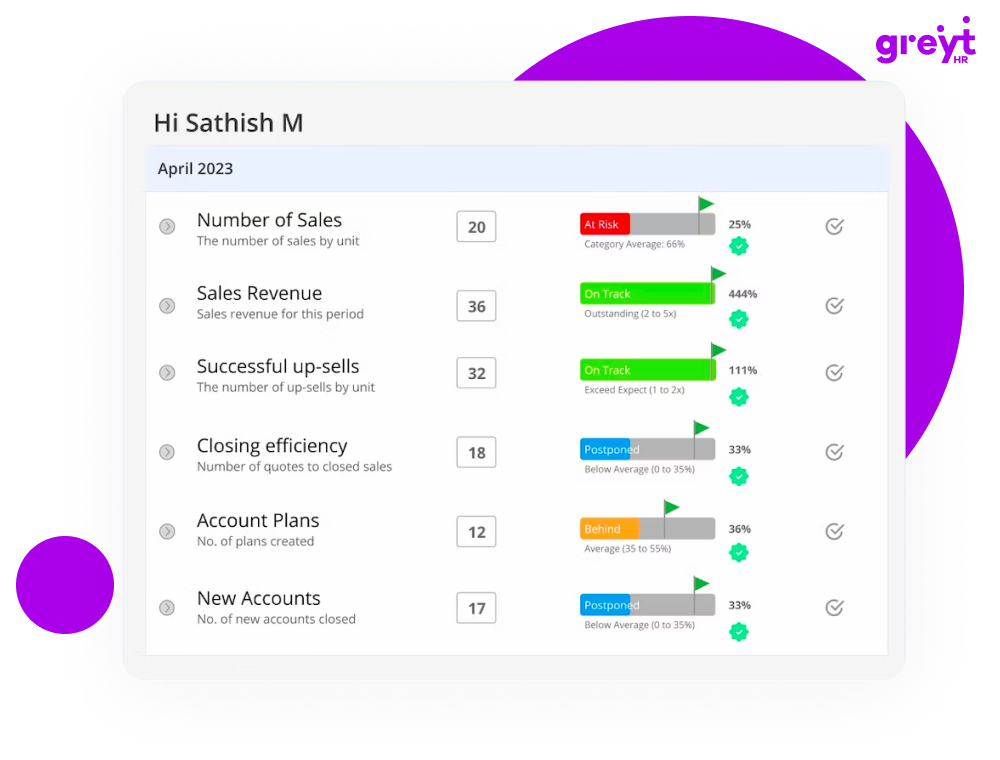
greytHR is another locally established HRMS rather than an employee computer monitoring system. It is useful when the buyer’s real problem is payroll, attendance, leave, compliance or HR workflow rather than digital activity visibility.
Key features to compare
- Payroll
- Attendance and leave management
- HR operations and workflows
- Local payroll and compliance use cases
- Employee administration
- Cloud HRMS delivery
Pricing: supplied pricing lists Essential at ₹2,495/month including 50 employees plus ₹45 for each additional employee, and Growth at ₹4,495/month plus ₹85 per additional employee. At exactly 50 employees that is roughly ₹49.90 or ₹89.90 per employee/month respectively.
Strengths: strong localisation, payroll/compliance and attendance.
Limitations: not endpoint monitoring; no screenshots, apps/sites surveillance or computer activity analysis in the comparison set.
Buying considerations
greytHR is a strong candidate when the buying problem is payroll, leave, attendance and HR administration. Its pricing model can be much cheaper than endpoint-monitoring products because it solves a different problem. The procurement team should therefore decide whether it needs HR attendance records or actual computer-activity evidence. That distinction is especially important for hybrid teams whose work may be performed both on and away from a computer.
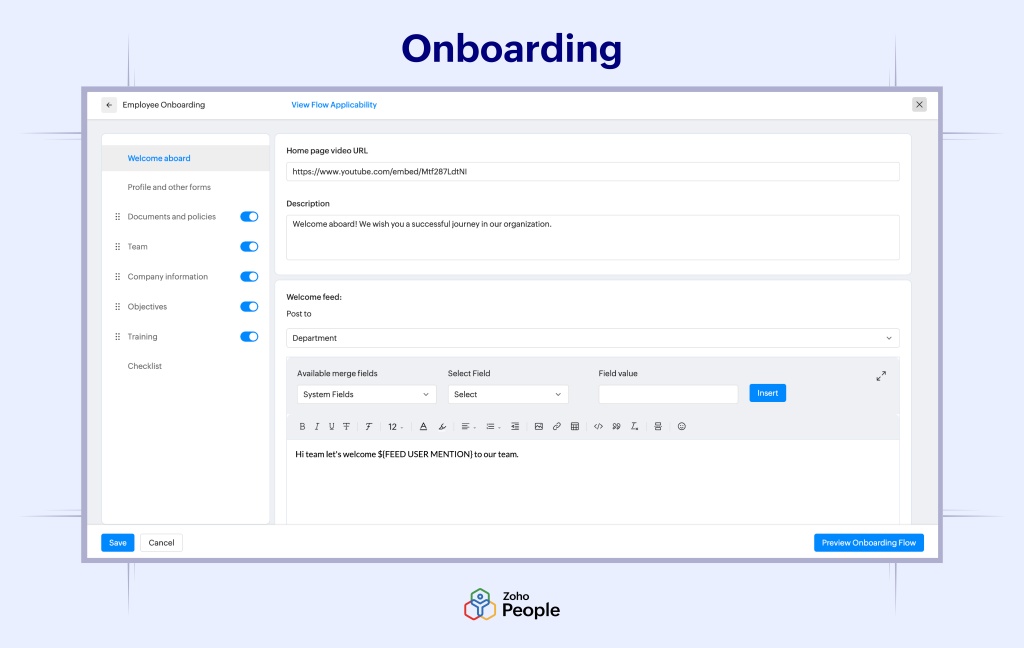
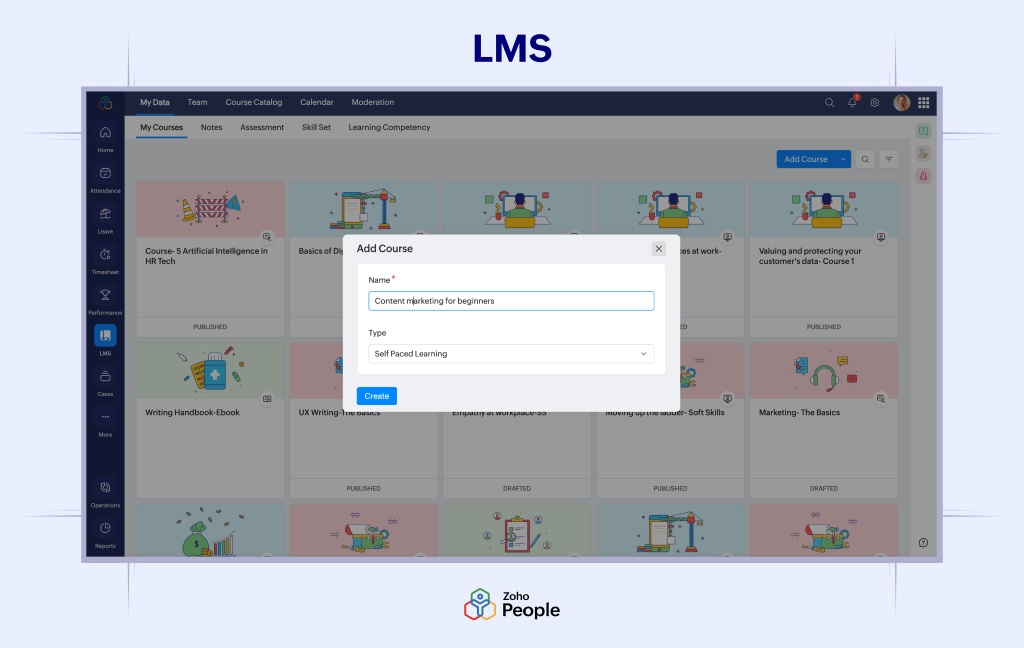
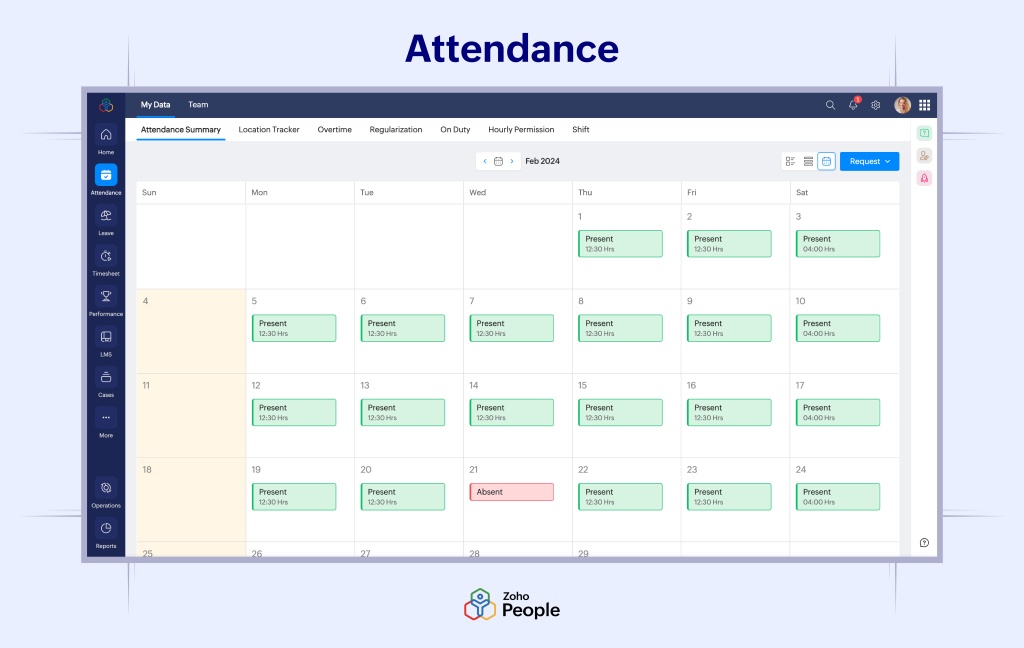
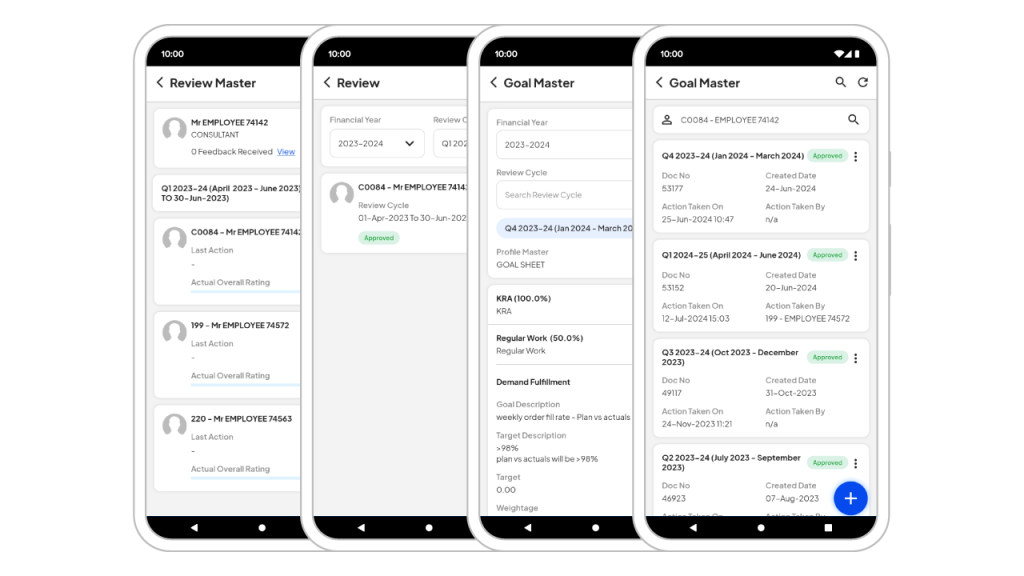
Zoho People
Best for: businesses already using the Zoho ecosystem and needing HR, attendance and people operations.
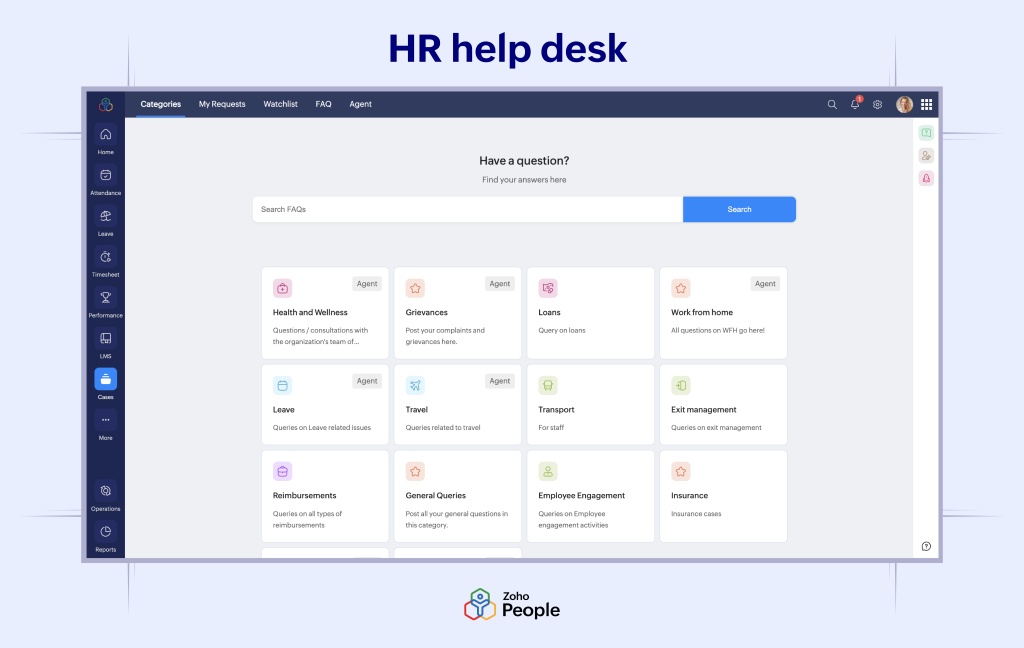
Zoho People is an HRMS/people-operations platform from Zoho with strong local availability. It can support attendance and workforce workflows, but it is not a substitute for detailed employee computer monitoring.
Key features to compare
- Attendance and people operations
- HR workflows
- Employee administration
- Zoho ecosystem integration
- Local HR and attendance use cases
- Cloud HRMS delivery
Pricing: the supplied INR pricing starts from about ₹48/user/month on annual billing, subject to current plan verification.
Strengths: Zoho ecosystem integration, flexible HR workflows and local relevance.
Limitations: no confirmed endpoint monitoring, screenshots, app/site surveillance or screen recording in the comparison set.
Buying considerations
Zoho People makes sense for companies that already rely on the Zoho ecosystem and want HR workflows and attendance in a connected environment. The key limitation is category scope: it should not be purchased with the expectation of screenshots, application/website surveillance or screen recording. If those requirements exist, evaluate the HRMS and monitoring layers separately so each system is judged on the problem it is designed to solve.
factoHR
Best for: payroll, attendance, biometric and field-workforce HR scenarios.
factoHR is a locally focused HRMS and attendance platform. It belongs in this guide because HR attendance tools are frequently compared with employee monitoring, even though the categories solve different problems.
Key features to compare
- Attendance and payroll
- Biometric attendance scenarios
- GPS and field-workforce HR use cases
- Employee administration
- Local HR, payroll and attendance operations
- Cloud-first HRMS delivery
Pricing: supplied pricing lists Core at ₹4,999/month for up to 50 employees plus ₹69 per additional employee, Premium at ₹5,999 plus ₹89, and Ultimate at ₹6,999 plus ₹119. At 50 employees this is roughly ₹100, ₹120 or ₹140 per employee/month.
Strengths: local payroll/attendance, biometrics, GPS and field-workforce fit.
Limitations: not a full employee computer monitoring product; On-premise was not confirmed in the research base.
Buying considerations
factoHR is most relevant where payroll, attendance, biometrics and field-workforce HR processes are the core requirements. Its GPS/field orientation may solve attendance questions that desktop-monitoring tools cannot. Buyers should separate that value from computer monitoring: if they need endpoint activity, apps/sites or screenshots, those are additional requirements. The supplied research does not confirm a public On-premise offering, so data-hosting requirements should be discussed directly with the vendor.
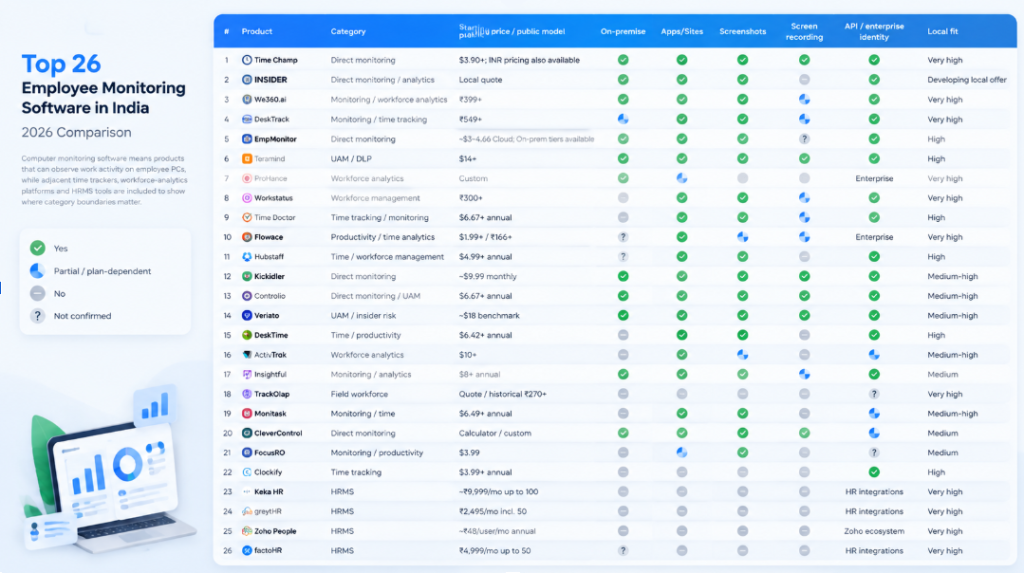
Employee Monitoring Software Comparison
In this table, computer monitoring software means products that can observe work activity on employee PCs, while adjacent time trackers, workforce-analytics platforms and HRMS tools are included to show where category boundaries matter.
A Better Way to Compare Pricing
The cheapest advertised plan is often a poor basis for comparison. A $3–7/user/month time-tracking plan may not include screenshots, API, Active Directory, enterprise identity, advanced analytics or customer-hosted deployment. For buyers who need a configuration closer to a full monitoring stack, the comparable plan is often Enterprise or a custom On-premise quote.
Among the products with relatively clear public economics in the supplied research, EmpMonitor On-premise is approximately $159.90/month for 10 users, $649.50 for 50 and $1,099 for 100; Veriato UAM is roughly $180, $900 and $1,800 respectively before volume discounts; Hubstaff Enterprise was benchmarked at $25/user/month, although its self-hosted status is conflicting in the source set and should be reconfirmed. Time Champ, We360.ai, Teramind, DeskTrack, Kickidler and Insightful can approach the required monitoring/deployment set, but their final self-hosted or enterprise price is largely custom.
When modelling total cost, add more than licenses. Cloud buyers should check annual prepayment, storage/retention limits, screenshot or session-replay add-ons, API access and premium support. On-premise buyers should also budget server or virtual-machine capacity, database/storage growth, backups, HTTPS certificates, upgrades and administrator time. A cheaper license can become a more expensive deployment if it requires significant internal operations.
For an SMB with 30–100 monitored users, transparent per-user pricing can make budgeting predictable. For a 300+ seat BPO, IT services or enterprise rollout, custom pricing is not necessarily a disadvantage — volume discounts, dedicated support and implementation services can materially change the effective rate. The important point is to compare final commercial proposals built around the same requirements.
Cloud vs On-Premise Employee Monitoring Software
| Factor | Cloud | On-premise |
|---|---|---|
| Deployment | Fast vendor-hosted rollout | Installed in customer infrastructure |
| Infrastructure | Minimal customer server work | Requires server, storage and administration |
| Updates | Usually automatic | Usually controlled by customer / manual process |
| Data location | Vendor/cloud environment | Customer-controlled infrastructure |
| IT workload | Lower | Higher |
| Customization | Usually standardised | Often more infrastructure control |
| Typical buyer | SMB, fast pilots, distributed teams | Enterprises, regulated or security-sensitive environments |
On-premise should not automatically be called “more secure”. Security depends on architecture, patching, access control, backups, encryption, monitoring and operational discipline. The real advantage is greater control over where the server and data are hosted. Likewise, Private Cloud is not the same as customer-hosted On-premise and should be evaluated separately.
Choose Cloud when a fast pilot, minimal internal infrastructure and vendor-managed upgrades are priorities. It is often the easier option for SMBs, agencies and distributed teams. Choose On-premise when customer-controlled data location is a formal requirement, the organisation has IT capacity to run the platform, or internal security architecture requires local integration. Choose Private Cloud only after understanding who owns and administers the environment, where the data physically resides and whether the customer can control backups, network access and retention.
For many buyers, deployment is a hard filter rather than a scoring criterion. If policy requires customer-hosted data, SaaS products should be removed from the shortlist early even if their dashboards or public pricing are attractive. Conversely, a small company without server-administration capacity should not select On-premise simply because it sounds more controlled.
How to Choose Employee Monitoring Software
Start with the business problem rather than the feature list. If the goal is payroll-grade attendance, an HRMS may be enough. If the goal is project billing, a time tracker may be better. If managers need to understand apps, websites, screenshots and digital workday structure, choose a monitoring-first platform. If the goal is insider-risk investigation, evaluate UAM/DLP products.
The purpose of employee monitoring should be explicit before vendors are compared. A short employee monitoring plan can define the business purpose, which employees or devices are in scope, which data is collected, who can access it, how long it is retained and how exceptions will be reviewed. The key principles of employee monitoring are practical rather than technical: collect only data that supports a defined decision, limit access, interpret activity in context and review the policy as work patterns change.
Then compare deployment, platforms and operational fit. IT and outsourcing organisations should check Windows, macOS and Linux coverage carefully; field-workforce businesses should evaluate Android/GPS separately; enterprises should confirm AD/LDAP, SSO/SCIM, API, retention controls, audit logs and role-based access. For BPO and shift teams, schedules, overtime and attendance logic matter as much as a dashboard.
Finally, evaluate privacy and change management. Decide which data is genuinely necessary, which roles need access, how long data is retained, whether screenshots are required, whether keystroke collection is proportionate, and how employees will be informed. A pilot with a representative team is usually more informative than choosing solely from a feature matrix.
Define the decision you want the data to support
A good requirement is specific. “We need employee monitoring” is not specific; “we need to verify shift start/end times and understand repeated 30+ minute idle periods in a 120-person BPO team” is. Another valid requirement could be “we need application and website usage by team because software-license and process decisions are currently based on interviews”, or “security needs a searchable activity trail around a suspected insider-risk event”. Each requirement points to a different product class and avoids collecting data that nobody will use.
Separate attendance, productivity, workload and performance
These concepts are easy to mix together. Attendance tells you whether expected working time was recorded. Productivity analytics categorises digital activity according to rules. Workload analysis looks for patterns such as overtime, idle capacity or uneven utilisation. Performance is broader and normally requires business outcomes: resolved tickets, completed tasks, revenue, quality, SLA compliance or manager assessment. Do not buy a product because it promises a single “productivity score” unless you understand exactly how that score is calculated and how it relates to the work being done.
Decide what visual monitoring is proportionate
Periodic screenshots can answer “what was happening around this time?” without storing continuous video. Screen recording provides much deeper reconstruction but creates higher storage, privacy and review burdens. Some organisations need neither. During selection, ask whether screenshots can be disabled by department, whether frequency is configurable, whether sensitive fields can be masked, how long images are retained and which administrator roles may access them.
Verify platforms feature-by-feature, not logo-by-logo
A vendor may list Windows, macOS and Linux but provide different capabilities on each agent. The purchase checklist should therefore say, for example, “applications + websites + idle + screenshots on Ubuntu” rather than simply “Linux support”. The same applies to Android: GPS, screenshots and time tracking are separate mobile capabilities and may require different permissions.
Treat deployment architecture as a procurement requirement
If the organisation requires customer-controlled hosting, write customer-hosted On-premise into the requirement and ask the supplier to diagram the architecture. Private Cloud, single-tenant SaaS and self-hosted software are different models. For On-premise, budget for servers, storage, backups, certificates, updates, monitoring and administrator time in addition to licenses.
Compare the real plan, not the headline price
Build a feature basket before comparing prices. A typical monitoring basket might include automatic time tracking, applications/websites, screenshots, schedules, reports, API, directory integration and required deployment. Then ask every vendor to price exactly that basket at 10, 50, 100 and 300 users. This prevents a $3 entry plan from appearing cheaper than an enterprise configuration that actually contains the requested capabilities.
Check management workflow, not only data collection
More data can create more work. In a demo, ask a manager to perform a realistic workflow: identify a team with unusual overtime, open one employee, inspect the relevant period, view supporting context and export a report. A useful activity dashboard should help users move from an aggregate signal to a specific period without forcing them to watch screens continuously. Security teams should similarly test how quickly they can search and reconstruct an incident.
Evaluate access controls and auditability
Monitoring data can be more sensitive than ordinary HR data. Confirm whether access can be limited by department, manager role or function; whether screenshot or keystroke access can be restricted to a smaller group; whether administrator actions are logged; and whether departing administrators can be removed cleanly. These controls are especially important in large BPO, IT services and distributed organisations.
How to Run an Employee Monitoring Software Pilot
A pilot is most useful when it tests decisions rather than features. Treat monitoring implementation as a process rather than a one-time installation: select a representative group — for example 15–30 employees across two or three roles — and run the same scenarios you expect after rollout. Before installation, define the questions the pilot should answer and the measures of success.
A practical pilot can test five things. First, data completeness: does the agent reliably capture the required time and activity on the actual operating systems? Second, interpretability: can managers understand idle time, applications and screenshots without false conclusions? Third, workflow: can HR or team leaders produce the reports they need without manual spreadsheets? Fourth, technical fit: does the agent behave acceptably with endpoint security, VPN, domain policies and normal user workloads? Fifth, governance: can access, retention and monitoring scope be configured according to policy?
Do not judge the pilot by whether “productivity increased” in two weeks. That is usually too simplistic. Better pilot outcomes are: fewer attendance disputes; faster investigation of a known type of exception; reliable overtime visibility; identification of an unused process/tool; or confirmation that a requested form of monitoring produces too much noise to be useful.
Questions to Ask Every Vendor During a Demo
- Which exact plan includes applications, websites, screenshots, schedules, reports, API and directory integration?
- Are screenshots and screen recording separate features or add-ons?
- What is retained by default, and can retention be configured?
- Which capabilities differ between Windows, macOS and Linux?
- Is “On-premise” genuinely customer-hosted, or is it Private Cloud/single-tenant SaaS?
- What minimum seat count applies to Enterprise or On-premise?
- Are API calls, data exports, SSO/SCIM or AD/LDAP charged separately?
- Can access be restricted by department and by sensitive feature?
- Is there an audit log of administrator actions?
- What happens to historical data when an employee leaves or a license is removed?
- What implementation work is required from IT?
- Can the pilot use the same configuration that would be used in production?
Is Employee Monitoring Legal in India?
Employee monitoring in India cannot be reduced to a simple “yes” or “no”. As of 1 September 2026, India’s Digital Personal Data Protection Act, 2023 and the Digital Personal Data Protection Rules, 2025 are under a staggered commencement schedule. The Government notified the 2025 Rules on 13 November 2025. Some provisions took effect immediately, while many of the substantive processing rules and corresponding Act provisions — including sections 3–5, most of section 6 and sections 7–17 — are scheduled to commence 18 months after 13 November 2025, i.e. in May 2027.
When section 7 becomes operative, it expressly includes processing “for the purposes of employment” or for safeguarding the employer from loss or liability among certain legitimate uses. That should not be read as unlimited permission for intrusive surveillance: the Act also places obligations on Data Fiduciaries, including technical and organisational measures, security safeguards, accuracy where data is used for decisions, and deletion/retention duties. Existing Indian IT-law and SPDI requirements remain relevant to sensitive personal data during the transition, together with employment policies, contracts and sector-specific obligations.
For practical deployment, Indian employers should use a documented purpose, notify employees through policies and employment documentation, minimise collection to what is necessary, restrict access, define retention, avoid monitoring outside working scope, and apply extra caution to screenshots, keystrokes, personal devices and potentially sensitive content. Corporate devices and clearly defined work profiles are generally easier to govern than unrestricted BYOD monitoring.
This section provides general information and is not legal advice. Companies should review their monitoring practices with qualified legal counsel and align them with applicable Indian laws, employment policies, contracts and data-protection requirements.
Best Employee Monitoring Software by Use Case
| Use case | Strong candidates |
|---|---|
| Broad monitoring with strong local-market presence | Time Champ, We360.ai, DeskTrack, EmpMonitor |
| Cloud + On-premise monitoring with management analytics | INSIDER, Time Champ, Teramind, Kickidler, Controlio |
| Security / UAM / insider-risk | Teramind, Veriato, Controlio |
| Enterprise workforce analytics | ProHance, ActivTrak, Insightful, We360.ai |
| Remote/BPO time tracking | Time Doctor, Hubstaff, DeskTime, Flowace |
| Field workforce / GPS | Workstatus, TrackOlap, Hubstaff |
| Low-cost time tracking | Clockify, Flowace, FocusRO |
| HR/payroll/attendance rather than endpoint monitoring | Keka HR, greytHR, Zoho People, factoHR |
Final Recommendations
Choose a monitoring-first platform if you need apps/sites, screenshots, day timelines and detailed employee activity. Choose a time-tracking-first platform if billing, projects and timesheets matter more than endpoint visibility. Choose an analytics-first platform if the goal is workforce capacity, productivity patterns and organisational trends. Choose a security/UAM platform if investigations, insider risk, keystrokes, file events and DLP matter. Choose On-premise when customer-controlled hosting is a hard requirement and your IT team can operate the infrastructure; choose Cloud when speed, low administrative overhead and predictable SaaS deployment matter more.
A simple purchasing rule is to shortlist three to five products from the same category and one adjacent alternative. For example, a BPO considering screenshot-based monitoring might shortlist three monitoring/time products plus one analytics-first platform to test whether less intrusive data already solves the management problem. A security-led project might compare two UAM/DLP systems and one lighter monitoring product to understand the cost and governance trade-off. This approach produces a more useful decision than comparing 26 feature lists at once.
INSIDER is particularly relevant where the buyer wants one platform covering automatic work-time tracking, productivity context, apps/sites, screenshots, schedules, reports, API, Active Directory, access rights, incidents and both Cloud and On-premise deployment. It should not be selected on the assumption that digital activity automatically equals completed work; its value is strongest when monitoring data is combined with business-system data and manager context.
Want to evaluate INSIDER with a real team? Start with a pilot, define the management questions you want to answer, and compare the resulting work-time and activity data with your existing CRM, task, HR or operational data before a wider rollout.
Frequently asked questions
What is employee time tracking software?
Employee time tracking software records working hours and turns them into timesheets, attendance records, project reports or workforce analytics. Depending on the product, it may use manual timers, automatic desktop tracking, mobile check-ins, schedules, active/idle detection or additional monitoring data.
Can a working hours calculator replace time tracking software?
Sometimes. A working hours calculator can be enough when a person only needs to total a few start, finish and break times. Dedicated time tracking software is more appropriate when a company needs recurring employee records, approvals, overtime rules, project allocation, payroll workflows, auditability or team reporting.
Is a time tracking app enough for field employees?
It can be, if the main requirement is mobile clock-in/out, project time, GPS or geofenced attendance. A time tracking app is not automatically a substitute for desktop monitoring, payroll software or a full workforce-management platform, so the required data and workflow should be defined first.
How does automatic employee time tracking work?
Automatic systems use a desktop agent, browser application or mobile app to identify work sessions and activity. They can record first/last activity, active and idle periods, and sometimes apps, websites or screenshots, then aggregate the data into reports and timesheets.
What is the difference between time tracking and employee monitoring?
Time tracking mainly records hours, tasks and timesheets. Employee monitoring can add digital activity context such as applications, websites, active/idle periods, screenshots, screen recording and detailed workday timelines.
What is the difference between time tracking and time & attendance?
Time tracking often focuses on hours by task, client or project. Time and attendance focuses on presence, shifts, clock-in/out, overtime, leave and payroll-related records. Many platforms overlap.
Can time tracking software detect idle time?
Many automatic desktop trackers can detect inactivity based on keyboard/mouse input or configured thresholds. Idle time should be treated as a signal for context, not automatic proof that an employee was not working.
Can time tracking software take screenshots?
Some products do. Time Champ, INSIDER, DeskTrack, EmpMonitor, Time Doctor, Hubstaff, DeskTime, Flowace, Workstatus and Teramind all include screenshot-related capabilities in the researched product set, although plan availability and frequency vary.
Is screen recording the same as screenshots?
No. Screenshots are individual still images. Screen recording or session replay captures a continuous or reconstructable sequence of screen activity and is generally more intrusive.
How do you track remote employees’ working hours?
Common methods include timers, automatic desktop tracking, schedules, timesheets and attendance systems. For remote knowledge workers, the best model usually combines time data with projects or business outcomes rather than relying on continuous observation.
What is the best employee time tracking software?
There is no single best product for every company. Clockify is strong for low-cost timesheets, Hubstaff and Time Doctor for distributed/project teams, DeskTime and Flowace for automatic tracking, Time Champ/INSIDER/DeskTrack for deeper monitoring, and Keka/greytHR/Zoho People/factoHR for HR attendance and payroll scenarios.
How much does employee time tracking software cost?
Public prices range from free or low-cost project trackers to several hundred rupees or $5–20+ per user per month for richer monitoring and analytics. Enterprise On-Premise and UAM platforms frequently require custom quotes. Compare the plan that contains your required features, not only the entry price.
Is employee time tracking legal in India?
There is no one-line answer that is safe for every use case. The legal position depends on the data collected, purpose, device, employment context, policies and the current commencement status of applicable data-protection provisions. Companies should use transparent, proportionate practices and obtain legal advice for their specific implementation.
Is Cloud or On-Premise better for time tracking?
Neither is automatically better. Cloud is easier to deploy and maintain. On-Premise gives the customer more control over hosting and data location but requires infrastructure, administration, backups and upgrades.
Do I need screenshots to track employee time?
Usually not. Screenshots are useful when managers need visual context for specific periods, but time and attendance can often be handled without them. Start with the least intrusive dataset that solves the business problem.
Research and Verification Note
Product features, pricing, plans and deployment options change frequently. This comparison is based on publicly available vendor information and research available at the time of preparation.
Before making a purchasing decision, organisations should verify current pricing, trial conditions, deployment options, data hosting requirements and enterprise features directly with vendors.
Where information is marked as Custom, Partial or Not confirmed, buyers should request written confirmation during the evaluation process.
This guide is intended to help organisations build a shortlist and compare suitable platforms. Final decisions should include technical validation, security review and internal policy considerations.