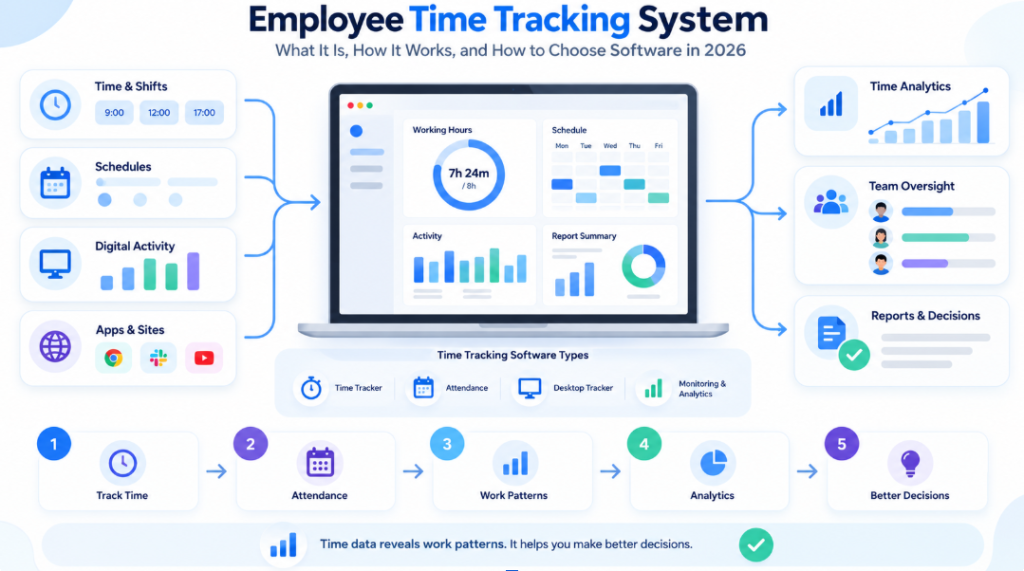
- Employee Time Tracking System: What It Is, How It Works, and How to Choose Software in 2026
- How to Use This Guide if You Are Actually Buying Software
- What Is Time Tracking, and What Is an Employee Time Tracking System?
- How Does Automated Employee Time Tracking Work?
- What Data Can Employee Time Tracking Software Collect?
- Main Features of Employee Time Tracking Software
- Types of Employee Time Tracking and Monitoring Systems
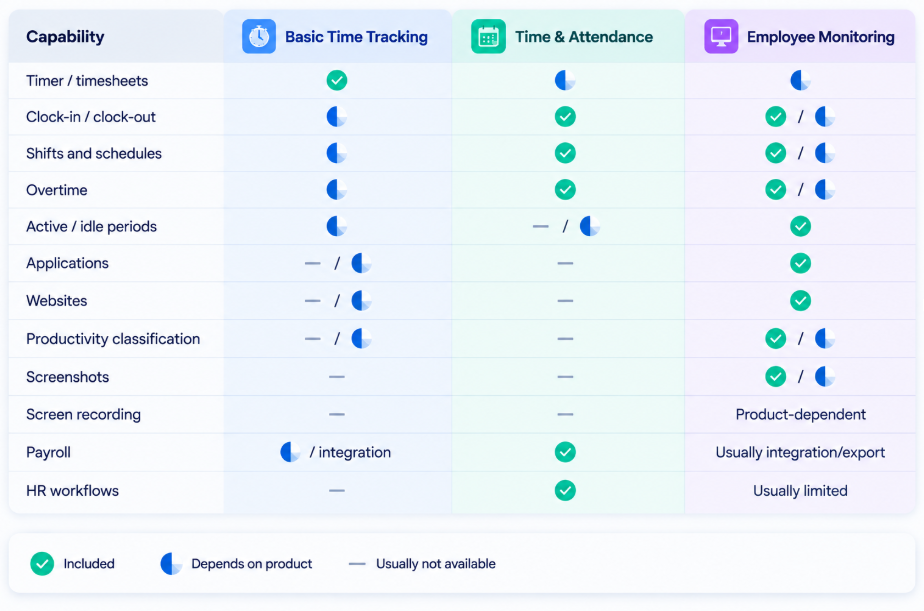
- Employee Time Tracking vs Time & Attendance vs Employee Monitoring
- Why Companies Use Employee Time Tracking
- Benefits of Employee Time Tracking — and What the Data Does Not Prove
- Limitations and Risks
- Employee Time Tracking for Office, Remote and Hybrid Teams
- Before You Shortlist a Time Tracking Product: 10 Questions to Answer
- What decision do you expect the data to improve?
- Is time tracking manual, automatic or attendance-based?
- How much activity context is actually necessary?
- Which operating systems are business-critical?
- Do you need payroll, project billing or endpoint monitoring?
- Where may the data be hosted?
- Which integrations are genuinely required?
- Who will use the system every week?
- What level of employee transparency is appropriate?
- What is the real budget at your seat count?
- Employee Time Tracking Software: 17 Options Worth Considering
- Employee Time Tracking Software Comparison
- A Practical Scoring Framework for the Final Shortlist
- Conclusion
- Research and Verification Note
Employee Time Tracking System: What It Is, How It Works, and How to Choose Software in 2026
Tracking working hours sounds simple until a company has several departments, hybrid schedules, remote staff, overtime, field work, project billing and different definitions of what “working” actually means.
For a very small team with simple shifts, a working hours calculator may be enough to total a few start and finish times. Once a business needs approvals, overtime rules, payroll, projects, remote work or an auditable history, dedicated time tracking software becomes more useful because it can track time consistently across employees and reporting periods.
A basic time tracker may only record hours against a task. A time-and-attendance platform may focus on clock-ins, shifts and leave. An automatic desktop tracker may record first and last computer activity, idle periods and software usage. A broader employee monitoring platform can add screenshots, application and website analytics, productivity classifications and detailed workday timelines.
These products are often grouped together in search results, but they solve different problems. That distinction matters when a business is selecting software for payroll accuracy, attendance control, project costing, remote-work visibility, workload analysis or deeper computer activity monitoring.
This guide explains how employee time tracking systems work, what data they can collect, where their limits are, how to choose the right category, and which software products are worth considering. The software section includes global products and locally relevant platforms commonly encountered by buyers in India, but geography is only highlighted where it materially changes pricing, support, deployment or HR/payroll fit.
Key idea: time-tracking data is evidence about working patterns, not an automatic judgement of performance. Time at a computer is not the same as completed work, idle time is not automatically misconduct, and a screenshot does not prove quality.
How to Use This Guide if You Are Actually Buying Software
A buyer can easily waste time comparing products that belong to different categories. A project timer, an HR attendance platform, an automatic desktop tracker and a security-oriented monitoring system may all use the phrase time tracking, yet they solve very different problems.
Before looking at vendor names, decide which of the following outcomes matters most:
- Accurate project hours and client billing: prioritise timers, timesheets, approvals, project budgets and integrations with project-management or accounting tools.
- Attendance, shifts and payroll: prioritise schedules, clock-in/clock-out, overtime, leave, payroll workflows and local HR requirements.
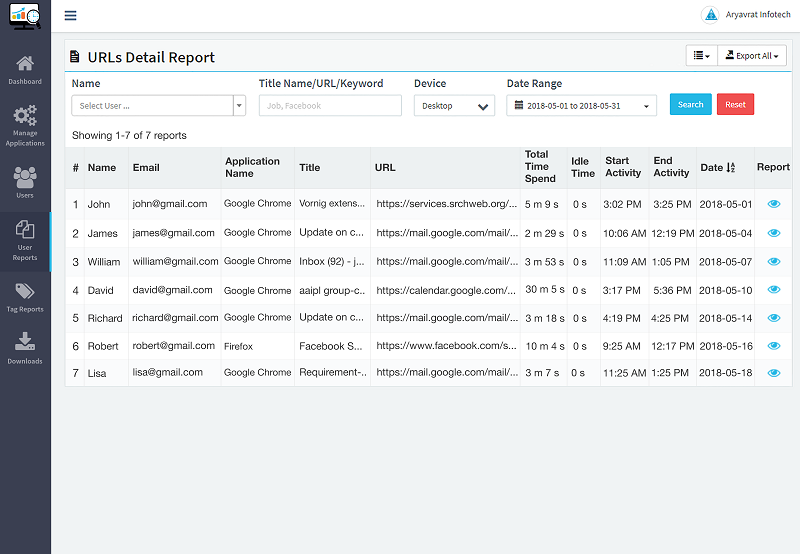
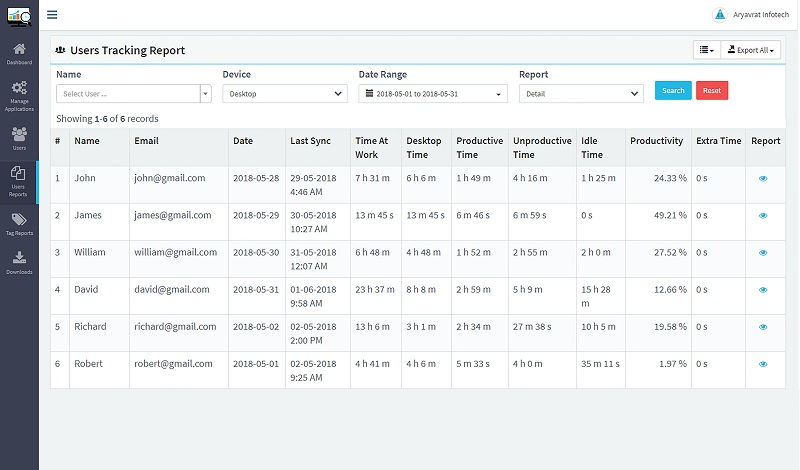
- Automatic work-time visibility: prioritise first/last activity, active/idle periods, automatic attendance, workday timelines and manager reports.
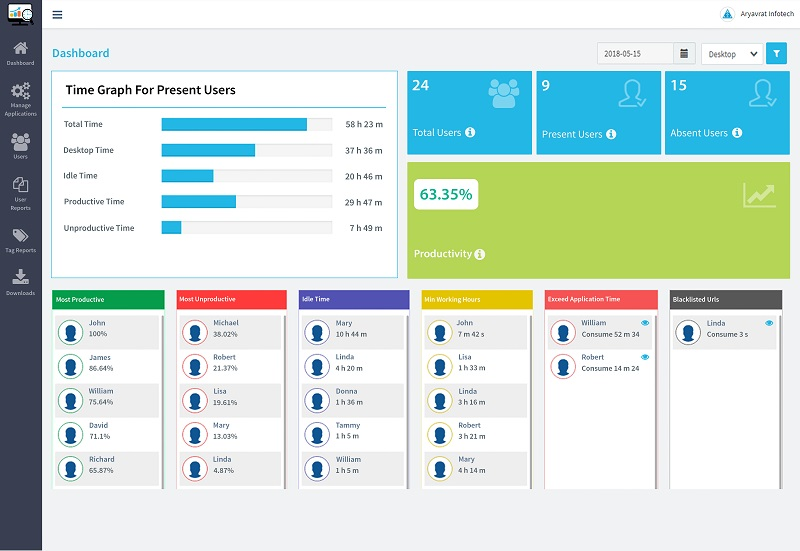
- Productivity and workload analysis: prioritise app/site analytics, productivity classification, workload trends, overtime patterns and team-level reporting.
- Detailed endpoint monitoring: prioritise apps/sites, screenshots, session details, access controls, auditability and appropriate retention settings.
- Security or investigation: prioritise UAM, session recording, rules, alerts, audit trails and security-focused controls rather than buying a general time tracker.
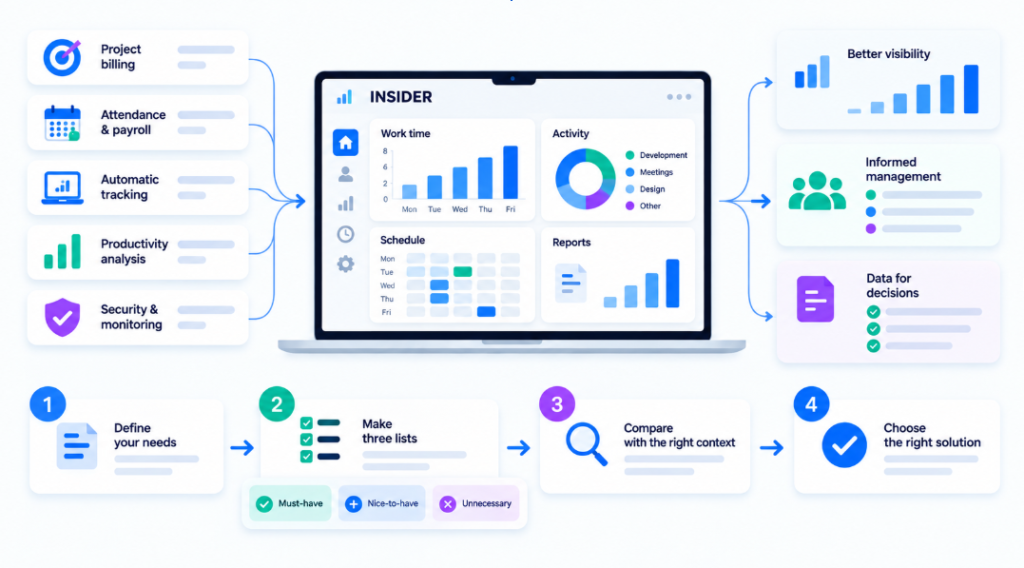
The fastest way to use this article is to create three lists before the demo stage: must-have, nice-to-have and unnecessary. A feature belongs in must-have only if you can explain what management decision it supports. If nobody can explain why the company needs screenshots every few minutes, continuous screen recording or GPS, those functions should not become requirements merely because a vendor offers them. The same applies in the other direction: a mobile time tracking app may be essential for field teams but unnecessary for employees who work only on managed office computers.
This approach also improves cost comparison. A low entry price may be perfectly relevant for a basic timesheet use case but misleading for a buyer who needs automatic tracking, screenshots, API access, SSO, longer retention or customer-hosted deployment. Compare the configuration that answers your actual business question, not the cheapest number on the pricing page.
What Is Time Tracking, and What Is an Employee Time Tracking System?
Time tracking is the process of recording how long people work, when work starts and ends, and how hours are distributed across shifts, projects, tasks or digital work sessions depending on the use case. An employee time tracking system is software that structures those records and converts them into timesheets, attendance data, reports or workforce analytics.
At the simplest level, the system may provide a timer and timesheet. More advanced products can automatically detect the beginning and end of computer activity, track active and idle periods, compare actual work with schedules, identify overtime, show applications and websites, or generate team-level productivity and workload analytics.
Depending on the vendor and use case, you may also see terms such as employee time tracker, employee tracking system, working hours software, employee time monitoring system or work time management system. These labels are not perfect synonyms. “Employee tracking system” can also refer to location or broader monitoring, while a time tracker may focus only on hours and projects. Always compare what the product actually records rather than relying on the category name.
A useful way to understand the category is as a spectrum:
- Basic time tracking answers the question: “How many hours were logged?”
- Time and attendance answers: “Who was present, absent, late or working a scheduled shift?”
- Automatic employee time tracking answers: “When did digital work activity start and end?”
- Productivity analytics answers: “How was working time distributed across activities and teams?”
- Employee monitoring adds deeper context, including applications, websites, screenshots and session data.
- HRMS may include time tracking, attendance and timesheet features, but usually does not provide detailed endpoint activity monitoring.
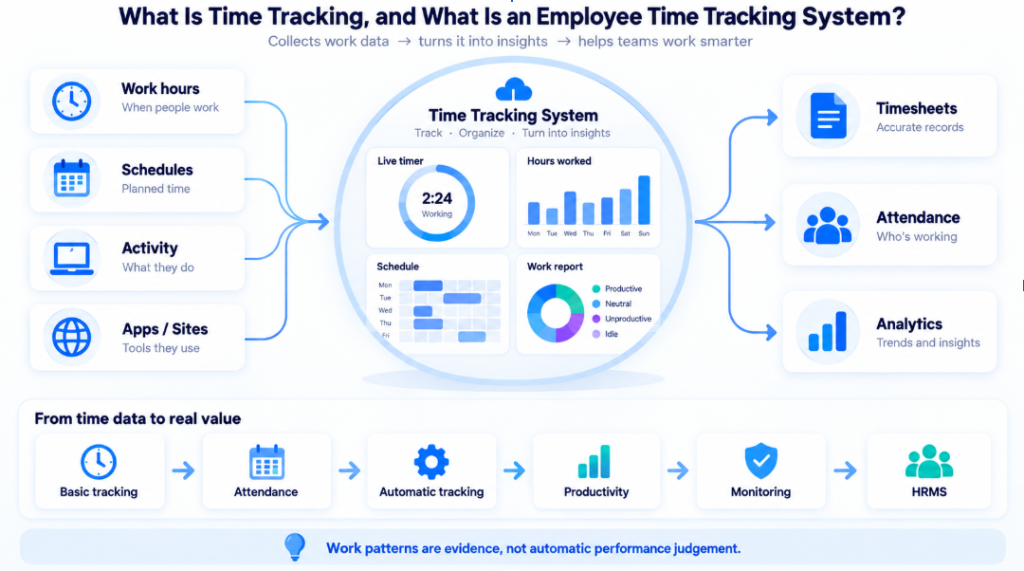
This is why two products that both say “time tracking” on their websites can be very different in practice.
How Does Automated Employee Time Tracking Work?
Automated time tracking software reduces the need for employees to manually start and stop timers. Depending on the product, an automated time tracking system can use timers, mobile check-ins, browser activity, desktop agents or a combination of methods.
A typical automated workflow looks like this:
- An application or agent is installed on the employee’s work computer, or the user works through a browser or mobile application.
- The system records work start and end events based on timers, logins, first activity, schedules or other configured rules.
- Active and idle periods are identified. Idle detection usually depends on device activity signals or configured timeout settings.
- Optional context may be collected. Depending on the product, this can include applications, websites, projects, tasks or additional activity data.
- The data is compared with schedules and policies. This helps identify overtime, attendance exceptions, late starts, early finishes or work outside expected hours.
- Time is converted into timesheets and reports. Managers can review daily, weekly or monthly records.
- Analytics highlight patterns. Advanced systems analyse workload trends, compare teams and identify unusual activity patterns.
- Managers interpret the data in context. Effective use combines time data with tasks, CRM, project systems, HR records and communication with employees.
Automation reduces manual entry, but it does not eliminate the need for corrections. Meetings, offline work, travel, forgotten timers and schedule changes still require a clear review process.
Software can record digital events, but it usually cannot understand why an employee was inactive, how complex a task was, whether a customer interaction was successful or whether the final work result was high quality.
What Data Can Employee Time Tracking Software Collect?
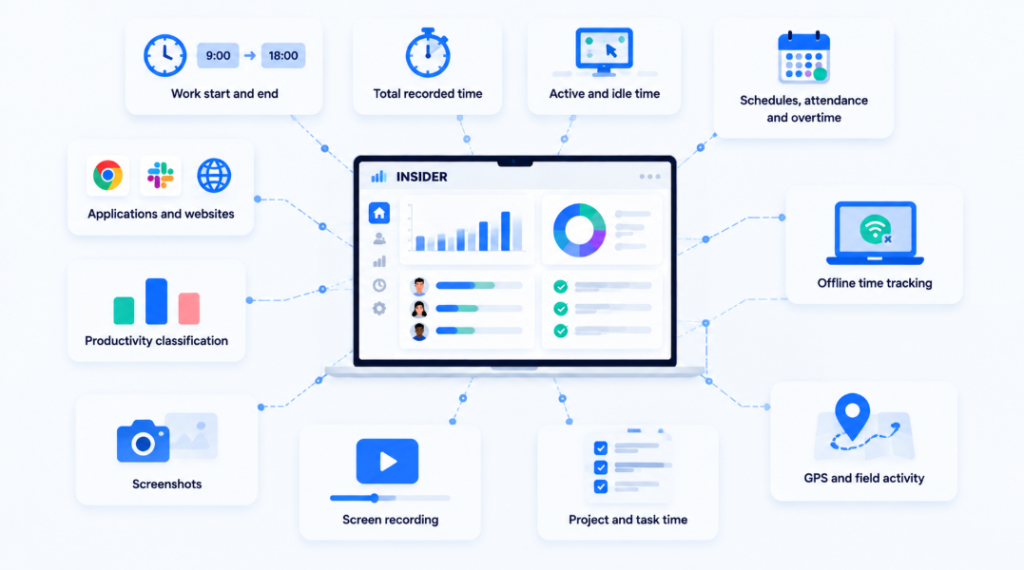
Different products collect very different datasets. A company should decide what it actually needs before comparing feature lists.
Work start and end
The system may record first activity, last activity, timer start/stop, login/logout or attendance punches.
Total recorded time
This may include worked hours, manual time, project time, billable/non-billable time or time detected automatically.
Active and idle time
Desktop agents can identify periods with and without keyboard/mouse activity. This is useful for finding patterns but should not be interpreted as a direct measure of effort.
Schedules, attendance and overtime
Time-and-attendance systems can compare recorded hours against shifts, planned schedules, leave and holidays.
Applications and websites
Monitoring-first platforms may show which applications and domains were used, for how long, and sometimes whether usage was active or background.
Productivity classification
Some platforms allow apps or websites to be marked productive, neutral or distracting. These classifications are role-dependent: YouTube might be distracting for one position and necessary for another.
Screenshots
Screenshots provide visual context at intervals. They are different from continuous screen recording.
Screen recording or session replay
Some UAM and monitoring products can record or reconstruct a sequence of screen activity. This is more intrusive and usually requires stronger governance.
Project and task time
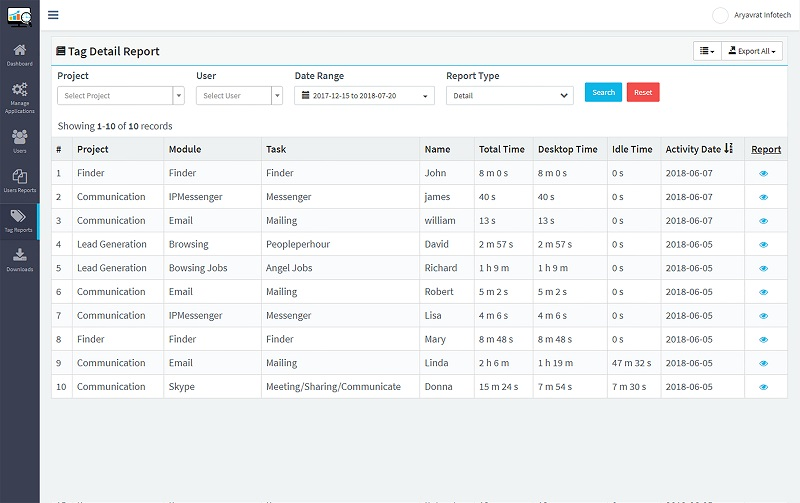
Project-oriented tools allocate hours to clients, tasks, budgets, invoices or payroll.
GPS and field activity
Mobile and field-workforce products may use GPS, geofencing or mobile attendance for teams that do not work mainly at a desk.
Offline time tracking
Some desktop and mobile tools can continue recording selected time data when the device temporarily loses connectivity and synchronises later. If employees travel, work from client sites or have unstable internet access, verify offline time tracking, conflict handling and what happens if the device remains disconnected for an extended period.
Main Features of Employee Time Tracking Software
A practical requirements list should focus only on the functions needed to solve a specific business problem.
| Requirement | What it helps answer |
|---|---|
| Automatic time tracking | When did digital work start and stop? |
| Timesheets | How many hours should be approved or billed? |
| Attendance and schedules | Was the expected shift followed? |
| Active/idle periods | Are there recurring gaps that need context? |
| Overtime | Is work regularly happening outside schedule? |
| Apps and websites | Which applications and websites are used during working time? |
| Productivity classification | How is activity distributed by category? |
| Screenshots | What was happening during a specific period? |
| Reports | What patterns appear across a week/month/team? |
| Project tracking | How much time is spent by client/task/project? |
| Mobile time tracking app / GPS | Can field employees record time or location-based attendance appropriately? |
| Offline time tracking | What happens when the device temporarily loses internet access? |
| Payroll integrations | Can approved time flow into pay processes? |
| API | Can time data be used in internal systems or BI? |
| AD/LDAP or SSO | Can enterprise user administration be simplified? |
| Cloud / On-Premise | Where will the platform and monitoring data be hosted? |
Do not treat this table as a checklist where more ticks automatically mean a better product.For example, consulting firms billing client hours may need project time and invoicing but not screenshots. BPO teams may require automatic time tracking, application and website monitoring, and screenshots. Regulated enterprises, on the other hand, may prioritise customer-hosted deployment and access controls.
Types of Employee Time Tracking and Monitoring Systems
Basic time trackers
They work well for agencies, consultants, freelancers and teams that need accurate project hours, timesheets and billable records.
Typical examples: Clockify and similar project-time tools.
Time and attendance systems
These products focus on presence, shifts, leave, clock-in/clock-out, biometric or mobile attendance and payroll workflows. Depending on the market, they may also be described as time card software, time clock and payroll software, or attendance software. Some deployments use a physical employee time tracking device such as a biometric terminal or time clock, while others use web or mobile check-ins.
Typical examples: Keka HR, greytHR, Zoho People and factoHR.
Automatic desktop time tracking
These systems reduce reliance on manual timers by recording computer activity automatically. This form of automated time tracking may also identify idle time and first/last activity, then generate structured employee time tracking reports without requiring every work session to be entered manually.
Typical examples: DeskTime, Flowace and several monitoring platforms.
Productivity and workforce analytics
These tools turn activity data into team-level patterns, workload, utilisation or organisational analytics.
Typical examples: ProHance, We360.ai and parts of Time Doctor’s product stack.
Employee monitoring platforms
Monitoring-first software can combine time tracking with applications, websites, screenshots, workday timelines, productivity analytics and deeper endpoint visibility.
Typical examples: Time Champ, INSIDER, DeskTrack and EmpMonitor.
UAM / security-oriented monitoring
User Activity Monitoring products can go beyond workforce analytics into screen recording, behavioural alerts, keystrokes and security investigations.
Typical example: Teramind.
The most common procurement mistake is comparing products from different categories as though they were interchangeable.
Employee Time Tracking vs Time & Attendance vs Employee Monitoring
The right question is not “Which category is the best?” but “Which category provides the minimum reliable dataset needed for the decisions we need to make?”
Why Companies Use Employee Time Tracking
More reliable time records
Automated or structured working-time recording reduces dependence on spreadsheets, memory and manual status reports.
Better attendance and overtime visibility
When schedules and time data are connected, managers can see repeated late starts, early finishes or overtime patterns rather than investigating each event manually.
Project costing and client billing
For agencies, IT services, consultancies and outsourced operations, time data can support project budgets, invoicing and profitability analysis.
Remote and hybrid workforce visibility
Automatic tracking can create a consistent digital work record regardless of whether the employee works from an office or remotely.
Workload analysis
Recurring overtime, long idle intervals and differences between teams can indicate process or capacity issues worth investigating.
Reduced administrative work
Timesheets, employee time tracking reports and recurring attendance summaries can reduce manual reporting for managers, HR and finance.
Benefits of Employee Time Tracking — and What the Data Does Not Prove
Better workload visibility
If a team regularly works beyond schedule, managers can investigate whether staffing, priorities, meetings or processes are causing overload.
What the data does not prove: overtime alone does not tell you whether the employee is highly productive or inefficient.
More objective discussions about working hours
A digital workday record can make discussions about schedules and disputed periods more evidence-based.
What the data does not prove: computer activity may not capture meetings, calls, paper documents, travel or physical tasks.
Better understanding of digital tools
Application and website analytics can show which software is actually used and where significant time is spent.
What the data does not prove: an open application is not necessarily active work, and a website’s value depends on the role.
Faster investigation of exceptions
Screenshots or detailed timelines can help reconstruct a specific period when aggregated time data is insufficient.
What the data does not prove: a screenshot is context, not a verdict on work quality or misconduct.
Limitations and Risks
Employee time tracking becomes less useful when companies collect more data than they can interpret responsibly.
Employee trust
A system introduced without a clear purpose can be perceived as surveillance rather than an operational tool. Explain what is collected, why, who can see it and how disputes are handled.
Over-reliance on activity metrics
Keyboard/mouse activity, productive percentages and idle time are only proxies for certain kinds of digital work.
Work outside the computer
Meetings, phone calls, design review, field work, warehouse operations and many managerial tasks may happen away from the tracked device.
Incorrect classification
Productive/unproductive labels require role-specific configuration. A generic company-wide classification can produce misleading results.
Privacy and sensitive content
Screenshots, URLs and detailed endpoint data can capture personal or confidential information. Access, retention and collection scope should be deliberately limited.
Management misuse
The most sophisticated software cannot compensate for poor management. If managers use a single metric as an automatic performance score, the system may create more conflict than insight.
Employee Time Tracking for Office, Remote and Hybrid Teams
The same software can behave differently depending on the work model.
Office teams
Automatic desktop tracking can complement physical attendance systems by showing digital work start/end and activity after an employee has entered the office.
Remote teams
The key value is consistent work-time records without constant “Are you online?” messages. Managers should focus on patterns and outcomes rather than continuous observation.
Hybrid teams
A common approach is to use the same digital time policy for office and remote days, while keeping physical-presence data separate.
Field teams
GPS, geofencing and mobile check-in may matter more than desktop activity. A field workforce should not be forced into a PC-centric measurement model.
Before You Shortlist a Time Tracking Product: 10 Questions to Answer
A good shortlist usually contains three to five products from the same category, plus at most one adjacent alternative. Answering the questions below first prevents a procurement process from turning into a comparison of unrelated feature lists.
What decision do you expect the data to improve?
Write the management question in one sentence. Examples include: “Are project hours accurate enough for billing?”, “Where are recurring overtime patterns appearing?”, “Do we need better shift attendance?”, or “Do managers need context on how desktop time is being used?” If the decision is unclear, the software requirements will also be unclear.
Is time tracking manual, automatic or attendance-based?
Manual timers work well when employees already work by project or client and can reliably select the correct task. Automatic desktop tracking reduces manual input but introduces additional privacy, OS and agent-management questions. A time tracking app may be more practical for mobile or field roles, while offline time tracking matters when connectivity is unreliable. Attendance systems are more appropriate when the business cares primarily about shifts, clock-in/out, leave and payroll.
How much activity context is actually necessary?
Decide whether managers need only total hours, or also active/idle periods, apps and websites, screenshots or session recording. The deeper the data collection, the stronger the governance requirement and the greater the risk that managers misuse activity as a proxy for performance.
Which operating systems are business-critical?
Create an exact inventory of Windows, macOS, Linux and mobile devices. Do not accept a platform logo as proof that every feature works on every OS. Ask the vendor for a feature-by-feature matrix covering automatic time, idle detection, screenshots, apps/sites, offline tracking and agent behaviour.
Do you need payroll, project billing or endpoint monitoring?
These requirements often point to different product families. HRMS platforms are stronger when attendance must flow into payroll and leave. Project trackers are stronger for billable hours. Monitoring-first tools are stronger when managers need digital workday context. Buying one platform to do everything can create unnecessary complexity.
Where may the data be hosted?
If customer-hosted On-Premise is mandatory, establish that before product demos. Private Cloud is not the same as On-Premise. Ask who operates the infrastructure, where the database and screenshots are stored, who controls backups, and whether the customer can keep the server-side system inside its own environment.
Which integrations are genuinely required?
Separate “we may use this someday” from “the pilot cannot work without it.” Common requirements include payroll, project management, CRM, API, AD/LDAP, SSO or SCIM. Verify whether each integration is included in the proposed plan or sold separately.
Who will use the system every week?
A platform can collect excellent data and still fail because managers cannot interpret it efficiently. Identify the real users: team leads, HR, finance, IT, security or operations. During the demo, make each role complete a realistic task rather than watching a generic sales presentation.
What level of employee transparency is appropriate?
Define what employees will be told, what they can see, how disputed time is corrected and who can access detailed monitoring data. A technically powerful system can still create operational problems if employees do not understand how the data is collected or interpreted.
What is the real budget at your seat count?
Calculate the cost at your current headcount and at the expected 12–24 month headcount. Include minimum seats, annual commitments, implementation, storage, premium support, screenshots, API, identity integrations and deployment. A slightly higher per-user price can be cheaper overall if it avoids multiple add-ons or separate systems.
Employee Time Tracking Software: 17 Options Worth Considering
The following products represent different categories rather than a single “best to worst” ranking. The order is editorial. Products are included because they help illustrate the main choices a buyer is likely to face: time tracking, attendance, productivity analytics, endpoint monitoring, enterprise analytics and HRMS.
Prices below are public list prices or research benchmarks and can change. Always request a final quote for the exact feature set, seat count, billing period and deployment model.
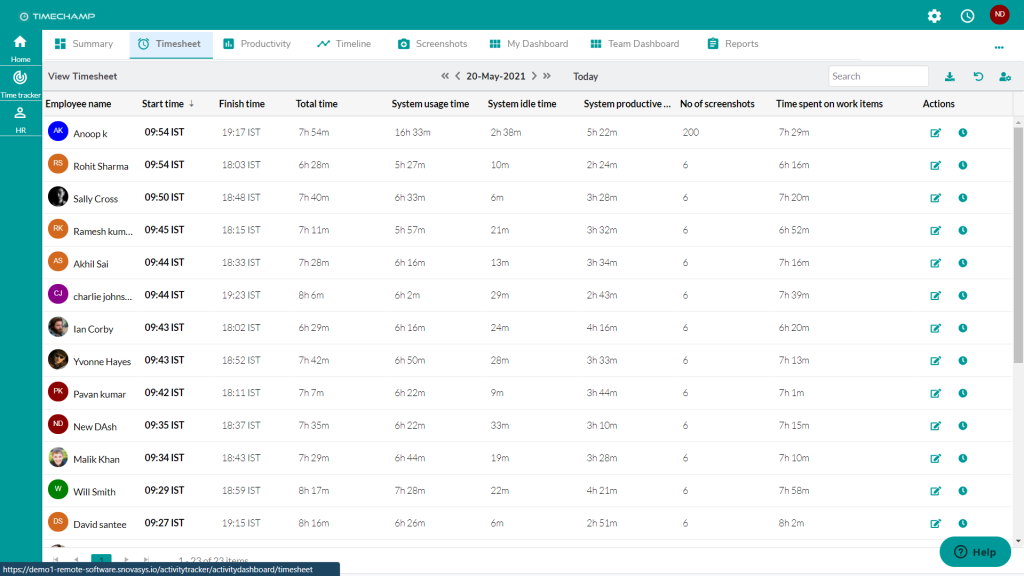
Time Champ
Best for: organisations that want automatic attendance plus deeper desktop monitoring in one platform.
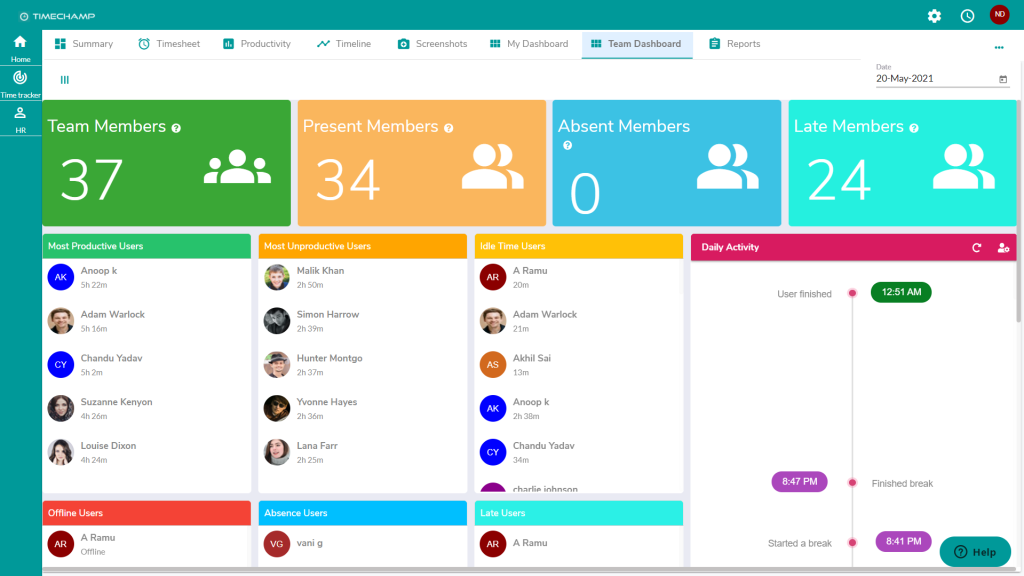
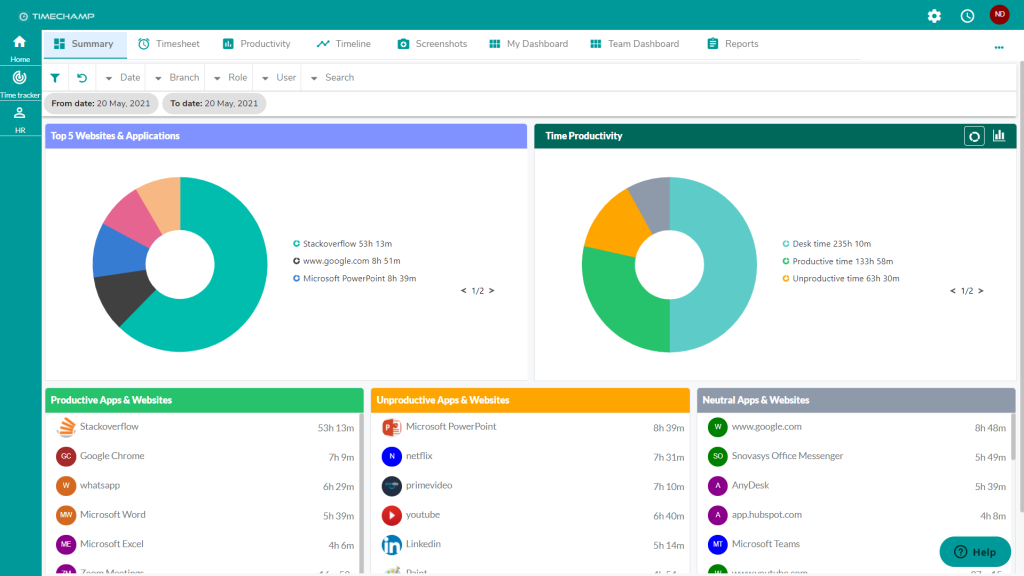
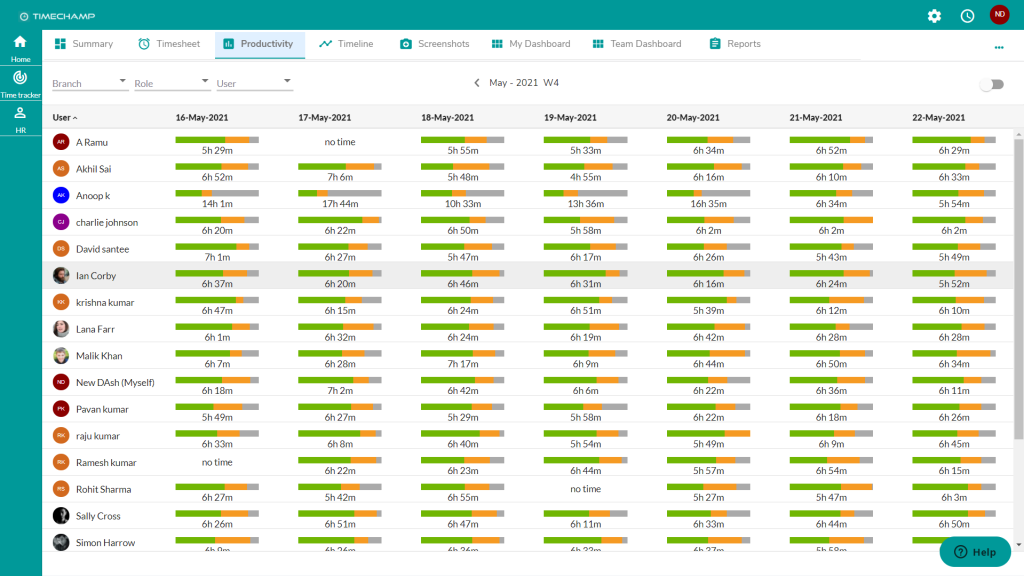
Time Champ combines employee monitoring, automatic time tracking, productivity analytics, app and website usage, screenshots and enterprise administration. Its feature set goes substantially beyond a basic timer and makes it relevant for companies that want both working-hours data and digital activity context.
Key features: automatic attendance, app/website tracking, productivity analytics, idle tracking, screenshots, schedules, reports, API and enterprise options. Enterprise materials also describe live video and On-Premise deployment.
Pricing: the current official pricing page uses Contact Us for core plans. Recent vendor materials reference Starter, Professional and Enterprise tiers, while several advanced capabilities such as screen recording and other monitoring add-ons can increase the final cost.
Advantages: broad monitoring depth; automatic attendance; enterprise identity/admin options; Cloud and customer-hosted deployment options.
Limitations: final On-Premise and advanced-feature pricing is not fully transparent; some functions are add-ons; Linux functionality should be verified feature-by-feature.
Buying consideration: ask for a written feature matrix covering the exact plan, screen capture options, API, enterprise identity, retention and deployment before comparing cost.
Shortlist fit
Time Champ belongs on the shortlist when the company wants automatic attendance and monitoring depth in the same procurement. It is less compelling when the requirement is only project hours or payroll attendance, because a simpler tracker may be easier to deploy and govern. During the demo, ask the vendor to show the exact workflow from a team-level anomaly to the underlying employee/time period, then verify which parts of that workflow are included in the quoted plan. Also request the final cost for the required screenshot or recording functions rather than relying on an entry-tier benchmark.
Official website: https://www.timechamp.io/
INSIDER
Best for: companies that want automatic digital work-time tracking combined with productivity context, applications/websites and both Cloud and On-Premise deployment.
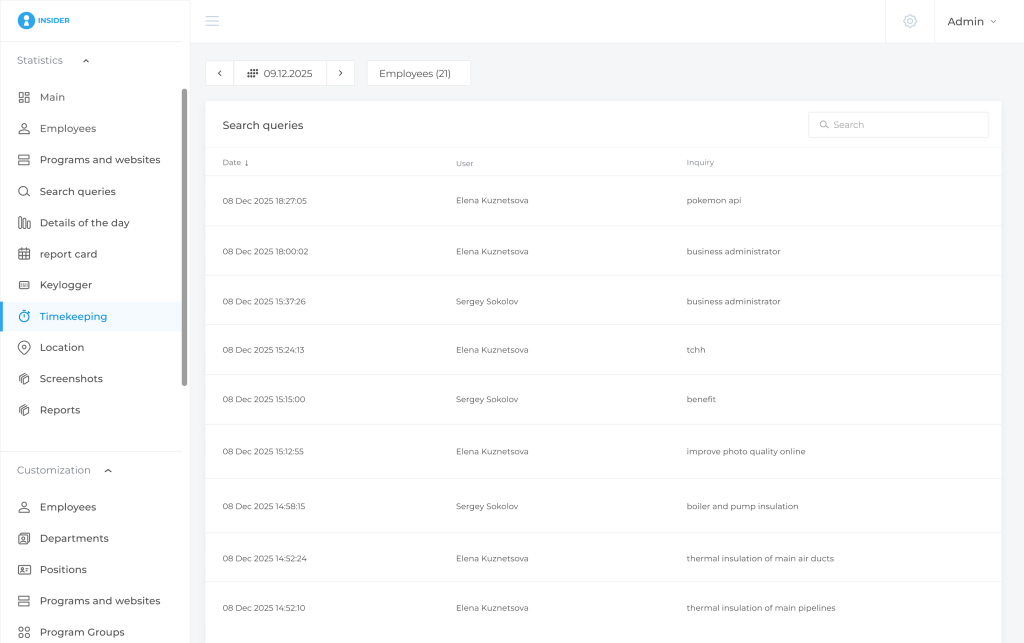
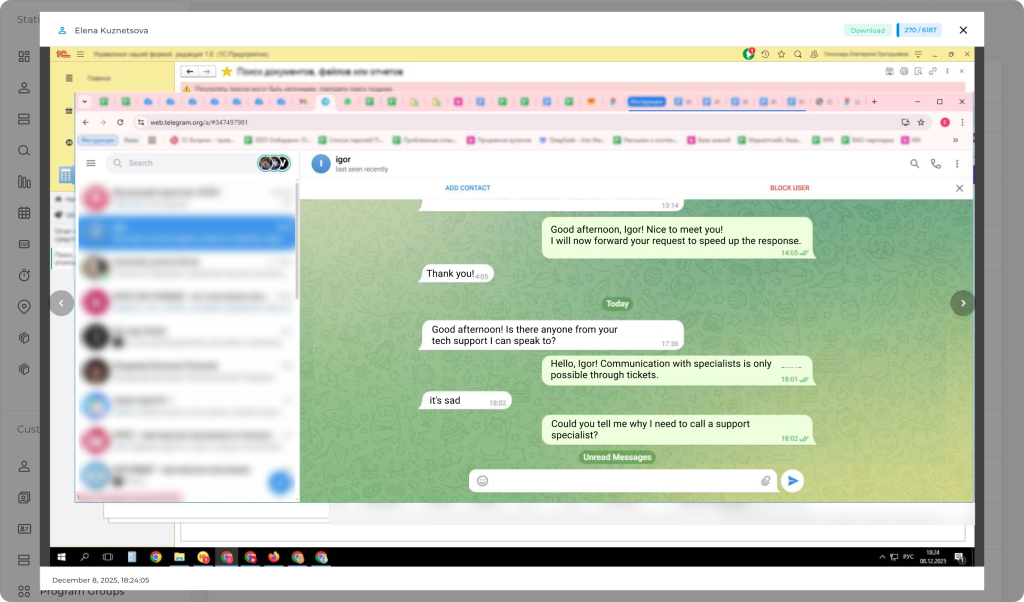
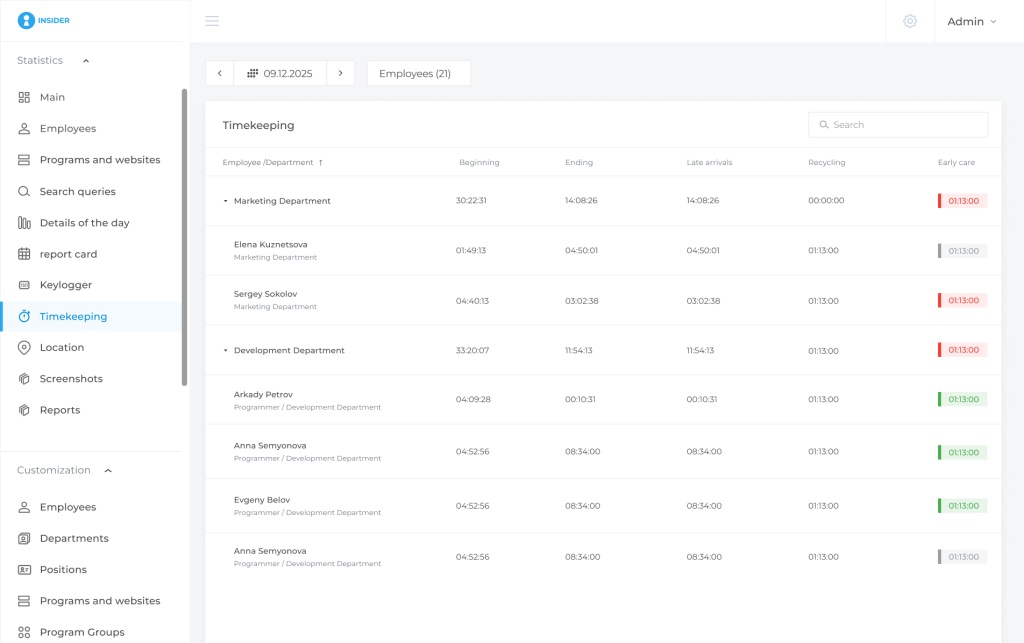
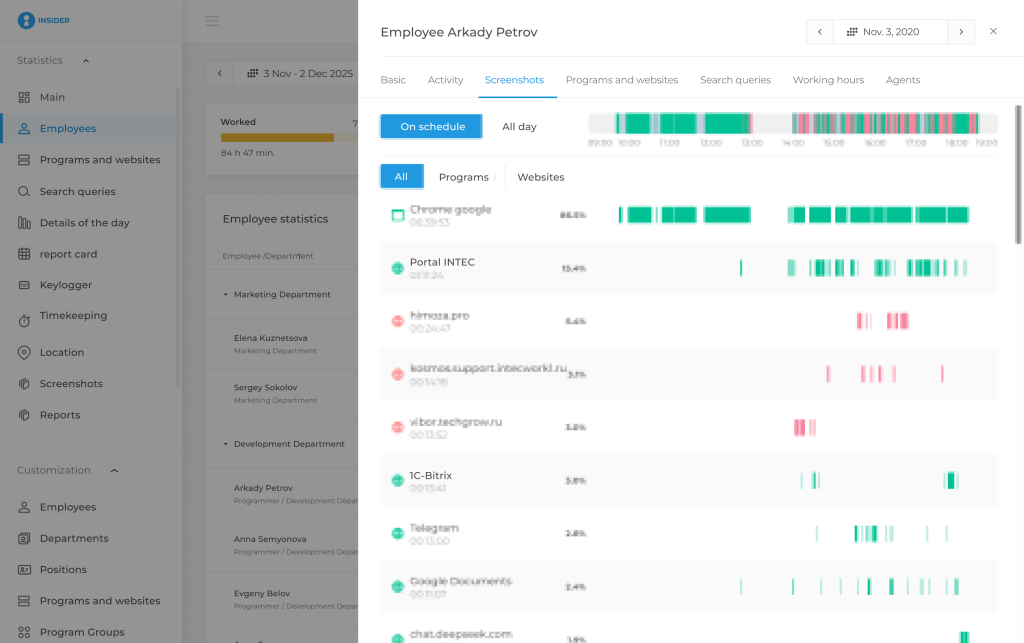
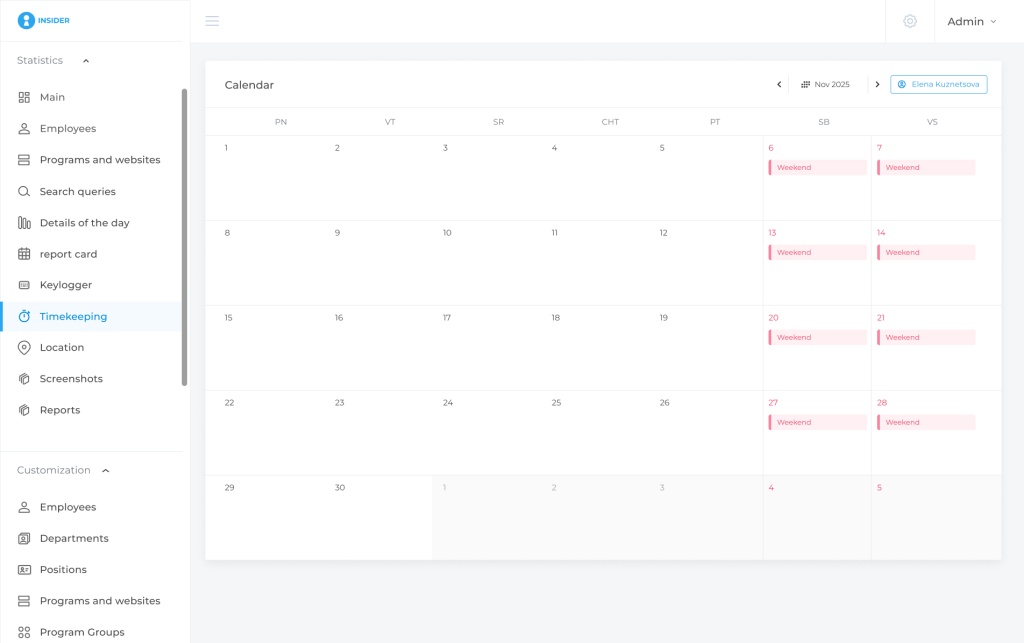
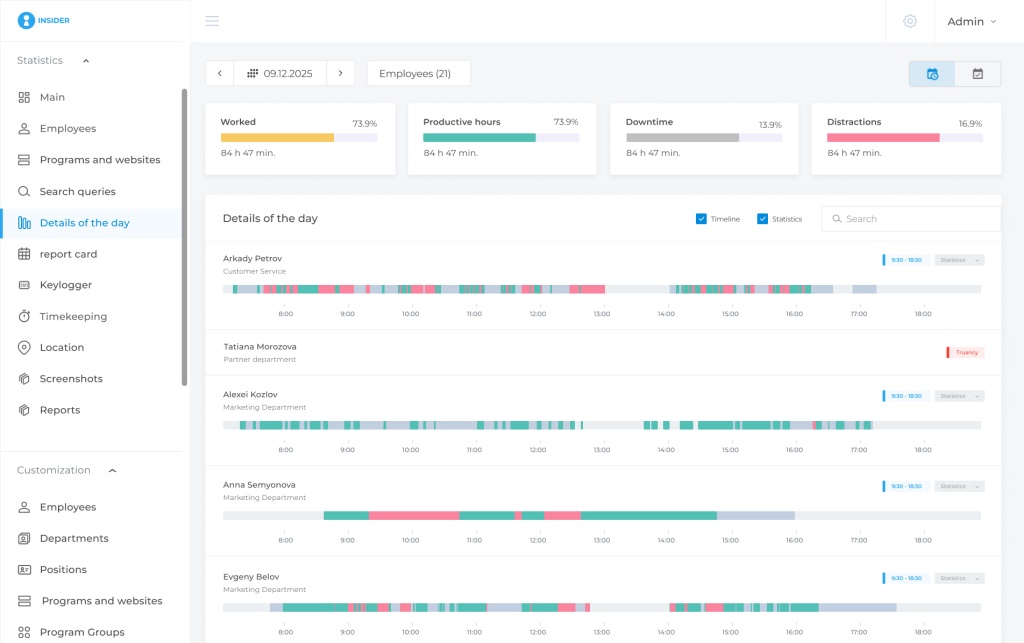
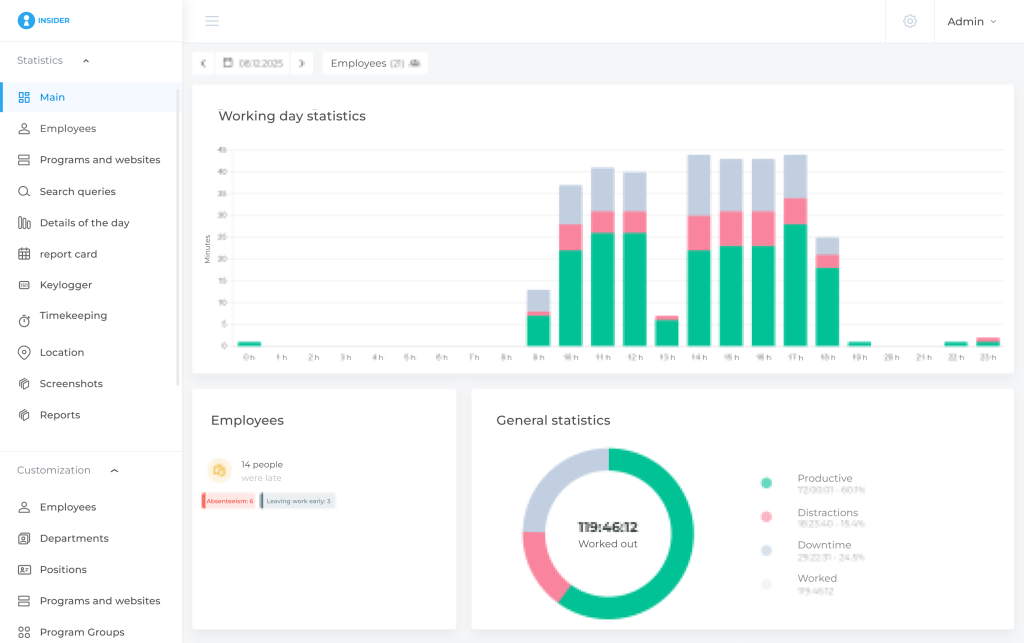
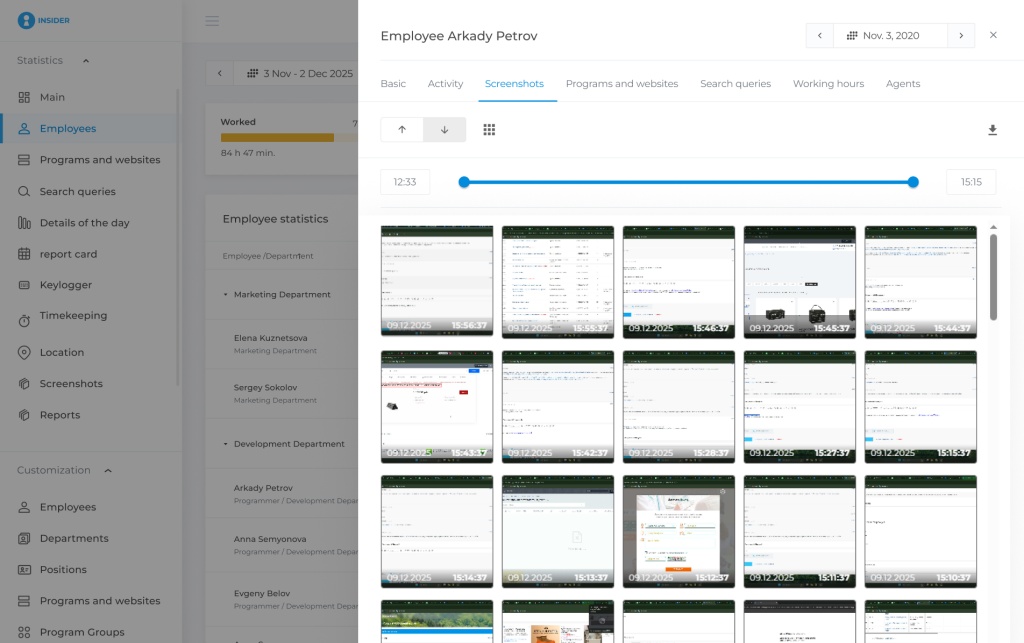
INSIDER is a system for monitoring digital work activity, automatic time tracking and workforce analytics on employee computers and supported corporate Android devices. For a time-tracking use case, its most relevant capabilities are work start/end, schedules, timesheets, active and idle periods, overtime, late arrivals, early departures, productivity classification, applications, websites, workday details, screenshots, workload analysis and reports.
The product is useful when the management question is not simply “How many hours were logged?” but “How was the digital workday structured, where do repeated overtime or idle patterns appear, and what context should be investigated?”
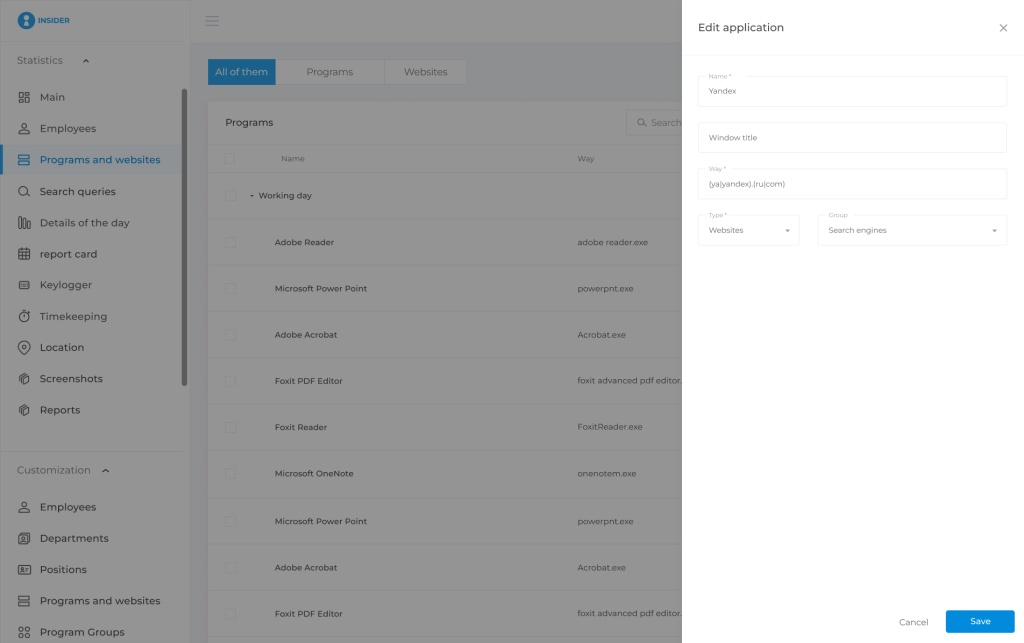
Key features: automatic work-time tracking; schedules; timesheets; active/idle time; overtime; apps/sites; productivity profiles; screenshots; detailed day timeline; reports; Active Directory; API; access controls; Cloud and customer-hosted On-Premise.
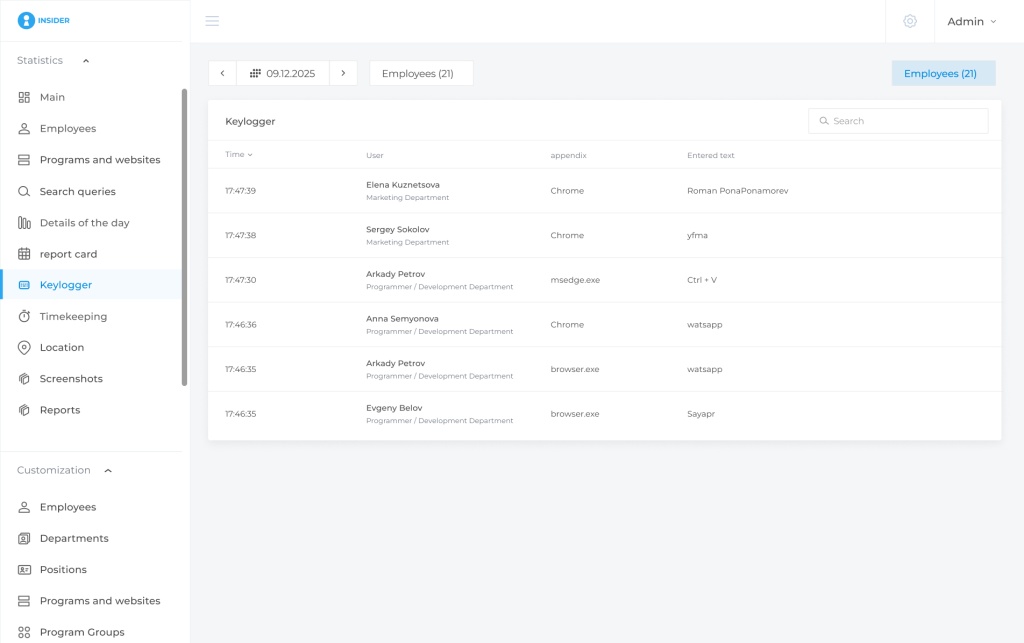
Deployment: Cloud or On-Premise. The On-Premise edition keeps the server-side platform and monitoring data inside the customer’s infrastructure. Keylogger capability is confirmed only for the supported On-Premise configuration and is not part of the Cloud time-tracking proposition.
Pricing: India-specific public list pricing was not confirmed in the supplied research. Buyers should request a quote for the intended seat count and deployment. Russian public pricing benchmarks should not be treated as an India list price.
Advantages: connects work-time accounting with detailed digital activity; supports schedules and organisational structure; offers both Cloud and On-Premise; supports AD and API scenarios.
Limitations: digital activity does not measure task completion or work quality; time away from the computer may be legitimate work; screenshots require appropriate governance; platform feature parity should be confirmed for the required OS mix.
Buying consideration: define the management questions first. If the real need is only project billing or payroll attendance, a simpler time tracker or HRMS may be enough. If managers need to move from a work-time anomaly to a detailed digital timeline, the broader monitoring model becomes more relevant.
Shortlist fit
INSIDER is most relevant when managers need to connect working-time records with the structure of the digital workday: schedules, active and idle periods, apps/sites, screenshots, detailed timelines and reports. It is less necessary when the business already has reliable attendance/payroll and does not need endpoint context. For a pilot, define several management questions in advance—for example recurring overtime, long idle intervals or uneven workload—and check whether managers can investigate those patterns without continuously watching employees. For On-Premise projects, include infrastructure, backup, access-rights and update responsibilities in the procurement scope.
Official website: https://insidercontrol.in/
We360.ai
Best for: workforce analytics, scheduling, productivity and workload analysis with enterprise monitoring options.
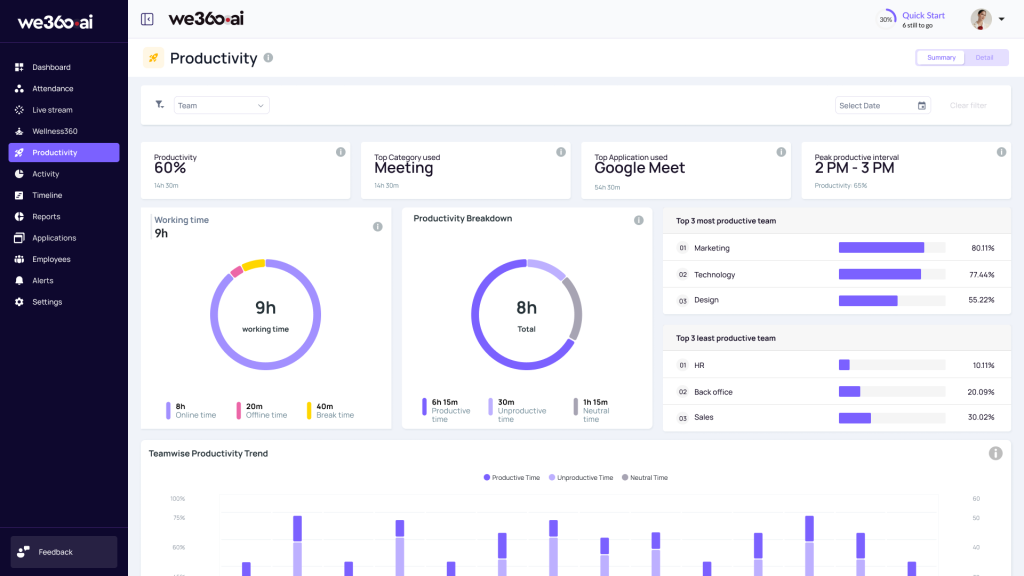
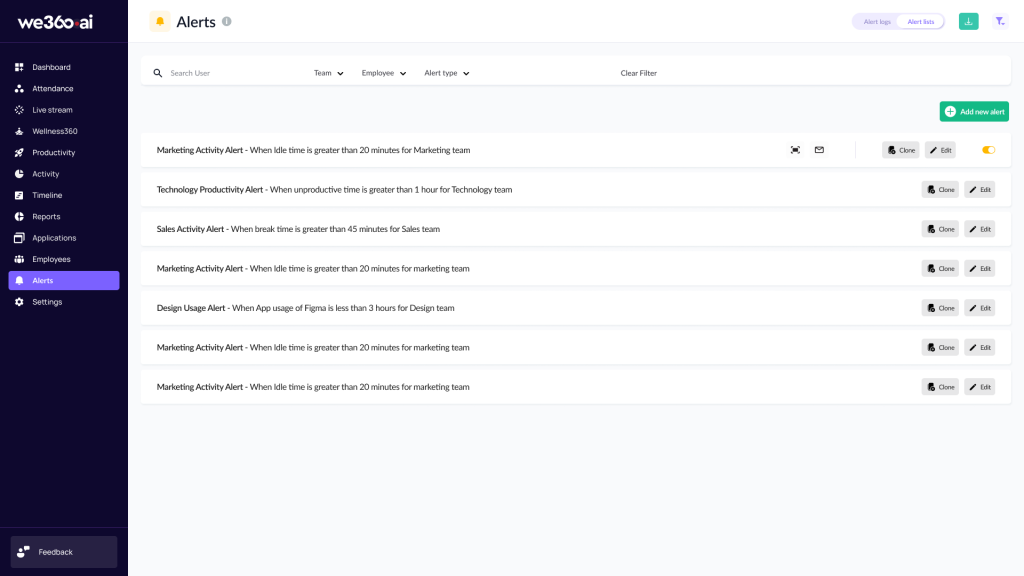
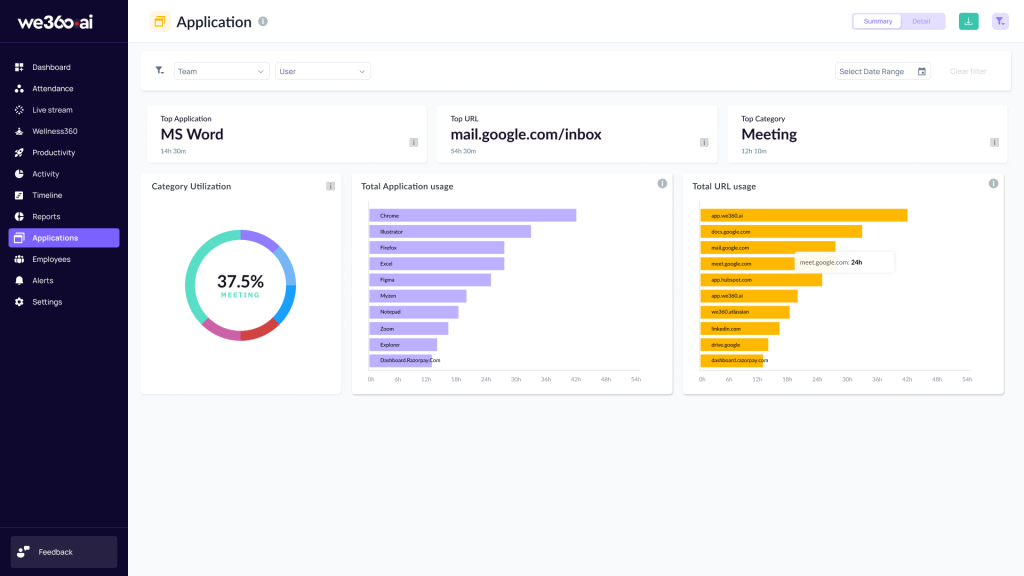
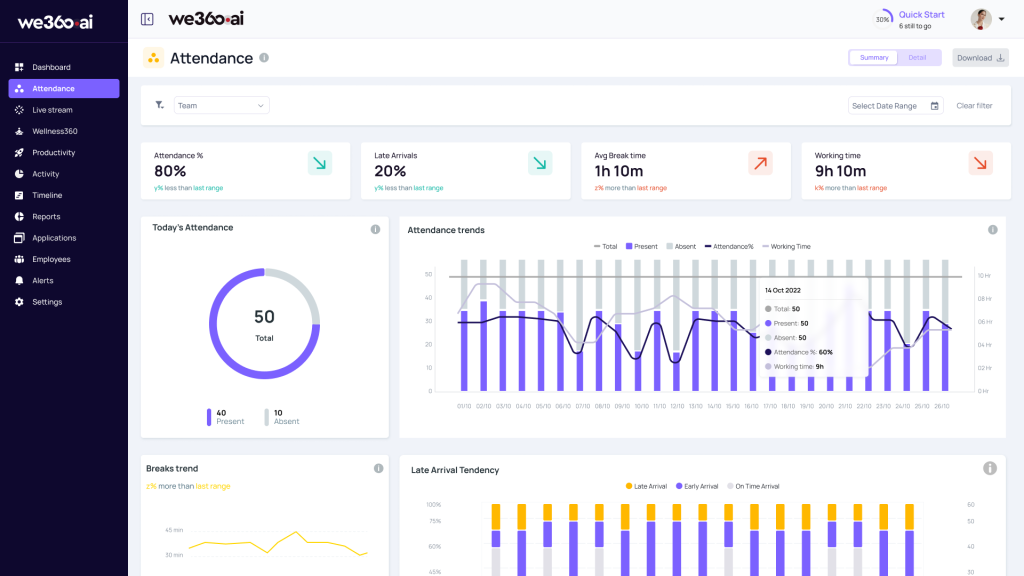
We360.ai positions itself around workforce analytics rather than simple timesheets. Its Pro plan includes scheduling and attendance, workload analysis, productivity goals, website utilisation and automated reports. Enterprise adds capabilities such as Active Directory, SSO, higher screenshot frequency and On-Premise deployment.
Pricing: Pro ₹399/user/month, Pro + AI ₹599/user/month, Enterprise Custom. API is listed as an optional add-on at ₹50/user/month. A 7-day free trial is advertised.
Advantages: clear INR pricing for standard tiers; workload analytics; enterprise administration; strong fit for teams that want analytics beyond raw attendance.
Limitations: enterprise pricing is custom; full desktop feature parity should be confirmed by operating system; some advanced functions sit in Enterprise or add-ons.
Buying consideration: compare Pro and Enterprise based on your actual need for screenshots, AD/SSO, retention and deployment rather than assuming the standard plan includes every monitoring feature.
Shortlist fit
We360.ai is a strong candidate when buyers want workforce analytics and attendance with enterprise administration options, especially where local pricing is useful during budgeting. The main procurement fork is whether the standard Pro-level capabilities are enough or whether the organisation really needs Enterprise functions such as identity integration, increased monitoring depth or On-Premise deployment. Ask the vendor to map your requirements to a plan line by line and confirm what happens to pricing as the seat count grows. If the company runs a mixed OS environment, test the most important functions on each OS during the pilot.
Official website: https://www.we360.ai/
DeskTrack
Best for: automatic login/logout, time analytics and desktop activity monitoring with locally priced plans.
DeskTrack combines time tracking, attendance-style work records, productivity analytics, app/URL usage and screenshots. It is positioned between a time tracker and a monitoring platform, making it useful for buyers who want more context than a traditional timesheet.
Pricing: research data lists plans from roughly ₹549/user/month, with a stealth/advanced tier around ₹749/user/month and enterprise/hybrid deployment priced on request. Current quotes should be verified before purchase.
Advantages: automatic work-time capture; apps/URLs; screenshots; Windows, macOS and Linux support is stated in research; INR-based commercial model.
Limitations: enterprise/API and hybrid deployment pricing is custom; public documentation is less centralised than some global vendors; feature depth by OS should be checked.
Buying consideration: ask specifically whether “hybrid” means customer-hosted deployment for your architecture and which monitoring functions are included in the selected plan.
Shortlist fit
DeskTrack is worth shortlisting when automatic login/logout, app/URL visibility and screenshots matter more than complex security monitoring. Buyers should pay particular attention to the meaning of the vendor’s deployment terminology and to which functions are available in the quoted plan. A useful pilot should include at least one remote employee, one office employee and each critical operating system, then compare the resulting time records with known schedules or project data. If managers mainly need payroll attendance, compare DeskTrack with an HRMS before committing to deeper endpoint monitoring.
Official website: https://desktrack.timentask.com/
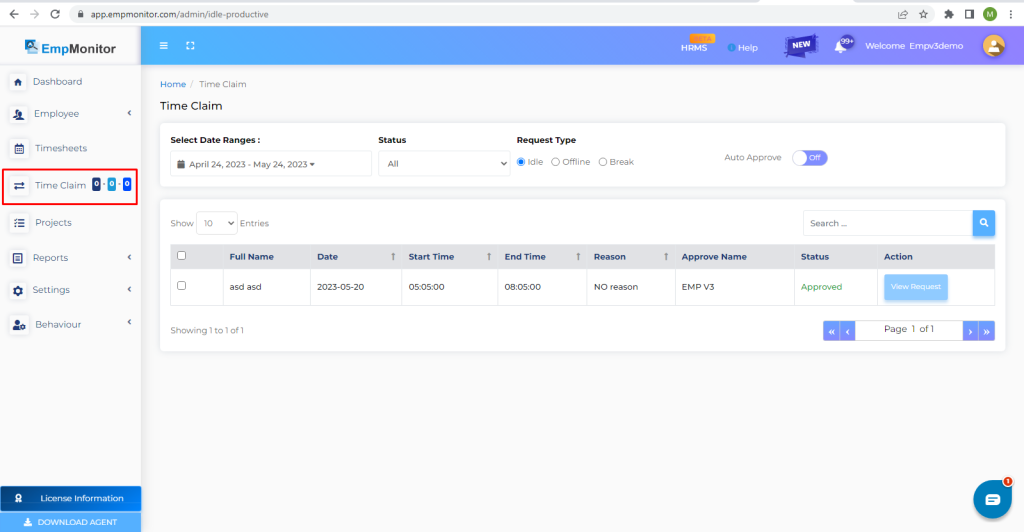
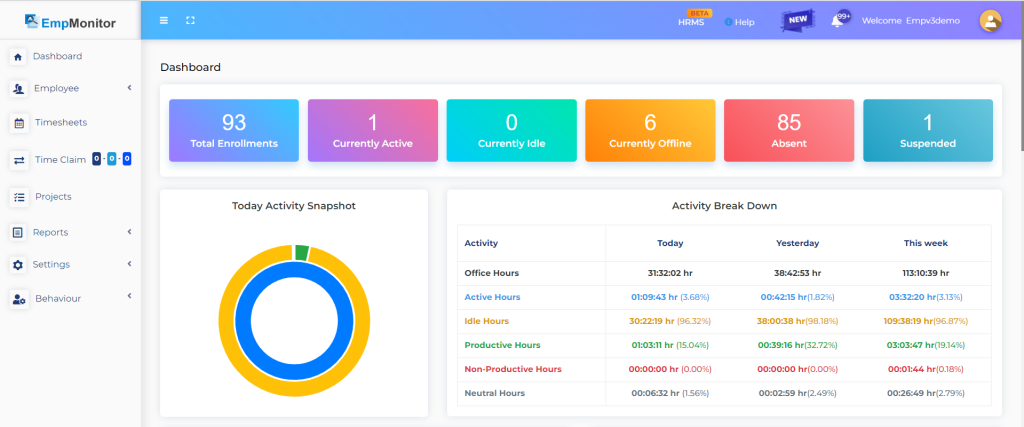
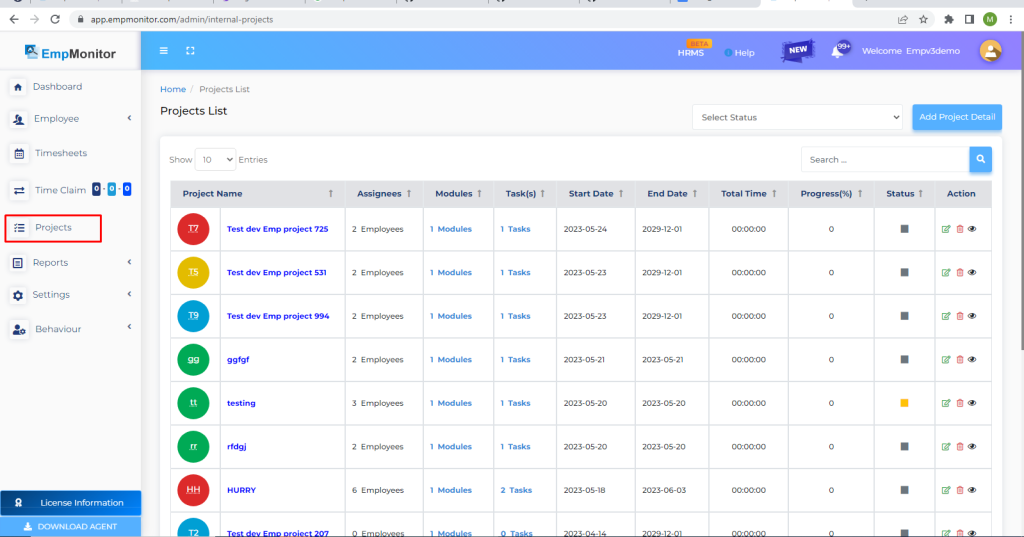
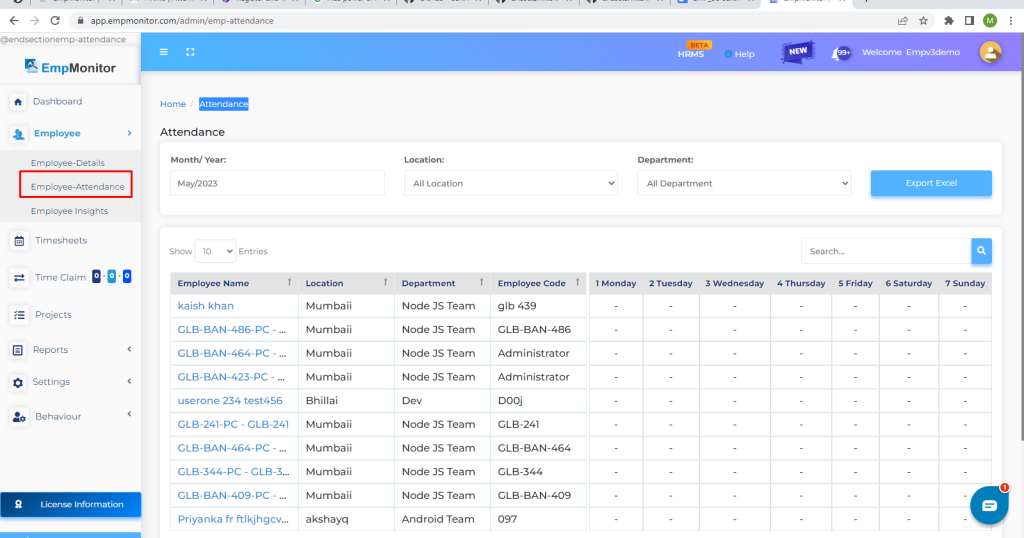
EmpMonitor
Best for: companies seeking monitoring plus time/workforce management and a published self-hosted option.
EmpMonitor combines work-time monitoring with screenshots, app/site visibility and other endpoint-level functions. It is closer to a direct monitoring platform than a project time tracker.
Pricing: public Cloud and On-Premise pricing varies by seat tier. Research captured On-Premise pricing at about $6/user/month for 1–10 users and $5/user/month for 11–50 users, with larger deployments moving toward quotation-based pricing. Cloud pricing should be checked against current seat tiers before publication or purchase.
Advantages: self-hosted option with comparatively visible pricing; screenshots and endpoint monitoring; workforce-management orientation.
Limitations: pricing information has changed across vendor materials; buyers should verify the current plan matrix and any seat thresholds; integrations and enterprise administration should be checked against the intended deployment.
Buying consideration: request one consolidated quote showing monitoring features, storage/retention, deployment and implementation rather than comparing historical tier prices in isolation.
Shortlist fit
EmpMonitor is most interesting when a buyer wants a monitoring-oriented product with a customer-hosted option and relatively visible pricing benchmarks. Procurement should still focus on the current quote, because pricing and packaging have changed across vendor materials. Ask how storage, screenshot retention, implementation, upgrades and enterprise administration are handled in the selected deployment. The pilot should test whether the product produces useful manager-level summaries, not only whether it can collect detailed endpoint data. If the company does not need screenshots or detailed activity, compare the operational overhead with a lighter automatic tracker.
Official website: https://empmonitor.com/
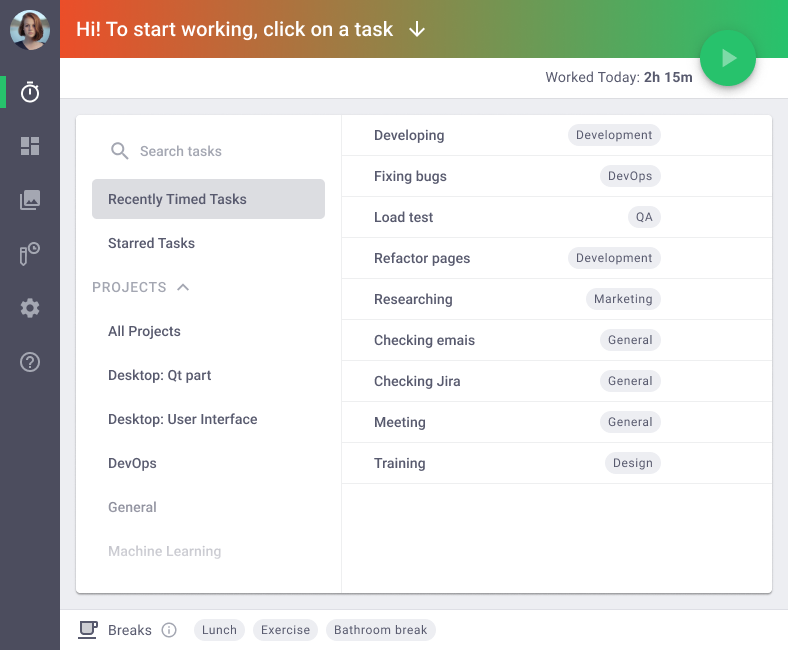
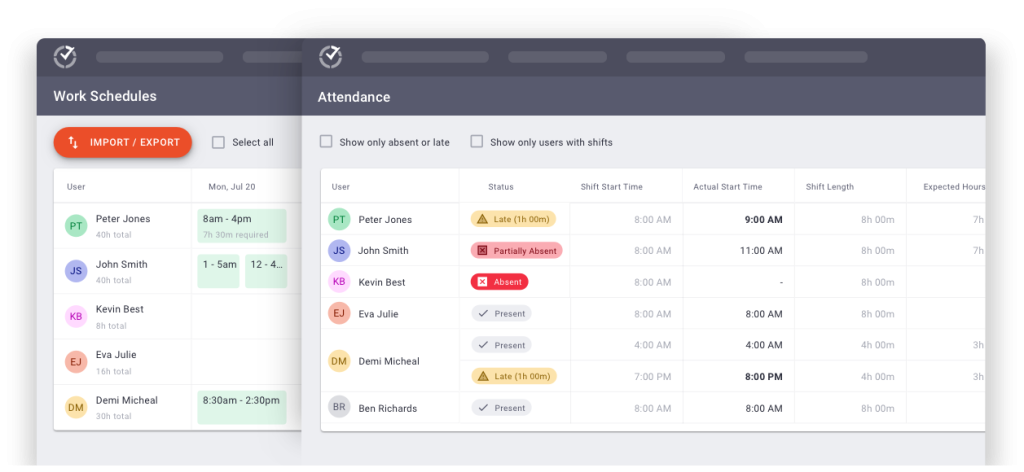
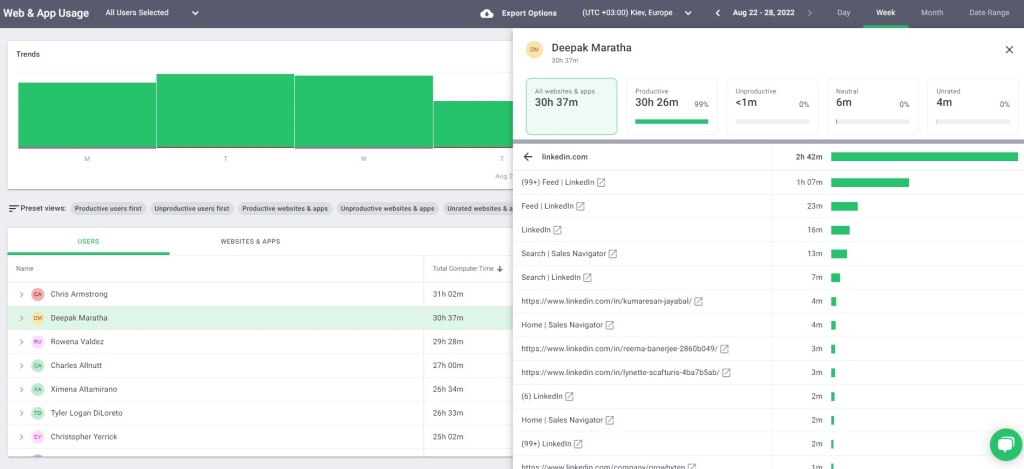
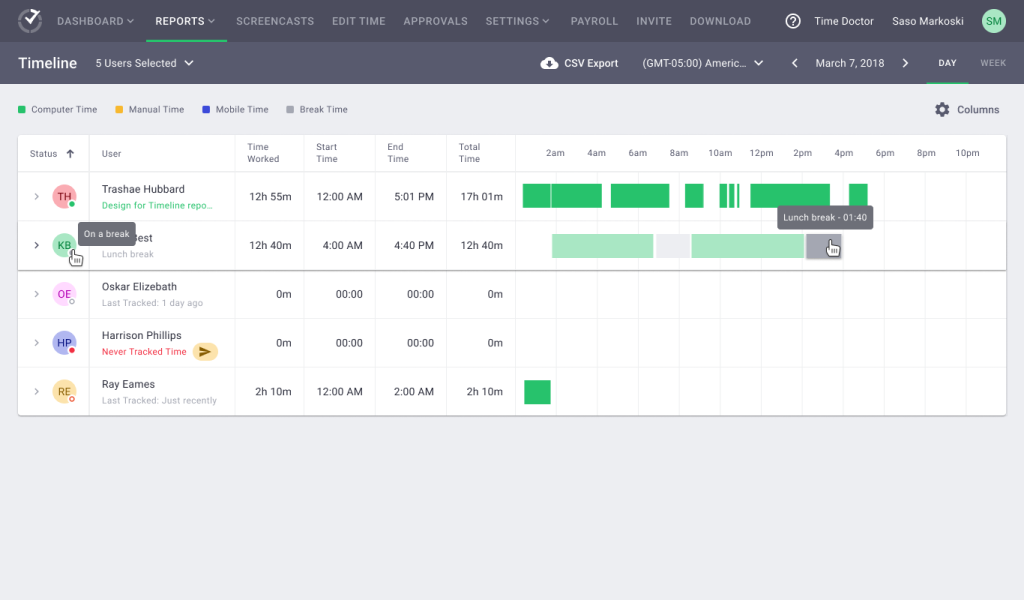
Time Doctor
Best for: remote and distributed teams that need time tracking, attendance, apps/websites and optional deeper productivity analytics.
Time Doctor is a mature time-tracking and workforce analytics product for distributed teams. It starts with automatic time tracking and projects, then adds attendance, app/site reporting, productivity ratings, payroll and scheduling at higher tiers. Premium adds video screen recording, SSO, API access and executive analytics.
Pricing: Basic $8/user/month monthly or about $6.67 annual equivalent; Standard $14/$11.67; Premium $20/$16.70. Enterprise is custom.
Advantages: mature remote-work workflow; broad integrations; screenshots even on lower plans; apps/sites and attendance on Standard; advanced analytics and API on Premium.
Limitations: no confirmed customer-hostedOn-Premise product; some advanced features are tier-dependent or add-ons; managers and admins count as billable users.
Buying consideration: Standard is often a more realistic comparison point than Basic if attendance plus app/site usage matters. Premium is more relevant when API, SSO, advanced analytics or screen recording is required.
Shortlist fit
Time Doctor is a natural shortlist candidate for distributed teams, outsourced operations and project-based work where time, attendance, apps/sites and payroll or billing workflows need to sit together. Buyers should start plan selection from the required workflow rather than from Basic: Standard is more relevant when attendance and app/site analysis matter, while Premium becomes relevant for enterprise controls and deeper analytics. In a pilot, test how easily managers move between projects, people and exceptions, and check whether screenshot settings can be configured proportionately for different teams.
Official website: https://www.timedoctor.com/
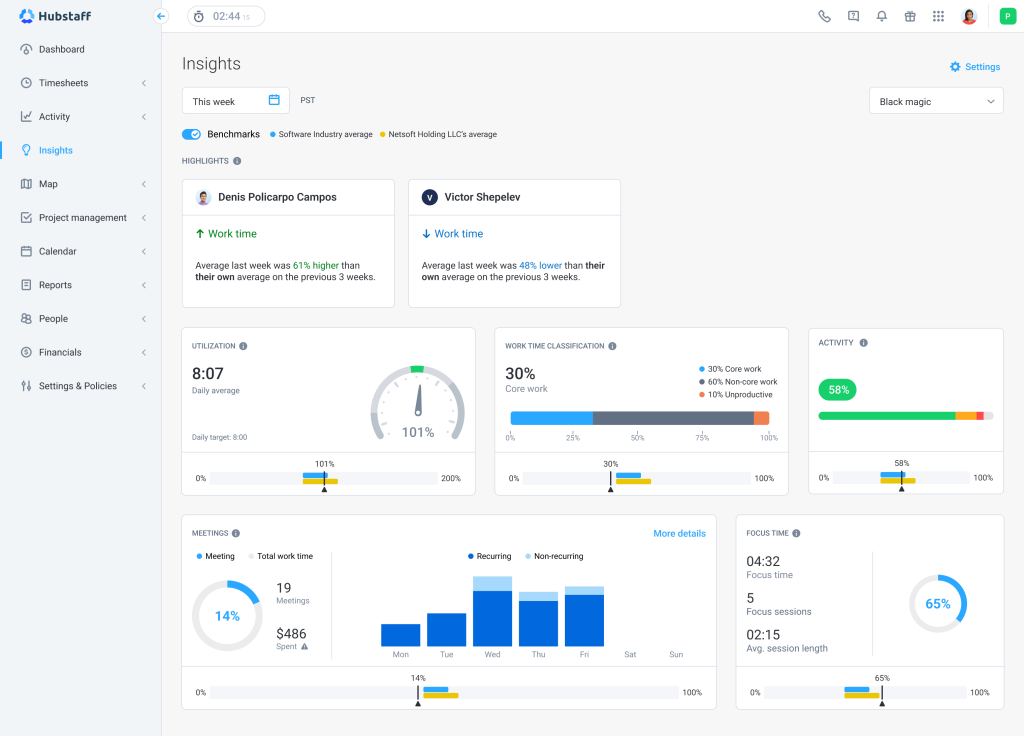
Hubstaff
Best for: project-based, remote and distributed teams that need time, productivity, attendance, payroll and client-costing workflows.
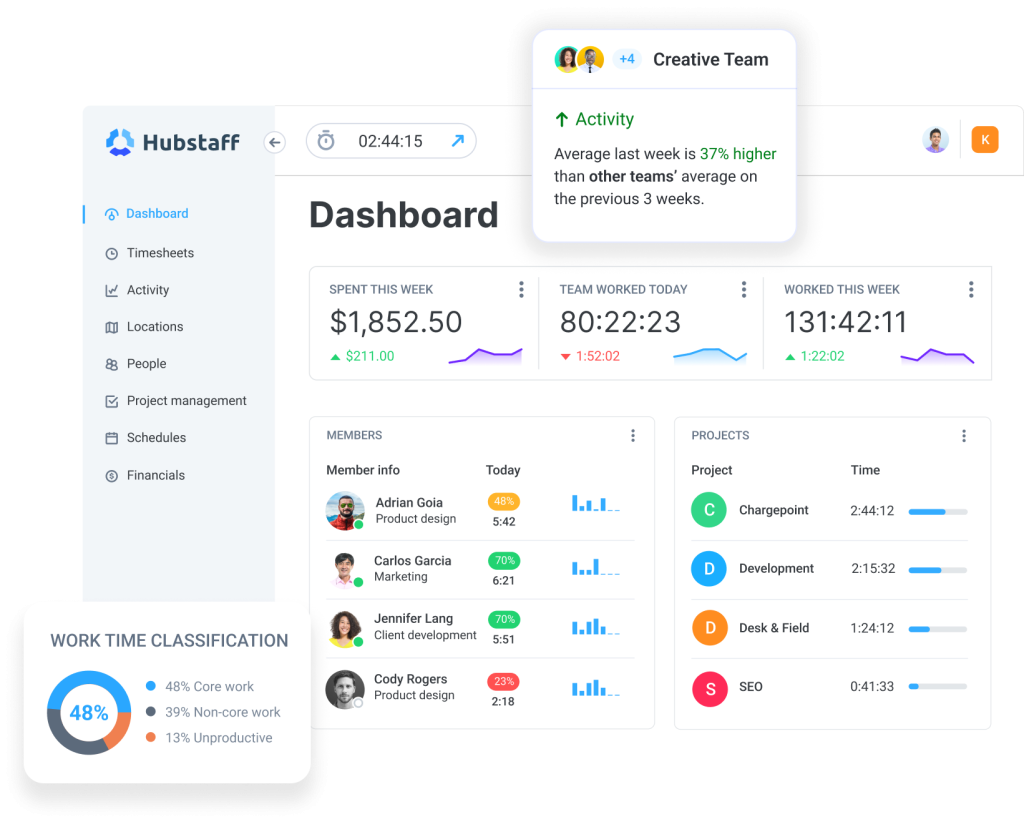
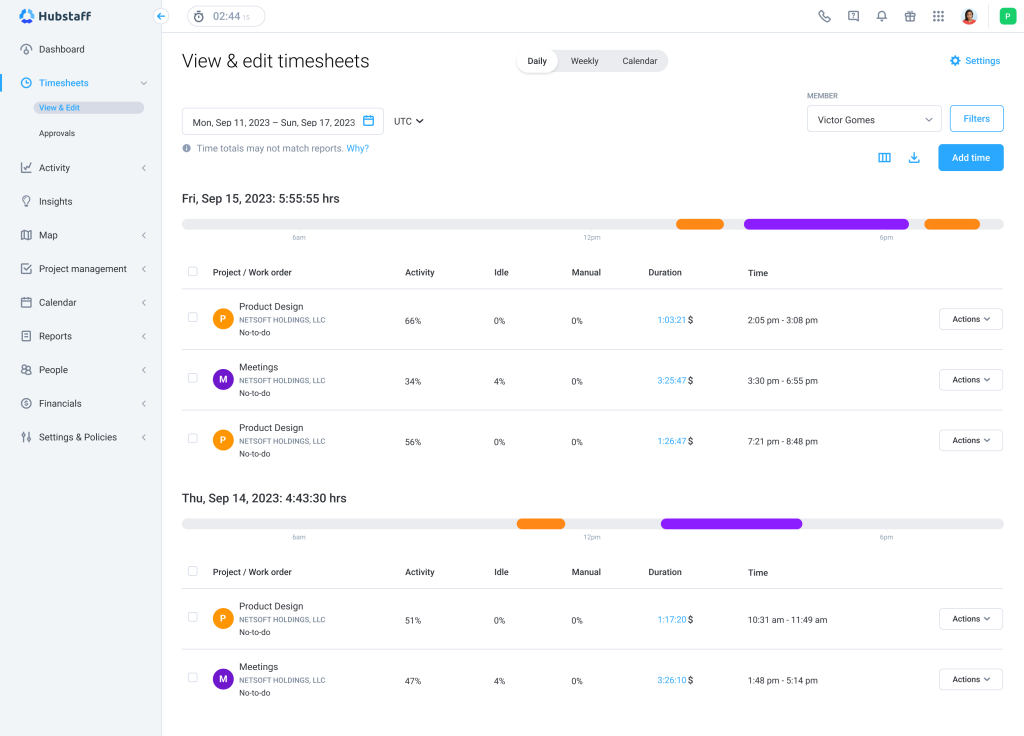
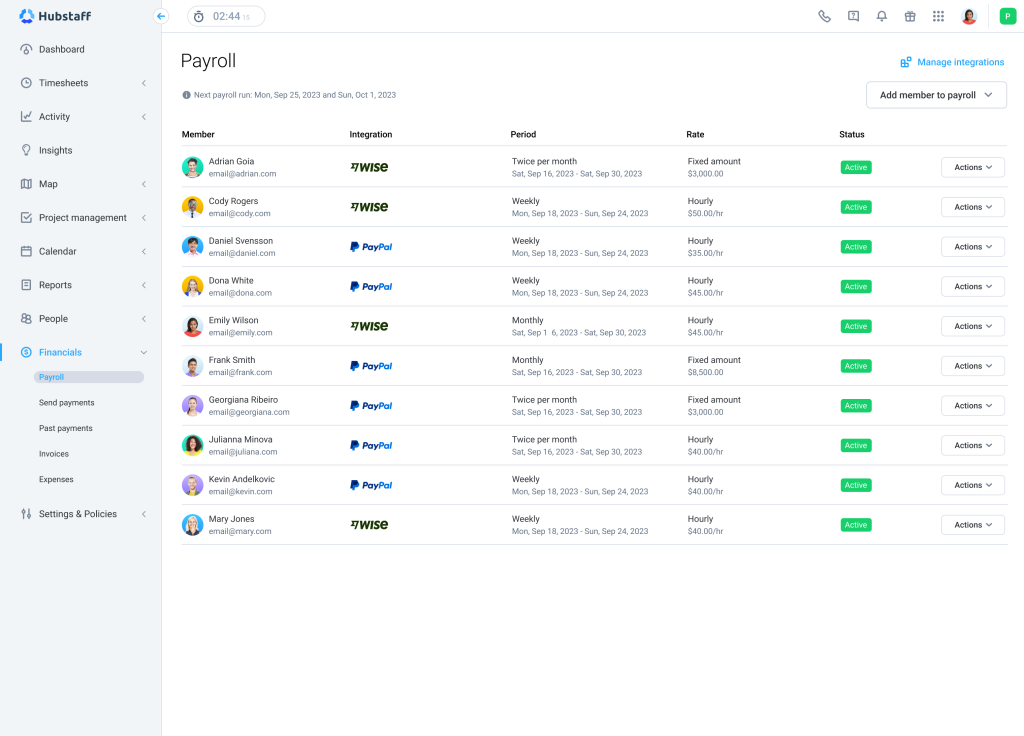
Hubstaff blends time tracking with workforce operations. It tracks time across projects and devices, generates timesheets, supports activity levels, optional screenshots, apps/URL tracking, attendance, scheduling and payments.
Pricing: annual pricing starts at $4.99/user/month for Starter, $7.50 for Grow and $10 for Team. Enterprise is listed at $25/user/month in vendor pricing materials, with custom commercial terms possible.
Advantages: strong time/project workflow; attendance and scheduling on higher tiers; broad integrations; mobile/GPS use cases; good fit for client-facing services.
Limitations: no confirmed customer-hosted On-Premise offering; screenshot and app/URL allowances vary by plan; some analytics require add-ons or higher tiers.
Buying consideration: if the business mainly needs billing, payroll and project visibility, Hubstaff may be easier to justify than a monitoring-heavy platform. If deep endpoint investigation is required, it may be too light.
Shortlist fit
Hubstaff is strongest when tracked hours have to connect to projects, budgets, client reporting, payroll or distributed-team operations. It should be compared with other time/workforce-management products before being compared with security-heavy monitoring platforms. During a demo, ask how screenshots, activity levels, attendance, project budgets and integrations interact in the plan you are considering. Test one real project from time capture through approval and reporting. If the business has a strict self-hosting requirement, obtain written confirmation of the available deployment architecture rather than inferring it from enterprise marketing language.
Official website:https://hubstaff.com/
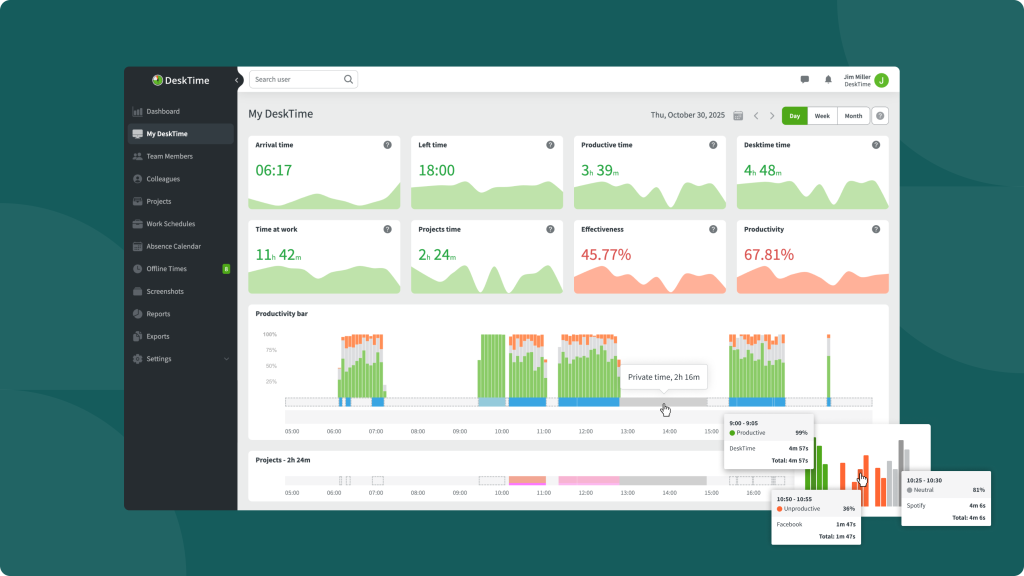
DeskTime
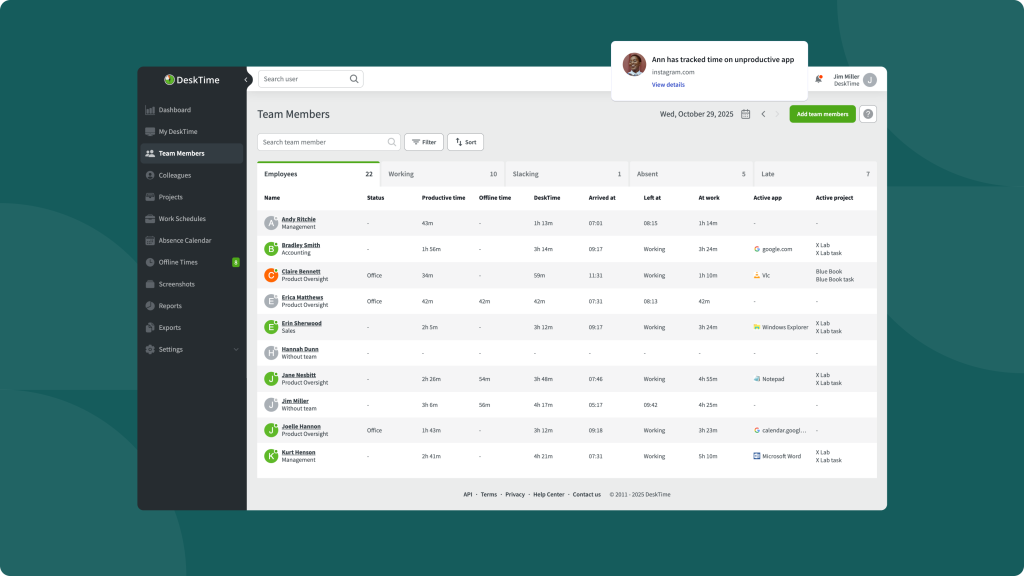
Best for: automatic desktop time tracking and productivity analysis with a relatively straightforward user experience.
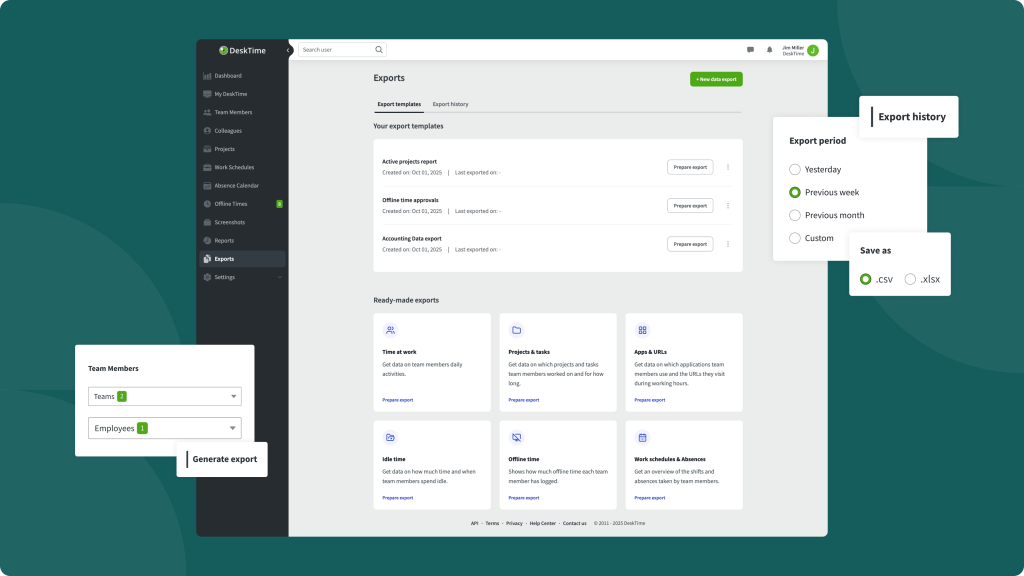
DeskTime automatically tracks computer use and adds productivity classification, document-title tracking, apps/sites and optional screenshots. It is a strong example of an automatic time tracker that can provide more context without moving into deep UAM/security monitoring.
Pricing: Pro $6.42/user/month billed annually; Premium $9.17/user/month; Enterprise custom for 200+ users.
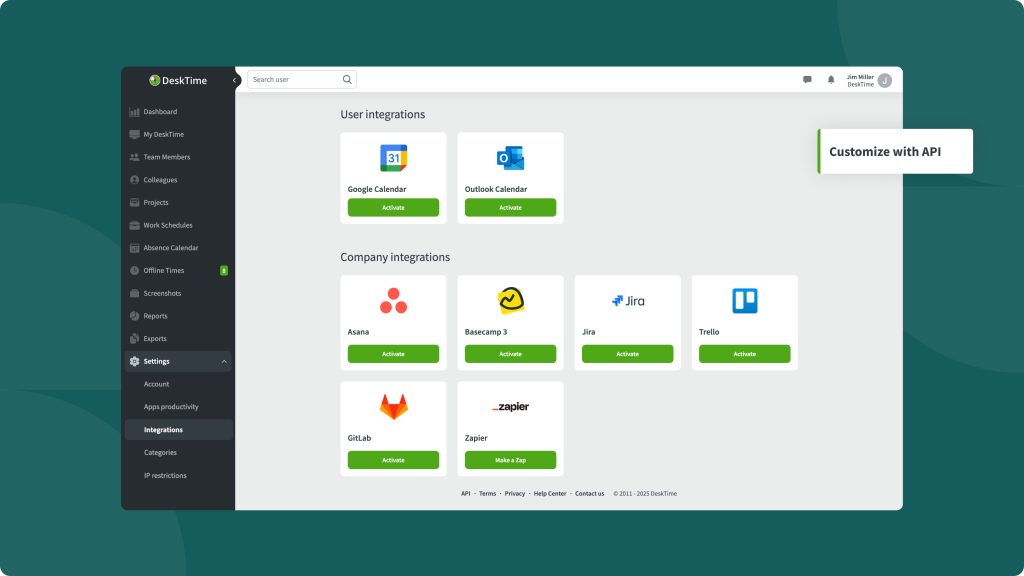
Advantages: automatic tracking; productivity calculations; Premium includes screenshots, integrations/API and shift scheduling; broad time-management workflow.
Limitations: no customer-hosted On-Premise; no continuous screen recording in the confirmed feature set; some users may find idle/productivity classification imperfect in edge cases.
Buying consideration: Premium is the more appropriate tier if screenshots or API are requirements. Pro is better viewed as a productivity/time product than a full monitoring stack.
Shortlist fit
DeskTime is a good fit for buyers who want automatic desktop time tracking with productivity analytics but do not need continuous session recording or a security-oriented tool. Premium is the more realistic shortlist tier when screenshots, API or scheduling matter. During the pilot, compare automatically recorded time with known meetings, offline work and manual corrections so managers understand where desktop tracking can undercount legitimate work. Also test productivity categories by role; a website that is distracting for one department may be essential for another.
Official website: https://desktime.com/
Clockify
Best for: low-cost project time tracking, timesheets, attendance and reporting without deep employee monitoring.
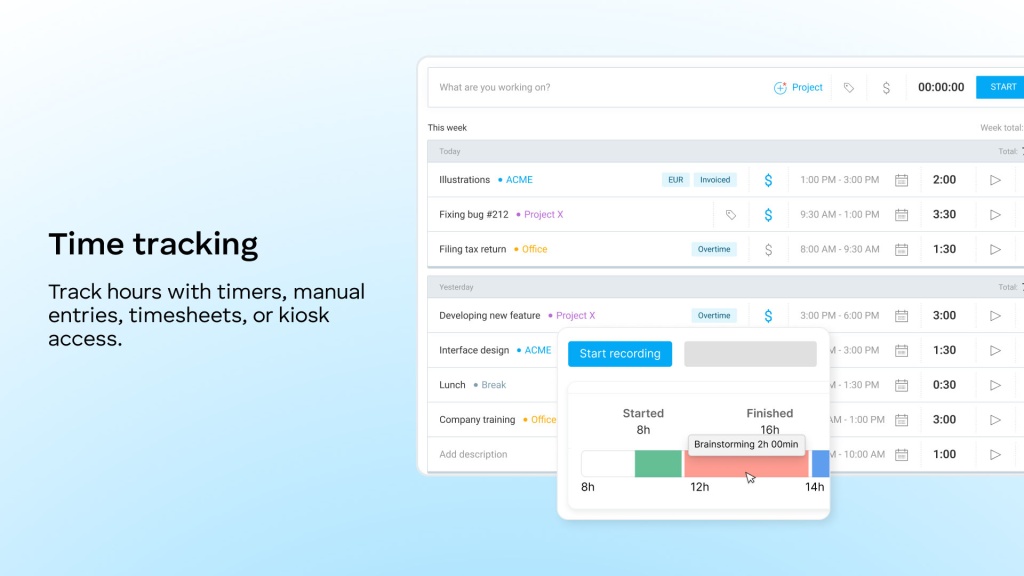
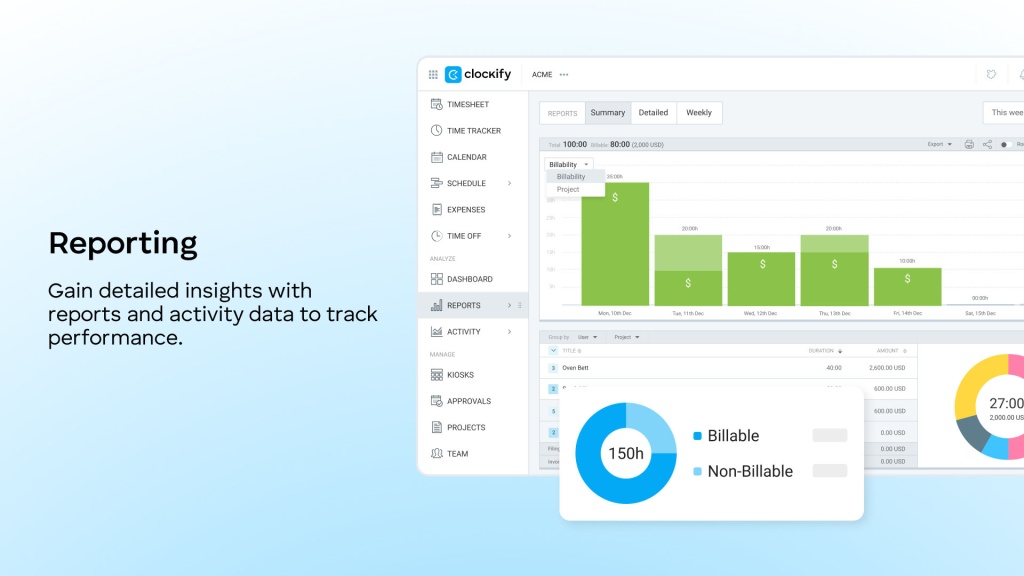
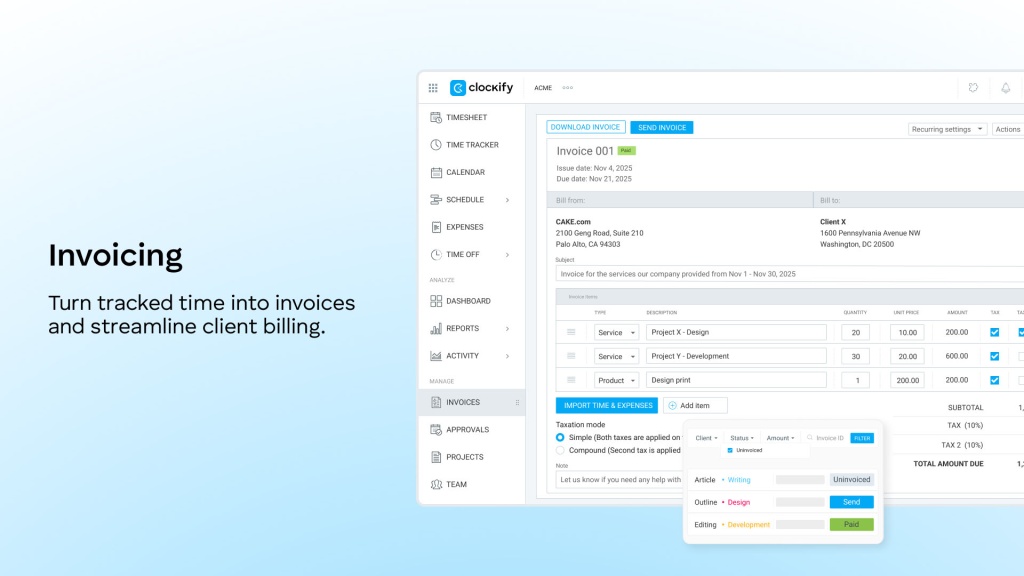
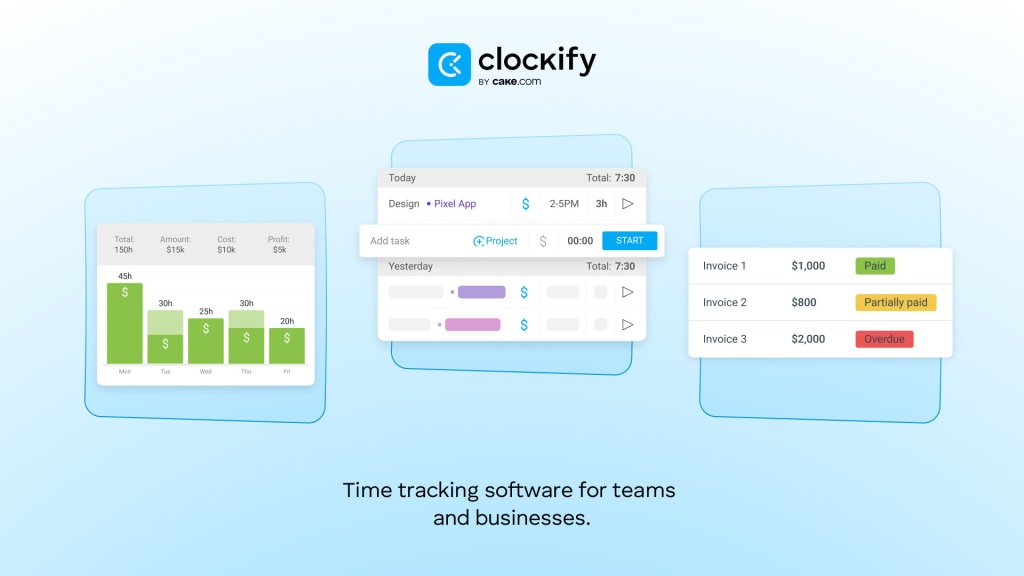
Clockify is primarily a time-tracking and timesheet product. It supports timers, timesheets, auto tracker, reports and desktop/mobile apps. Standard adds attendance and overtime; Pro adds activity monitoring and scheduling; Enterprise adds SSO, SCIM and audit controls.
Pricing: Free for up to 5 users; Basic $3.99/seat/month annual; Standard $5.49; Pro $7.99; Enterprise $11.99.
Advantages: excellent cost transparency; strong project/timesheet workflow; free tier; attendance and overtime available; enterprise identity features at a relatively low list price.
Limitations: not an endpoint monitoring platform; no screenshot monitoring, deep app/site surveillance or screen recording in the confirmed comparison set; Cloud SaaS only.
Buying consideration: if the business problem is hours, projects, approvals or attendance, Clockify may solve it with much less monitoring than a surveillance-oriented product. That can be a benefit, not a limitation.
Shortlist fit
Clockify deserves serious consideration when the real business problem is project hours, timesheets, approvals, attendance or cost reporting. Its lack of deep endpoint monitoring can reduce privacy, implementation and governance burden. A buyer should test the full workflow from employee time entry or auto tracking to manager approval, project reporting and payroll/billing export. If the organisation later discovers that it needs apps/sites or screenshots, that becomes a separate requirement rather than a reason to overbuy monitoring functionality from day one.
Official website: https://clockify.me/
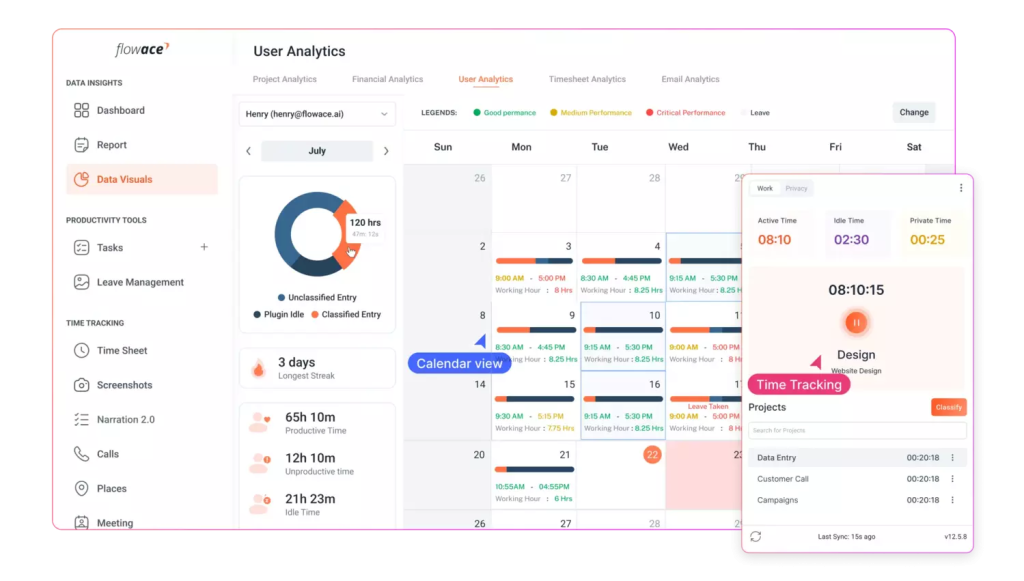
Flowace
Best for: low-cost automatic attendance and productivity analytics with silent tracking and screenshots.
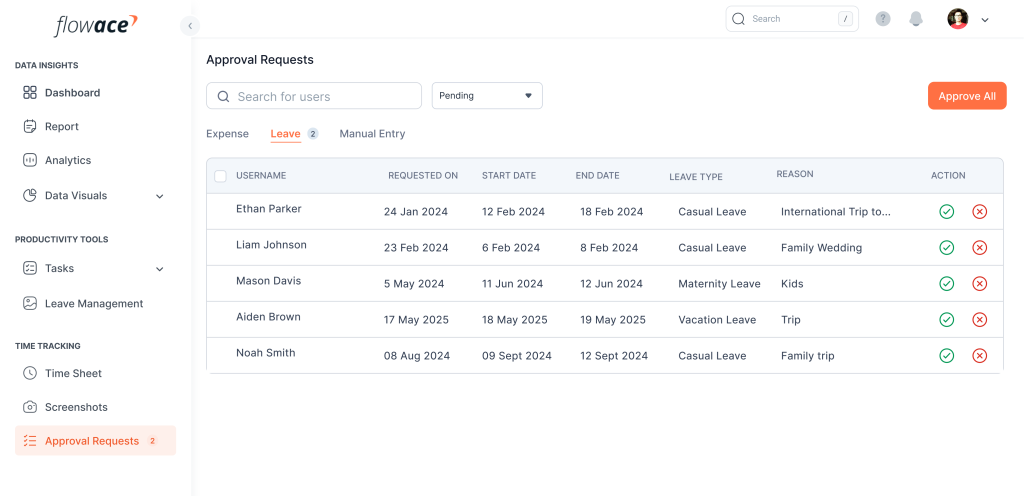
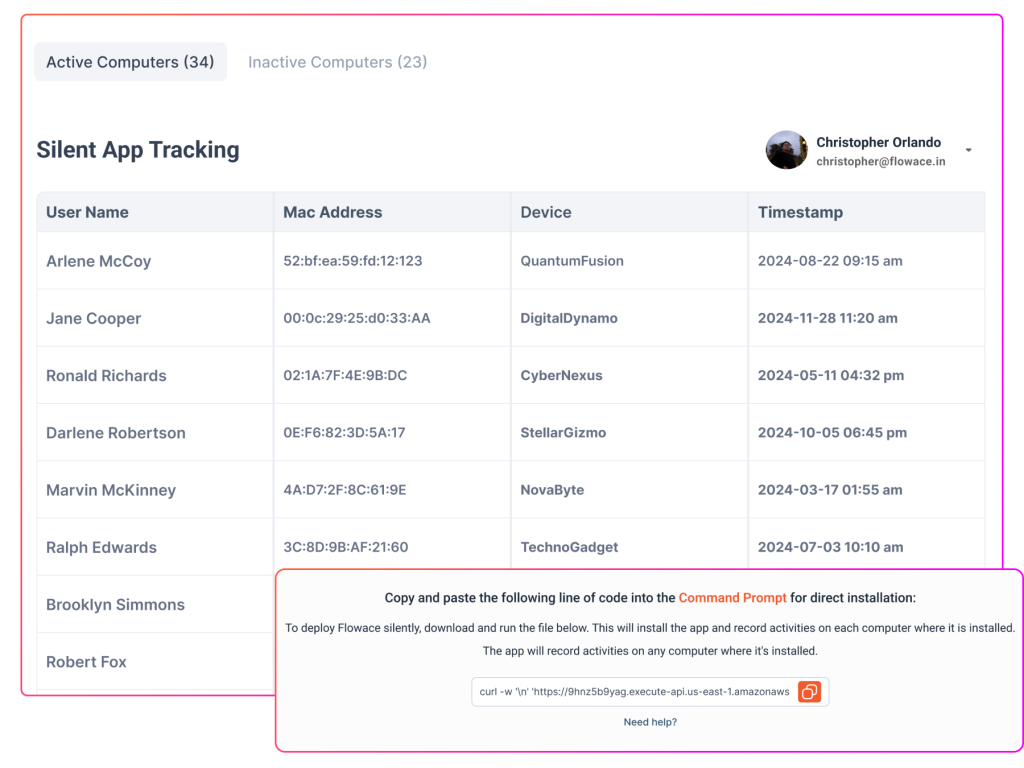
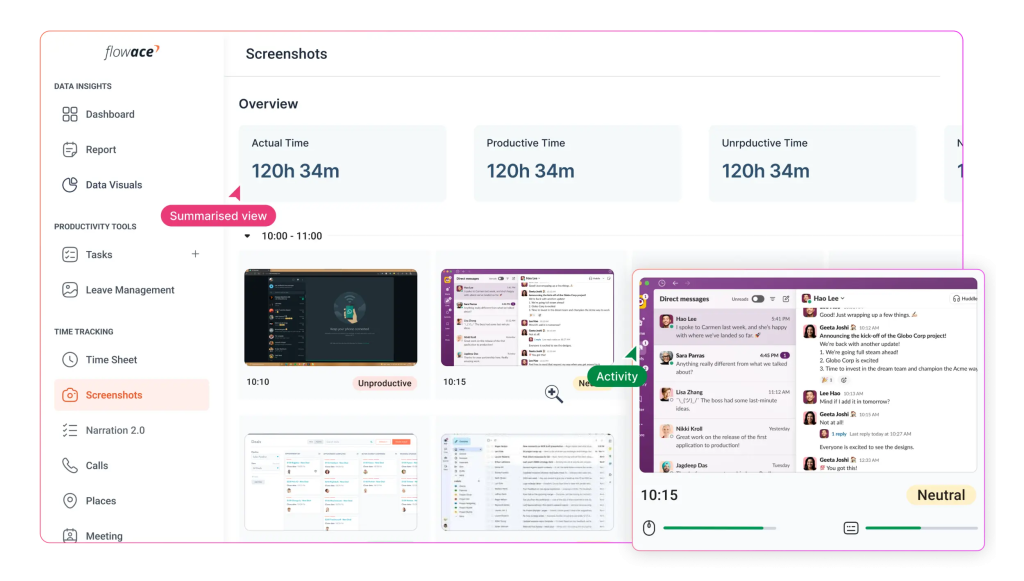
Flowace combines automatic login/logout, attendance, projects, screenshots, silent tracking and productivity analytics. It sits between a time tracker and a workforce analytics product.
Pricing: annual pricing starts at $1.99/user/month for Basic, $3.99 for Standard and $6.98 for Premium; Enterprise is custom. Vendor materials also provide INR pricing equivalents.
Advantages: very low entry price; automatic attendance; screenshots included in Basic according to the current pricing page; project/task and productivity features.
Limitations: customer-hosted On-Premise was not confirmed; more advanced API/SSO and enterprise capabilities sit at higher tiers; buyers should verify storage/retention and monitoring depth.
Buying consideration: Flowace is especially worth testing when cost is a major constraint but automatic tracking and screenshots are still required.
Shortlist fit
Flowace is particularly relevant for price-sensitive teams that still want automatic time, attendance, productivity signals and screenshots. Because the entry price is low, buyers should carefully check which enterprise functions are excluded from the standard tiers and what retention or support limits apply. During a pilot, validate silent/automatic tracking against actual schedules and test how managers review exceptions. If SSO, API, custom deployment or longer data retention are procurement requirements, request the complete enterprise quote before ranking the product on price.
Official website: https://flowace.ai/
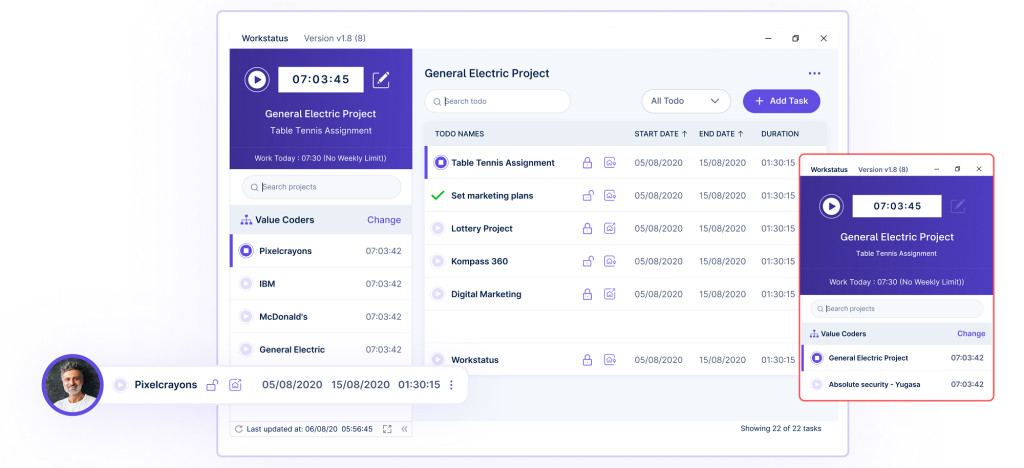
Workstatus
Best for: time tracking, attendance, projects and field/distributed workforce management.
Workstatus combines time tracking and monitoring with project management, attendance, screenshots and mobile/field functionality. It is broader than a desktop-only tracker and is useful when time records need to connect with operational or location-based workflows.
Pricing: research data lists Proof ₹300/user/month and Profit ₹550/user/month on annual billing, with Enterprise custom.
Advantages: INR pricing; attendance; screenshots; project/workload features; GPS and field-workforce scenarios.
Limitations: Private Cloud should not be confused with customer-hosted On-Premise; advanced GPS or session-replay capabilities can affect the final price; public enterprise pricing is limited.
Buying consideration: decide whether the purchase is mainly for desktop productivity, project costing or field attendance. The best plan can differ significantly by use case.
Shortlist fit
Workstatus is more attractive when the time-tracking project also includes projects, field activity, GPS or distributed workforce operations. Buyers should separate desktop monitoring needs from mobile workforce needs because the relevant plan and add-ons can differ. Ask the vendor to demonstrate one office/remote scenario and one field scenario, then verify what is included in the same commercial package. Private Cloud should be treated as a separate architecture from customer-hosted On-Premise when data-location requirements are being evaluated.
Official website: https://www.workstatus.io/
ProHance
Best for: enterprise workforce analytics, operations enablement and capacity/productivity analysis.
ProHance is an analytics-first platform rather than a screenshot-heavy monitoring tool. It is particularly relevant for large operations, service delivery, BPO/BPM and enterprise workforce management where the priority is utilisation, workflow and operational analytics.
Pricing: Custom / Contact Sales for both Cloud andOn-Premise deployments.
Advantages: enterprise operations analytics; Cloud and On-Premise; strong fit for large service operations; privacy-oriented approach relative to invasive screen-capture products.
Limitations: official policy materials indicate no screenshot/image/video capture and no keystroke logging; pricing is not public; can be more complex than SMB-oriented tools.
Buying consideration: shortlist ProHance when the management problem is workforce analytics and operational efficiency rather than visual endpoint monitoring.
Shortlist fit
ProHance belongs on an enterprise shortlist when the priority is utilisation, operational analytics, capacity and process visibility, especially in large service operations or BPO/BPM environments. It is less suitable when the procurement team explicitly requires screenshot-based evidence or continuous visual monitoring. The demo should focus on how managers identify capacity, workload or process issues and how the data supports staffing decisions. Because pricing is custom, ask for implementation effort, data connectors, support model and any minimum scale assumptions alongside the subscription quote.
Official website: https://prohance.ai/
screenshot capture as part of the platform.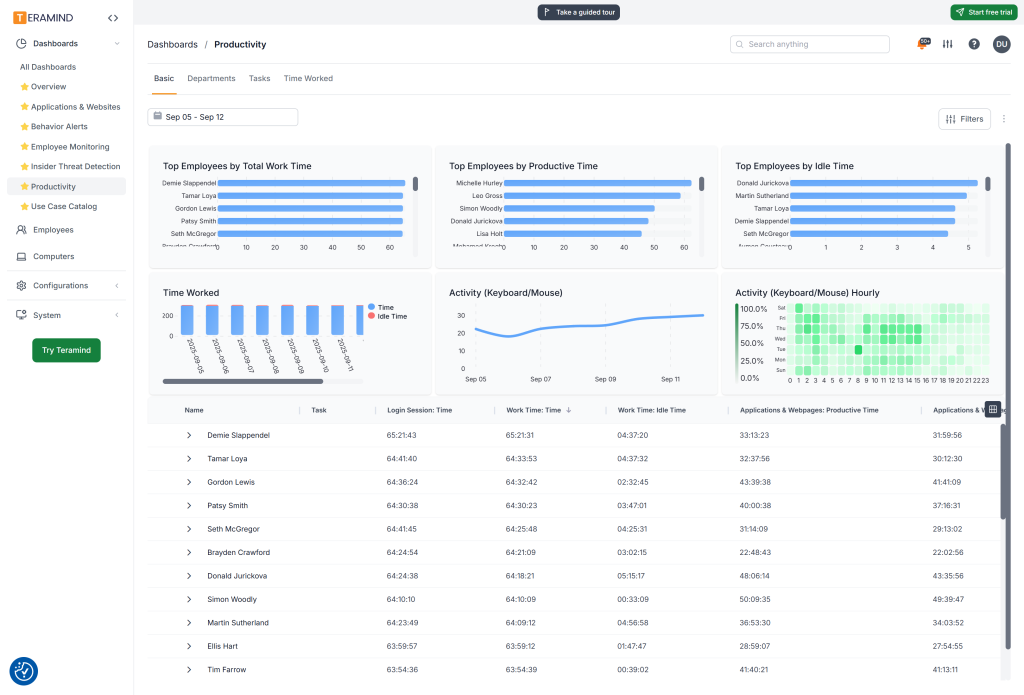
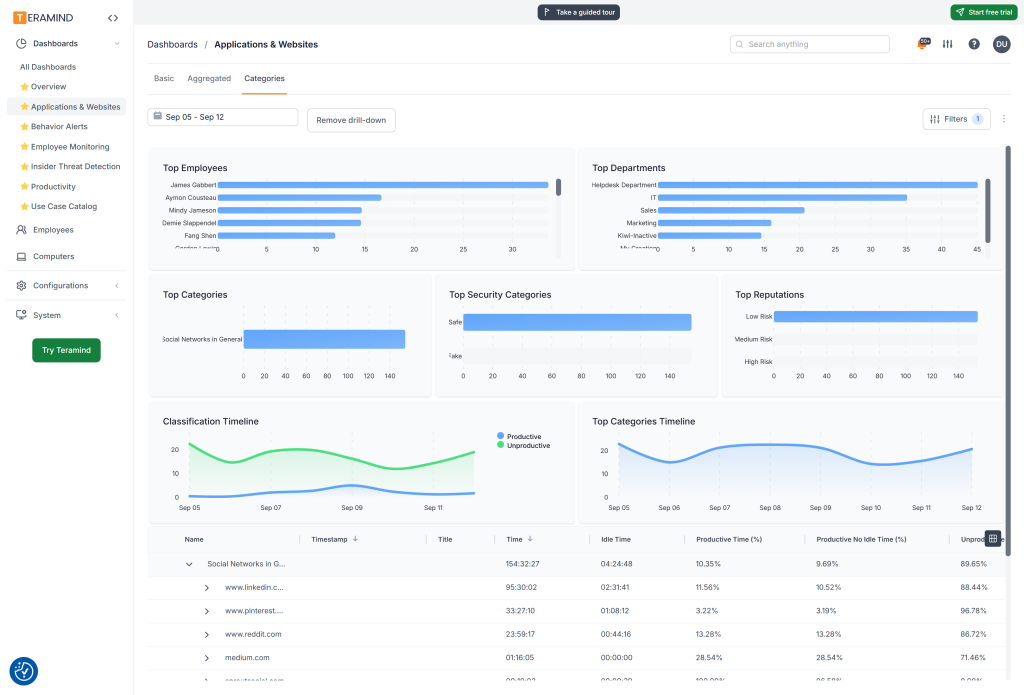
Teramind
Best for: organisations where time tracking is part of a deeper UAM, insider-risk or security requirement.
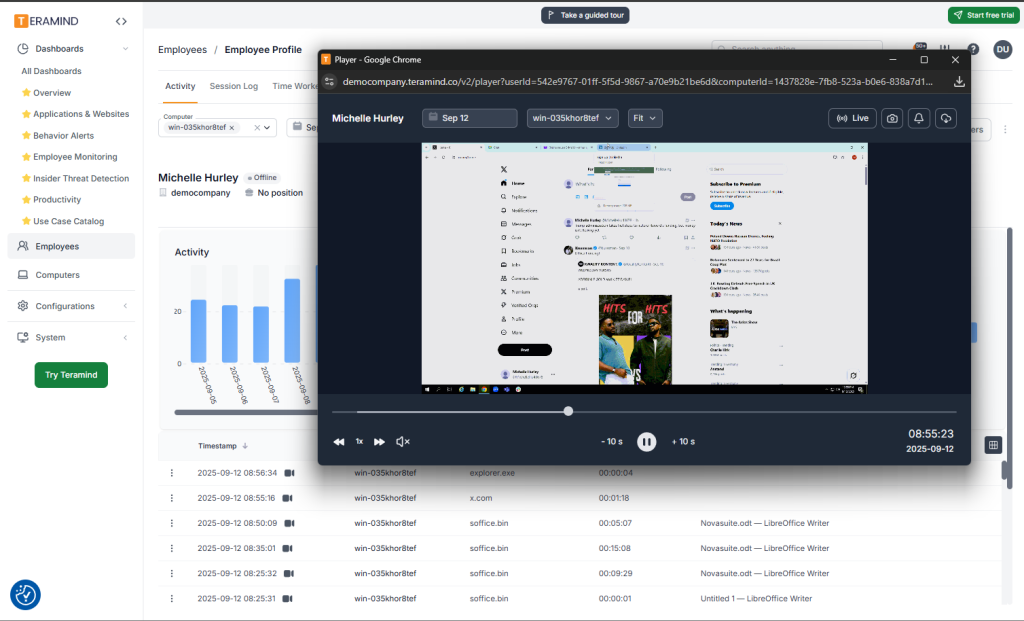
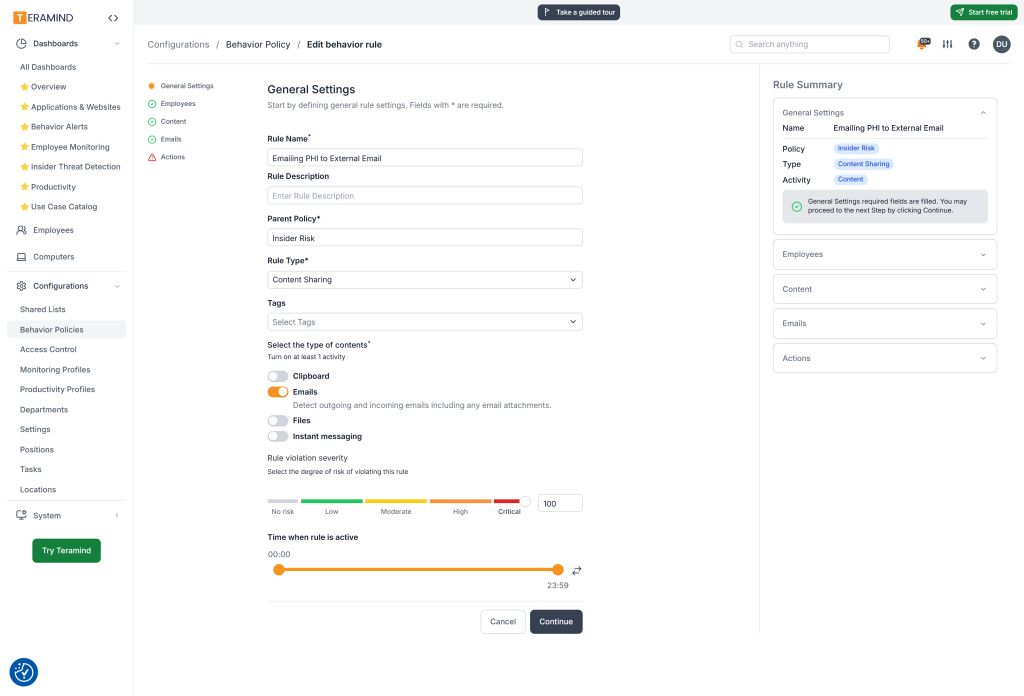
Teramind combines time/productivity monitoring with much deeper user activity monitoring, screen recording, behavioural rules, keystroke-related capabilities, alerts and DLP-oriented functions. It is not the natural choice for a company that only needs timesheets, but it is relevant when security and investigations are central to the project.
Pricing: research benchmarks list approximately $14/user/month Starter, $28 UAM and $32 DLP on monthly plans, with a minimum-seat requirement and custom On-Premise pricing.
Advantages: deep endpoint monitoring; screen recording; security/UAM capabilities; Cloud and On-Premise; strong investigation workflow.
Limitations: higher cost and complexity than ordinary time trackers; steeper learning curve; platform feature differences should be validated, especially for non-Windows environments.
Buying consideration: do not buy a UAM/DLP platform to solve a simple attendance problem. Use it when the security value justifies the additional cost, governance and implementation effort.
Shortlist fit
Teramind should be shortlisted when time tracking is only one part of a broader UAM, insider-risk or investigation requirement. The additional monitoring depth also brings higher cost, administration and governance obligations. Before a demo, involve security and legal/privacy stakeholders so the team can distinguish genuinely required controls from features that would be excessive for an ordinary attendance project. In the pilot, test policy rules, investigation workflow, access controls and the manager/security division of responsibilities—not just raw data collection.
Official website: https://www.teramind.co/
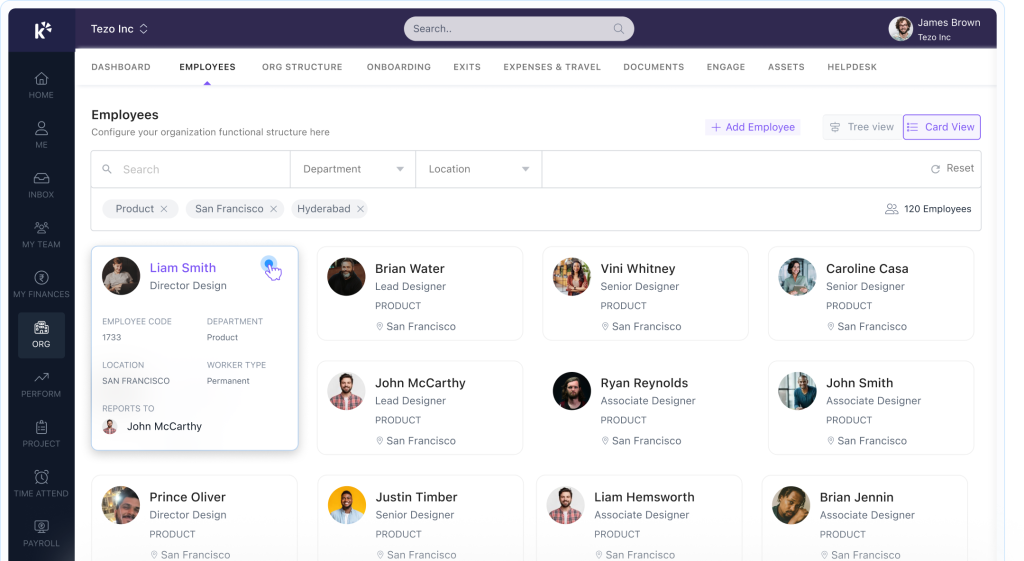
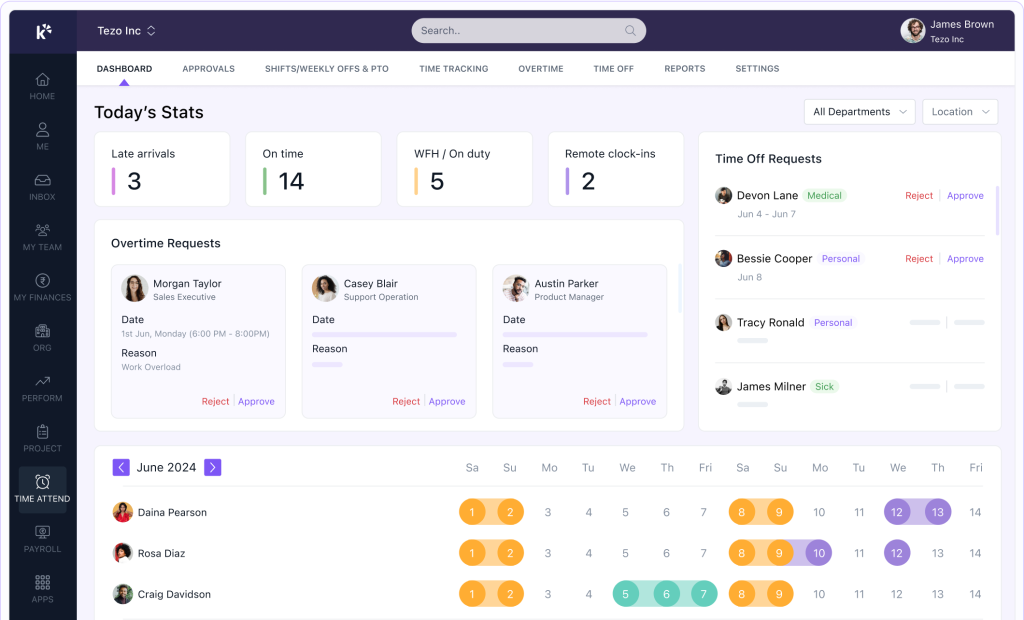
Keka HR
Best for: HR, payroll and attendance when endpoint activity monitoring is not required.
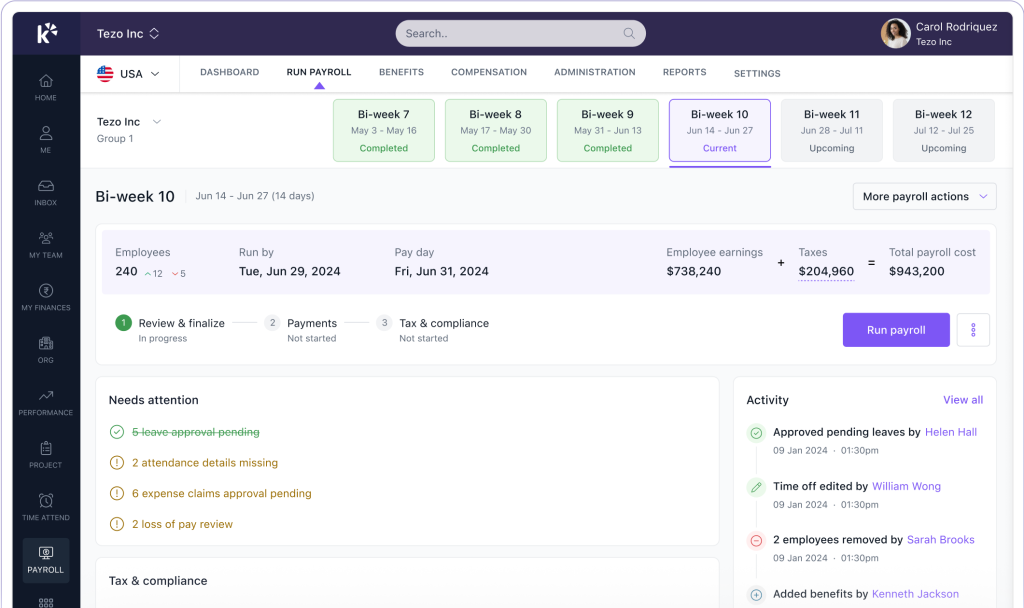
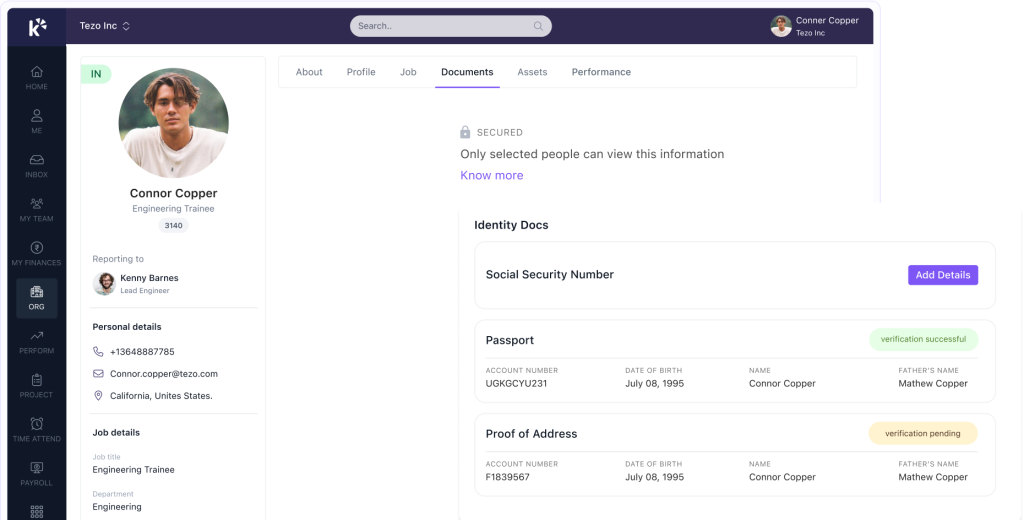
Keka is an HRMS rather than employee computer monitoring software. It belongs in this comparison because many companies actually need attendance, payroll and people workflows rather than desktop visibility.
Pricing: research uses a starting benchmark of about ₹9,999/month for up to 100 employees, subject to current quotation and packaging.
Advantages: broad HR/payroll stack; attendance workflows; local payroll/HR relevance; reduces the need for separate HR operations tools.
Limitations: no confirmed endpoint apps/sites monitoring, screenshots or deep computer activity analytics in the comparison set.
Buying consideration: if the main requirement is attendance-to-payroll automation, an HRMS can be a better answer than a monitoring platform.
Shortlist fit
Keka is the more logical direction when the requirement is attendance connected to HR and payroll, not visibility into desktop behaviour. Buyers should map the complete employee lifecycle that touches time data: schedules, attendance, leave, payroll, approvals and employee self-service. If those workflows solve the business problem, there may be no need to deploy a desktop monitoring agent at all. If deeper digital activity becomes necessary later, evaluate it as a separate requirement rather than forcing HRMS to behave like an endpoint-monitoring platform.
Official website: https://www.keka.com/
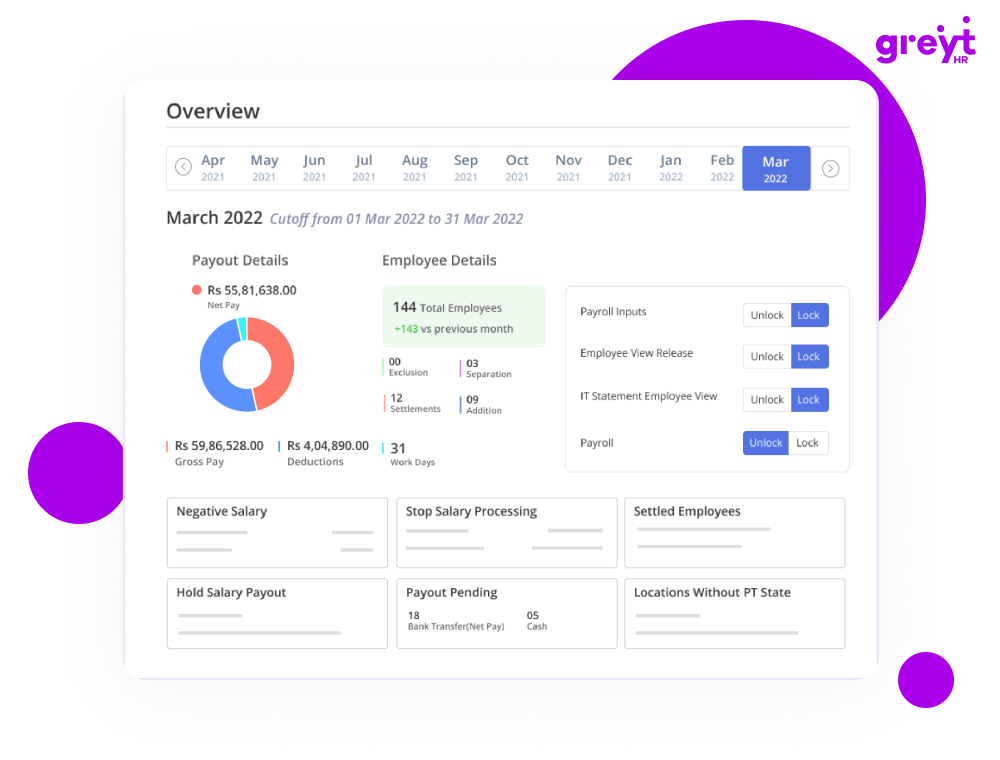
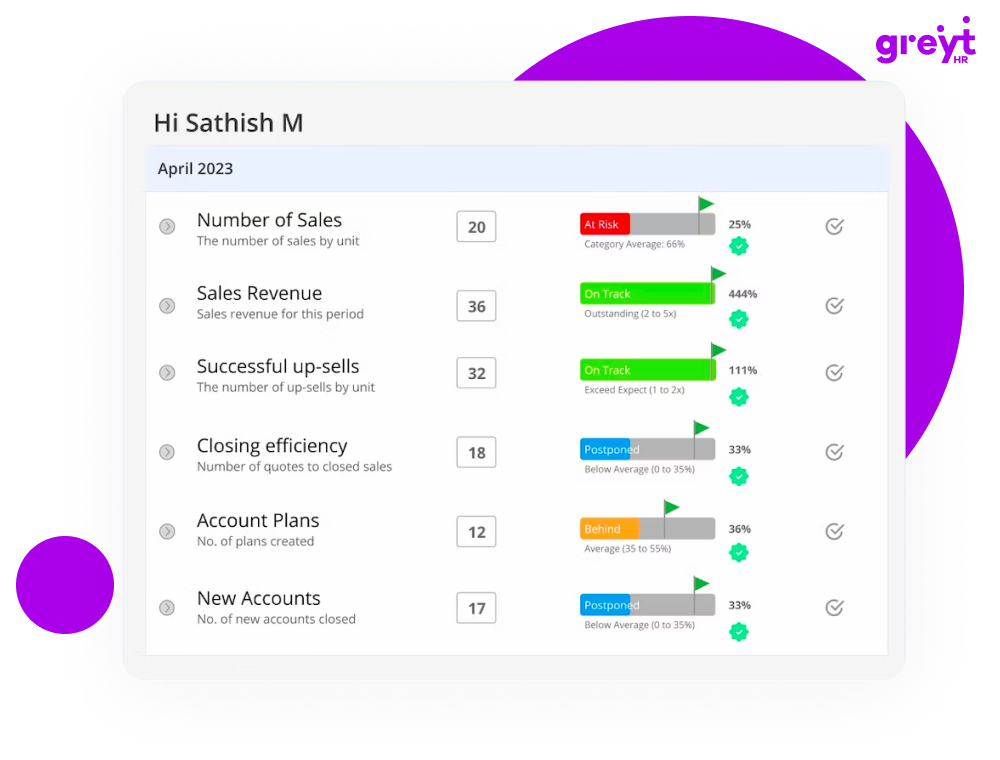
greytHR
Best for: payroll, attendance, leave and HR administration.
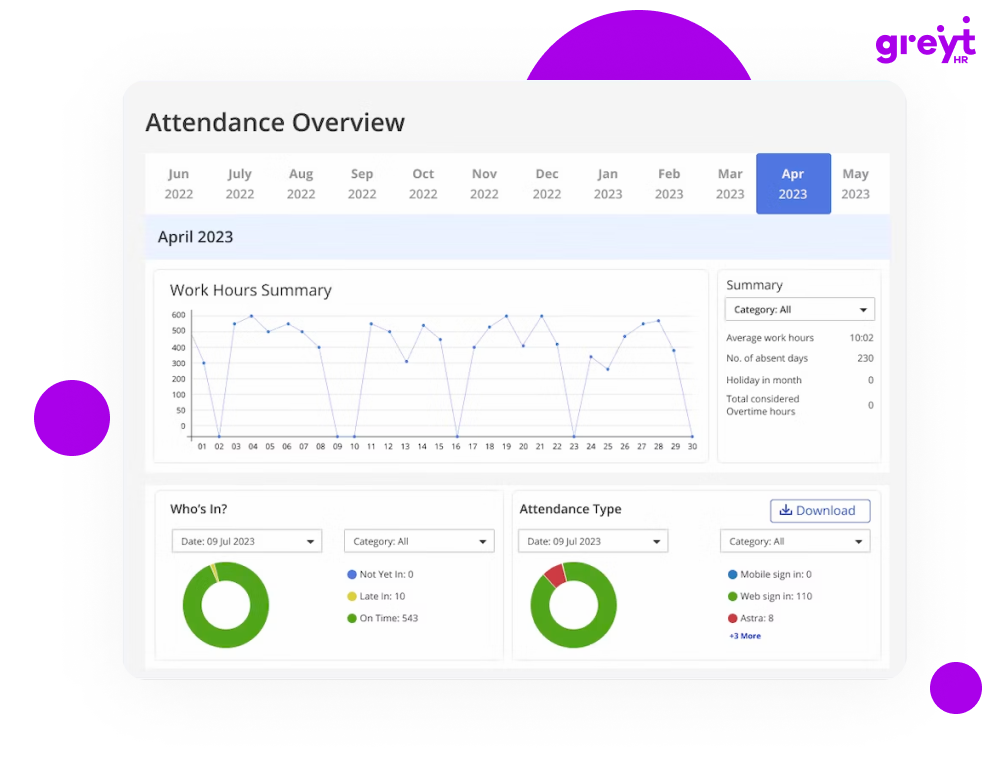
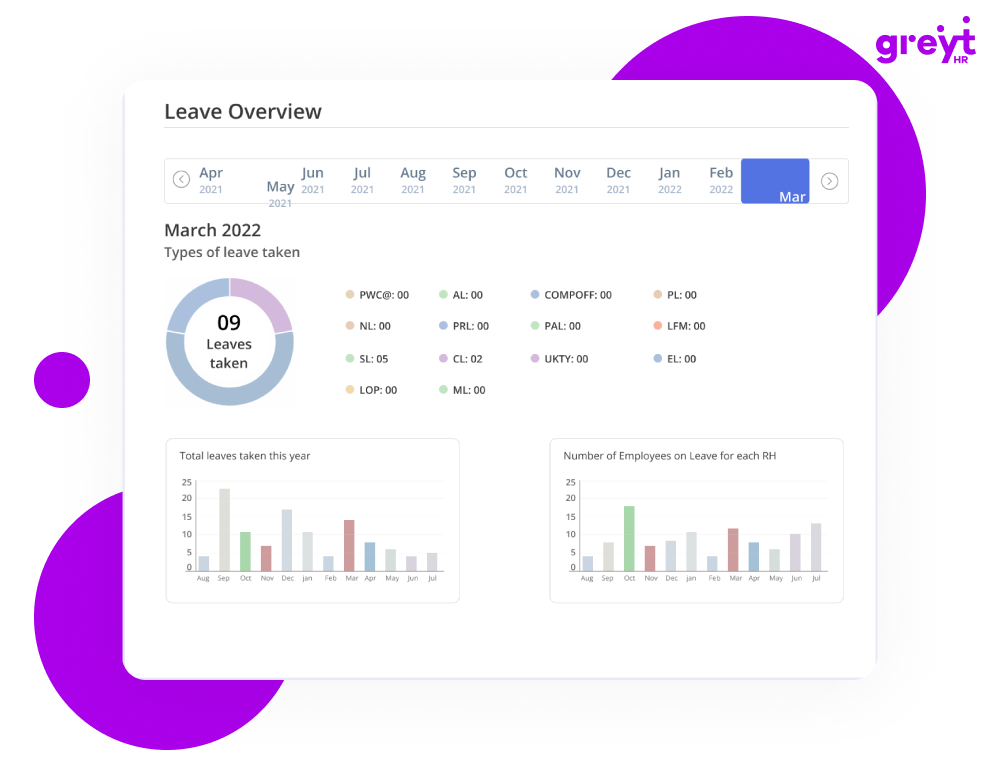
greytHR is a long-established HRMS and payroll platform. It is relevant when “time tracking” means attendance records, leave, shifts and payroll rather than digital endpoint monitoring.
Pricing: Essential ₹2,495/month including 50 employees plus approximately ₹45 per additional employee; Growth ₹4,495/month plus approximately ₹85 per additional employee, based on current research data.
Advantages: transparent India-oriented pricing; payroll/compliance focus; attendance and workforce administration.
Limitations: not endpoint monitoring; no confirmed apps/sites surveillance, screenshots or detailed computer activity timeline.
Buying consideration: use HRMS when payroll and attendance are the primary problem. Add a separate monitoring platform only if managers genuinely need endpoint-level data.
Shortlist fit
greytHR is most relevant when time tracking is part of payroll, leave, attendance and HR administration. The procurement team should compare its cost at the real employee count with the cost of combining a separate attendance tool and payroll system. During the demo, test employee corrections, manager approvals, overtime handling and payroll handoff. If the company’s requirement includes apps, websites or screenshots, recognise that this is a different software category and decide whether a second system is genuinely justified.
Official website: https://www.greythr.com/
Zoho People
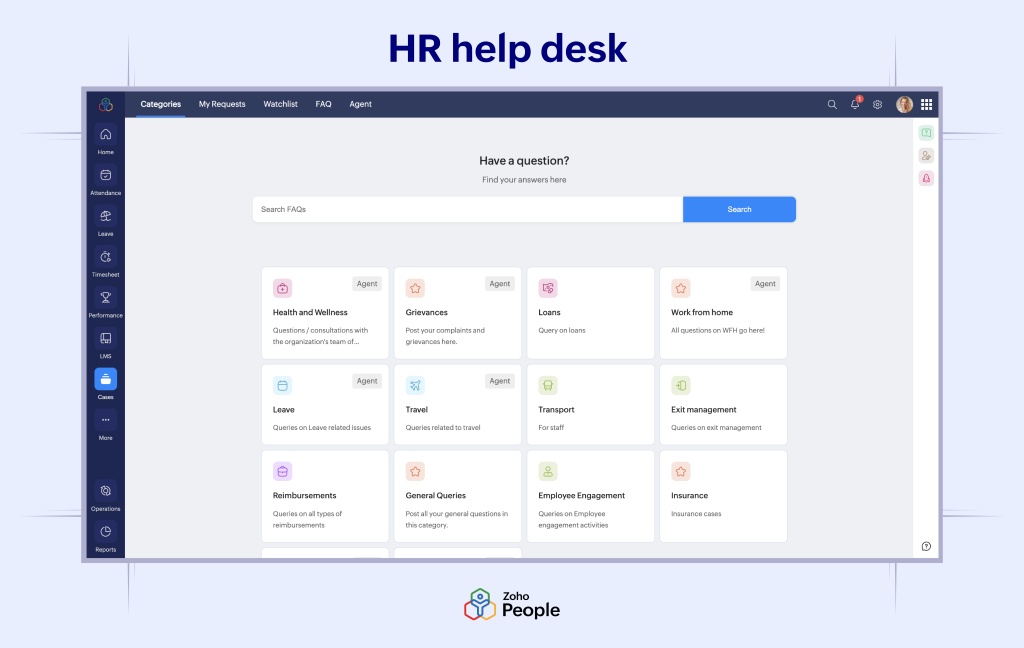
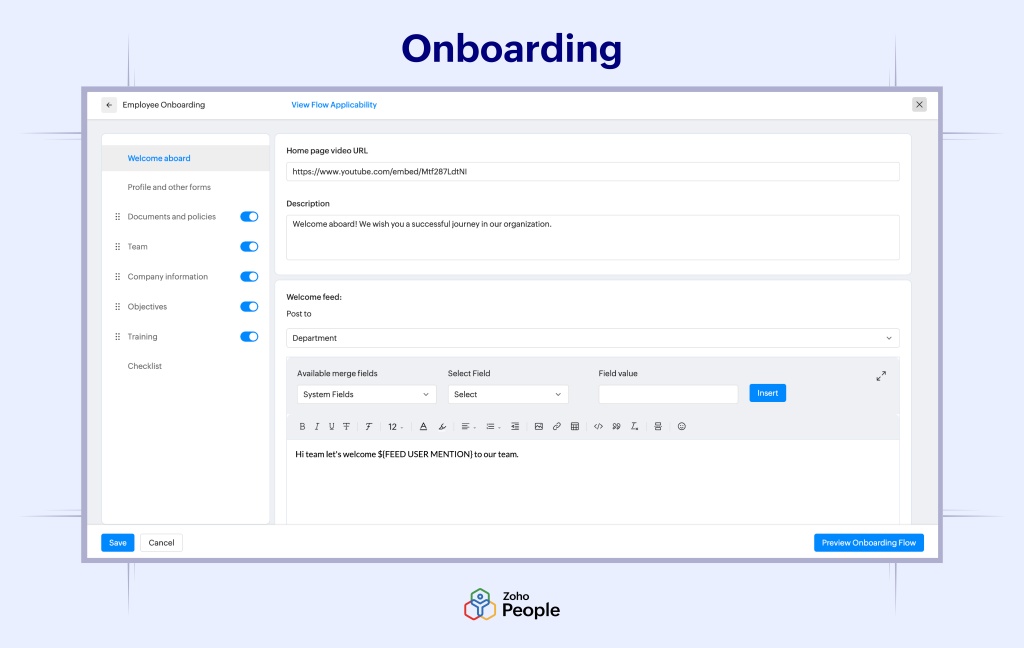
Best for: organisations already using the Zoho ecosystem and needing HR, attendance and people operations.
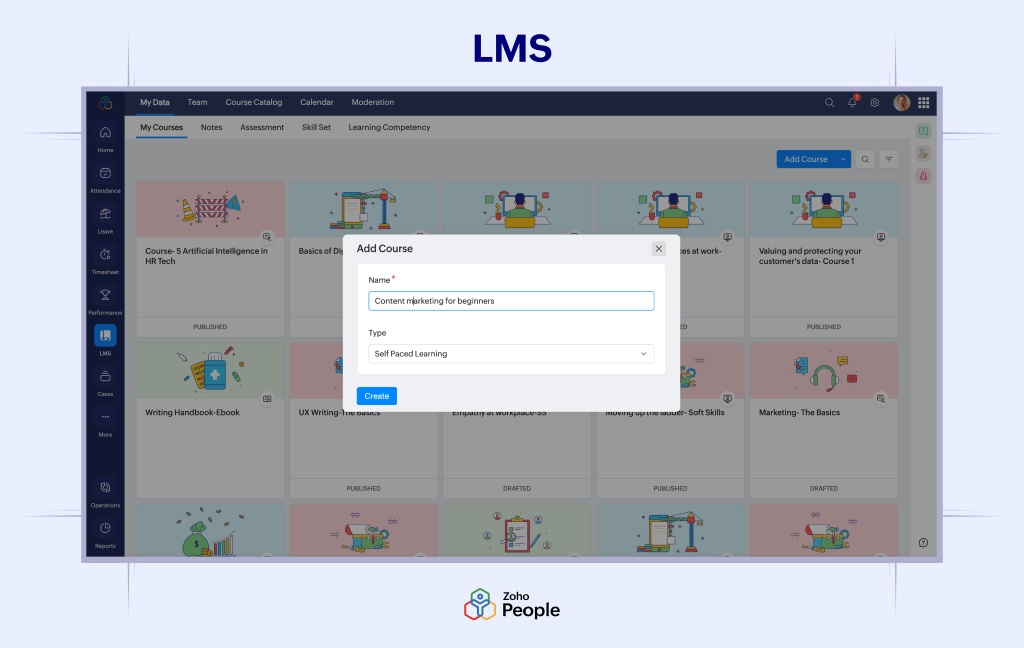
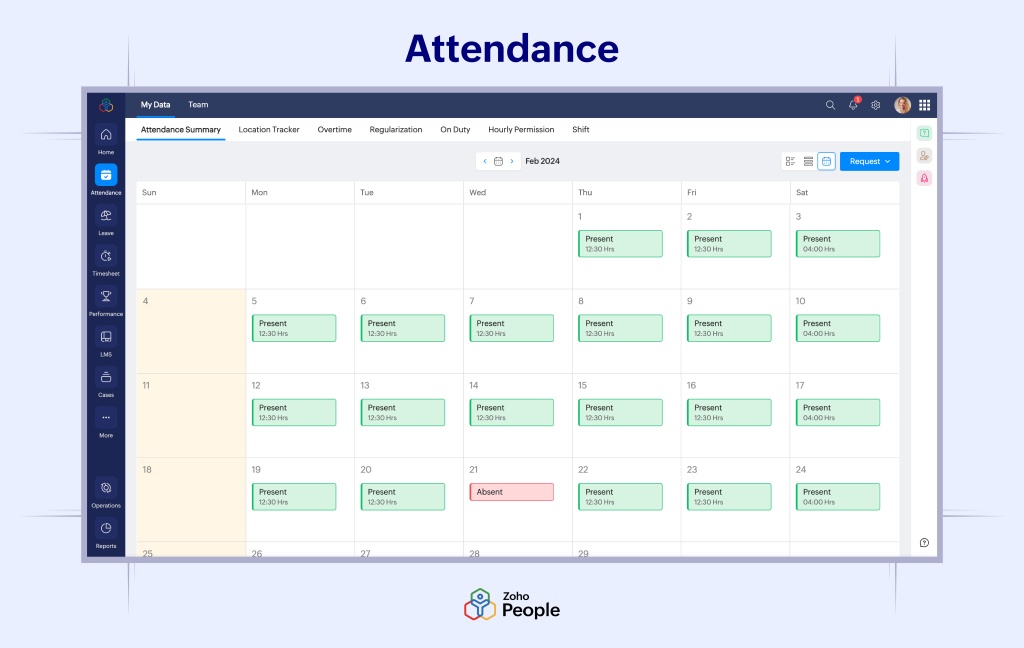
Zoho People provides attendance, leave, employee records, workflows and broader HR functions. It is not a substitute for desktop activity monitoring but can be a strong fit when time data must flow into HR processes.
Pricing: research benchmarks India pricing from approximately ₹48/user/month on annual billing. Verify the current local plan before procurement.
Advantages: Zoho ecosystem; flexible HR workflows; attendance and people operations; familiar vendor for existing Zoho customers.
Limitations: no confirmed screenshots, app/site monitoring or screen recording in the endpoint-monitoring sense.
Buying consideration: the value increases significantly for organisations already using Zoho CRM, Books or other Zoho applications.
Shortlist fit
Zoho People becomes more attractive when the organisation already uses Zoho applications and wants attendance data inside broader people workflows. Evaluate the value of ecosystem integration, employee records, approvals and reporting rather than comparing it by monitoring checkmarks. Buyers should test how attendance and working-time data move into existing HR processes and whether the required integrations are native or need custom work. If endpoint activity is not needed, the simpler governance model can be a significant advantage.
Official website: https://www.zoho.com/people/
factoHR
Best for: payroll, attendance, biometric/GPS and field-workforce HR scenarios.
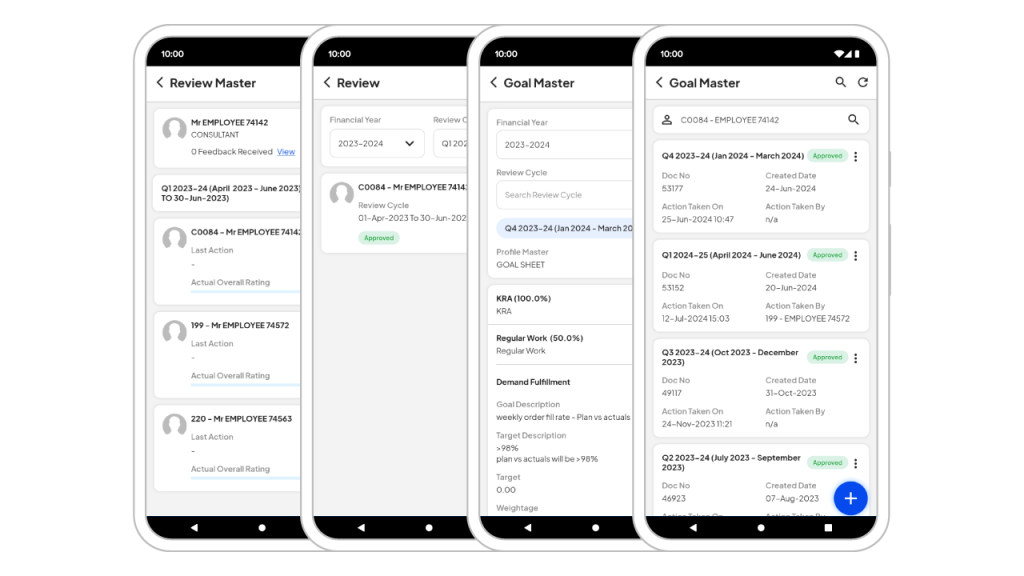
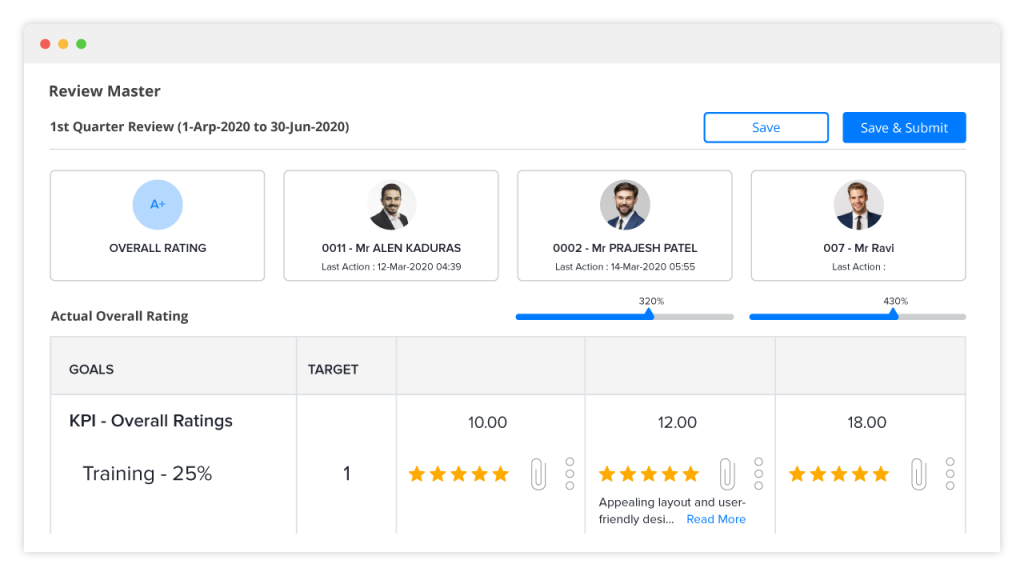
factoHR is an HRMS and attendance platform rather than a detailed employee computer monitoring product. Its role in this comparison is to show that many organisations can solve timekeeping with HR/attendance functionality instead of endpoint monitoring.
Pricing: Core ₹4,999/month for up to 50 employees plus ₹69/additional employee; Premium ₹5,999 + ₹89/additional; Ultimate ₹6,999 + ₹119/additional, based on supplied research.
Advantages: payroll and attendance; biometric and field-workforce context; predictable package pricing for smaller teams.
Limitations: no confirmed endpoint apps/sites/screenshot monitoring; customer-hosted On-Premise pricing was not confirmed.
Buying consideration: shortlist factoHR when payroll, attendance and mobile/field operations are more important than computer activity visibility.
Shortlist fit
factoHR is a practical candidate where the priority is attendance, payroll, biometric or field-workforce administration. Buyers should compare its packaged pricing at the actual headcount and check which mobile, GPS or attendance features are included in the proposed plan. In a pilot, test attendance capture, correction workflows, approvals and payroll-related reports. If managers need detailed desktop activity, treat that requirement separately because HR attendance data and endpoint monitoring answer different questions.
Official website: https://factohr.com/
Employee Time Tracking Software Comparison
Legend: ✅ Yes, ◐ Partial / plan-dependent, — No, ? Verify with vendor.
The table is intentionally category-aware. A “No” under screenshots is not a weakness for an HRMS whose purpose is payroll and attendance. Likewise, a UAM platform with continuous recording is not automatically a better time tracker.
Build the Shortlist by Buyer Type, Not by Brand Popularity
The same product can be an excellent choice for one purchasing team and a poor choice for another. A practical shortlist is easier to build when you start from the buyer profile.
Profile A: Project billing and professional services
Prioritise accurate timers or automatic project time, task/project allocation, approvals, billable vs non-billable hours, budgets, exports and integrations. Products such as Clockify, Hubstaff and Time Doctor are more natural comparisons here than a security/UAM platform. Screenshots should be optional unless a contractual or operational reason requires them.
Profile B: Attendance, shifts and payroll
Prioritise schedules, clock-in/out, overtime, leave, employee corrections, manager approvals and payroll connectivity. Keka HR, greytHR, Zoho People and factoHR are relevant because the business process extends beyond desktop activity. A monitoring platform can be unnecessary if the objective is simply accurate attendance-to-payroll flow.
Profile C: Automatic digital work-time visibility
Prioritise passive time capture, first/last activity, active/idle intervals, schedules, workday details and manager reports. If managers also need apps/sites or screenshots, compare deeper monitoring products such as Time Champ, INSIDER, DeskTrack, EmpMonitor, DeskTime, Flowace or similar tools in the same category.
Profile D: BPO, outsourcing and distributed operations
Prioritise reliable automatic tracking, attendance, screenshots where proportionate, app/site visibility, schedules, team-level reporting and scalable administration. Support coverage, rollout speed and the ability to analyse large teams are often more important than having the longest feature list.
Profile E: Security-led user activity monitoring
Prioritise investigation workflow, rules, alerts, session details, auditability, access controls and deployment requirements. Teramind belongs more naturally in this group. The purchasing process should include security, privacy/legal and IT stakeholders because the data collected is deeper and more sensitive than ordinary timesheet data.
Profile F: Manufacturing and shift-based operations
For manufacturing, warehouses and other shift-based environments, working time control usually depends more on schedules, attendance, overtime, payroll and physical clock-in methods than on desktop activity. A physical employee time tracking device or biometric terminal may be more important than a PC agent for production staff. If the organisation wants access control and time tracking to work together, verify whether the systems are natively integrated or simply exchange attendance data; they should not be assumed to be the same product.
A useful rule is to compare three products that solve the same primary problem. Add one adjacent alternative only to test whether a simpler or less intrusive class of software can solve the requirement at lower cost and complexity.
How to Compare Pricing Correctly
The lowest advertised price is often the wrong number to compare.
A basic plan may include only timers and timesheets. The plan you actually need may require attendance, screenshots, app/site usage, API, SSO, Active Directory, longer retention or customer-hosted deployment.
Before comparing quotes, normalise these variables:
- 1. Billing period: monthly vs annual prepayment.
- 2. Seat definition: are admins/managers billable?
- 3. Minimum seats: does a five-seat or enterprise minimum apply?
- 4. Required plan: which tier includes the functions you actually need?
- 5. Add-ons: screenshots, screen recording, API, GPS, retention or analytics.
- 6. Deployment: Cloud, Private Cloud and On-Premise are different commercial models.
- 7. Implementation costs: training, onboarding, servers, storage and administrator time.
- 8. Data retention: screenshot or video storage can materially affect total cost.
For a fair comparison, ask every vendor for the complete monthly or annual cost for your exact employee count and required feature set.
| Factor | Cloud | Customer-hosted On-Premise |
|---|---|---|
| Deployment | Usually faster | Requires infrastructure and implementation |
| Server management | Vendor-managed | Customer-managed |
| Updates | Usually automatic | Often controlled by customer |
| Data location | Vendor/cloud environment | Customer infrastructure |
| IT workload | Lower | Higher |
| Pilot speed | Faster | Usually slower |
| Custom infrastructure control | Limited/moderate | Higher |
| Typical buyer | SMB, distributed teams, fast pilots | Enterprises with hosting/security requirements |
Frequently asked questions
What is employee time tracking software?
Employee time tracking software records working hours and turns them into timesheets, attendance records, project reports or workforce analytics. Depending on the product, it may use manual timers, automatic desktop tracking, mobile check-ins, schedules, active/idle detection or additional monitoring data.
Can a working hours calculator replace time tracking software?
Sometimes. A working hours calculator can be enough when a person only needs to total a few start, finish and break times. Dedicated time tracking software is more appropriate when a company needs recurring employee records, approvals, overtime rules, project allocation, payroll workflows, auditability or team reporting.
Is a time tracking app enough for field employees?
It can be, if the main requirement is mobile clock-in/out, project time, GPS or geofenced attendance. A time tracking app is not automatically a substitute for desktop monitoring, payroll software or a full workforce-management platform, so the required data and workflow should be defined first.
How does automatic employee time tracking work?
Automatic systems use a desktop agent, browser application or mobile app to identify work sessions and activity. They can record first/last activity, active and idle periods, and sometimes apps, websites or screenshots, then aggregate the data into reports and timesheets.
What is the difference between time tracking and employee monitoring?
Time tracking mainly records hours, tasks and timesheets. Employee monitoring can add digital activity context such as applications, websites, active/idle periods, screenshots, screen recording and detailed workday timelines.
What is the difference between time tracking and time & attendance?
Time tracking often focuses on hours by task, client or project. Time and attendance focuses on presence, shifts, clock-in/out, overtime, leave and payroll-related records. Many platforms overlap.
Can time tracking software detect idle time?
Many automatic desktop trackers can detect inactivity based on keyboard/mouse input or configured thresholds. Idle time should be treated as a signal for context, not automatic proof that an employee was not working.
Can time tracking software take screenshots?
Some products do. Time Champ, INSIDER, DeskTrack, EmpMonitor, Time Doctor, Hubstaff, DeskTime, Flowace, Workstatus and Teramind all include screenshot-related capabilities in the researched product set, although plan availability and frequency vary.
Is screen recording the same as screenshots?
No. Screenshots are individual still images. Screen recording or session replay captures a continuous or reconstructable sequence of screen activity and is generally more intrusive.
How do you track remote employees’ working hours?
Common methods include timers, automatic desktop tracking, schedules, timesheets and attendance systems. For remote knowledge workers, the best model usually combines time data with projects or business outcomes rather than relying on continuous observation.
What is the best employee time tracking software?
There is no single best product for every company. Clockify is strong for low-cost timesheets, Hubstaff and Time Doctor for distributed/project teams, DeskTime and Flowace for automatic tracking, Time Champ/INSIDER/DeskTrack for deeper monitoring, and Keka/greytHR/Zoho People/factoHR for HR attendance and payroll scenarios.
How much does employee time tracking software cost?
Public prices range from free or low-cost project trackers to several hundred rupees or $5–20+ per user per month for richer monitoring and analytics. Enterprise On-Premise and UAM platforms frequently require custom quotes. Compare the plan that contains your required features, not only the entry price.
Is employee time tracking legal in India?
There is no one-line answer that is safe for every use case. The legal position depends on the data collected, purpose, device, employment context, policies and the current commencement status of applicable data-protection provisions. Companies should use transparent, proportionate practices and obtain legal advice for their specific implementation.
Is Cloud or On-Premise better for time tracking?
Neither is automatically better. Cloud is easier to deploy and maintain.On-Premise gives the customer more control over hosting and data location but requires infrastructure, administration, backups and upgrades.
Do I need screenshots to track employee time?
Usually not. Screenshots are useful when managers need visual context for specific periods, but time and attendance can often be handled without them. Start with the least intrusive dataset that solves the business problem.
A Practical Scoring Framework for the Final Shortlist
Once the pilot is complete, score only the three to five finalists. A 100-point framework can keep the decision focused:
| Criterion | Suggested weight | What to evaluate |
|---|---|---|
| Fit to the primary business problem | 25 | Does the system answer the decisions defined at the start? |
| Data accuracy and reliability | 15 | Time capture, offline handling, corrections, schedules |
| Manager usability | 15 | Reports, drill-down, exceptions, approvals, exports |
| Required functionality | 15 | Only must-have features, not total feature count |
| Deployment, security and governance | 10 | Hosting, permissions, audit, retention, data control |
| Integration and administration | 5 | API, payroll/project tools, AD/SSO, provisioning |
| Employee usability and transparency | 5 | Agent experience, correction process, clarity |
| Support and implementation | 5 | Rollout help, response model, documentation |
| Total cost of ownership | 5 | Full 12-month cost at real seat count |
Change the weights to match the project. A payroll-led purchase may give more weight to integrations and attendance workflows. A security-led purchase may give much more weight to auditability and deployment. The important point is to define the weights before final commercial negotiation, so the cheapest quote or most polished sales demo does not unintentionally become the decision model.
Conclusion
Employee time tracking is not one software category. It is a family of tools ranging from a simple employee time tracker or mobile app to automated time tracking software, attendance platforms, workforce analytics and deep endpoint monitoring.
A good buying process therefore starts with the decision you want the data to support:
- Choose basic time tracking for project hours, billing and timesheets.
- Choose time and attendance / HRMS for shifts, leave and payroll workflows.
- Choose automatic productivity tracking when you need passive work-time capture and digital activity patterns.
- Choose monitoring-first software when apps, websites, screenshots and detailed day context are necessary.
- Choose UAM/security platforms only when investigation and insider-risk requirements justify the additional complexity.
- Choose On-Premise when customer-controlled hosting is a hard requirement and your IT team can operate it.
The strongest shortlist is usually three to five products from the same category plus one lighter adjacent alternative. Run a pilot, test real management questions and compare the complete commercial proposal—not just the headline price.
For teams that need automatic work-time tracking together with schedules, productivity context, apps/sites, screenshots, reports, Active Directory, API and a choice between Cloud and On-Premise, INSIDER is one of the platforms worth evaluating. Its data should be used alongside tasks, KPIs and manager context rather than as an automatic performance score.
Research and Verification Note
This article was prepared using the supplied competitor analytics, the India Employee Monitoring Software knowledge base, the INSIDER product knowledge base, official vendor documentation/pricing pages and current web research. Product pricing, plans, trials, platform support and deployment terms change frequently and should be re-verified before publication or procurement.